
MindMap AI vs ToolPortal
Side-by-side comparison to help you choose the right AI tool.

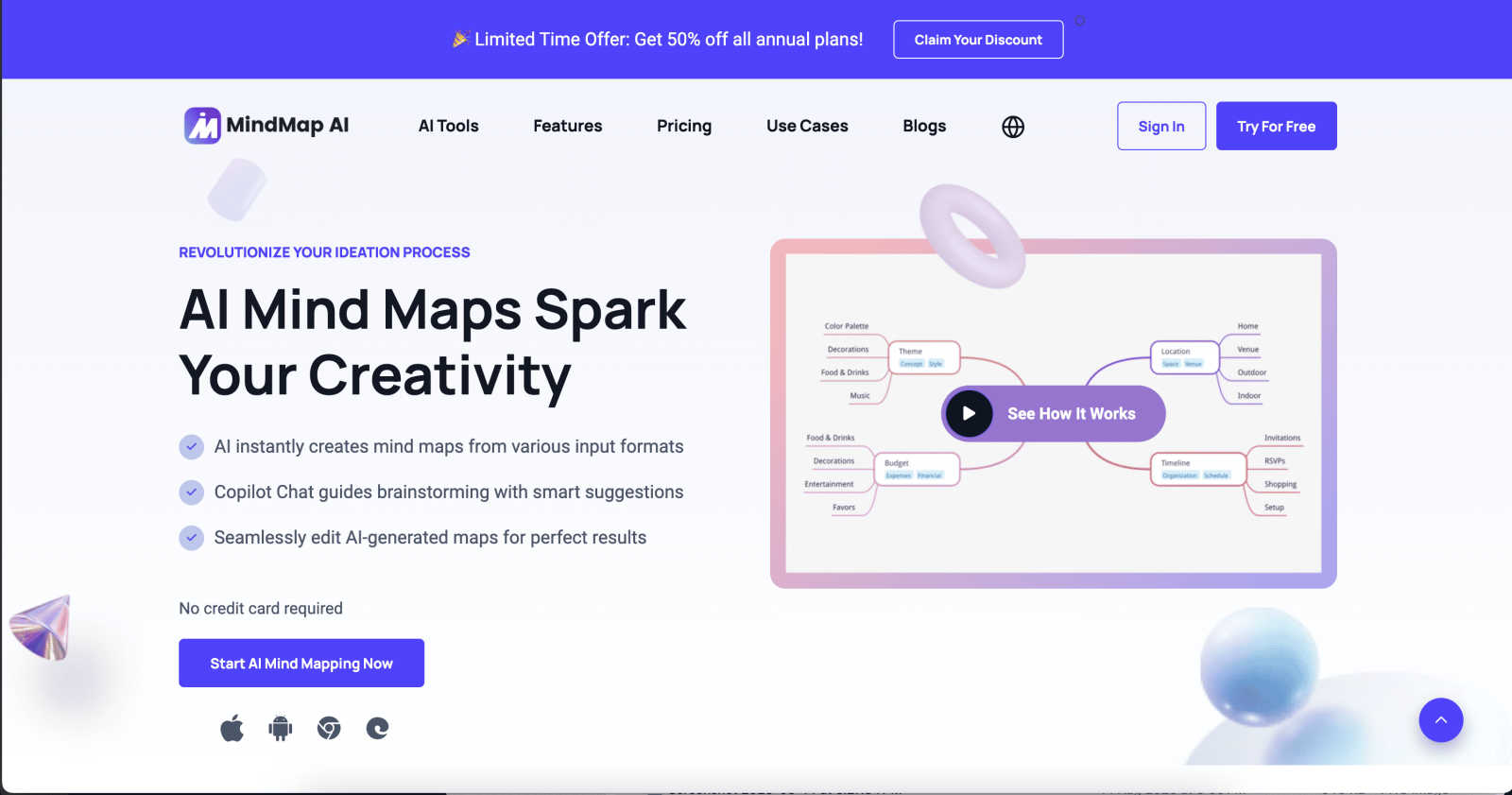
MindMap AI helps you instantly turn your ideas and documents into clear, editable mind maps with smart AI assistance.
Last updated: March 1, 2026

ToolPortal
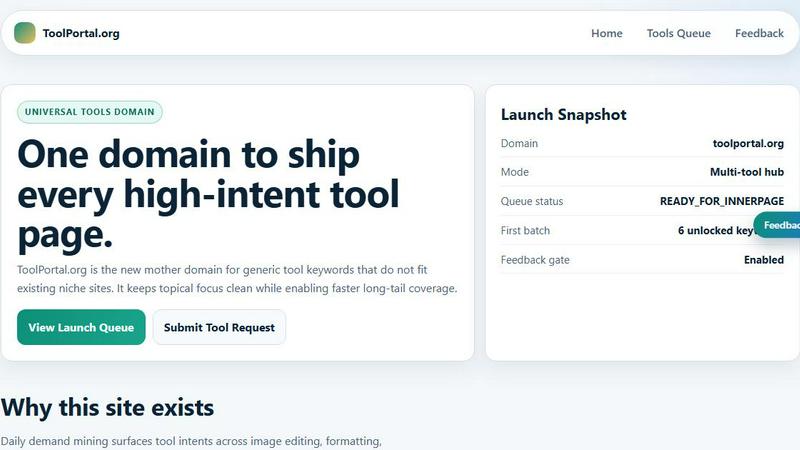
ToolPortal is your go-to online directory with over 300 free tools for developers, designers, and content creators to streamline their tasks.
Last updated: April 4, 2026
Visual Comparison
MindMap AI
ToolPortal
Feature Comparison
MindMap AI
The New Brain: AI Thinking Mode
This isn't a simple text-to-branch generator. MindMap AI uses a step-by-step reasoning engine that deeply understands context, hierarchy, and relationships before drawing a single line. This ensures every generated mind map is logically structured, meaningful, and accurate on the very first try, saving you from the frustration of untangling random or messy branches.
File-to-Map Conversion
Say goodbye to manual transcription. Instantly transform a wide array of content into a beautiful, clean mind map. Simply upload text files, PDFs, images, audio/video recordings, Markdown, CSV data, and more. This feature lets you dive straight into the thinking and planning phase, bypassing the tedious work of building a map from scratch.
MindMark Stability & Continuous Editing
Enjoy reliable AI collaboration without the fear of losing your work. With MindMark Stability, your manual edits, custom layouts, and personal structure are always preserved. The AI expands and suggests ideas around your work, never overwriting it. You maintain full control to expand, summarize, reorganize, and style your map at any time.
Flexible Layouts & Instant Aesthetics
Visualize your project from every angle. Switch effortlessly between Mind Map, Organizational Chart, and Logic Chart views with a single click—your structure stays perfectly aligned. Then, polish your presentation instantly with a curated library of modern themes or take total control with custom colors, fonts, shapes, and actionable widgets like Priority Flags.
ToolPortal
Comprehensive Tool Index
ToolPortal features a dense index of 261 live tools organized into specific categories, including generators, checkers, converters, formatters, and image editing tools. This organization allows users to quickly navigate to the tools they need without unnecessary friction.
Dual Search Modes
Users can choose between two search methods: a direct keyword search for when they know the exact tool name or a task description mode that suggests tools based on the stated job. This flexibility caters to both experienced users and those who may be unsure of what they need.
Daily Refresh Cycle
ToolPortal is committed to continuous improvement, with new pages and UI updates being rolled out daily. This ensures that users always have access to the latest tools and features, enhancing the overall experience and keeping the content fresh and relevant.
Instant Access Without Login
One of the standout features of ToolPortal is that it requires no login or account creation. Users can open any tool page and run it immediately, eliminating barriers to access and allowing for a seamless workflow.
Use Cases
MindMap AI
Project Planning & Strategy Development
Turn brainstorming sessions and strategic meetings into clear, actionable roadmaps. Input meeting notes or project briefs to instantly generate a visual strategy map. Teams can collaboratively refine the structure, assign tasks with due dates, and switch to a Logic Chart view to present the project plan to stakeholders with professional clarity.
Research Analysis & Knowledge Organization
Perfect for students, academics, and analysts. Upload research papers, articles, or book summaries (PDFs or text) and let MindMap AI distill complex information into a structured knowledge map. This helps in identifying key themes, relationships, and gaps in the research, making study and synthesis far more efficient and effective.
Meeting & Lecture Capture
Never lose a key insight from a long meeting or training session again. Record the audio or upload the transcript, and MindMap AI will convert the discussion into a organized map of topics, decisions, and action items. This creates a living document that teams can refer back to and edit, ensuring everyone is aligned and accountable.
Content Creation & Curriculum Design
Writers, trainers, and educators can use MindMap AI to outline articles, design course curriculums, or plan workshops. Start with a core idea and use the AI to expand on subtopics, or convert existing lesson plans (from documents or slides) into a visual curriculum map. The multi-language support also makes it ideal for creating learning materials for a global audience.
ToolPortal
Social Media Content Creation
Content creators can utilize the text styling tools available in ToolPortal, such as glitch or gothic text generators, to produce eye-catching social media posts. This allows for enhanced engagement and unique branding.
Quick Image Editing
Marketers and designers can use the image tools to crop photos, remove backgrounds, and prepare assets for various platforms in a matter of minutes. This efficiency is crucial for meeting tight deadlines in the fast-paced digital landscape.
Validation and Quality Checks
Developers can rely on the validation tools for tasks such as checking DMARC records or running speed tests to ensure their projects meet quality standards before publishing. This helps maintain a high level of professionalism.
Format Conversion
Students and professionals alike can benefit from the conversion tools offered by ToolPortal, which allow for quick and easy transformation of units, time, and text formats. This is particularly useful for those working on reports or data analysis.
Overview
About MindMap AI
MindMap AI is your intelligent partner for visual thinking, designed to transform the way professionals, students, and teams organize ideas and information. It's more than just a digital whiteboard; it's an AI-powered assistant that helps you build structured, editable mind maps from almost any source imaginable. Whether you're starting with a raw idea, a dense PDF, a meeting recording, or a spreadsheet, MindMap AI intelligently processes the content to create a clear, hierarchical visual map. This tool is built for real-world thinking, enabling you to brainstorm, plan projects, analyze research, and develop strategies with unprecedented speed and clarity. Its core value lies in seamlessly blending powerful AI automation with full user control. You can co-edit with an AI that respects your manual work, switch between different chart views, and customize everything to fit your style. By turning chaos into actionable visual plans, MindMap AI empowers over a million thinkers to work smarter, not harder, directly from their web browser or mobile device.
About ToolPortal
ToolPortal is a robust online directory offering over 300 free, browser-based tools designed to cater to a wide range of needs. Whether you're looking to convert text formats, validate JSON code, edit images, or perform SEO checks, ToolPortal has something for everyone. It serves as a one-stop-shop for developers, marketers, writers, and anyone who needs quick access to practical online utilities without the hassle of installation or sign-up. The intuitive interface allows users to search for tools by keyword or describe their task in plain language, making it easy to find the right tool in seconds. With a focus on user experience, ToolPortal ensures that all tools are live and ready to use immediately, streamlining workflows and enhancing productivity.
Frequently Asked Questions
MindMap AI FAQ
How does the AI ensure my mind maps are accurate?
MindMap AI uses a proprietary "New Brain" reasoning engine. Instead of just parsing keywords, it analyzes your input in a step-by-step process to understand context, hierarchy, and the relationships between concepts. This deep comprehension ensures the resulting map is logically structured and meaningful, not just a collection of random branches.
Can I edit the mind maps after the AI creates them?
Absolutely! Continuous editing and "MindMark Stability" are core principles. You have full manual control to add, delete, move, and style any node. The AI acts as a co-editor that can make suggestions or expand on your ideas when you ask, but it will never automatically overwrite or change your manual edits.
What file types can I convert into a mind map?
MindMap AI supports a wide range of inputs for conversion. This includes text, PDF documents, PowerPoint slides, images, audio files (like meeting recordings), video, Markdown files, CSV/Excel data, and even code formats like JSON and HTML. It's designed to be a central hub for turning any content into a visual map.
Is there a free plan available?
Yes! MindMap AI offers a generous free plan that includes 50 AI credits every month, with no credit card required to start. This allows you to explore core features, create several mind maps, and experience the AI-powered conversion and editing capabilities firsthand to see if it fits your workflow.
ToolPortal FAQ
What types of tools does ToolPortal offer?
ToolPortal offers a wide variety of tools across categories such as generators, checkers, converters, formatters, and image editing utilities. This diversity ensures that users can find tools for nearly any online task.
Do I need to create an account to use ToolPortal?
No, ToolPortal does not require any account creation or login. Users can access and run tools directly in their browser without any barriers, making it quick and easy to get started.
How often are new tools added to ToolPortal?
ToolPortal features a daily refresh cycle, meaning new tools and updates are continually being integrated into the platform. This commitment to freshness ensures users have access to the latest tools available.
Can I search for tools without knowing their names?
Absolutely! ToolPortal allows users to describe their tasks in plain language, and it will suggest the best-fit tools based on that description. This user-friendly feature helps those who may not be familiar with specific tool names.
Alternatives
MindMap AI Alternatives
MindMap AI is a powerful AI-powered mind mapping tool in the productivity and management software category. It helps professionals and teams visually organize ideas, files, and recordings into dynamic maps to boost creativity and streamline workflows. Users often explore alternatives for various reasons. Some may need a different pricing model or a free tier, while others might require specific integrations, a different user interface, or features tailored to niche use cases like advanced project management or real-time whiteboarding. When evaluating other options, consider your core needs. Look at the types of inputs the software can handle, the flexibility of visual layouts, collaboration features for teams, and export capabilities. The goal is to find a tool that matches your workflow and helps turn scattered information into clear, actionable plans.
ToolPortal Alternatives
ToolPortal is a robust online tools directory designed specifically for developers, designers, SEO professionals, and content creators. With over 300 free browser-based tools, it offers a wealth of resources across various categories, including productivity, web development, and SEO. Users often seek alternatives to ToolPortal for several reasons, such as varying feature sets, user interface preferences, or specific platform needs that might not be met by ToolPortal. When looking for an alternative, consider factors like the types of tools offered, ease of navigation, user experience, and whether the platform requires any installation or sign-up. It's also essential to assess the reliability and support provided, as well as how frequently the tools are updated to meet current industry standards.