
Mod vs ToolPortal
Side-by-side comparison to help you choose the right AI tool.

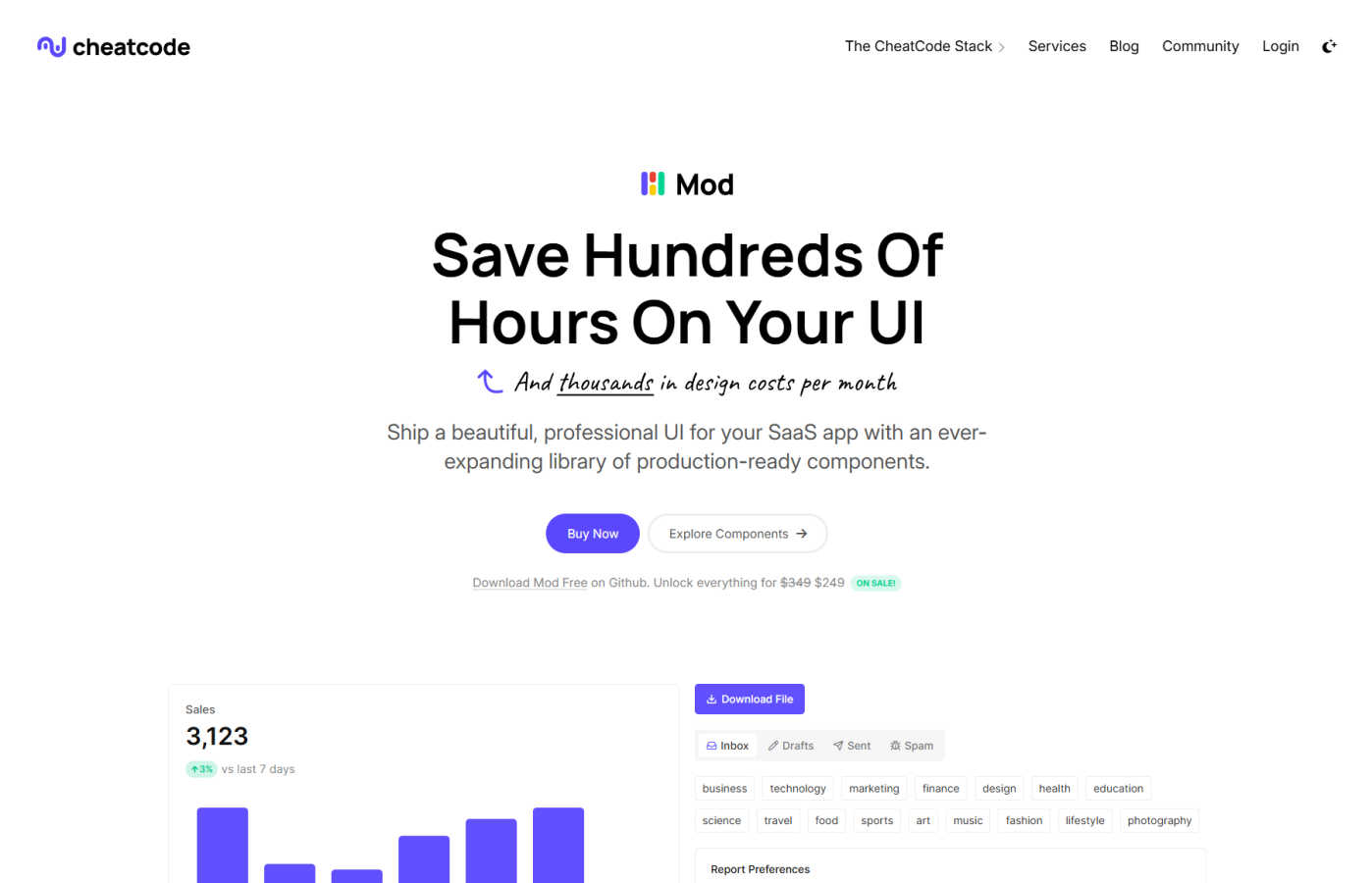
Mod is a CSS framework that helps you build SaaS app interfaces quickly with its ready-to-use components.

ToolPortal
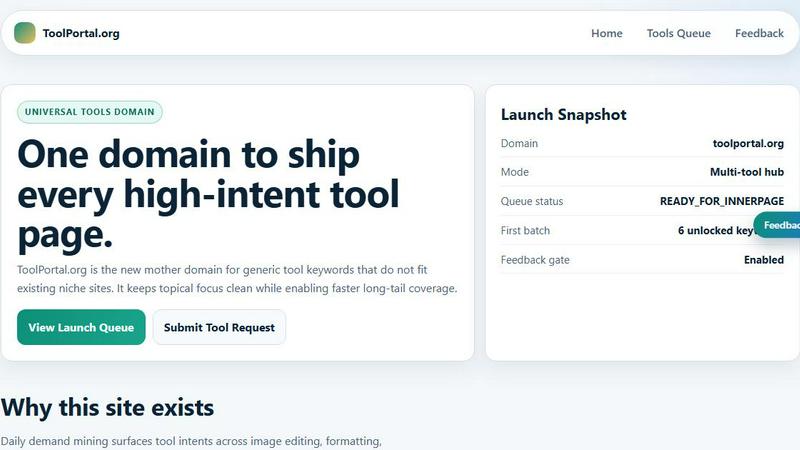
ToolPortal is your go-to online directory with over 300 free tools for developers, designers, and content creators to streamline their tasks.
Last updated: April 4, 2026
Visual Comparison
Mod
ToolPortal
Feature Comparison
Mod
Extensive Component Library
Mod comes packed with over 88 meticulously crafted components that cover virtually every UI need in a SaaS application. From complex data tables and interactive charts to navigation bars, modals, forms, and pricing tables, every component is designed with functionality and aesthetics in mind. This library eliminates the repetitive work of building common elements, allowing you to focus on your app's unique logic and user experience. Each component is fully responsive and accessible right out of the box.
Framework Agnostic & Easy Integration
One of Mod's strongest features is its versatility. It's not tied to any single JavaScript framework or backend technology. The CSS is written to be easily integrated into projects using Joystick, Next.js, Laravel, Ruby on Rails, or any other web technology. This means your team can adopt Mod without overhauling your existing stack. Simply link the CSS and start using the intuitive class names to style your HTML, ensuring a consistent UI across different parts of your application built with different tools.
Mobile-First & Responsive Design
Built with a mobile-first philosophy, every component and layout in Mod is engineered to look and work flawlessly on all screen sizes. The responsive grid system and utility classes make it simple to create interfaces that adapt beautifully from desktop to tablet to mobile. This approach ensures your SaaS app provides an excellent user experience regardless of the device, which is crucial for user retention and satisfaction in today's multi-device world.
Comprehensive Icon & Style System
Beyond components, Mod includes a massive suite of over 1,500 icons and 168 pre-defined style utilities. The icon library offers a consistent visual language for actions, file types, indicators, and more. The style system provides a wide range of color palettes, typography scales, spacing utilities, and shadow classes that work harmoniously together. This system enforces design consistency, making it easy for developers to implement a professional look without constant back-and-forth with a designer.
ToolPortal
Comprehensive Tool Index
ToolPortal features a dense index of 261 live tools organized into specific categories, including generators, checkers, converters, formatters, and image editing tools. This organization allows users to quickly navigate to the tools they need without unnecessary friction.
Dual Search Modes
Users can choose between two search methods: a direct keyword search for when they know the exact tool name or a task description mode that suggests tools based on the stated job. This flexibility caters to both experienced users and those who may be unsure of what they need.
Daily Refresh Cycle
ToolPortal is committed to continuous improvement, with new pages and UI updates being rolled out daily. This ensures that users always have access to the latest tools and features, enhancing the overall experience and keeping the content fresh and relevant.
Instant Access Without Login
One of the standout features of ToolPortal is that it requires no login or account creation. Users can open any tool page and run it immediately, eliminating barriers to access and allowing for a seamless workflow.
Use Cases
Mod
Rapid SaaS Prototyping & MVP Development
For entrepreneurs and small teams, speed to market is critical. Mod is the perfect tool for rapidly prototyping a new SaaS idea or building a minimum viable product (MVP). By using the pre-built components and styles, you can assemble a fully functional, professional-looking front-end in days instead of weeks. This allows you to validate your business idea with real users faster and with less upfront investment in custom UI development.
Consistent UI for Development Teams
In growing teams, maintaining a consistent UI can become challenging as more developers contribute code. Mod acts as a single source of truth for your application's design. By adopting the framework, you ensure that every new feature, page, or component adheres to the same visual standards. This reduces design debt, streamlines code reviews, and ensures a cohesive experience for your end-users, all while speeding up the development process for every team member.
Modernizing Legacy Application UIs
Many established SaaS products suffer from outdated, inconsistent user interfaces that have been patched together over years. A full redesign can be a massive, risky project. Mod provides a practical path for incremental UI modernization. Teams can gradually replace old components with Mod's modern, responsive ones, section by section, without a complete rewrite. This lowers the risk and cost of giving your application a much-needed facelift.
Agency Projects with Diverse Tech Stacks
Digital agencies often work with clients who have applications built on different technology stacks. Mod's framework-agnostic nature makes it an ideal choice for agency work. Developers can use the same reliable UI toolkit across projects built with React, Vue, Laravel, or other technologies, ensuring high-quality deliverables while reducing the learning curve and development time for each unique client project.
ToolPortal
Social Media Content Creation
Content creators can utilize the text styling tools available in ToolPortal, such as glitch or gothic text generators, to produce eye-catching social media posts. This allows for enhanced engagement and unique branding.
Quick Image Editing
Marketers and designers can use the image tools to crop photos, remove backgrounds, and prepare assets for various platforms in a matter of minutes. This efficiency is crucial for meeting tight deadlines in the fast-paced digital landscape.
Validation and Quality Checks
Developers can rely on the validation tools for tasks such as checking DMARC records or running speed tests to ensure their projects meet quality standards before publishing. This helps maintain a high level of professionalism.
Format Conversion
Students and professionals alike can benefit from the conversion tools offered by ToolPortal, which allow for quick and easy transformation of units, time, and text formats. This is particularly useful for those working on reports or data analysis.
Overview
About Mod
Mod is a comprehensive CSS framework designed specifically for developers building modern SaaS applications. It's your all-in-one toolkit for creating beautiful, responsive, and professional user interfaces without starting from scratch. Think of it as a massive box of pre-built, high-quality Lego blocks for your app's front-end. Whether you're a solo founder, a startup team, or an agency, Mod is built for you. Its core value proposition is immense time savings. Instead of spending hundreds of hours designing, coding, and testing UI components, you can leverage Mod's extensive library to ship features faster. The framework is completely agnostic, meaning it works seamlessly with your favorite stack—be it React with Next.js, Vue, Svelte, or backend frameworks like Laravel. With a one-time yearly license and no subscriptions, Mod provides predictable pricing and production-ready code that helps you maintain a consistent, polished look across your entire application while dramatically accelerating your development timeline.
About ToolPortal
ToolPortal is a robust online directory offering over 300 free, browser-based tools designed to cater to a wide range of needs. Whether you're looking to convert text formats, validate JSON code, edit images, or perform SEO checks, ToolPortal has something for everyone. It serves as a one-stop-shop for developers, marketers, writers, and anyone who needs quick access to practical online utilities without the hassle of installation or sign-up. The intuitive interface allows users to search for tools by keyword or describe their task in plain language, making it easy to find the right tool in seconds. With a focus on user experience, ToolPortal ensures that all tools are live and ready to use immediately, streamlining workflows and enhancing productivity.
Frequently Asked Questions
Mod FAQ
Is Mod a JavaScript library or a CSS framework?
Mod is primarily a CSS framework. It provides the styles, classes, and structure for your HTML elements. It does not include JavaScript for interactivity (like dropdown toggles or modal open/close). This intentional design keeps it lightweight and flexible, allowing you to use your preferred JavaScript framework (React, Vue, etc.) or vanilla JS to add functionality, giving you complete control over the component behavior.
What does "one-time yearly license" mean?
A one-time yearly license means you pay a single fee for one year of access to Mod's full library, including all updates and new components released during that year. It is not a monthly or annual subscription that auto-renews. At the end of your license year, you can choose to renew for another year to get the latest updates, or continue using the version you already have forever without any further payment.
Can I use Mod for client projects or commercial products?
Absolutely. Both the Individual ($249/year) and Team ($649/year) licenses allow you to use Mod in an unlimited number of personal, client, and commercial projects. The Team license is required if more than one developer will be working with Mod in your organization, providing the necessary coverage for collaborative work.
How does Mod compare to Tailwind CSS or Bootstrap?
Mod is more comparable to a component library like Bootstrap, but with a sharp focus on SaaS applications. While Tailwind is a utility-first CSS framework that provides low-level building blocks, Mod provides high-level, pre-designed components (like dashboards, settings panels, etc.) for faster assembly. It offers more SaaS-specific design and functionality out-of-the-box than Bootstrap, aiming to save you even more time by providing components that fit common SaaS patterns directly.
ToolPortal FAQ
What types of tools does ToolPortal offer?
ToolPortal offers a wide variety of tools across categories such as generators, checkers, converters, formatters, and image editing utilities. This diversity ensures that users can find tools for nearly any online task.
Do I need to create an account to use ToolPortal?
No, ToolPortal does not require any account creation or login. Users can access and run tools directly in their browser without any barriers, making it quick and easy to get started.
How often are new tools added to ToolPortal?
ToolPortal features a daily refresh cycle, meaning new tools and updates are continually being integrated into the platform. This commitment to freshness ensures users have access to the latest tools available.
Can I search for tools without knowing their names?
Absolutely! ToolPortal allows users to describe their tasks in plain language, and it will suggest the best-fit tools based on that description. This user-friendly feature helps those who may not be familiar with specific tool names.