
AI Podcast Generator vs MP3ToMIDI
Side-by-side comparison to help you choose the right AI tool.

AI Podcast Generator
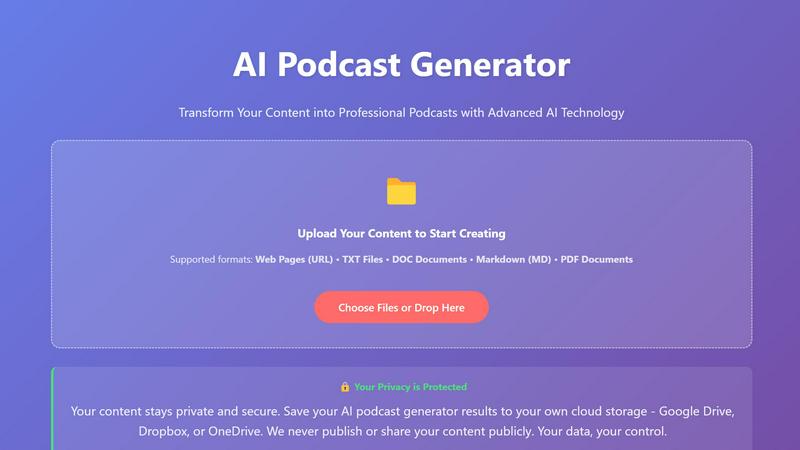
AI Podcast Generator effortlessly transforms your ideas into polished, professional podcasts with scripts, voiceovers, and sound design in minutes.
Last updated: April 4, 2026

MP3ToMIDI
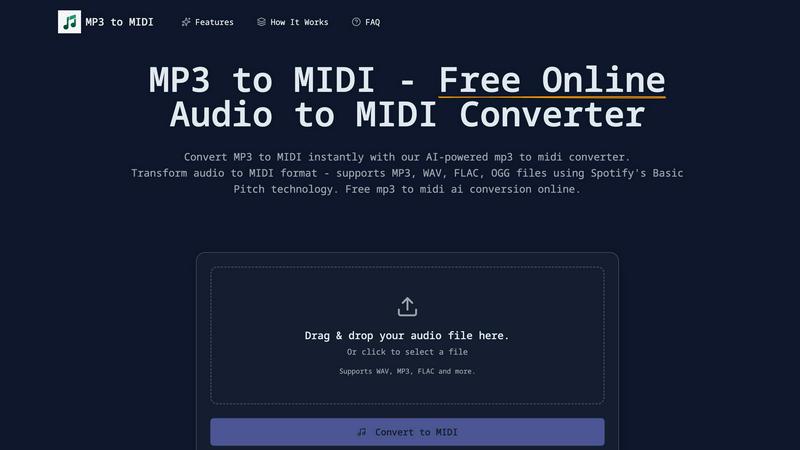
Effortlessly convert MP3, WAV, FLAC, and OGG audio files to MIDI with our free AI-powered converter in seconds.
Last updated: February 26, 2026
Visual Comparison
AI Podcast Generator
MP3ToMIDI
Feature Comparison
AI Podcast Generator
Script Templates
The platform offers a variety of script templates tailored to different podcast styles, including conversational, narrative, educational, and interview formats. This flexibility allows users to choose the best template that aligns with their content goals and audience preferences.
AI Voice & Music
AI Podcast Generator provides natural-sounding voiceovers and integrates background music that complements the script and style chosen by the user. This ensures that the final audio product is not only engaging but also professionally polished.
One-Click Sound Design
With the one-click sound design feature, users can effortlessly add background music and sound effects that match their podcast's theme. This streamlined process allows creators to enhance their audio's quality without needing extensive audio engineering skills.
Multi-Language Support
The platform supports over 30 languages, allowing users to generate and translate content to reach a global audience. This feature expands the potential listener base and makes it easier to connect with diverse communities.
MP3ToMIDI
AI-Powered Technology
MP3ToMIDI utilizes advanced AI technology from Spotify's Basic Pitch, ensuring high accuracy in converting audio to MIDI. This feature allows for precise note detection, tempo recognition, and instrument separation, making it a powerful tool for music creation.
Multi-Format Audio Support
The converter supports various audio file formats, including MP3, WAV, FLAC, and OGG. This multi-format compatibility enables users to upload any audio file and convert it into MIDI instantly, offering flexibility for different audio projects.
Instant MIDI Download
Once the audio file is processed, users can download their MIDI files immediately. This quick turnaround allows musicians and producers to import MIDI into their favorite DAWs—such as Ableton, FL Studio, or Logic Pro—and start editing right away.
Accurate Note Detection
MP3ToMIDI boasts industry-leading accuracy in detecting musical notes, chords, and melodies. This feature ensures that every detail of the original recording is captured, providing users with high-quality MIDI files that reflect the nuances of their audio.
Use Cases
AI Podcast Generator
Content Marketing
Marketers can transform their written content, such as blog posts and articles, into engaging audio formats that can be shared across various platforms. This not only enhances reach but also fosters deeper engagement with their audience.
Educational Materials
Educators can convert teaching materials into audio formats, making it easier for students to access learning resources. This approach caters to different learning styles and increases the accessibility of educational content.
Storytelling
Writers and storytellers can bring their narratives to life by generating audio versions of their stories. This allows them to reach a wider audience and create immersive experiences through dynamic audio storytelling.
Social Media Outreach
Content creators can leverage AI Podcast Generator to produce short podcast episodes that can be shared on social media platforms. This helps in generating buzz and attracting followers by providing valuable and entertaining content.
MP3ToMIDI
Music Production
Producers can use MP3ToMIDI to convert audio samples into MIDI, allowing for easy manipulation and integration into their projects. This feature streamlines the production process and enhances creativity by enabling remixing and sampling.
Music Education
Teachers can leverage the converter to create MIDI files from recordings, providing students with editable sheet music. This approach allows learners to practice and understand music better by working with familiar songs they enjoy.
Composing Original Music
Composers can quickly transform their audio ideas into MIDI format, facilitating arrangement and orchestration. By using MP3ToMIDI, they can focus on creativity without the tedious task of manual transcription.
Sound Design
Sound designers can extract MIDI data from audio files to create new sounds and textures. This capability enables them to innovate and experiment with sound, leading to unique musical compositions and soundscapes.
Overview
About AI Podcast Generator
AI Podcast Generator is a cutting-edge platform that revolutionizes the way podcasts are created by harnessing advanced AI voice and text processing technologies. This intuitive tool allows users to sidestep the traditional burdens of recording, editing, and production, enabling them to simply input text, an article, or a topic idea. In a matter of minutes, the platform generates a complete podcast episode featuring natural-sounding AI voices. Designed for creators, marketers, educators, and storytellers alike, AI Podcast Generator makes professional-quality podcasting accessible without the need for expensive equipment or complicated editing software. Whether converting blog posts, scripts, or educational materials into engaging audio content, this platform ensures that anyone can produce dynamic podcasts quickly and efficiently. With features like multiple speaking styles and rapid audio generation, it is an essential tool for anyone looking to enhance their content marketing, social media outreach, or educational resources.
About MP3ToMIDI
MP3ToMIDI is a free, online AI-powered converter that transforms audio files into MIDI tracks effortlessly. Designed for musicians, producers, composers, and students, this user-friendly tool supports a variety of audio formats, including MP3, WAV, FLAC, and OGG. By leveraging advanced AI technology from Spotify's Basic Pitch library, MP3ToMIDI accurately analyzes melodies, harmonies, and rhythms within your audio files, producing high-quality MIDI files in mere seconds. The platform requires no software installation, making music transcription accessible for everyone. Simply upload your audio file, let the AI process it, and download your ready-to-edit MIDI file, compatible with any Digital Audio Workstation (DAW). Fast, intuitive, and completely free, MP3ToMIDI opens up a world of creative possibilities for anyone looking to convert audio into editable music formats.
Frequently Asked Questions
AI Podcast Generator FAQ
How does AI Podcast Generator work?
AI Podcast Generator works by allowing users to input their desired topic or script. The platform then utilizes AI technology to generate scripts, voiceovers, and sound design, simplifying the entire podcast creation process.
Can I edit the generated podcasts?
Yes, the platform features a visual timeline editor that allows users to fine-tune their content. You can trim audio, adjust speed, and reduce noise, giving you professional-level control over the final product.
Is there support for non-English languages?
Absolutely! AI Podcast Generator supports over 30 languages, enabling users to create podcasts for a global audience and cater to diverse linguistic groups.
How do I publish my podcast?
Once you have generated and edited your podcast, you can easily publish it directly to major platforms such as Apple Podcasts and Spotify with just one click. This seamless integration streamlines the distribution process.
MP3ToMIDI FAQ
How does MP3ToMIDI work?
MP3ToMIDI analyzes your audio file using AI technology from Spotify's Basic Pitch. It detects notes, rhythms, and instruments, converting them into a MIDI file that can be downloaded and edited.
What audio formats does MP3ToMIDI support?
MP3ToMIDI supports multiple audio formats, including MP3, WAV, FLAC, and OGG. This feature allows users to upload a wide range of audio files for conversion.
Is MP3ToMIDI free to use?
Yes, MP3ToMIDI is completely free to use. There are no hidden fees, watermarks, or limitations on the number of conversions you can perform.
Can I use the MIDI files in any DAW?
Absolutely! The MIDI files generated by MP3ToMIDI are compatible with all major Digital Audio Workstations, including Ableton Live, FL Studio, Logic Pro, and GarageBand, making it easy to incorporate into your music projects.
Alternatives
AI Podcast Generator Alternatives
AI Podcast Generator is an innovative platform that leverages advanced AI technologies to transform written content into engaging audio podcasts. As a tool primarily categorized under AI Assistants, it caters to various users such as creators, marketers, educators, and storytellers who seek to streamline their podcast production process without the hassle of traditional recording and editing. Many users often seek alternatives to AI Podcast Generator for various reasons, including pricing, specific feature sets, or compatibility with their existing platforms. When choosing an alternative, it's essential to consider factors such as voice quality, ease of use, audio generation speed, and whether the platform meets your specific content creation needs. This helps ensure that you select a solution that aligns with your podcasting goals and enhances your overall production experience.
MP3ToMIDI Alternatives
MP3ToMIDI is a free online converter that leverages AI technology to transform audio files like MP3, WAV, FLAC, and OGG into editable MIDI tracks. This tool is particularly popular among musicians, producers, and students who want to easily transcribe music without the need for complex software installations. Users often seek alternatives to MP3ToMIDI for various reasons, including the need for different features, specific platform compatibility, or potential pricing structures. When choosing an alternative, it's essential to consider aspects such as the accuracy of audio processing, the range of supported audio formats, the ease of use, and any additional functionalities that may enhance your music production workflow.