
Perkoon vs TinyFast
Side-by-side comparison to help you choose the right AI tool.

Perkoon offers free, unlimited peer-to-peer file transfers with no signup required.
Last updated: March 3, 2026

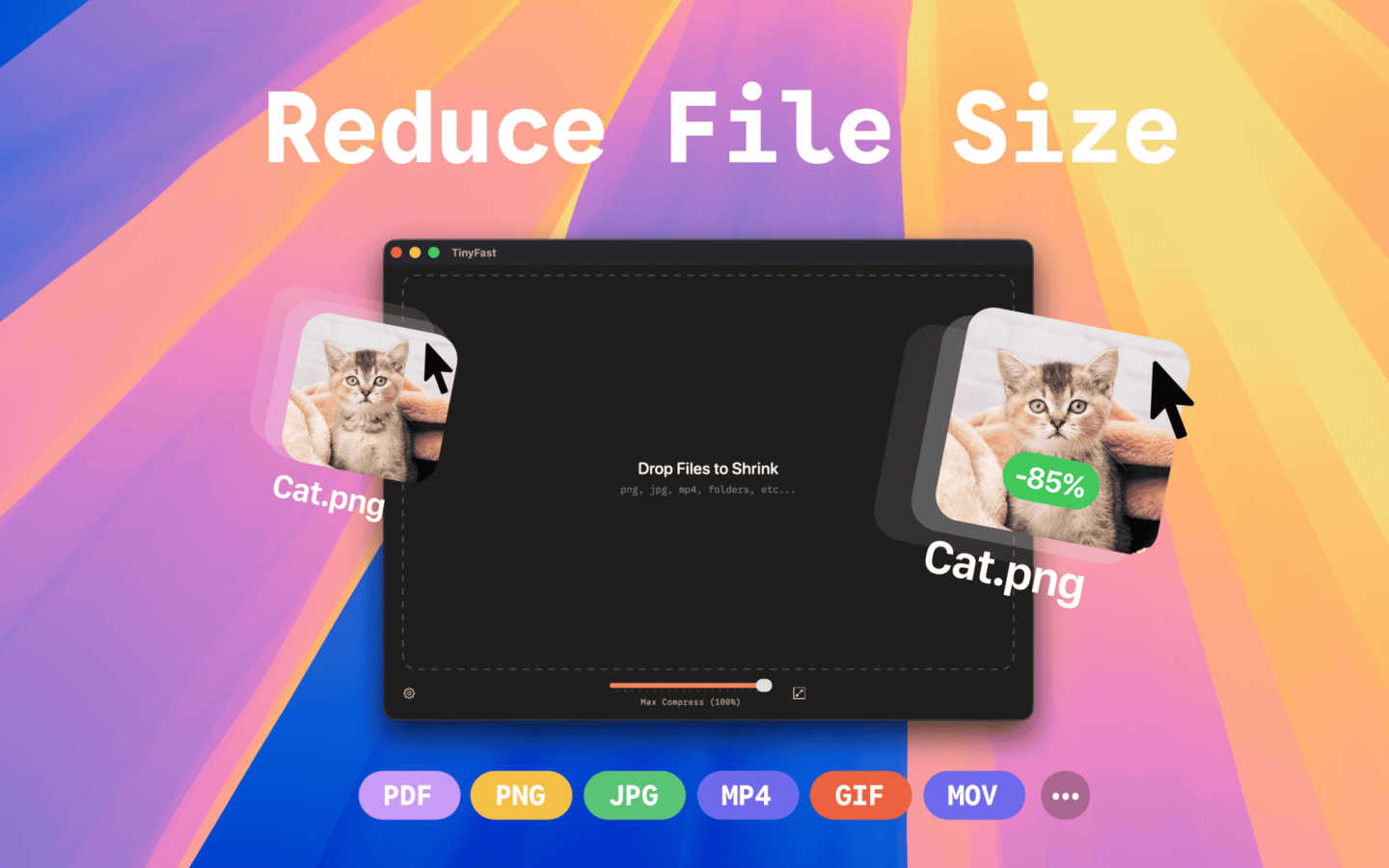
TinyFast shrinks your images, videos, and PDFs instantly and privately right on your Mac.
Last updated: March 1, 2026
Visual Comparison
Perkoon

TinyFast
Feature Comparison
Perkoon
Truly Free P2P Transfers
This is the heart of Perkoon. When both sender and receiver are online, files travel directly between their web browsers using WebRTC technology. There is no intermediary server, which means there are absolutely no file size caps, no forced account creation, and your data is never stored by Perkoon. It's fast, private, and free because the architecture makes it cost-effective to offer.
Encrypted Cloud Storage for Offline Recipients
Life doesn't always sync up. When you need to send a file to someone who isn't currently online, Perkoon's cloud storage steps in. Your file is encrypted and securely held on a server until your recipient is ready to download it. This is the part of the service that has real infrastructure costs, which is why it operates on a paid model, keeping the business transparent and sustainable.
Native AI & Automation Accessibility
Perkoon is built for the future. It features a machine-readable state, stable DOM selectors, and a dedicated automation API (window.__perkoon). This allows AI assistants, bots, and automated workflows to send and receive files programmatically without the inefficiency and fragility of simulating human clicks. It’s file transfer designed for both people and their digital agents.
Command Line Interface (CLI) Tool
For developers and terminal enthusiasts, Perkoon offers a full-featured CLI accessible via npx perkoon. You can send and receive files directly from your command line, enabling seamless browser-to-CLI and CLI-to-CLI transfers. It brings the same simplicity and power of the web service to your workflow, proving that terminals deserve nice things, too.
TinyFast
100% Local & Private Processing
Your files never leave your Mac. TinyFast performs all compression directly on your device, ensuring total privacy. This is crucial for anyone working with sensitive documents, client assets, or proprietary code under NDAs. You get peace of mind knowing there are no cloud uploads, no third-party servers, and no risk of your data being stored or accessed by anyone else.
Blazing-Fast Drag & Drop Compression
Speed is at the heart of TinyFast. Simply drag your files or entire folders into the app, and it gets to work instantly. There's no waiting for files to upload to a website and then download again. Using optimized native engines built for macOS, it shrinks even large files in seconds, turning a previously tedious task into a quick and effortless part of your routine.
Universal File Format Support
TinyFast is a versatile tool that supports a wide array of common file types. This includes images (PNG, JPG, WebP, GIF, SVG), videos (MP4, MOV), documents (PDF, DOCX), code files (JS, CSS, JSON), and audio (MP3). Instead of searching for a different online tool for each file type, you have one reliable app that handles almost everything you throw at it.
Batch Processing & Resolution Control
Efficiency is key. You can drop entire folders of files for compression all at once, saving you from processing items one by one. Furthermore, for images and videos, TinyFast offers the option to automatically resize the resolution during compression. This gives you extra control to reduce dimensions alongside file size, perfect for optimizing assets for web use or specific platform requirements.
Use Cases
Perkoon
Sending Large Project Files to a Client
Freelancers and creatives often need to send massive video edits, design portfolios, or code repositories that exceed the limits of email or other free services. With Perkoon's P2P transfer, you can send hundreds of gigabytes directly to your client's browser in one go, for free, with no compression or wait times, ensuring they get the full-quality work.
Automated Backup Scripts and AI Workflows
A developer has a script that generates nightly reports or an AI agent that creates weekly content batches. Using Perkoon's API or CLI, these automated processes can instantly send the generated files to a designated recipient or cloud folder without any manual intervention, seamlessly integrating file transfer into automated pipelines.
Sharing Personal Media Collections
Imagine wanting to share all your vacation photos and videos from a recent trip with family—a collection easily reaching 50GB. Instead of splitting into dozens of links or paying for a one-time transfer, you can create a single Perkoon P2P link. As long as your family is online, they can download the entire collection directly from you, quickly and privately.
Ad-Hoc Collaboration Between Teams
Two remote team members need to exchange a large dataset or a prototype asset immediately during a call. Instead of uploading to a slow cloud drive, one can start a Perkoon P2P transfer and share the link in the chat. The other person clicks and the file downloads in real-time, facilitating instant, frictionless collaboration without leaving the browser.
TinyFast
Preparing Assets for Web or App Development
Developers and designers can quickly optimize batches of images, icons (SVG), and videos for their projects. Compressing these assets locally ensures faster load times for websites and apps while keeping unreleased designs and code completely confidential during the development process.
Emailing Large Files or Client Deliverables
Professionals often need to email large presentations, PDF reports, or video proofs to clients and colleagues. TinyFast allows you to shrink these documents and media files down to a manageable size for email attachments quickly and securely, without using insecure online transfer services.
Managing Personal Photo & Video Libraries
For photographers, hobbyists, or anyone with a large personal media library, TinyFast helps free up valuable disk space. You can compress years of photos and home videos to save storage without noticeable quality loss, all while keeping your private memories safely on your own computer.
Compressing Screenshots and Recordings for Documentation
Creating tutorials, bug reports, or internal documentation often involves screenshots and screen recordings. These files can be surprisingly large. TinyFast lets you compress them instantly before uploading to project management tools, wikis, or help desks, making collaboration smoother and faster.
Overview
About Perkoon
Perkoon is a refreshingly honest file transfer service that cuts through the noise and gets back to basics: moving your files from point A to point B without hassle. It's built for anyone tired of artificial limits, mandatory sign-ups, and services that treat your data as a product. At its core, Perkoon offers two smart ways to send files. First, its flagship free service uses peer-to-peer (P2P) technology to beam files directly between browsers when both people are online. This means no size limits, no accounts, and because the data never passes through a central server, it's private and costs Perkoon nothing to run—so it's free for you, forever. For when the recipient is offline, Perkoon provides encrypted cloud storage, a paid feature that honestly covers the cost of running servers. What truly sets Perkoon apart is its native design for the age of AI, offering built-in tools for automation and AI agents to interact with the service directly, no screen-scraping required. With a simple CLI tool also available, Perkoon is the straightforward, powerful, and privacy-focused file transfer solution for real people and the machines that help them.
About TinyFast
TinyFast is your Mac's personal file-shrinking powerhouse, designed to make digital life simpler, faster, and more secure. At its core, it's a macOS application that compresses images, videos, and documents directly on your computer. This means you can dramatically reduce file sizes for easier sharing, storage, and uploading without ever sending your sensitive data to the internet. It's built for developers, designers, marketers, and any creator who values their time and privacy. Imagine needing to send a batch of high-res project images to a client or reduce a video file to fit an email attachment—TinyFast handles it in seconds with a simple drag-and-drop. Its main value proposition is a powerful combination of blazing-fast local processing and ironclad privacy, ensuring your confidential files never leave your Mac. By eliminating uploads, server queues, and privacy worries, TinyFast seamlessly integrates into your workflow, offering a reliable and efficient way to optimize your files.
Frequently Asked Questions
Perkoon FAQ
Is peer-to-peer (P2P) transfer really free forever?
Yes, absolutely. Perkoon's P2P transfer is free and unlimited because of how it works: files stream directly from one browser to another without ever touching Perkoon's servers. This means there are no storage or bandwidth costs for the company to cover for this specific service, so they can genuinely offer it for free indefinitely, no strings attached.
What happens if the person I'm sending to is offline?
If your recipient is not online to accept the direct P2P connection, Perkoon offers a seamless fallback to encrypted cloud storage. You can choose this option to upload your file to Perkoon's servers, where it is encrypted and held until your recipient comes online to download it. This cloud storage service is a paid feature, as it involves real infrastructure costs.
How does Perkoon protect my privacy?
Privacy is a core principle. In P2P mode, your files never pass through Perkoon's servers; they take a direct path between you and the recipient, so Perkoon cannot see your data. For cloud transfers, files are encrypted on their servers. Perkoon has a strict no-scanning, no-selling data policy, ensuring your files stay yours.
Can I use Perkoon from the command line?
Definitely! Perkoon provides an official Node.js CLI tool. You can install and run it directly with npx perkoon send [file] or npx perkoon receive. This allows you to initiate transfers from your terminal to a web browser, or even between two terminals, making it perfect for scripting and server environments.
TinyFast FAQ
Is TinyFast really free to use?
Yes, TinyFast offers a fully-featured Free Forever plan. This allows you to compress up to 5 files per day at no cost, giving you a great way to test all its features. For unlimited use, there are one-time lifetime and monthly subscription plans available.
How does local compression protect my privacy?
Local compression means the entire process happens on your Mac's processor and memory. Your files are never sent over the internet to external servers. This design guarantees that sensitive, confidential, or proprietary files remain completely under your control and are never exposed to potential data breaches or third-party access.
What file types does TinyFast support?
TinyFast supports a broad range of common formats. This includes images like PNG, JPG, HEIC, WebP, GIF, BMP, and SVG; videos like MP4, MOV, and M4V; documents like PDF and DOCX; code files like JS, CSS, and JSON; and audio files like MP3.
Can I compress multiple files at once?
Absolutely! TinyFast supports batch processing. You can drag and drop an entire folder containing multiple files, and the app will compress them all in one go. This is a massive time-saver compared to uploading files individually to online websites.
Alternatives
Perkoon Alternatives
Perkoon is a modern file transfer service in the productivity and management category. It focuses on direct, peer-to-peer transfers with no file size limits and no mandatory signups, making it a streamlined choice for quick sharing. People often look for alternatives for various reasons. They might need a different pricing model, require specific features like advanced team collaboration, or need guaranteed compatibility with certain platforms or automated workflows. It's a common step in finding the perfect tool for individual or business needs. When evaluating other options, consider your core requirements. Key factors include transfer speed and reliability, privacy and security standards, ease of use for all parties involved, and whether the service supports the automation or integration capabilities your work demands.
TinyFast Alternatives
TinyFast is a popular Mac app in the productivity and management category, designed to shrink images, videos, and PDFs quickly and directly on your computer. It's a favorite for its local processing, which keeps files private, and its simple drag-and-drop workflow. Users often explore other options for various reasons. Some might need a tool that works on Windows or online, while others may be looking for different pricing models or more specialized features like advanced editing or cloud storage integration. It's a natural part of finding the perfect tool for your specific needs. When evaluating alternatives, consider your core requirements. Key factors include the types of files you need to compress, whether you need cross-platform availability, your budget, and how important local, private processing is versus the convenience of a web-based service. Prioritizing these elements will help you find the best fit.