
Ai Home Design vs Ray3 AI VIDEO GENERATOR
Side-by-side comparison to help you choose the right AI tool.

Ai Home Design
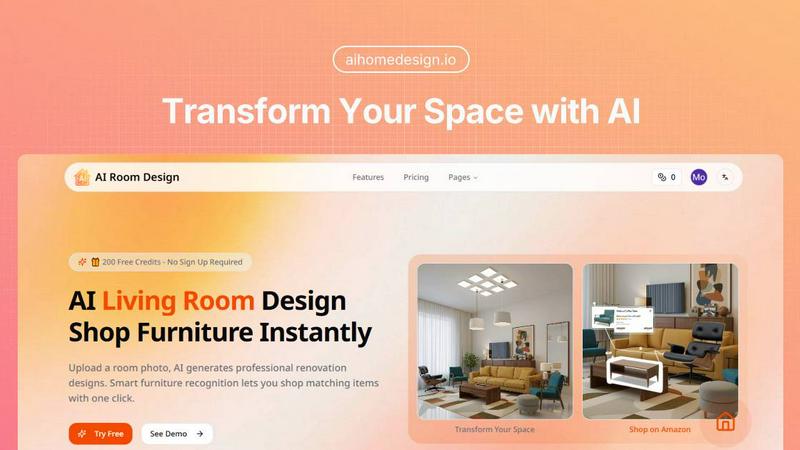
Transform your space effortlessly with AI Home Design, the quick and easy tool for stunning room redesigns.
Last updated: February 27, 2026

Ray3 AI VIDEO GENERATOR
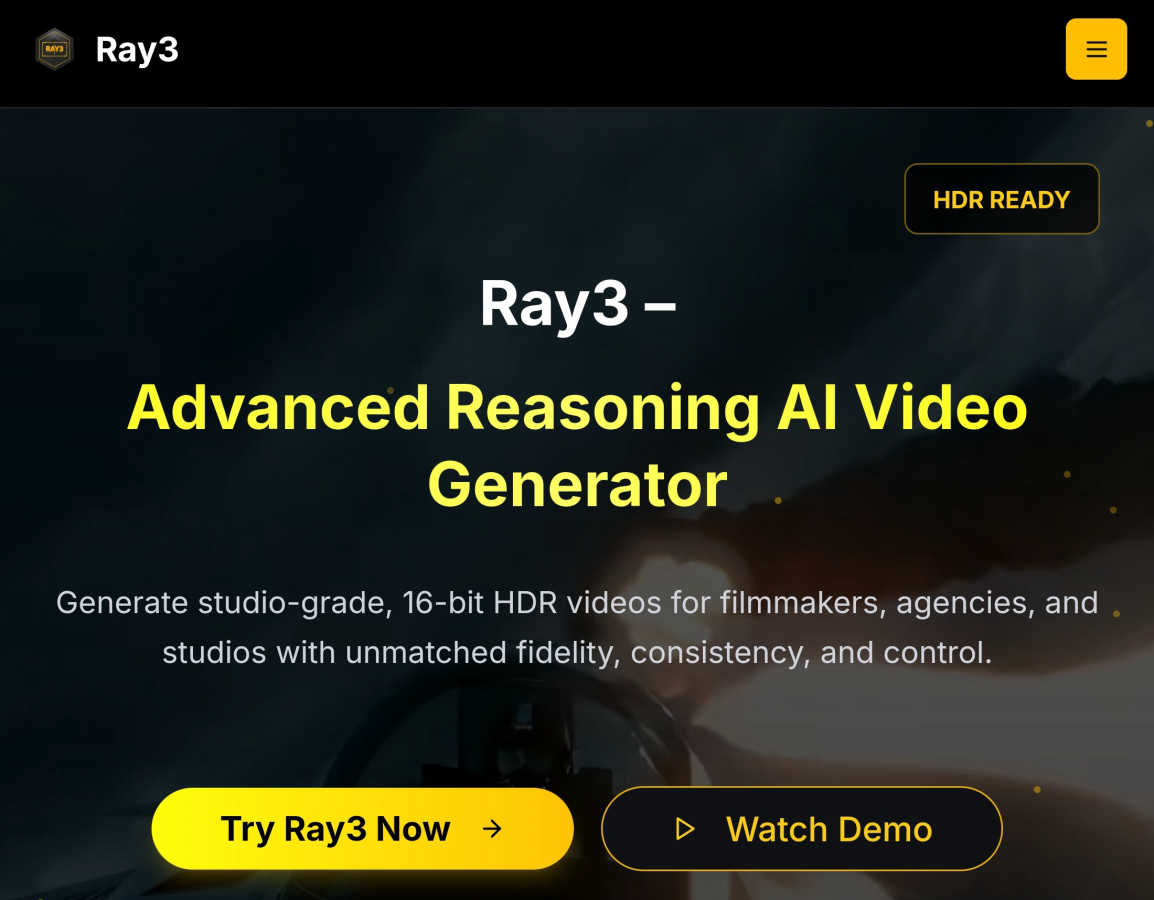
Ray3 AI creates professional HDR videos for filmmakers and creators with advanced reasoning.
Last updated: March 1, 2026
Visual Comparison
Ai Home Design
Ray3 AI VIDEO GENERATOR
Feature Comparison
Ai Home Design
AI Room Redesign
The heart of Ai Home Design is its AI room redesign feature. Users can simply upload a room photo, and the AI instantly generates professional renovation designs, ensuring that the existing structure is preserved while giving it a fresh, stylish look. This feature is perfect for anyone who wants to visualize changes before committing to them.
AI 3D Panoramic Space Tour
Experience your redesigned room like never before with the AI 3D panoramic space tour. This feature creates immersive 360-degree views of your new design, allowing you to explore every corner virtually. It feels as though you are stepping into your newly designed space, providing a realistic preview of your transformation.
AI Home Design Video Tours
Take your design experience to the next level with AI-generated video tours. These 8-second cinematic walkthroughs bring your static designs to life, allowing you to envision how your space will look and feel. This feature adds a dynamic aspect to your home design journey, making it even more engaging.
Smart Furniture Recognition
Ai Home Design includes an intelligent furniture recognition system that analyzes your uploaded room photo. It identifies each piece of furniture, extracting details about their style, color, and materials. This makes it easier than ever to find matching products, ensuring that your final design is cohesive and stylish.
Ray3 AI VIDEO GENERATOR
True 16-bit HDR Output
Ray3 generates videos with true 10, 12, or 16-bit High Dynamic Range (HDR), providing professional-grade color depth and contrast. This means your videos have incredible detail in both shadows and highlights, matching the quality expected for cinema and high-end broadcast. Outputs are compatible with ACES2065-1 EXR format, making them ready for professional color grading pipelines right out of the box.
Advanced Reasoning AI Engine
This is the core differentiator. Ray3's AI doesn't just match patterns; it reasons. It understands scene context, maintains logical consistency between frames, and ensures physical accuracy for objects, lighting, and motion. This results in videos where characters move naturally, objects obey physics, and the overall story remains coherent from start to finish, eliminating the "glitchy" feel of other AI generators.
5x Faster Draft Mode
Speed up your creative workflow dramatically with Draft Mode. This feature allows you to generate quick, lower-resolution previews of your video concepts at five times the normal speed and for a fraction of the cost. It's perfect for rapid iteration, testing ideas, storyboarding, and getting client approvals before you commit resources to a full high-fidelity render.
Seamless Professional Workflow Integration
Ray3 is built to fit into how professionals already work. It offers seamless compatibility with industry-standard tools like Adobe Premiere Pro and supports ACES (Academy Color Encoding System) color workflows. This ensures the videos you generate in Ray3 can be easily imported, edited, and color-graded within your existing post-production pipeline without any frustrating conversion issues.
Use Cases
Ai Home Design
Redesigning Your Living Room
Imagine wanting to refresh your living room but not knowing where to start. With Ai Home Design, you can upload a photo of your current setup, choose a style, and within seconds, receive a complete redesign suggestion. This makes it easy to visualize new layouts and decor.
Planning a Bedroom Makeover
If you are considering giving your bedroom a makeover, Ai Home Design can help. Upload a picture of your bedroom, select your preferred design style, and watch as the AI generates a beautiful new concept for your space. It’s like having a personal designer at your fingertips.
Preparing for a Home Sale
Sellers can use Ai Home Design to enhance their home’s appeal before listing it. By uploading images of their rooms, they can explore potential redesigns that attract buyers. The tool helps in visualizing improvements that can make a significant difference in selling price.
Real Estate Staging
Realtors can leverage Ai Home Design to stage properties virtually. By uploading photos of the spaces, they can create appealing design concepts that showcase the property at its best. This can lead to quicker sales and higher offers from potential buyers.
Ray3 AI VIDEO GENERATOR
Cinematic Filmmaking & Pre-Visualization
Filmmakers and directors can use Ray3 to create high-quality pre-visualization (previs) shots, concept trailers, or even final shot elements. The reasoning AI ensures scenes are logically consistent, while the HDR output provides a cinematic look that helps visualize lighting, composition, and mood before expensive live-action shoots begin.
Advertising & Commercial Production
Creative agencies can rapidly prototype and produce stunning commercial concepts for clients. From luxury product showcases with perfect reflections to dynamic brand storylines, Ray3 enables the creation of broadcast-quality ads quickly. Draft Mode is ideal for pitching multiple concepts, and the final HDR output meets all professional delivery standards.
Architectural Visualization & Real Estate
Architects and real estate marketers can bring static designs to life with immersive, animated fly-throughs and environmental simulations. Ray3's understanding of lighting, materials, and spatial relationships allows for the generation of realistic visualizations that show how a building interacts with natural light and its surroundings at different times of day.
Fashion & Lifestyle Content Creation
Fashion brands and content creators can produce editorial-style videos, dynamic lookbooks, and stylish promotional content. The tool excels at rendering fabrics, textures, and dramatic lighting, allowing for the creation of high-end fashion shoots with specific moods and aesthetics, all generated from a text description.
Overview
About Ai Home Design
Ai Home Design is an innovative AI-powered platform designed to transform your interior spaces effortlessly. It allows users to upload photos of their rooms and receive professional design suggestions in seconds. This tool is perfect for homeowners, renters, or anyone looking to refresh their living spaces without the hefty price tag of hiring an interior designer. With a variety of design styles to choose from, including Scandinavian, Industrial, and Bohemian, Ai Home Design caters to diverse tastes. The platform's main value proposition lies in its ability to provide quick, stunning design solutions while integrating furniture shopping directly from Amazon. Plus, new users enjoy 30 free credits upon sign-up, making it easy to get started on your home transformation journey.
About Ray3 AI VIDEO GENERATOR
Ray3 AI VIDEO GENERATOR is a revolutionary tool built from the ground up for professional creators who refuse to compromise on quality. It's not just another AI video tool; it's the world's first reasoning-based AI video model. This means it thinks about your scene, understanding the logic, physics, and context behind your prompt. Instead of just stitching together patterns, Ray3's AI builds videos with remarkable consistency, accurate motion, and coherent storytelling that feels real. It's designed to empower filmmakers, creative agencies, and production studios to produce stunning, cinematic-quality content faster and more reliably than ever before, bridging the gap between creative vision and final production.
The proof is in the output. Ray3 delivers true 10/12/16-bit HDR video, offering an unmatched level of fidelity and a dynamic range that meets professional broadcast and film standards. This isn't simulated HDR; it's the real deal, ready for color grading in tools like DaVinci Resolve. To fit seamlessly into your creative process, Ray3 includes a 5x faster Draft Mode for rapid ideation and seamless integration with industry-standard software like Adobe Premiere Pro and ACES color workflows. Whether you're a director visualizing a complex scene, an agency pitching a commercial concept, or an architect bringing a design to life, Ray3 gives you the control and quality you need without the traditional time and resource constraints. New users can start exploring immediately with 25 free credits upon signup.
Frequently Asked Questions
Ai Home Design FAQ
How does Ai Home Design work?
Ai Home Design uses advanced AI algorithms to analyze uploaded room photos. Users select a design style, and the AI generates a professional redesign in seconds, complete with furniture recommendations.
What file formats can I upload?
You can upload room photos in JPEG, PNG, or WebP formats, with a maximum size of 10MB. This flexibility allows you to use images from various sources.
Can I shop for furniture directly through the platform?
Yes! Once your design is generated, Ai Home Design provides links to Amazon products that match the identified furniture in your design, making shopping convenient and straightforward.
Are there any costs associated with using Ai Home Design?
While you receive 30 free credits upon signing up, additional credits can be purchased for ongoing use. Various subscription plans are available that cater to different needs, allowing you to choose the one that fits your design ambitions.
Ray3 AI VIDEO GENERATOR FAQ
What makes Ray3 different from other AI video generators?
Ray3 is the first reasoning-based AI video model. While most tools use pattern matching, which can lead to inconsistencies, Ray3's AI understands the logic and physics of a scene. This results in videos with accurate motion, coherent storytelling, and maintained object consistency that truly looks professional, not just generated.
What do you mean by "true" HDR?
"True" HDR means Ray3 generates video with a high bit-depth (10, 12, or 16-bit) and a wide color gamut, capturing a much broader range of brightness and color information than standard video. This isn't a filter applied afterward; it's native HDR output, typically in EXR format, which is the standard used in film VFX and professional color grading for maximum quality and flexibility.
How does the Draft Mode work?
Draft Mode is a faster, more cost-effective generation setting. It produces a lower-resolution preview of your video concept in about one-fifth of the time it takes for a full HDR render. This allows you to test ideas, iterate on prompts, and confirm the creative direction quickly. Once you're happy with the draft, you can easily generate the final high-fidelity version.
Can I edit Ray3 videos in my existing editing software?
Absolutely. Ray3 is designed for professional workflows. Videos can be exported in standard formats and are fully compatible with major editing software like Adobe Premiere Pro. Most importantly, the professional HDR output supports ACES, allowing for seamless integration into high-end color grading pipelines used across the film and advertising industries.
Alternatives
Ai Home Design Alternatives
Ai Home Design is a free AI-powered tool designed to assist users with interior design and room redesign. By allowing users to upload room photos, it generates professional design suggestions in seconds, making it a valuable resource in the design tools category. Many users seek alternatives to Ai Home Design due to varying needs such as pricing, specific features, or compatibility with different platforms and devices. When looking for an alternative, it's essential to consider factors like user-friendliness, the range of design styles offered, and any additional features that may enhance the design experience, such as virtual tours or shopping integration. Evaluating these aspects will help you find a tool that best fits your unique design needs.
Ray3 AI VIDEO GENERATOR Alternatives
Ray3 AI VIDEO GENERATOR is a professional-grade AI video creation tool designed for filmmakers and serious creators. It stands out in the video generation category by using advanced reasoning to produce studio-quality HDR videos with remarkable consistency and accurate motion. People often explore alternatives for various practical reasons. This could be due to budget constraints, a need for different feature sets like simpler editing tools or specific output formats, or simply because they require a platform that works on a different operating system. Every project and workflow has unique demands. When evaluating other options, it's wise to consider a few key factors. Look closely at the output quality, especially regarding resolution and color depth. Assess how well the tool handles logical scene consistency and motion. Finally, check how it integrates with your existing software, like editing suites, to ensure a smooth creative pipeline.