
Seedance 3.0 AI vs Veo 3 Flow AI
Side-by-side comparison to help you choose the right AI tool.

Seedance 3.0 AI
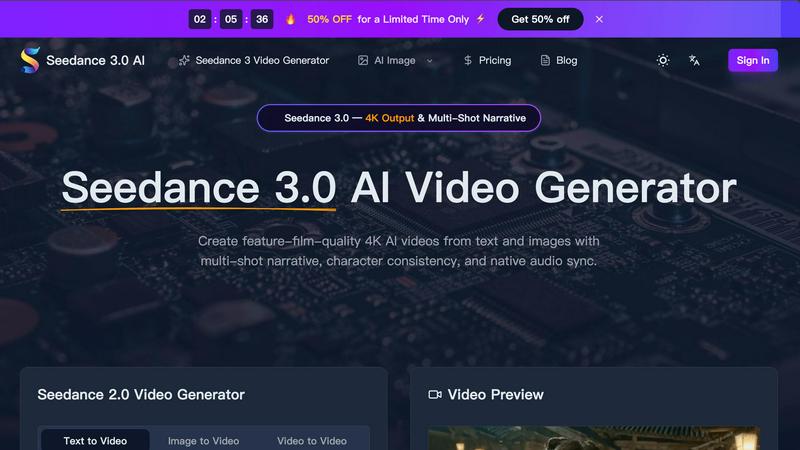
Seedance 3.0 AI creates stunning 4K videos from text or images, featuring multi-shot narratives and seamless character consistency.
Last updated: March 11, 2026

Veo 3 Flow AI
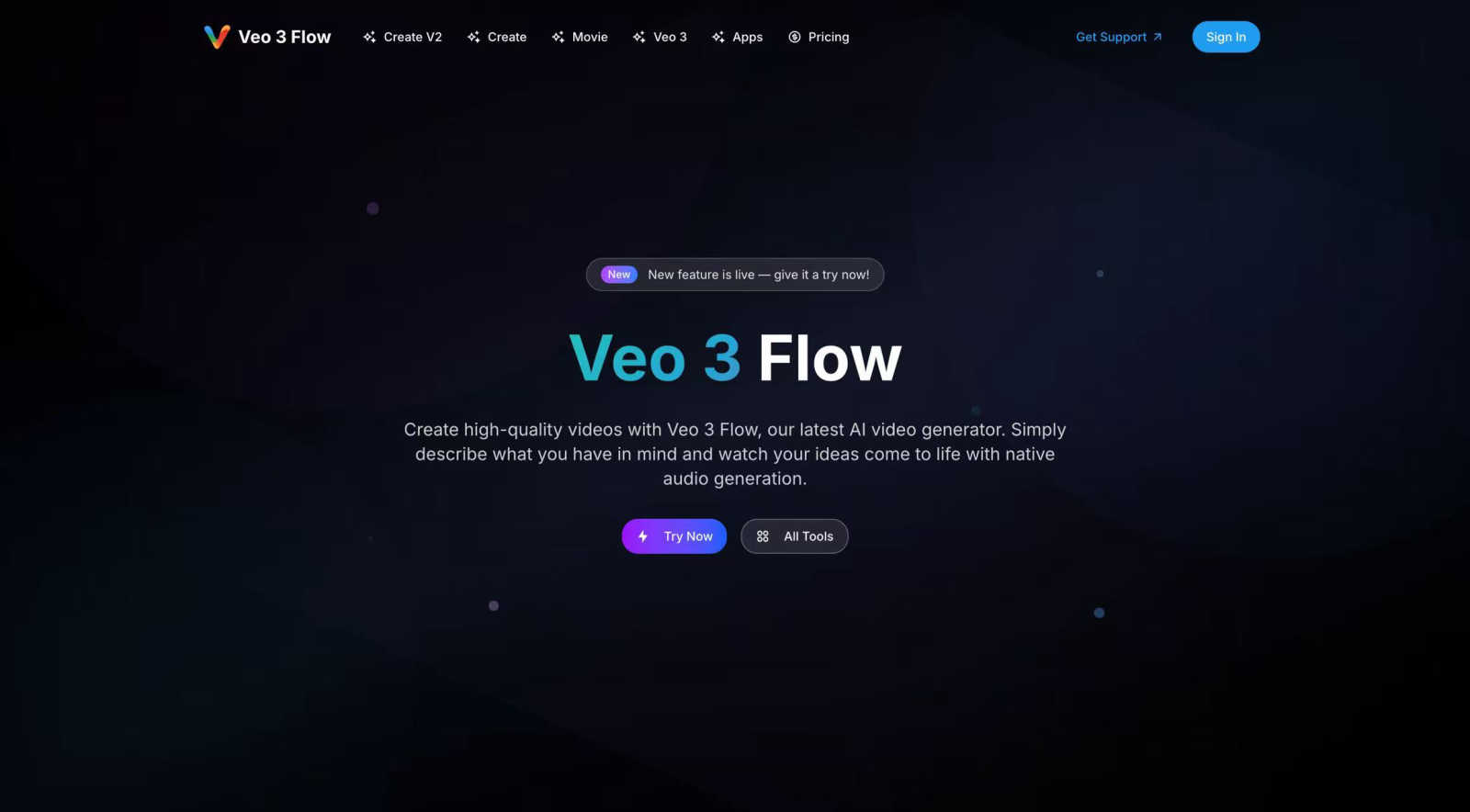
Turn your ideas into stunning, cinematic videos in minutes with our easy-to-use AI video generator.
Last updated: March 1, 2026
Visual Comparison
Seedance 3.0 AI
Veo 3 Flow AI
Feature Comparison
Seedance 3.0 AI
4K Cinematic Output
Seedance 3.0 produces high-quality videos at 4K resolution, ensuring every frame is rich in detail and visually captivating. This professional-grade output is perfect for filmmakers and content creators aiming for broadcast-quality visuals.
Multi-Shot Narrative Consistency
This feature allows you to maintain character consistency across various scenes. Seedance 3.0 locks in character faces, outfits, and proportions, making it ideal for creating series or campaigns where continuity is crucial.
Native Audio Sync & Lip Matching
Seedance 3.0 generates stereo audio alongside the video, including dialogue, sound effects, and music. Its advanced lip-sync technology ensures that character movements match their spoken lines, enhancing realism and viewer engagement.
Cinematic Camera Control
Users can direct their videos with precision through text prompts, allowing for zooms, pans, and tracking shots. This feature elevates the quality of AI-generated videos, making them appear professionally directed and visually dynamic.
Veo 3 Flow AI
Text-to-Video and Image-to-Video Generation
At the heart of Veo 3 Flow AI is its powerful generation engine. You can start from a simple text prompt, describing a scene, action, or emotion, and the AI will create a corresponding video from scratch. For even more control, you can use the Image-to-Video (I2V) workflow, where you upload a starting image (like a product photo or a fashion shot) and the AI animates it into a dynamic video, perfect for transforming static content into engaging motion.
Cinematic 8K Quality & Native Audio
Veo 3 Flow AI doesn't just make videos; it creates cinematic experiences. The platform is capable of generating videos in stunning 8K resolution, ensuring your content looks professional on any screen, from mobile devices to large displays. Furthermore, it includes native audio generation, meaning the AI can create fitting soundscapes, music, and sound effects that synchronize with your visual story, providing a complete, polished final product without needing separate audio editing.
Multi-Scene Coverage & One-Click Generation
Creating complex narratives is streamlined with multi-scene coverage. This allows you to generate longer, cohesive videos that can tell a complete story or showcase a product from multiple angles within a single project. Coupled with one-click generation, the entire process from concept to final render is incredibly fast and user-friendly, making professional video production accessible to everyone, regardless of their technical background.
Prompt Academy & Inspiration Gallery
To help you master the art of AI video prompting, Veo 3 Flow AI offers a Prompt Academy. This resource provides guidance on how to craft effective text descriptions to get the best results from the AI. Additionally, a vast Inspiration Gallery showcases real examples across categories like Ads, Fashion, and Creative projects. You can click on any video to see the exact prompt and settings used, making it easy to learn, get inspired, and replicate similar styles for your own masterpieces.
Use Cases
Seedance 3.0 AI
Marketing and Promotional Videos
Businesses can create stunning promotional videos that engage their audience and showcase products effectively. Seedance 3.0's high-quality output ensures that marketing materials stand out in a crowded digital landscape.
Short Films and Series
Filmmakers can utilize Seedance 3.0 to produce short films or episodic content with a coherent narrative. The multi-shot narrative consistency feature ensures characters remain recognizable and relatable throughout the project.
Educational Content Creation
Educators can leverage Seedance 3.0 to create informative and engaging video lessons. The ability to translate complex ideas into visual narratives makes learning more accessible and enjoyable for students.
Social Media Content Generation
Content creators and influencers can quickly produce eye-catching videos tailored for platforms like Instagram and TikTok. With fast rendering times and high-quality output, Seedance 3.0 helps creators maintain a consistent posting schedule without sacrificing quality.
Veo 3 Flow AI
Social Media & Viral Marketing Content
Create eye-catching, platform-optimized clips designed to stop the scroll and engage audiences. Whether it's a funny skit, a dramatic teaser, or a trendy transition video, you can rapidly produce content that resonates with viewers and has the potential to go viral, all without a large production budget.
Brand Storytelling & Advertisement
Develop professional-grade advertisements and brand narrative videos. From photorealistic product showcases (like a hand-poured candle or a delicious Nutella breakfast) to emotional brand stories, Veo 3 Flow AI enables marketers to produce high-quality ad content that captivates their target audience and strengthens brand identity.
Creative & Cinematic Short Films
Unleash your inner filmmaker by producing short films in various genres like horror, sci-fi, action, or documentary. The tool's ability to handle complex scenes, dramatic lighting, and cohesive multi-scene narratives allows individual creators and small teams to produce blockbuster-style content that was previously only possible for large studios.
Fashion & E-commerce Workflows
Revolutionize fashion marketing by transforming simple product photos into dynamic editorial videos. As shown in the examples, you can take a photo of clothing on a couch and generate a high-fashion runway-style video. This is perfect for e-commerce brands looking to showcase their products in action and create more immersive online shopping experiences.
Overview
About Seedance 3.0 AI
Seedance 3.0 AI is a cutting-edge video generation tool designed to create feature-film-quality 4K videos from simple text prompts and images. Catering to content creators, marketers, and filmmakers, it allows users to produce visually stunning videos that maintain character consistency and authentic audio synchronization. The platform leverages advanced AI technology to transform natural language descriptions into dynamic cinematic clips, ensuring lifelike movements and realistic physics. Whether you are crafting a promotional video, a short film, or an engaging social media post, Seedance 3.0 empowers users to tell compelling stories with minimal effort and maximum impact. Its user-friendly interface and lightning-fast rendering capabilities make it accessible for everyone, regardless of technical expertise.
About Veo 3 Flow AI
Veo 3 Flow AI is a revolutionary platform designed to democratize high-quality video creation. It's an AI-powered video generator that transforms your simple text descriptions into stunning, cinematic-quality videos. The core idea is powerful yet simple: you describe what you have in mind, and Veo 3 Flow AI brings it to life with native audio generation, eliminating the need for complex editing software, expensive equipment, or specialized skills. This tool is built for a wide range of users, from individual content creators and social media marketers to large enterprises looking to produce compelling brand storytelling and advertisements. Its cutting-edge technology allows for the generation of videos up to 8K resolution, enabling professional production at scale while dramatically reducing both the time and cost traditionally associated with video projects. Whether you're aiming to create a viral short clip, an engaging ad, a creative narrative, or even a full-length short film, Veo 3 Flow AI provides the intuitive platform to unlock unlimited creative possibilities and turn your vision into a visual reality.
Frequently Asked Questions
Seedance 3.0 AI FAQ
How does Seedance 3.0 work?
Seedance 3.0 uses advanced AI to convert text prompts, images, or audio inputs into high-quality video outputs. Users simply describe their vision in natural language, and the software handles the rest.
Can I upload my own images?
Yes, Seedance 3.0 allows users to upload photos or mockups to guide the AI in creating videos. This feature enables more personalized and tailored video content.
What formats can I export my videos in?
Seedance 3.0 supports multiple output resolutions, including 480p, 720p, 1080p, and 4K. Users can choose the best format for their needs based on the intended platform or audience.
Is prior editing experience required to use Seedance 3.0?
No, Seedance 3.0 is designed to be user-friendly, allowing anyone to create high-quality videos without any prior editing knowledge. Its intuitive interface guides users through the video generation process seamlessly.
Veo 3 Flow AI FAQ
What is Veo 3 Flow AI?
Veo 3 Flow AI is an advanced AI video generation platform that allows users to create high-quality, cinematic videos from text descriptions or images. It simplifies the entire video production process, enabling users to generate content with professional visuals and synchronized audio quickly and easily.
Do I need video editing experience to use Veo 3 Flow AI?
No, you do not need any prior video editing experience. The platform is designed to be intuitive and user-friendly. Your primary tool is your creativity and ability to describe what you want to see. The Prompt Academy and example gallery are there to help you learn how to craft effective prompts for the best results.
What kind of videos can I create with Veo 3 Flow AI?
You can create a wide variety of videos, including social media clips, advertisements, brand commercials, creative short films, fashion videos, product showcases, and documentary-style content. The platform is versatile enough to handle everything from a 10-second viral clip to a multi-minute narrative film.
How does the pricing work for Veo 3 Flow AI?
While specific ongoing pricing tiers are not detailed in the provided context, there is a prominent introductory offer to generate your first Veo 3 video for just $1. For detailed information on subscription plans, free tiers, and features included, it is best to visit the official Veo 3 Flow AI website and navigate to their "Pricing" section for the most current and comprehensive details.
Alternatives
Seedance 3.0 AI Alternatives
Seedance 3.0 AI is a cutting-edge tool designed for creating feature-film-quality 4K videos using AI technology. It falls under the categories of AI Assistants and Video, offering users the ability to generate videos from text and images while maintaining multi-shot narratives and character consistency. This powerful software brings professional-grade video production to a wider audience, making it easier than ever to create visually stunning content. Users often seek alternatives to Seedance 3.0 AI for various reasons, including pricing considerations, specific feature requirements, or compatibility with different platforms. When looking for an alternative, it is essential to consider the features that best meet your creative needs, the user interface and ease of use, as well as the level of customer support offered. Evaluating these factors will help ensure you find a solution that matches your video production ambitions.
Veo 3 Flow AI Alternatives
Veo 3 Flow AI is a powerful AI video generator that makes creating cinematic-quality videos from text or images surprisingly simple. It falls into the exciting categories of generative AI and video creation tools, helping everyone from marketers to individual creators produce professional content quickly. People often explore alternatives for a variety of practical reasons. Maybe the pricing doesn't fit their current budget, or they need a specific feature that's missing. Others might be looking for a tool that integrates better with their existing software or offers a different user experience that feels more intuitive for their workflow. When you're comparing options, it's smart to think about what matters most for your projects. Consider the types of videos you make most often, your must-have features like certain export formats or editing controls, and of course, your budget. The best choice is the one that aligns with your specific creative needs and goals.