
Seedance vs VideoAny
Side-by-side comparison to help you choose the right AI tool.

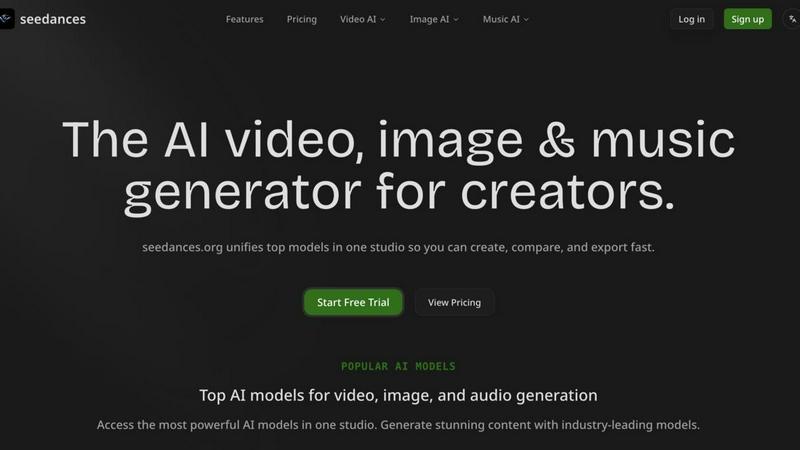
Seedance is your all-in-one AI studio to easily create stunning videos, images, and music using top models like Sora 2 and Suno.
Last updated: March 18, 2026

VideoAny
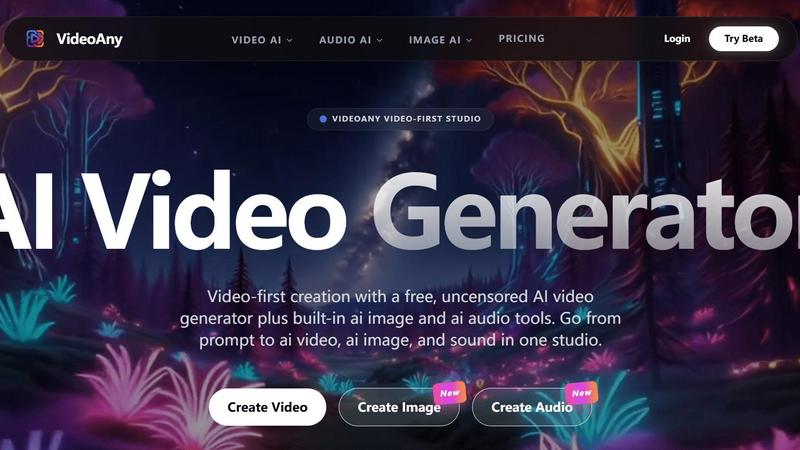
VideoAny is your all-in-one AI studio for creating videos, images, and audio with creative freedom.
Last updated: March 1, 2026
Visual Comparison
Seedance
VideoAny
Feature Comparison
Seedance
Unified Model Hub
This is the core of Seedance. Instead of managing accounts across a dozen different AI websites, you get instant access to a curated selection of the most powerful models in one dashboard. You can generate a video using Sora 2, an image with Gemini 3 Pro, and a music track with Suno V5 all within the same session. This centralized access saves immense time and simplifies your creative toolkit.
Side-by-Side Model Comparison
Seedance empowers you to make informed creative decisions. You can run the same prompt through multiple AI models (like Veo 3.1 and Kling AI for video) simultaneously and view the results in a single workspace. This allows you to easily compare styles, quality, and adherence to your prompt, ensuring you select the best output for your needs without guesswork.
Multi-Format Generation Studio
The platform is a true multi-modal studio supporting all key creative formats. Generate high-resolution images with crisp detail for illustrations or concept art. Create video clips with coherent motion and cinematic quality for shorts or scenes. Produce original music, soundscapes, and vocals to score your projects. Everything integrates into one smooth workflow.
Fast, Responsive Interface
Seedance is built for iteration. The interface is designed to be quick and lag-free, allowing you to preview generations, make tweaks to your prompts, and download your final assets without frustrating delays. This responsive environment keeps you in a state of creative flow, making the process of refining and perfecting your AI-generated content efficient and enjoyable.
VideoAny
AI Video Generator
At the heart of VideoAny is its powerful AI video generator. This feature allows you to create fluid, high-definition video from either text prompts or uploaded images. You can describe a scene in words or provide a starting picture, and the AI brings it to life with motion. It supports various models, including the platform's own "uncensored" model for greater creative flexibility, as well as integrated third-party models like Kling 3 for high-quality motion and Vidu Q3 for cinematic clips.
Built-in AI Image & Audio Tools
VideoAny isn't just for video; it's a complete multimedia studio. It includes a high-fidelity AI image generator for creating and upscaling visual assets. Simultaneously, its AI audio generator provides tools for text-to-music, sound effects, and voice cloning. This means you can craft the perfect soundtrack or narration for your video without ever leaving the platform, creating a seamless workflow from concept to final, shareable piece.
One-Click AI Video Effects
Spark instant creativity with VideoAny's library of over 60 pre-built AI effects. With a single click, you can apply fun and dynamic transformations to your photos and videos. Make subjects dance, hug, kiss, or become talking avatars and cartoons. This feature is perfect for creating viral-ready, engaging content quickly without any technical expertise, adding a layer of polish and entertainment to your projects effortlessly.
Unified Creative Platform
VideoAny consolidates your entire creative process into one intelligent environment. Instead of juggling separate subscriptions for video editing, image creation, and audio production, everything you need is integrated. This "video-first studio" approach includes a video lab for production, community inspiration galleries, and access to multiple cutting-edge AI models, ensuring you have a cohesive and efficient toolkit to bring any vision to life.
Use Cases
Seedance
Social Media Content Creation
Quickly produce eye-catching, platform-specific content. Generate trending video hooks with Kling AI, create branded visuals with GPT Image, and score them with a custom Suno track—all in one sitting. Perfect for creators who need to maintain a consistent and high-quality posting schedule across Instagram, TikTok, and YouTube.
Marketing and Advertising Prototyping
Rapidly visualize campaign concepts and create compelling ad assets. Use the image models to mock up product scenes or character designs, and generate short, cinematic video teasers to present ideas to clients or stakeholders before committing to expensive production, accelerating the brainstorming and approval process.
Independent Filmmaking and Storyboarding
Bring narrative ideas to life without a massive budget. Use Seedance to generate atmospheric video clips for scene pre-visualization, create consistent character portraits for casting, and produce original soundtrack demos. It's an invaluable tool for developing mood, tone, and visual language for short films or pilots.
Concept Art and Digital Illustration
Explore visual ideas and iterate on artistic concepts at lightning speed. Whether you're designing characters, environments, or album art, you can use the powerful image models to generate multiple variations, refine details, and achieve a specific artistic style, serving as both inspiration and a foundational starting point for further refinement.
VideoAny
Social Media Content Creation
For influencers, brands, and social media managers, VideoAny is a powerhouse for producing a constant stream of fresh, eye-catching content. Quickly generate short, engaging clips for TikTok, Instagram Reels, or YouTube Shorts. Use text-to-video for quick explainers, apply fun AI effects to go viral, or create branded ad snippets with matching audio—all tailored to capture attention in crowded feeds.
Marketing and Advertising
Marketers can use VideoAny to produce compelling promotional videos and advertisements without a large production budget. Generate product demos, create animated explainer videos from a script, or turn product images into cinematic clips. The ability to quickly iterate on concepts and produce professional-looking video assets makes it ideal for campaigns, email marketing, and social ads.
Experimental Storytelling and Art
Artists and storytellers can leverage VideoAny as a canvas for experimentation. Use the image-to-video feature to animate illustrations or photographs, creating moving art pieces or short narrative films. The "uncensored" generation mode (within guidelines) allows for exploring unique and unconventional visual concepts, pushing the boundaries of AI-assisted digital storytelling and artistic expression.
Educational and Explainer Videos
Educators, trainers, and entrepreneurs can simplify complex topics with clear, visual explanations. Input a lesson outline or key points as a text prompt to generate a supportive video. Create engaging educational content, tutorial snippets, or internal training materials complete with voiceovers and relevant imagery, making information more accessible and memorable for any audience.
Overview
About Seedance
Seedance is your all-in-one AI creation studio, designed to supercharge the workflow of modern creators. It solves a common frustration: the need to juggle multiple separate tools and subscriptions for video, image, and music generation. Seedance brings industry-leading models like OpenAI's Sora 2, Google's Veo 3.1, Kling AI, GPT Image, and Suno V5 into a single, unified workspace. This means you can generate stunning visuals, cinematic video clips, and original music tracks without ever switching tabs. The platform is built for speed and efficiency, allowing you to compare outputs from different top-tier models side-by-side to find the perfect result for your project, then export it seamlessly. Whether you're a social media content creator, a marketer, a filmmaker, or a hobbyist exploring AI art, Seedance provides a powerful, predictable, and fast environment to move from your initial idea to a polished final output.
About VideoAny
VideoAny is your all-in-one, video-first AI creation studio designed to turn your ideas into stunning visual content with incredible ease. It's built for anyone with a story to tell, whether you're a content creator, marketer, small business owner, or just someone who loves to experiment with digital media. The core idea is simple: to replace a complicated stack of separate tools for video, images, and audio with one intelligent, unified platform. With VideoAny, you can start from a simple text prompt or an existing image and generate a complete, polished video complete with motion, sound, and style. It democratizes high-quality video production by removing the steep learning curve of traditional editing software. The platform is also known for offering creative freedom with its "uncensored" AI video generation model, which applies minimal filtering while still operating within responsible-use guidelines (this does not mean adult or illegal content is permitted). By integrating the latest AI models like Kling 3 and Vidu Q3, and offering a vast library of over 60 one-click AI effects, VideoAny empowers you to create engaging social media clips, compelling ads, experimental art, and more, all from a single, intuitive dashboard.
Frequently Asked Questions
Seedance FAQ
What AI models are available on Seedance?
Seedance integrates a constantly updated selection of top-tier models. For video, you can access models like OpenAI's Sora 2, Google's Veo 3.1, and Kling AI. For images, options include Google's Gemini-powered Nano Banana models, GPT Image, and Z-Image. For music, Suno V5 is available. The unified hub lets you use them all from one account.
Do I need separate subscriptions for each AI model?
No, that's the primary benefit of Seedance. You do not need individual subscriptions to OpenAI, Google, Suno, etc. You subscribe to a Seedance plan, which provides you with credits or access to use the various integrated models within the platform, offering predictable costs and centralized billing.
Can I use my own images or videos as a starting point?
Yes, many of the integrated video models support image-to-video generation. As shown in the examples, you can upload a reference image (like the surreal sink scene) and use it with a prompt in models like Veo 3.1 to guide the style and composition of your generated video, creating more controlled and personalized outputs.
Is there a free trial available?
Yes, Seedance offers a Free Trial to let new users explore the platform's capabilities. This allows you to test the interface, experiment with different models, and generate sample content before committing to a paid plan. You can start the free trial directly from their website to begin creating.
VideoAny FAQ
What does "uncensored" AI generation mean on VideoAny?
"Uncensored" in VideoAny's context refers to its proprietary AI video model having minimal content filtering, offering users broader creative freedom compared to some other platforms. This allows for the generation of a wider range of artistic and conceptual content. Importantly, it does not permit the creation of adult, illegal, or harmful content, as strictly outlined in the platform's Terms and Privacy policy. All third-party models integrated into VideoAny operate under their own content policies.
Is there a free version of VideoAny?
Yes, VideoAny offers a free tier that includes access to core features, allowing you to generate videos, images, and audio. This is perfect for trying out the platform and working on personal projects. For users needing higher-resolution outputs, faster generation times, batch processing, and broader commercial usage rights, VideoAny provides upgraded paid subscription plans.
Can I use the videos I create for commercial purposes?
Commercial usage rights depend on your subscription plan. Generally, paid subscribers are granted broader licenses to use the generated content for commercial purposes, such as in advertisements, on websites, or in products. Users on the free tier are typically limited to personal, non-commercial use. It's important to review the specific terms of service for your plan to understand the exact permissions.
What kind of AI models does VideoAny use?
VideoAny integrates a variety of state-of-the-art AI models to give you the best results. This includes its own proprietary models for video and image generation, as well as leading third-party models like Kling 3 for video, Vidu Q3, Grok Imagine, and Flux2 Pro. This multi-model approach ensures you have the right tool for different creative needs, from hyper-realistic clips to specific artistic styles.
Alternatives
Seedance Alternatives
Seedance is an all-in-one AI studio that specializes in generating video, images, and music. It falls into the categories of content creation, video, and image generation, acting as a central hub where creators can access multiple top-tier AI models from a single workspace. Users often explore alternatives for various reasons. Some might be looking for a different pricing structure or a free tier to start with. Others may need specific features that cater to a niche workflow or prefer a platform dedicated solely to one type of media, like only video or only music generation. When choosing an alternative, it's wise to consider your primary creative needs. Think about which type of content you create most often and evaluate tools based on the quality of their core models, ease of use, and how well they integrate into your existing process. The goal is to find a tool that feels like a natural extension of your creativity.
VideoAny Alternatives
VideoAny is a powerful, video-first AI creation studio that falls into the categories of video and audio production tools. It's designed to help users generate stunning videos, images, and audio from simple prompts, all within a single, streamlined platform. People often explore alternatives for various reasons. This could be due to budget constraints, a need for different or more specialized features, compatibility with their existing workflow, or simply a desire to compare options before committing. It's a normal part of finding the perfect creative tool for your specific projects. When evaluating other options, consider what matters most to you. Think about the core features you need, like AI video generation or audio creation, your comfort level with different interfaces, the pricing model that fits your budget, and how well the tool integrates with other platforms you use.