
SeedanceAI vs ThinkSound - AI Video-to-Audio Generator
Side-by-side comparison to help you choose the right AI tool.

Create stunning cinematic videos in just 60 seconds by uploading a photo and song with SeeDanceAI's powerful AI video generation.
Last updated: March 11, 2026

ThinkSound - AI Video-to-Audio Generator
ThinkSound instantly creates professional audio and sound effects for any video using advanced AI.
Last updated: March 1, 2026
Visual Comparison
SeedanceAI

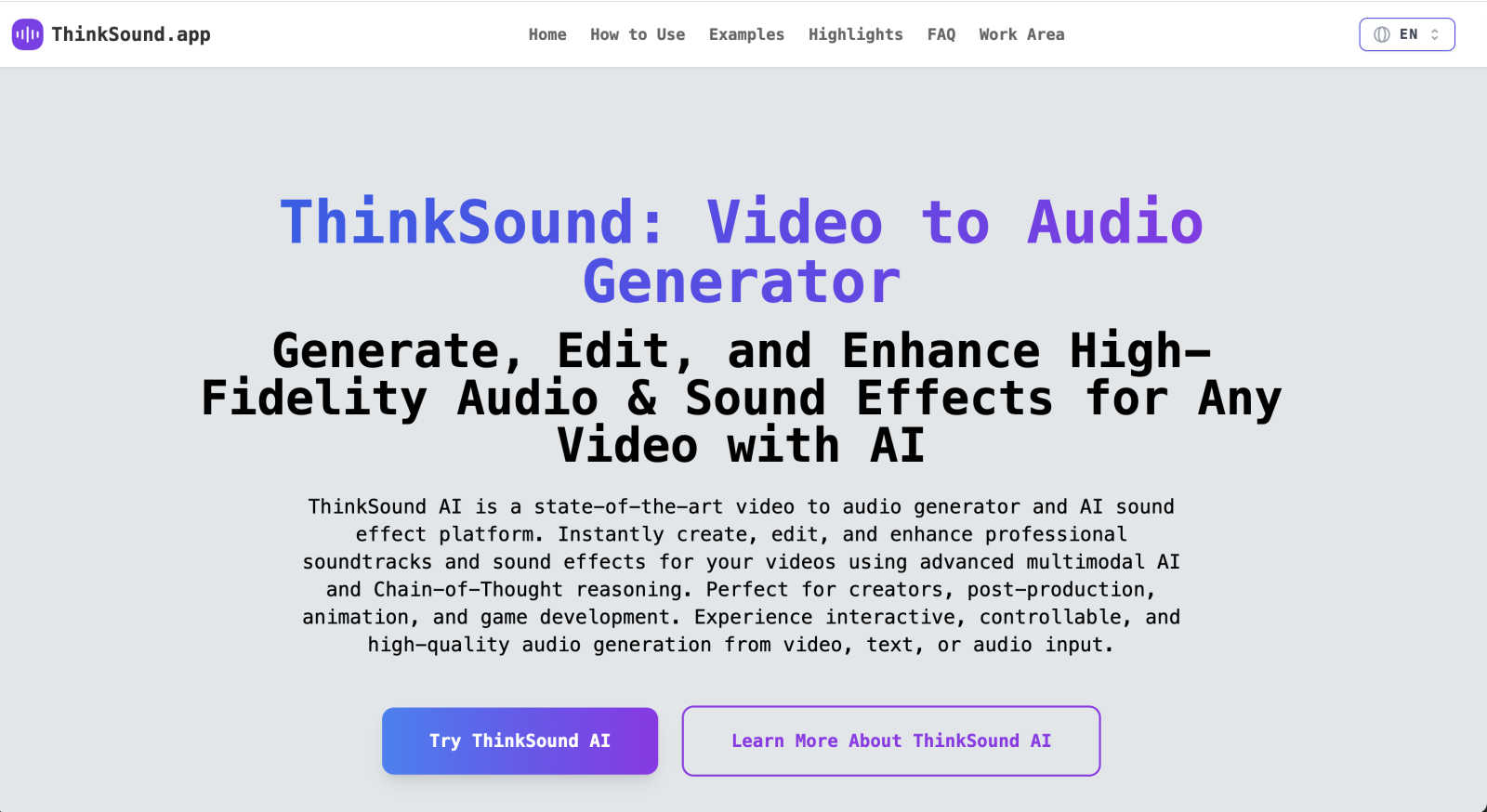
ThinkSound - AI Video-to-Audio Generator
Overview
About SeedanceAI
SeedanceAI is a revolutionary platform that empowers creators to generate high-quality videos with minimal effort and time. Utilizing advanced artificial intelligence, SeedanceAI allows users to upload images, audio tracks, and even dance videos to create cinematic masterpieces in just 60 seconds. Whether you are a social media marketer, filmmaker, or a musician looking to produce music videos, SeedanceAI offers a user-friendly interface that requires no prior editing skills. The platform supports multimodal inputs, enabling users to combine different media types for precise control over their projects. With built-in audio synchronization and impressive 2K resolution output, SeedanceAI is designed to enhance your storytelling capabilities, making it an invaluable tool for anyone in the creative industry.
About ThinkSound - AI Video-to-Audio Generator
ThinkSound is your creative partner for bringing videos to life with sound. It's a state-of-the-art AI platform designed to instantly generate, edit, and enhance high-fidelity soundtracks and intelligent sound effects for any video you have. Whether you're working with a silent film clip, a new animation, or an AI-generated video, ThinkSound analyzes the visual content and creates perfectly matched, professional-grade audio. The magic lies in its use of advanced multimodal AI and Chain-of-Thought reasoning, which allows it to understand the context, action, and mood of your scene to produce soundscapes that are not just generic, but temporally aligned and context-aware. It's built for a wide range of users—from content creators and social media marketers to filmmakers, animators, and game developers—who need top-tier audio without the complexity of traditional sound design software. With ThinkSound, you can go from a silent video to a rich, immersive audio experience in moments, all through an intuitive online interface. It empowers you to transform silent or AI-generated videos into immersive audio experiences with advanced video-to-audio synthesis and interactive AI sound design.
Alternatives
SeedanceAI Alternatives
SeeDanceAI is an innovative AI video generator that falls under the video creation category. It harnesses the power of ByteDance's Seedance 2.0 model to produce cinematic videos complete with sound and music. Users often seek alternatives for various reasons, including pricing concerns, specific feature requirements, or compatibility with different platforms. The right alternative should offer similar capabilities, such as quality output, user-friendly interfaces, and flexibility in terms of input formats and customization options. When evaluating alternatives, consider factors such as the ease of use, the range of features available, and how well the product meets your specific video creation needs. Look for tools that provide native audio generation, support for multiple input types, and the ability to deliver high-quality video outputs. Finding the right balance between functionality and affordability will help you choose an option that aligns with your goals.
ThinkSound - AI Video-to-Audio Generator Alternatives
ThinkSound is an AI-powered tool that instantly creates professional soundtracks and sound effects for videos. It falls into the exciting category of AI audio and video enhancement tools, designed to automate complex sound design. By analyzing your video's visuals, it generates perfectly matched, immersive audio to bring any clip to life. Users often explore alternatives for various reasons. Some might be looking for a different pricing model or a free tier to test the waters. Others may need specific features, like integration with a particular editing platform, or they might simply want to compare the output quality and ease of use before making a decision. When choosing an alternative, it's wise to consider a few key factors. Look at the core capability: can it generate sound from video, text, or audio prompts? Check the quality of the audio output and how well it syncs with visual cues. Finally, evaluate the user interface and workflow to ensure it fits smoothly into your creative process.