
SeedanceAI vs Veo 3 Flow AI
Side-by-side comparison to help you choose the right AI tool.

Create stunning cinematic videos in just 60 seconds by uploading a photo and song with SeeDanceAI's powerful AI video generation.
Last updated: March 11, 2026

Veo 3 Flow AI
Turn your ideas into stunning, cinematic videos in minutes with our easy-to-use AI video generator.
Last updated: March 1, 2026
Visual Comparison
SeedanceAI

Veo 3 Flow AI
Overview
About SeedanceAI
SeedanceAI is a revolutionary platform that empowers creators to generate high-quality videos with minimal effort and time. Utilizing advanced artificial intelligence, SeedanceAI allows users to upload images, audio tracks, and even dance videos to create cinematic masterpieces in just 60 seconds. Whether you are a social media marketer, filmmaker, or a musician looking to produce music videos, SeedanceAI offers a user-friendly interface that requires no prior editing skills. The platform supports multimodal inputs, enabling users to combine different media types for precise control over their projects. With built-in audio synchronization and impressive 2K resolution output, SeedanceAI is designed to enhance your storytelling capabilities, making it an invaluable tool for anyone in the creative industry.
About Veo 3 Flow AI
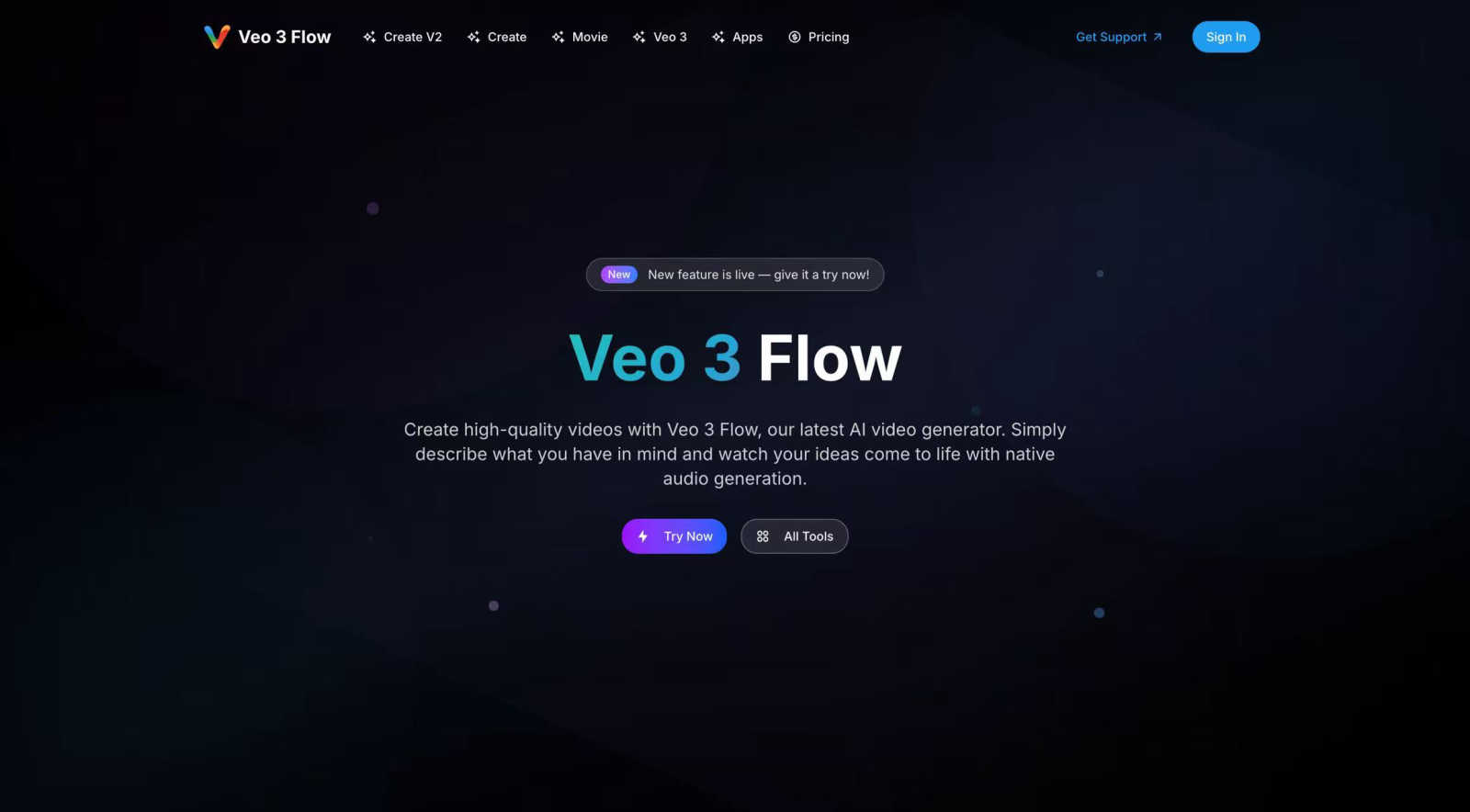
Veo 3 Flow AI is a revolutionary platform designed to democratize high-quality video creation. It's an AI-powered video generator that transforms your simple text descriptions into stunning, cinematic-quality videos. The core idea is powerful yet simple: you describe what you have in mind, and Veo 3 Flow AI brings it to life with native audio generation, eliminating the need for complex editing software, expensive equipment, or specialized skills. This tool is built for a wide range of users, from individual content creators and social media marketers to large enterprises looking to produce compelling brand storytelling and advertisements. Its cutting-edge technology allows for the generation of videos up to 8K resolution, enabling professional production at scale while dramatically reducing both the time and cost traditionally associated with video projects. Whether you're aiming to create a viral short clip, an engaging ad, a creative narrative, or even a full-length short film, Veo 3 Flow AI provides the intuitive platform to unlock unlimited creative possibilities and turn your vision into a visual reality.
Alternatives
SeedanceAI Alternatives
SeeDanceAI is an innovative AI video generator that falls under the video creation category. It harnesses the power of ByteDance's Seedance 2.0 model to produce cinematic videos complete with sound and music. Users often seek alternatives for various reasons, including pricing concerns, specific feature requirements, or compatibility with different platforms. The right alternative should offer similar capabilities, such as quality output, user-friendly interfaces, and flexibility in terms of input formats and customization options. When evaluating alternatives, consider factors such as the ease of use, the range of features available, and how well the product meets your specific video creation needs. Look for tools that provide native audio generation, support for multiple input types, and the ability to deliver high-quality video outputs. Finding the right balance between functionality and affordability will help you choose an option that aligns with your goals.
Veo 3 Flow AI Alternatives
Veo 3 Flow AI is a powerful AI video generator that makes creating cinematic-quality videos from text or images surprisingly simple. It falls into the exciting categories of generative AI and video creation tools, helping everyone from marketers to individual creators produce professional content quickly. People often explore alternatives for a variety of practical reasons. Maybe the pricing doesn't fit their current budget, or they need a specific feature that's missing. Others might be looking for a tool that integrates better with their existing software or offers a different user experience that feels more intuitive for their workflow. When you're comparing options, it's smart to think about what matters most for your projects. Consider the types of videos you make most often, your must-have features like certain export formats or editing controls, and of course, your budget. The best choice is the one that aligns with your specific creative needs and goals.