
ThinkSound - AI Video-to-Audio Generator vs Vibe Video
Side-by-side comparison to help you choose the right AI tool.

ThinkSound - AI Video-to-Audio Generator
ThinkSound instantly creates professional audio and sound effects for any video using advanced AI.
Last updated: March 1, 2026

Vibe Video
Vibe Video is an AI-powered tool that quickly transforms your images and ideas into stunning cinematic videos effortlessly.
Last updated: March 11, 2026
Visual Comparison
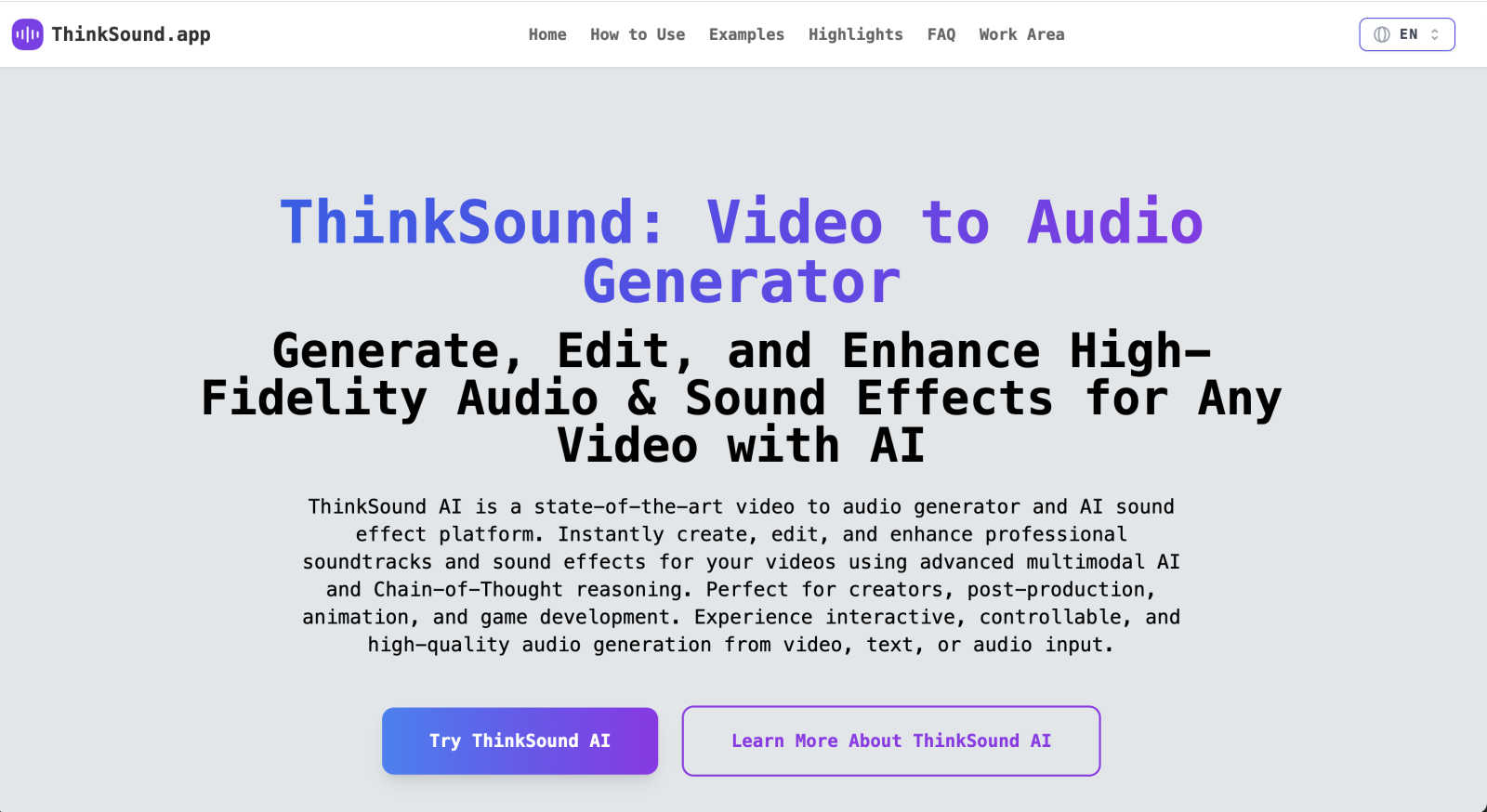
ThinkSound - AI Video-to-Audio Generator
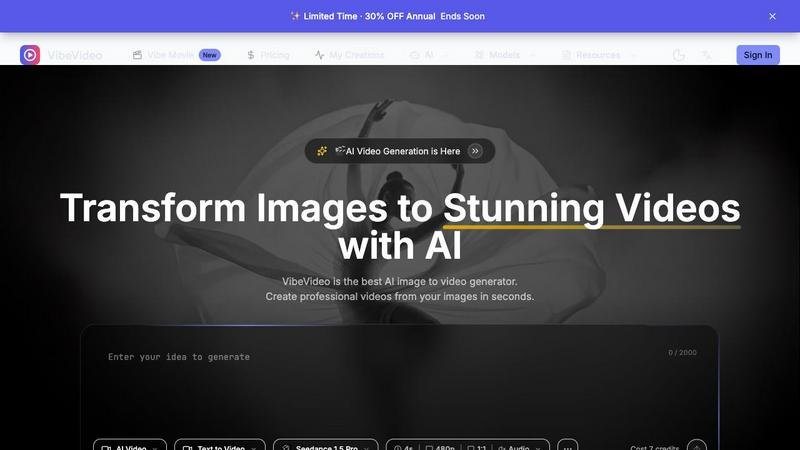
Vibe Video
Feature Comparison
ThinkSound - AI Video-to-Audio Generator
Advanced Multimodal AI Analysis
ThinkSound doesn't just add random sounds; it intelligently understands your video. Using advanced multimodal AI, it analyzes the visual content, identifying objects, actions, scenery, and mood. This deep understanding allows the platform to generate audio that is contextually relevant, ensuring the sounds you hear perfectly match what you see on screen, from the gentle rustle of leaves to the roar of a city street.
Chain-of-Thought Audio Generation
This feature is the secret behind ThinkSound's smart and layered soundscapes. Inspired by Chain-of-Thought reasoning, the AI breaks down the audio creation process step-by-step. For example, for a scene with an old TV, it might start with ambient hum, add screen flicker static, and layer in channel surfing sounds. This methodical approach results in complex, professional, and temporally aligned audio that evolves naturally with your video.
Any2Audio Input Flexibility
ThinkSound offers incredible flexibility in how you create sound. While its core strength is video-to-audio, it supports "Any2Audio" generation. This means you can also generate or enhance audio from text descriptions or existing audio files. Need a specific sound effect described in words? You can create it. Want to remix or improve a soundtrack you already have? ThinkSound can handle that too, making it a versatile tool for any stage of your project.
Intuitive Online Playground & Controls
Designed for creators of all skill levels, ThinkSound provides an easy-to-use online interface. You can simply upload a video and let the AI work its magic, or use detailed text prompts for advanced control. The platform allows you to specify exact sound requirements, describe audio layers and mood, and fine-tune parameters for optimal quality and creativity, all without needing any technical audio engineering knowledge.
Vibe Video
Image to Video AI
This feature allows users to upload any image and watch as Vibe Video transforms it into a dynamic video filled with natural motion and cinematic effects. It's perfect for turning ordinary photos into captivating visual stories.
Text to Video
With the text-to-video functionality, users can describe their vision in text form, and the AI will interpret these prompts to create a fitting video. This feature is ideal for those who want to convey specific ideas or themes without needing technical video editing expertise.
Multiple AI Models
Vibe Video offers a selection of various AI models, such as Kling and Runway, tailored for different video styles and quality levels. This versatility ensures that users can choose the model that best fits their creative needs.
Fast Generation
Vibe Video's optimized AI pipeline enables the rapid generation of videos in seconds. This speed is a game-changer for content creators who need to produce high volumes of video content quickly without sacrificing quality.
Use Cases
ThinkSound - AI Video-to-Audio Generator
Enhancing AI-Generated Videos
Platforms like Sora, Veo, and Kling produce stunning visuals, but often without sound. ThinkSound is the perfect companion to breathe life into these silent AI videos. It automatically generates fitting soundtracks and effects that match the generated content, turning a visually impressive clip into a fully immersive and professional final product ready for sharing.
Social Media & Content Creation
Content creators and social media marketers can save immense time and resources. Quickly add engaging audio to silent clips, create unique sound effects for tutorials or vlogs, and ensure your content stands out with high-quality, context-aware sound. This allows for faster production times and more polished videos without needing a library of sound effects or editing software.
Animation & Game Development
Animators and indie game developers can prototype and create audio assets efficiently. ThinkSound can generate custom sound effects for character movements, environmental ambience, and specific actions directly from storyboards or animated sequences. This accelerates the creative process, allowing for rapid iteration and bringing animated worlds to life with appropriate audio.
Post-Production & Filmmaking
Filmmakers and editors can use ThinkSound as a powerful tool in their post-production workflow. It can help create placeholder audio for rough cuts, generate hard-to-find specific sound effects, or enhance existing audio tracks. It serves as both a creative spark for sound design ideas and a practical tool for filling in audio gaps quickly and professionally.
Vibe Video
Influencer Content Creation
Influencers can leverage Vibe Video to quickly produce visually striking videos from their photos. This allows them to maintain a consistent posting schedule and engage their audiences with fresh content.
Product Marketing
Marketers can utilize Vibe Video to create professional product videos that highlight features and benefits. These videos can be shared on social media or embedded in marketing campaigns to boost engagement and conversions.
Artistic Projects
Artists and animators can experiment with Vibe Video to bring their artwork to life. By transforming static images into animated videos, they can create unique visual experiences that showcase their creativity.
Social Media Engagement
Content creators can use Vibe Video to generate compelling video posts for various social media platforms. The ability to turn images into videos quickly helps keep their feeds dynamic and engaging, attracting more followers and interactions.
Overview
About ThinkSound - AI Video-to-Audio Generator
ThinkSound is your creative partner for bringing videos to life with sound. It's a state-of-the-art AI platform designed to instantly generate, edit, and enhance high-fidelity soundtracks and intelligent sound effects for any video you have. Whether you're working with a silent film clip, a new animation, or an AI-generated video, ThinkSound analyzes the visual content and creates perfectly matched, professional-grade audio. The magic lies in its use of advanced multimodal AI and Chain-of-Thought reasoning, which allows it to understand the context, action, and mood of your scene to produce soundscapes that are not just generic, but temporally aligned and context-aware. It's built for a wide range of users—from content creators and social media marketers to filmmakers, animators, and game developers—who need top-tier audio without the complexity of traditional sound design software. With ThinkSound, you can go from a silent video to a rich, immersive audio experience in moments, all through an intuitive online interface. It empowers you to transform silent or AI-generated videos into immersive audio experiences with advanced video-to-audio synthesis and interactive AI sound design.
About Vibe Video
Vibe Video is an innovative AI video generator that enables creators, marketers, and indie makers to effortlessly transform static images, prompts, and ideas into high-quality videos within minutes. Designed for those seeking a faster video production process without the need for complex editing skills, Vibe Video simplifies the creation of cinematic clips, engaging product videos, and dynamic social media content. By utilizing advanced AI technology, users can easily generate videos that are visually captivating and professionally polished. Whether you're an influencer looking to enhance your content, a product marketer aiming to showcase your offerings, or an artist wanting to bring your visions to life, Vibe Video provides the tools you need to create stunning videos quickly and efficiently.
Frequently Asked Questions
ThinkSound - AI Video-to-Audio Generator FAQ
What is ThinkSound AI?
ThinkSound AI is a state-of-the-art online platform that acts as a video-to-audio generator and AI sound effect studio. It uses advanced multimodal AI and Chain-of-Thought reasoning to analyze video content and automatically create, edit, and enhance high-fidelity soundtracks and intelligent sound effects that are perfectly matched to the visual action and mood.
How do I use ThinkSound to get the best results?
For basic use, simply upload your video file and add a caption describing the scene. For advanced, controllable results, provide detailed prompts specifying exact sounds, their timing, layers, and the desired mood. The more descriptive you are, the better the AI can tailor the audio to your creative vision.
What does "Any2Audio generation" mean?
"Any2Audio" refers to ThinkSound's capability to generate high-quality audio from multiple input types. Its primary function is video-to-audio, but it can also create sound from text descriptions (text-to-audio) and enhance or transform existing audio files (audio-to-audio). This makes it a flexible tool for various audio creation needs.
Who is ThinkSound designed for?
ThinkSound is built for a wide range of creative professionals and enthusiasts. This includes content creators, social media marketers, filmmakers, video editors, animators, game developers, and anyone who needs to add professional, context-aware audio to their videos without the steep learning curve of traditional sound design software.
Vibe Video FAQ
What is Vibe Video and how does it work?
Vibe Video is an AI-powered tool that transforms images and text prompts into stunning videos. Users upload their images or provide descriptive prompts, and the AI generates a video that captures their vision, making video creation accessible and efficient.
What types of images work best with Vibe Video?
Vibe Video supports a range of image formats, including JPG, PNG, and WebP. Any image can be used to create videos, but those with clear subjects and vibrant colors often yield the most visually appealing results.
How long does it take to generate a video?
Thanks to Vibe Video's optimized AI technology, videos can be generated in a matter of seconds. This rapid processing allows users to create and share content without long wait times.
What AI models are available?
Vibe Video features multiple AI models, including Kling and Runway, each designed for different video styles and quality outputs. Users can choose the model that best aligns with their creative vision and project requirements.
Alternatives
ThinkSound - AI Video-to-Audio Generator Alternatives
ThinkSound is an AI-powered tool that instantly creates professional soundtracks and sound effects for videos. It falls into the exciting category of AI audio and video enhancement tools, designed to automate complex sound design. By analyzing your video's visuals, it generates perfectly matched, immersive audio to bring any clip to life. Users often explore alternatives for various reasons. Some might be looking for a different pricing model or a free tier to test the waters. Others may need specific features, like integration with a particular editing platform, or they might simply want to compare the output quality and ease of use before making a decision. When choosing an alternative, it's wise to consider a few key factors. Look at the core capability: can it generate sound from video, text, or audio prompts? Check the quality of the audio output and how well it syncs with visual cues. Finally, evaluate the user interface and workflow to ensure it fits smoothly into your creative process.
Vibe Video Alternatives
Vibe Video is a powerful AI Video Generator that transforms images, prompts, and ideas into cinematic videos in just minutes. It falls under the categories of Image & Photo, Video, and Image Generation, making it a versatile tool for various creative projects. Users often seek alternatives to Vibe Video due to factors such as pricing, specific feature requirements, or compatibility with different platforms. When looking for an alternative, consider the ease of use, quality of output, and whether the tool meets your specific needs—such as the type of videos you want to create and the level of customization available. It's essential to find a solution that offers the right balance between user-friendly functionality and the features you require for your video production goals.