
MakeAIVideo vs TinyFast
Side-by-side comparison to help you choose the right AI tool.

MakeAIVideo
MakeAIVideo is the first AI video generator with multi-model routing — instead of locking you into one AI model

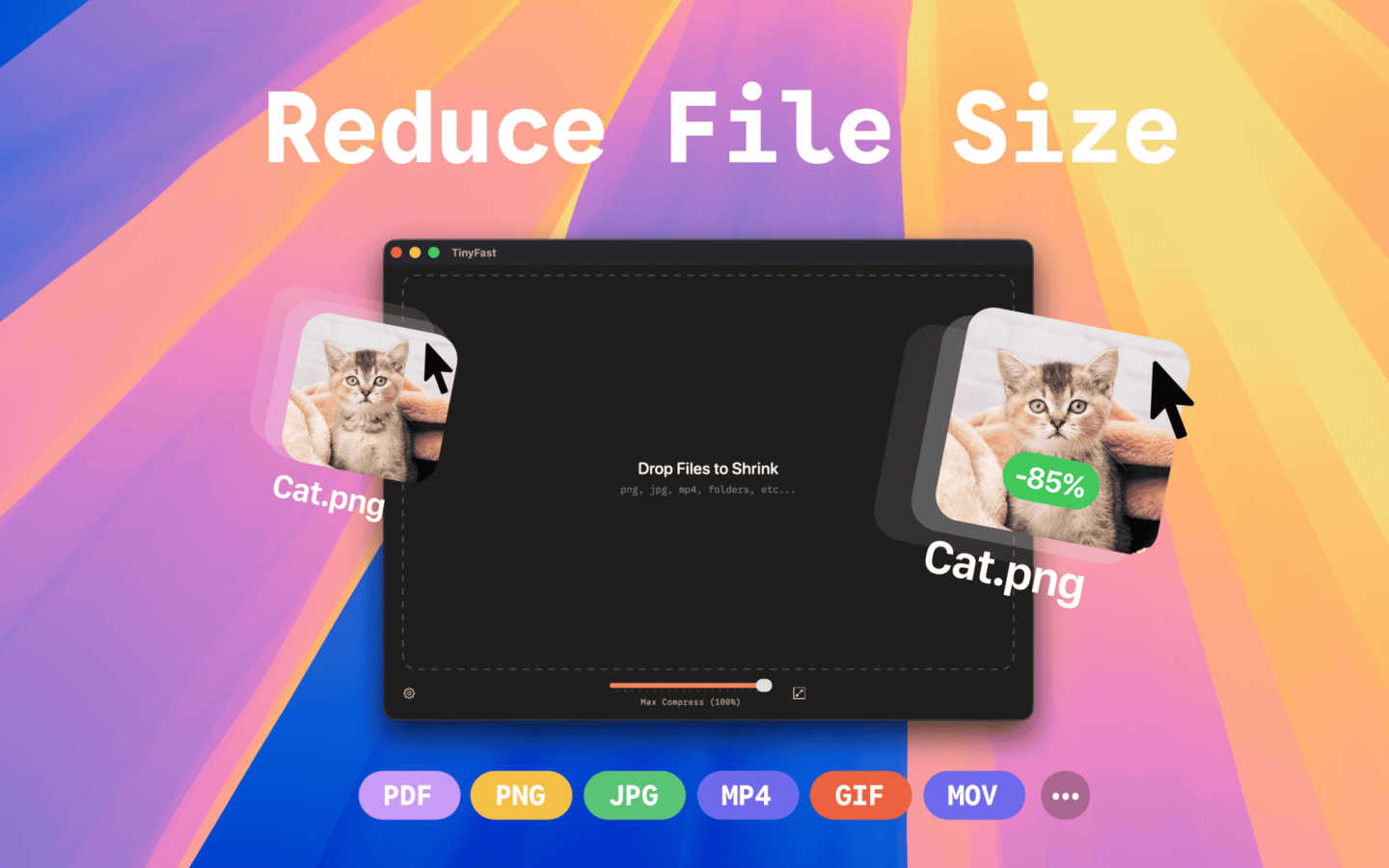
TinyFast shrinks your images, videos, and PDFs instantly and privately right on your Mac.
Last updated: March 1, 2026
Visual Comparison
MakeAIVideo

TinyFast
Overview
About MakeAIVideo
MakeAIVideo is the first AI video generator with multi-model routing — instead of locking you into one AI model, our engine automatically
analyzes your prompt and picks the best model (Seedance, Kling, Veo, Sora, Hailuo, and more) for that specific task. You also don't need to
create an account for your first generation. Just open the site, type a prompt, and get a video. No other tool offers this combination of
automatic model selection and zero-friction access.
About TinyFast
TinyFast is your Mac's personal file-shrinking powerhouse, designed to make digital life simpler, faster, and more secure. At its core, it's a macOS application that compresses images, videos, and documents directly on your computer. This means you can dramatically reduce file sizes for easier sharing, storage, and uploading without ever sending your sensitive data to the internet. It's built for developers, designers, marketers, and any creator who values their time and privacy. Imagine needing to send a batch of high-res project images to a client or reduce a video file to fit an email attachment—TinyFast handles it in seconds with a simple drag-and-drop. Its main value proposition is a powerful combination of blazing-fast local processing and ironclad privacy, ensuring your confidential files never leave your Mac. By eliminating uploads, server queues, and privacy worries, TinyFast seamlessly integrates into your workflow, offering a reliable and efficient way to optimize your files.