
OpenAI Tools Hub vs VO3 AI Video Generator
Side-by-side comparison to help you choose the right AI tool.

OpenAI Tools Hub
Discover expert AI tool reviews, comparisons, and 33+ free developer tools without signup, all designed to enhance your workflow.
Last updated: March 11, 2026

VO3 AI Video Generator
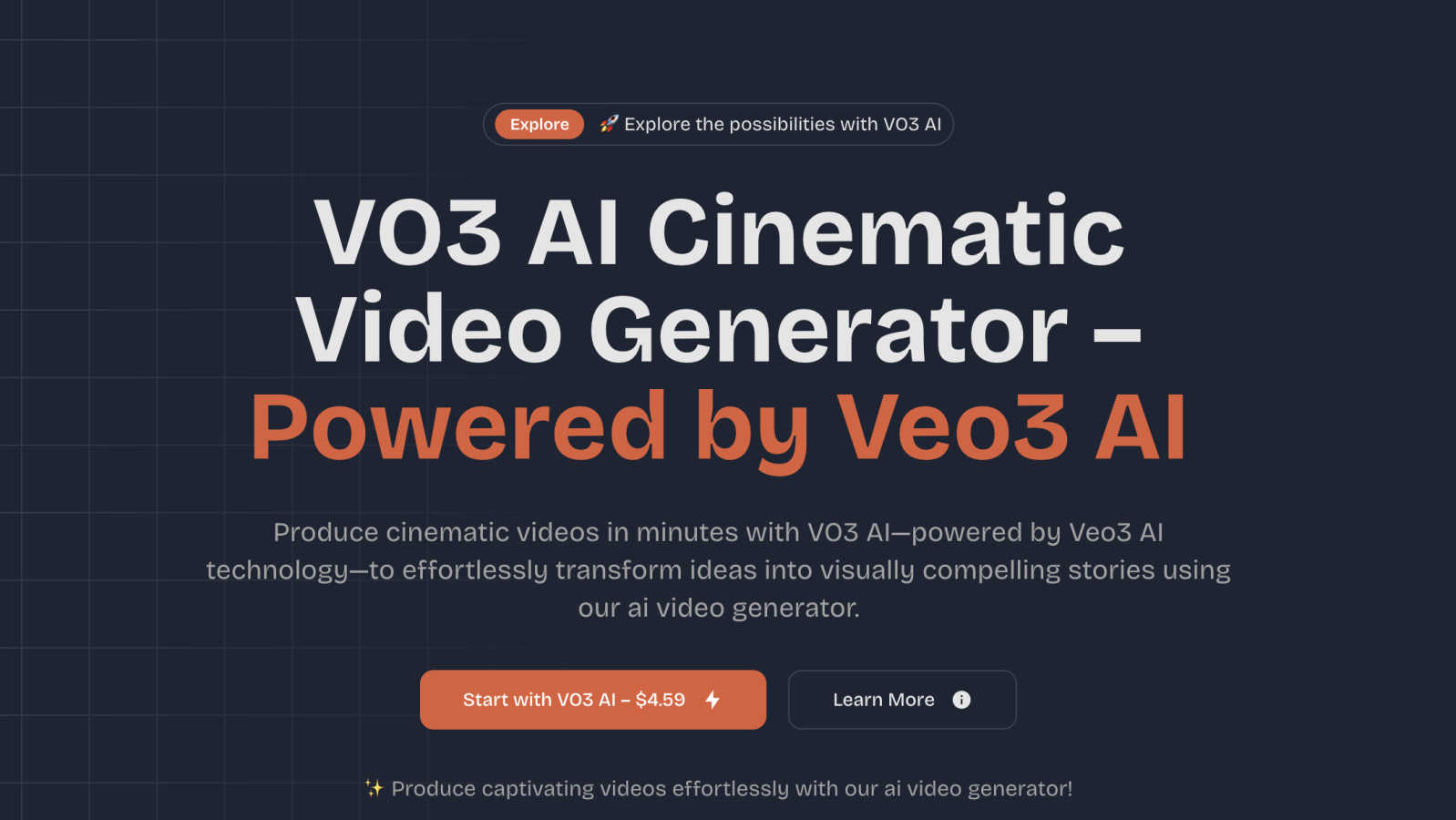
VO3 AI turns your text or images into cinematic videos with rich motion and audio in minutes.
Last updated: March 1, 2026
Visual Comparison
OpenAI Tools Hub

VO3 AI Video Generator
Feature Comparison
OpenAI Tools Hub
Expert Reviews
OpenAI Tools Hub features in-depth expert reviews of various AI tools, providing reliable ratings based on comprehensive testing. Each review includes detailed insights into performance, usability, and pricing. This transparency allows users to select tools that best fit their needs without falling for biased marketing claims.
Head-to-Head Comparisons
The platform offers side-by-side comparisons of competing tools, allowing users to evaluate features, pricing, and overall value at a glance. This makes it easier to identify which AI solution is the best fit for specific applications, whether it be for writing, coding, or other creative tasks.
AI Skills Map
The AI Skills Map is a unique feature that provides a directory of over 349 community-built skills specifically for Claude Code. Users can browse, install, and share skills, enhancing their development experience and expanding their capabilities in AI tool usage.
Free Developer Tools
OpenAI Tools Hub provides more than 33 free developer tools, including utilities like an AI ROI calculator, JSON to YAML converter, and a regex tester. These tools are available without any sign-up or account requirements, making them easy to access and use for various development tasks.
VO3 AI Video Generator
High-Fidelity Cinematic Output
This feature is the heart of VO3 AI. Leveraging the Veo3 AI visual engine, it produces videos that mirror true cinematic standards. This means your generated clips have crisp frames, rich, vibrant colors, smooth and realistic motion, and careful attention to lighting and atmosphere. The result isn't a choppy animation; it's a visually compelling scene that feels authentically filmed, designed to keep viewers engaged and impressed with the professional quality.
Multi-Style Rendering & Creative Control
Your vision can take many forms, and VO3 AI adapts to it. Through its intuitive dashboard and the Veo3 AI style bank, you can generate videos in a wide range of aesthetics. Choose from photorealistic scenes that look like live-action footage to stylized outputs like anime, painterly looks, or other artistic filters. You also have fine-grained controls to adjust the video duration, aspect ratio (perfect for Instagram Reels or YouTube), and motion intensity, all without needing any technical editing skills.
Dynamic Scene Understanding
A great video tells a coherent story, and VO3 AI is built to understand context. Its advanced Veo3 AI context analyzer ensures that the elements in your prompt work together logically. It manages smooth transitions between shots, applies appropriate camera movements (like pans or zooms), and maintains a consistent flow throughout the generated scene. This intelligent understanding is what transforms a list of objects into a mini-narrative that makes visual sense.
Secure & Streamlined Workflow
From idea to final video, the process is designed to be simple and secure. You start by typing a prompt or uploading a reference image. After customizing the style and settings with a few clicks, you generate your video. Once processing is complete, you can download your clip in popular, ready-to-use formats via the secure Veo3 AI render pipeline. Your prompts and generated content are handled with privacy in mind, giving you peace of mind as you create.
Use Cases
OpenAI Tools Hub
For Developers
Developers can leverage OpenAI Tools Hub to find the best AI coding assistants, compare different tools, and access free utilities that enhance their workflow. With hands-on reviews and comparisons, they can make informed choices that improve their coding efficiency and productivity.
For Marketers
Marketers can benefit from the honest reviews and comparisons of AI tools focused on content generation, SEO, and customer engagement. By understanding the strengths and weaknesses of various platforms, they can select the right tools that align with their marketing strategies.
For Creatives
Creatives looking for AI tools for writing, image generation, or video production can explore the expert-reviewed resources on OpenAI Tools Hub. The platform's comprehensive insights help them choose tools that enhance their creative processes and output quality.
For Educators
Educators and trainers can utilize OpenAI Tools Hub to discover AI tools that can aid in teaching and learning processes. By comparing different educational tools and accessing free resources, they can select the best options to support their students’ learning experiences.
VO3 AI Video Generator
Social Media Content Creation
For influencers, brands, and content creators, consistently producing fresh, eye-catching video content is key. VO3 AI is a game-changer, allowing you to quickly generate unique clips for Instagram Reels, TikTok, or YouTube Shorts. Brainstorm a fun concept, type it in, and within minutes you have a professional-looking video ready to post, helping you stay relevant and engage your audience without a big production budget.
Marketing & Advertising
Small businesses and marketing teams can use VO3 AI to create compelling product demos, explainer videos, or promotional ads effortlessly. Instead of hiring a production crew, you can describe your product's benefits or tell your brand story in a prompt. VO3 AI will generate a cinematic video that captures attention, explains concepts clearly, and can be used across websites, social media, and email campaigns to drive engagement and sales.
Educational & Training Materials
Teachers, trainers, and educators can make learning more engaging by transforming lesson plans or complex topics into short, visual stories. Imagine generating a video to show a historical event, explain a scientific process, or illustrate a mathematical concept. These dynamic videos can help students visualize and retain information more effectively than static text or images alone, making education more interactive and accessible.
Creative Brainstorming & Storyboarding
Writers, filmmakers, and creative professionals can use VO3 AI as a powerful brainstorming tool. If you're stuck on a scene or visualizing a character, you can input descriptive prompts to see your ideas come to life in video form. It's an excellent way to quickly create visual storyboards, explore different visual styles for a project, or communicate creative concepts to clients and team members in a tangible, impressive format.
Overview
About OpenAI Tools Hub
OpenAI Tools Hub is a comprehensive and free resource tailored specifically for developers, marketers, and creatives seeking unbiased reviews and comparisons of AI tools. With a focus on popular platforms like ChatGPT, Claude, Gemini, GitHub Copilot, and Cursor, OpenAI Tools Hub offers hands-on testing and honest analysis, ensuring that users make informed decisions. The platform boasts over 50 AI tools, providing real-world insights and ratings that are not influenced by paid rankings. Users can also access a variety of free resources, including an AI Skills Map featuring over 349 skills, a Backlinks Directory, and essential developer utilities. Notably, OpenAI Tools Hub doesn't require any sign-up or account creation, making it an accessible destination for anyone looking to explore and utilize AI technology effectively.
About VO3 AI Video Generator
VO3 AI Video Generator is your creative partner for turning simple ideas into stunning, cinematic videos in just minutes. Powered by the advanced Veo3 AI technology, it uses state-of-the-art deep learning to interpret your text prompts, scripts, or reference images and bring them to life. Imagine typing a sentence like "a keyboard made of candy" and getting a short, beautiful video with high-fidelity motion and compelling visuals. That's the magic of VO3 AI. It's designed for absolutely everyone: marketers who need a quick and professional ad, teachers creating engaging lessons, social media creators brainstorming their next viral clip, or small business owners telling their brand story. The core value is simple: it removes the traditional, expensive barriers of video production. You don't need cameras, actors, lighting, or complex editing software. You just provide the creative spark, and VO3 AI handles the heavy lifting, delivering professional-quality videos that captivate your audience from the very first second. It's video creation, made accessible, fast, and surprisingly powerful.
Frequently Asked Questions
OpenAI Tools Hub FAQ
What types of AI tools are reviewed on OpenAI Tools Hub?
OpenAI Tools Hub reviews a wide range of AI tools, including chatbots, writing assistants, image generation software, coding tools, video AI, audio AI, productivity enhancers, and marketing solutions.
Is there a cost to access the reviews and tools on OpenAI Tools Hub?
No, OpenAI Tools Hub is completely free to use. Users can access expert reviews, comparisons, and over 33 free developer tools without the need for sign-up or account creation.
How does OpenAI Tools Hub ensure the integrity of its reviews?
OpenAI Tools Hub tests every AI tool hands-on and publishes real ratings based on thorough analysis. The platform does not accept paid rankings, ensuring unbiased and honest reviews for its users.
Can I contribute to the AI Skills Map?
Yes, users can browse, install, and share community-built skills within the AI Skills Map. This collaborative feature allows developers to contribute their skills, enhancing the overall resource for the community.
VO3 AI Video Generator FAQ
What do I need to start creating a video with VO3 AI?
All you need is an idea! The process starts with you typing a text prompt describing the video you want to see. You can be as simple or as detailed as you like. For example, "a cat astronaut floating in space, looking at Earth" is a great start. You can also upload a reference image for the AI to use as inspiration. No cameras, filming equipment, or prior video editing experience is required.
How long does it take to generate a video?
Generation time can vary based on the length and quality setting you choose. VO3 AI offers a "Fast Mode" for quicker results and a "High Quality" mode for the best visual fidelity. Typically, you can expect your short cinematic clip to be ready within a few minutes. It's designed to be significantly faster than traditional video production methods.
What are credits and how do they work?
Credits are the units used to generate videos on the VO3 AI platform. Different video options cost different amounts of credits. For instance, generating a video in "Fast Mode" might cost 2 credits, while the "High Quality" mode might cost 10 credits for a richer output. You purchase packs of credits, and your balance is deducted with each video you generate, allowing you to pay as you create.
Can I use the videos I create for commercial purposes?
Yes, you typically own the videos you create using VO3 AI, which means you can use them for commercial projects like advertising, social media content for your business, or website features. It's always a good practice to double-check the specific Terms of Service on the VO3 AI website for the most detailed and up-to-date information regarding licensing and usage rights for your generated content.
Alternatives
OpenAI Tools Hub Alternatives
OpenAI Tools Hub is a comprehensive resource designed for developers, marketers, and creatives seeking unbiased reviews and comparisons of various AI tools. By providing insights into platforms like ChatGPT, Claude, and GitHub Copilot, it falls into the category of AI tool comparison and review hubs. Users often seek alternatives to OpenAI Tools Hub for various reasons, including pricing concerns, specific feature requirements, or compatibility with different platforms. When looking for an alternative, it's essential to consider factors such as the breadth of tools covered, the depth of analysis, ease of access, and additional resources available without the need for signup. --- [{"question": "What is OpenAI Tools Hub?", "answer": "OpenAI Tools Hub is a free resource offering expert AI tool reviews and comparisons, covering over 50 AI platforms."}, {"question": "Who is OpenAI Tools Hub for?", "answer": "OpenAI Tools Hub is designed for developers, marketers, and creatives looking for unbiased insights into AI tools."}, {"question": "Is OpenAI Tools Hub free?", "answer": "Yes, OpenAI Tools Hub is completely free to use, with no signup required."}, {"question": "What are the main features of OpenAI Tools Hub?", "answer": "Main features include AI tool reviews, comparisons, and free developer utilities like an AI Skills Map and a Backlinks Directory."}]
VO3 AI Video Generator Alternatives
VO3 AI Video Generator is a powerful tool in the AI video creation space. It uses advanced technology to transform simple text or images into cinematic-quality videos quickly and easily. This makes professional video production accessible to everyone, from marketers to educators. People often explore other options for various reasons. Budget is a common factor, as different tools have different pricing models. Others might need specific features, like a particular animation style or integration with another platform they use. Finding the right fit depends on your unique project goals and workflow. When looking at other solutions, consider what matters most for your videos. Key things to evaluate include the quality and style of the output, how easy the tool is to use, and the overall value for the price. It's also smart to check what kind of customer support is available to help you along the way.