
GifSpeed vs Wear It Now AI
Side-by-side comparison to help you choose the right AI tool.

GifSpeed
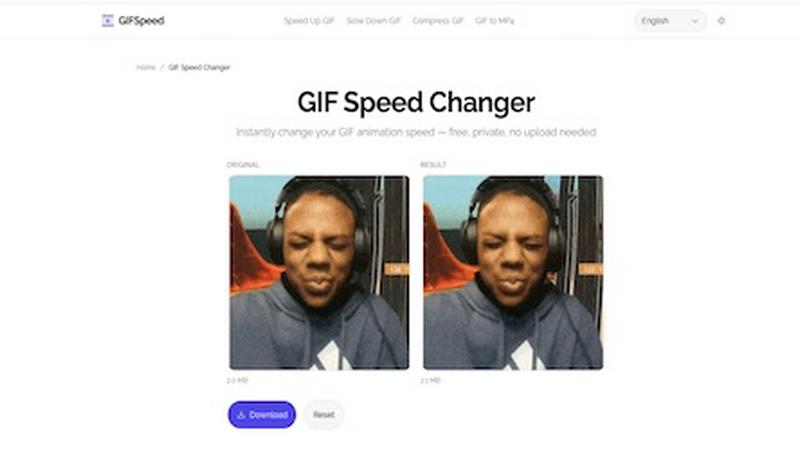
GifSpeed instantly changes your GIF's speed right in your browser, with no uploads and total privacy.
Last updated: February 27, 2026

Wear It Now AI
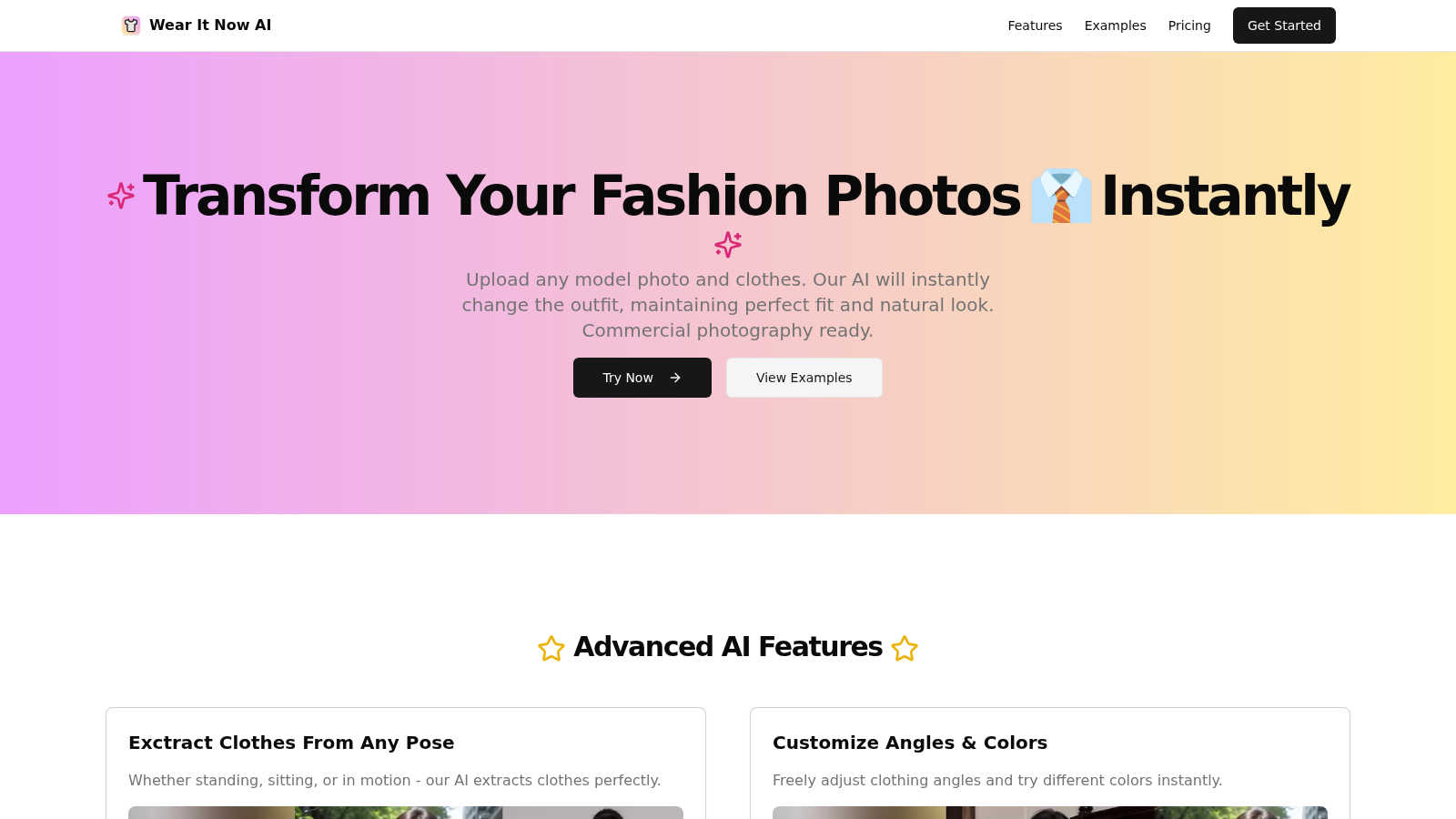
Wear It Now AI instantly changes outfits in any photo with perfect fit and realism.
Visual Comparison
GifSpeed
Wear It Now AI
Feature Comparison
GifSpeed
Instant Browser Processing
GifSpeed leverages powerful WebAssembly technology to process your GIFs entirely within your browser. This means there's no need to upload your file to a remote server and wait for it to process. You get instant results the moment you adjust the speed slider, making edits incredibly fast and efficient without any dependency on your internet connection speed after the initial page load.
100% Private & Secure
Your privacy is paramount. When you use GifSpeed, your files never leave your computer or phone. The tool runs locally in your browser tab, so we never see, store, or have access to your GIFs. This is perfect for editing sensitive content, proprietary software demos, or any material you don't want to hand over to a third-party service.
Free Forever with No Watermarks
GifSpeed is completely free to use with no hidden costs, trials, or subscriptions. You can change the speed of as many GIFs as you want, as often as you want, without ever needing to create an account. Best of all, every GIF you download is clean and free of any annoying watermarks or branding, so your content stays purely yours.
Mobile-Friendly & Precise Control
Designed to work flawlessly on iPhones, Android devices, and all modern desktop browsers, GifSpeed offers a seamless experience anywhere. The interface provides precise control over speed adjustments with a smooth slider ranging from 0.25x (slow motion) to 4x (fast forward), complemented by handy preset buttons for common adjustments.
Wear It Now AI
Pose-Perfect Clothing Extraction
Our AI is smart enough to handle any pose. Whether your model is standing, sitting, walking, or in a dynamic action shot, the technology can accurately extract the clothing item from its original image and adapt it to fit the new pose flawlessly. This eliminates the common issue of clothing looking stiff or awkward when superimposed onto a differently positioned body, ensuring a natural drape and fit every single time.
Customizable Angles & Colors
Don't just swap clothes—transform them. With Wear It Now AI, you have the creative freedom to adjust the angle of the garment on the model for the perfect presentation. Furthermore, you can experiment with different color variations of the same clothing item instantly. This feature is perfect for designers testing palettes or retailers showcasing a product line in multiple colors without needing separate photos for each.
Beyond Clothing: Full Styling Suite
The transformation doesn't stop at shirts and pants. Our platform extends to a full range of accessories and style elements. You can change or add necklaces, rings, bags, hats, and even hairstyles. This holistic approach allows for complete outfit visualization and styling, making it an invaluable tool for creating cohesive looks and detailed fashion editorials with just a few clicks.
Commercial-Grade 8K Resolution
Quality is non-negotiable for professional use. Wear It Now AI generates high-fidelity images suitable for commercial purposes. With the Professional plan, you can output stunning visuals up to 8K resolution. This ensures your images are crisp, detailed, and ready for large-scale printing, high-definition website banners, and social media campaigns, meeting the stringent standards of the fashion and advertising industries.
Use Cases
GifSpeed
Speeding Up Tutorials and Demos
Turn lengthy, slow-paced tutorial GIFs into concise, quick guides. Speed up step-by-step instructions to 2x or 3x speed to help your audience get to the point faster, perfect for embedding in documentation, product demos, or educational content where time is of the essence.
Slowing Down Fast Animations
Analyze rapid motions frame-by-frame by slowing down fast animations. This is ideal for designers studying animation techniques, athletes breaking down form, or anyone who wants to appreciate and catch every detail of a quick action sequence in a GIF.
Reducing GIF File Size for Sharing
Shrink oversized GIFs to meet platform limits without complex software. Compress your GIFs to fit under Discord's 256KB emoji limit, send them via email attachments, or optimize them for faster website loading times, all while maintaining good visual quality.
Fixing Browser Playback Issues
Solve the common problem of GIFs playing too slowly in browsers like Chrome or Safari. Browsers often throttle frame delays. GifSpeed allows you to easily adjust the timing to 40ms or more, ensuring your animations play back smoothly and as intended for every viewer.
Wear It Now AI
E-commerce Product Catalogs
Online clothing stores can revolutionize their product pages. Instead of photographing every item on multiple models, they can use a base set of model photos and digitally "dress" them in the entire inventory. This drastically reduces photoshoot costs and time, allows for faster product launches, and enables showcasing clothing on diverse body types and poses to appeal to a wider customer base.
Fashion Design & Prototyping
Designers can bring their sketches to life rapidly. By uploading a sketch or a basic garment photo onto a model, they can visualize how a new design will look, fit, and drape in real life. This accelerates the prototyping phase, facilitates quicker iterations based on feedback, and helps in making confident decisions before moving to physical sample production, saving significant resources.
Personalized Marketing Campaigns
Marketing teams can create highly targeted and personalized ad content. Imagine showing a potential customer an ad where the model is wearing a new collection in their favorite color, or styled with accessories that match their past purchases. Wear It Now AI makes this level of personalization scalable, leading to higher engagement rates and improved conversion for marketing campaigns.
Virtual Personal Styling & Try-On
For individual consumers and stylists, the platform acts as a virtual fitting room. Shoppers can upload their own photo (or one of a similar model) and "try on" clothes from different stores to see what suits them best before buying. Personal stylists can use it to prepare visual lookbooks for their clients, making the styling process more interactive and visually clear.
Overview
About GifSpeed
GifSpeed is your go-to, completely free online tool for changing the speed of any GIF animation instantly and privately, right within your web browser. Ever needed to speed up a slow tutorial GIF or slow down a rapid animation to catch the details? GifSpeed makes it effortless. The core magic lies in its use of WebAssembly technology, which means all the processing happens directly on your own device. Your GIF files are never uploaded to a server, ensuring 100% privacy and eliminating any waiting time for server queues. Built with creators, marketers, and developers in mind, it solves common frustrations like oversized files for Discord, slow browser playback, or the need for a quick edit for a social media post. It replaces clunky alternatives like ezgif (which requires uploads), complex software like GIMP (which is overkill for simple speed changes), or command-line tools like FFmpeg. With support for files up to 80MB, a simple drag-and-drop interface, and a promise of zero watermarks, GifSpeed offers a streamlined "Drop. Adjust. Download. Done." workflow that works perfectly on both desktop and mobile, no sign-up required.
About Wear It Now AI
Welcome to the future of fashion visualization! Wear It Now AI is an innovative platform that uses advanced artificial intelligence to transform how we see and try on clothes. At its core, it's a powerful virtual try-on tool that allows you to upload a photo of a model (or yourself!) and a photo of a clothing item, and then instantly generates a new image where the model is wearing that outfit. The magic lies in its ability to maintain a perfect, natural fit, realistic lighting, and accurate shadows, making the final result look like it came from a professional photoshoot. This tool is a game-changer for e-commerce brands, fashion designers, marketers, and even individual shoppers who want to visualize an outfit before committing to a purchase. It solves the significant problem of costly and time-consuming traditional photoshoots, enabling rapid prototyping, efficient content creation, and a more engaging online shopping experience. Whether you're looking to create a stunning catalog, experiment with new designs, or simply see how a dress looks in a different color, Wear It Now AI makes it seamless, fast, and incredibly realistic.
Frequently Asked Questions
GifSpeed FAQ
How do I change GIF speed online with GifSpeed?
It's a simple three-step process. First, drag and drop your GIF file onto the upload area or click to browse your device (supports files up to 80MB). Second, use the intuitive slider to adjust the speed from 0.25x (slow motion) to 4x (fast forward). Third, click "Change Speed" to process it instantly in your browser and then download your newly speed-adjusted GIF.
Is the GIF speed changer really free?
Yes, absolutely! GifSpeed is free forever. There are no subscriptions, no hidden fees, and no requirement to sign up for an account. You can use all its features to change GIF speed, compress GIFs, or convert between GIF and MP4 as many times as you want without any cost or watermarks on your downloads.
Does changing GIF speed affect its quality?
Changing the speed of a GIF by adjusting its frame delay does not affect the visual quality or resolution of the individual frames. The tool simply alters the timing between frames. However, if you significantly speed up a GIF, the playback may appear more choppy simply because frames are displayed for a shorter duration.
What is the maximum GIF file size I can use?
GifSpeed supports GIF files up to 80MB in size. This generous limit accommodates most high-quality, lengthy animations you might need to edit. If your file is larger, you may want to consider compressing it first using the built-in compress GIF tool before adjusting its speed.
Wear It Now AI FAQ
How accurate and natural do the final images look?
The images generated by Wear It Now AI are designed for commercial photography quality. The AI specializes in maintaining perfect fit, realistic fabric draping, accurate skin tones, and consistent lighting and shadows. The result is a highly natural image that is often indistinguishable from a traditional photoshoot, making it ready for professional use on websites and in advertisements.
What kind of photos do I need to upload for best results?
For optimal results, use clear, well-lit photos. The model photo should have good posture and be taken against a relatively plain background for easier processing. The clothing photo should be a clear, flat-lay or clean image of the garment on a neutral background. The better the input quality, the more flawless and professional your generated output will be.
Can I use the generated images for commercial purposes?
Yes, absolutely. The images you create, especially on the paid Starter and Professional plans which offer high-quality 4K and 8K downloads, are intended for commercial use. You can use them on your e-commerce site, in social media marketing, print catalogs, and advertising campaigns without any watermark, providing full flexibility for your business needs.
Is there a free way to try the tool?
Yes! Wear It Now AI offers a completely free forever plan. This tier allows you to make 5 generations per month with low-quality downloads. It's a perfect, no-risk way to test the platform's core functionality, understand the workflow, and see the quality of the AI's output for yourself before deciding to upgrade to a paid plan for more generations and higher resolution.