

AI Voice To Video
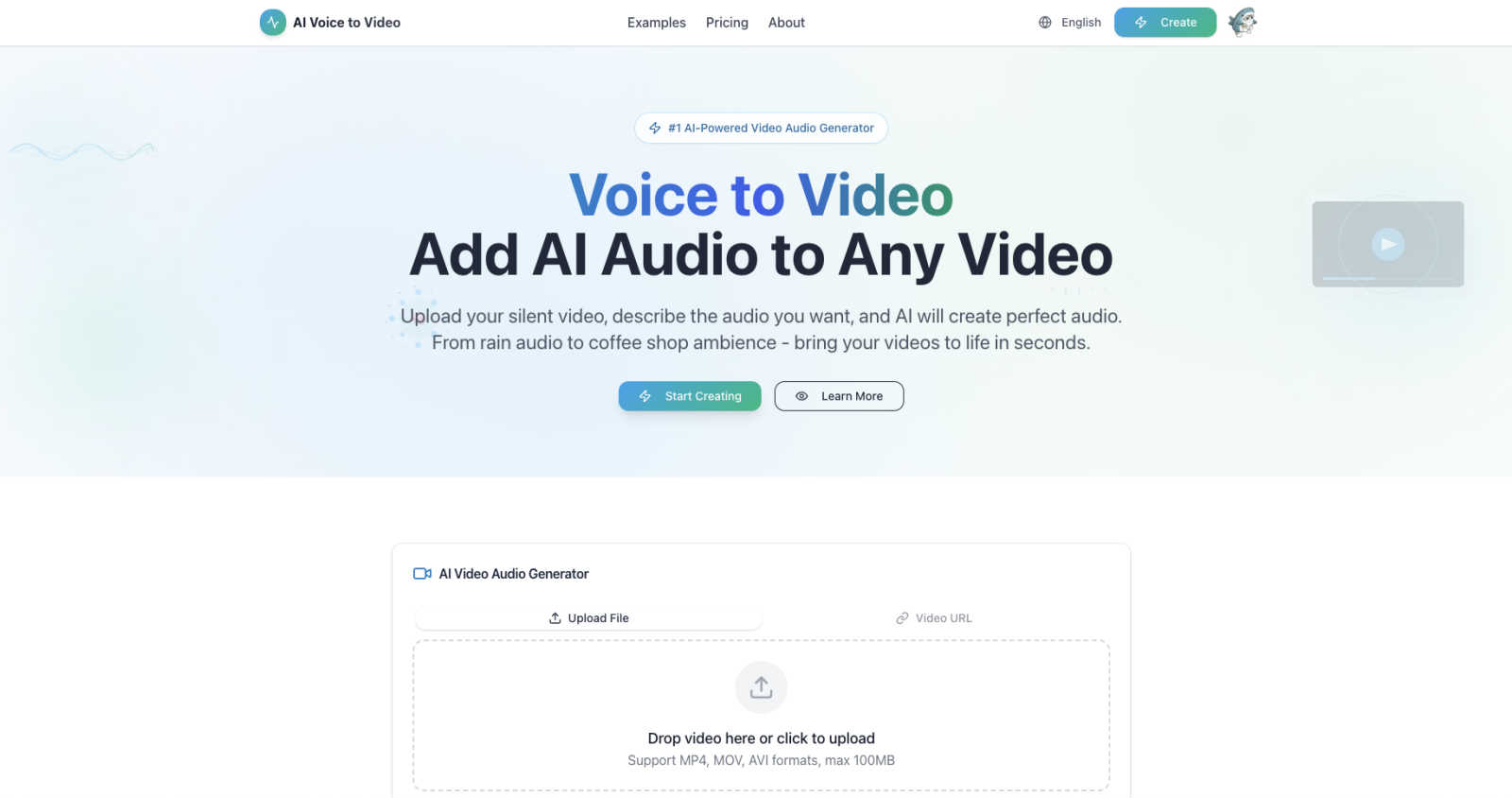
Transform your silent videos into engaging content by generating custom audio with our intelligent AI in seconds.
About AI Voice To Video
AI Voice to Video is a revolutionary AI-powered audio generation tool designed to transform silent videos into captivating visual experiences. By utilizing advanced AI reasoning, this platform allows users to upload their video content and simply describe the audio they envision. Whether it's the soothing sound of rain, the vibrant buzz of a city, or the cozy ambiance of a coffee shop, AI Voice to Video caters to a diverse range of creators, including social media influencers, marketers, educators, and small business owners. The main value proposition of AI Voice to Video is its ability to democratize audio production, making professional-quality sound accessible to everyone. No longer do you need expensive sound libraries, complex editing software, or specialized skills. With its user-friendly interface and lightning-fast workflow, this tool empowers anyone to enhance their videos with high-quality audio in just minutes, all while offering a generous free tier to explore its vast possibilities.
Features of AI Voice To Video
AI Smart Reasoning
AI Voice to Video employs advanced AI reasoning to analyze your video content deeply, ensuring the generated audio is not only relevant but also perfectly matches the visual elements. This intelligent processing means that the audio adds significant value to the viewer's experience.
Lightning Fast Audio Generation
Gone are the days of spending hours on audio editing. With AI Voice to Video, you can receive professional-quality audio effects in mere minutes. The streamlined process allows you to upload your video, describe the desired sound, and get your finished product quickly, making it ideal for time-sensitive projects.
Professional Quality Sound
Every audio effect generated by AI Voice to Video is produced at 44.1kHz professional audio quality. This ensures that the sound you add to your videos is clear and impactful, suitable for any platform, whether for social media, presentations, or educational content.
Unlimited Audio Possibilities
With AI Voice to Video, the only limit is your imagination. The tool supports a wide range of audio types, from natural sounds like birds chirping or waves crashing to urban sounds like bustling streets or café chatter. If you can describe it, the AI can create it, opening up endless creative opportunities.
Use Cases of AI Voice To Video
Social Media Content Creation
Content creators can elevate their social media videos by adding tailored audio effects that enhance viewer engagement. Whether it’s a travel vlog with scenic soundscapes or a product demo with relevant ambiance, AI Voice to Video provides the perfect sound enhancements.
Educational Videos
Educators can use AI Voice to Video to create engaging learning materials. By adding appropriate audio backgrounds to instructional videos, teachers can create a more immersive learning experience that captures students' attention and enhances retention.
Marketing and Product Demos
Marketers can leverage the tool to create high-quality product demonstration videos. By incorporating audio that complements the visuals, they can effectively showcase their products, making them more appealing to potential customers.
Film and Video Production
Film students and independent filmmakers can benefit greatly from AI Voice to Video. The tool allows them to quickly add professional-grade sound to their projects, saving time and resources while enhancing the overall production quality.
Frequently Asked Questions
How does AI Voice to Video generate audio?
AI Voice to Video uses advanced AI algorithms to analyze the visual content of your video and understand the context, allowing it to generate audio that fits perfectly with what is being shown.
What formats does AI Voice to Video support for video uploads?
The platform supports multiple video formats, including MP4, MOV, and AVI, with a maximum file size limit of 100MB, making it accessible for various types of video content.
Can I use the generated audio for commercial projects?
Yes, the audio generated by AI Voice to Video can be used for both personal and commercial projects, making it a versatile tool for creators across different industries.
Is there a free trial available for AI Voice to Video?
Absolutely! AI Voice to Video offers a generous free tier that allows users to explore its features and capabilities before committing to a paid plan, making it easy to test it out.
Explore more in this category:
Similar to AI Voice To Video


xfiles
Free PDF, image and audio tools that process your files locally in your browser. No account or added watermarks.

Dame Hombro
Make a personalized Dame Hombro freestyle video from one person or pet photo.

Popstar AI
Popstar AI is an AI video generator that puts you in Drake's POPSTAR music video from one photo, with the original song and no watermark.

Bulin 47 AI Videos
One photo in, a 15-second Bulin 47 street freestyle video with sound out: original dembow beat, lip-synced Spanish verse, crowd.


Bulin 47 AI
Turn one photo into the viral 19-second Bulin 47 freestyle, with original sound and a watermark-free vertical MP4.