
Any2Text
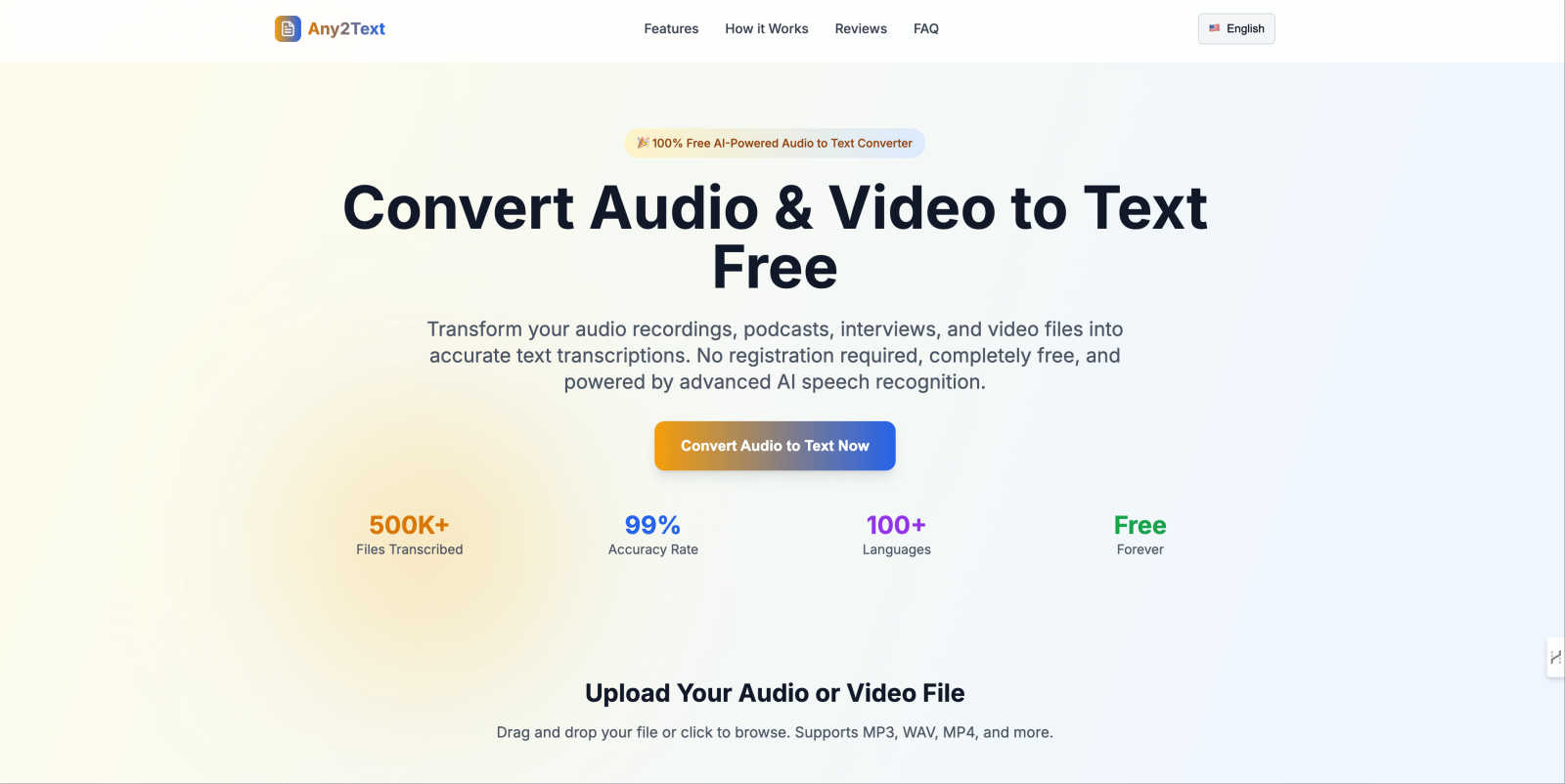
Any2Text is a free AI tool that instantly converts audio and video files into accurate text transcriptions.
About Any2Text
Any2Text is a user-friendly, completely free online platform designed to convert spoken words into written text effortlessly. Utilizing advanced AI speech recognition technology, Any2Text transforms audio and video files into searchable, editable, and shareable text transcripts. It caters to a diverse range of users, including content creators, journalists, students, and business professionals. Whether you are looking to transcribe a podcast episode, an interview, lecture notes, or meeting recordings, Any2Text has you covered. The main value proposition of Any2Text lies in its simplicity and effectiveness: providing professional-grade transcription that is fast, accurate, and respects user privacy without requiring payment or registration. By making voice data instantly accessible, Any2Text empowers users to focus on what truly matters: creating, learning, and effective communication.
Features of Any2Text
Lightning Fast AI Transcription
Any2Text employs sophisticated AI speech recognition technology to convert audio to text in minutes. This is especially beneficial for those who need quick turnarounds, such as podcasters and journalists, allowing users to get their transcripts without unnecessary delays.
100% Free Audio to Text Service
Users can enjoy unlimited audio and video file conversions without any hidden costs, subscription fees, or registration requirements. This makes Any2Text an accessible tool for anyone needing transcription services, regardless of budget.
Multi-Language Support
With support for over 100 languages, Any2Text can transcribe audio in English, Spanish, French, German, Chinese, and many more. This feature is ideal for users working in multilingual environments or those who need to convert audio from various language sources.
Mobile-Friendly Interface
Any2Text is designed with a responsive layout that works seamlessly on smartphones and tablets. This allows users to convert audio to text on-the-go, making it convenient for busy individuals who need transcription services wherever they are.
Use Cases of Any2Text
Transcribing Podcasts
Podcasters can utilize Any2Text to quickly transcribe their episodes, making it easier to create show notes or blog posts that accompany their audio content. This is a time-saving solution that enhances their content's accessibility.
Lecture Notes for Students
Students can record their lectures and use Any2Text to convert these recordings into written notes. This streamlined process allows them to focus on understanding the material during class rather than scrambling to take notes.
Interview Transcriptions for Journalists
Journalists can benefit from Any2Text by transcribing interviews efficiently. With high accuracy, they can ensure that quotes and important details are captured correctly, saving them time and effort in the editing process.
Documenting Business Meetings
Business professionals can use Any2Text to transcribe meetings, creating accurate records of discussions and decisions made. This aids in maintaining clear communication and accountability within teams.
Frequently Asked Questions
What audio and video formats does Any2Text support?
Any2Text supports a wide range of audio and video formats, including MP3, WAV, M4A, AAC, MP4, AVI, and MOV. This versatility allows users to upload almost any file type for transcription.
Is Any2Text really free to use?
Yes, Any2Text is completely free to use. There are no hidden fees, subscription costs, or registration requirements, enabling users to convert audio and video files without any financial barriers.
How accurate is the AI transcription?
Any2Text boasts an impressive accuracy rate of 99%. This high level of precision ensures that users receive reliable transcriptions, making it suitable for professional and academic purposes.
What's the maximum file size I can upload?
Any2Text allows users to upload files up to a maximum size of 200MB. This ensures that users can convert lengthy audio or video recordings without encountering size limitations.
Similar to Any2Text

xfiles
Free PDF, image and audio tools that process your files locally in your browser. No account or added watermarks.


Toolara Music
Describe a song in plain text and get a complete track — vocals or instrumental, custom lyrics, up to 120 seconds, MP3 download

Euphona
Turn raw recordings into release-ready sound with AI: mastering, stem separation, restoration, vocal tuning, mixing and spatial audio.


Piano to Sheet Music
Turn a piano recording into sheet music, MIDI and MusicXML, with the first 30 seconds free in your browser.

VibTV
AI creative studio for music videos, UGC ads, product films, and viral marketing videos.

Producer Tag Generator
Give your beats a name people know. Use our free producer tag generator to write a short line and choose effects. Open Advanced Mode to pick a voice s