

CircleCrop
Easily crop any image into a perfect circle for stunning social media profiles, avatars, and professional projects.
About CircleCrop
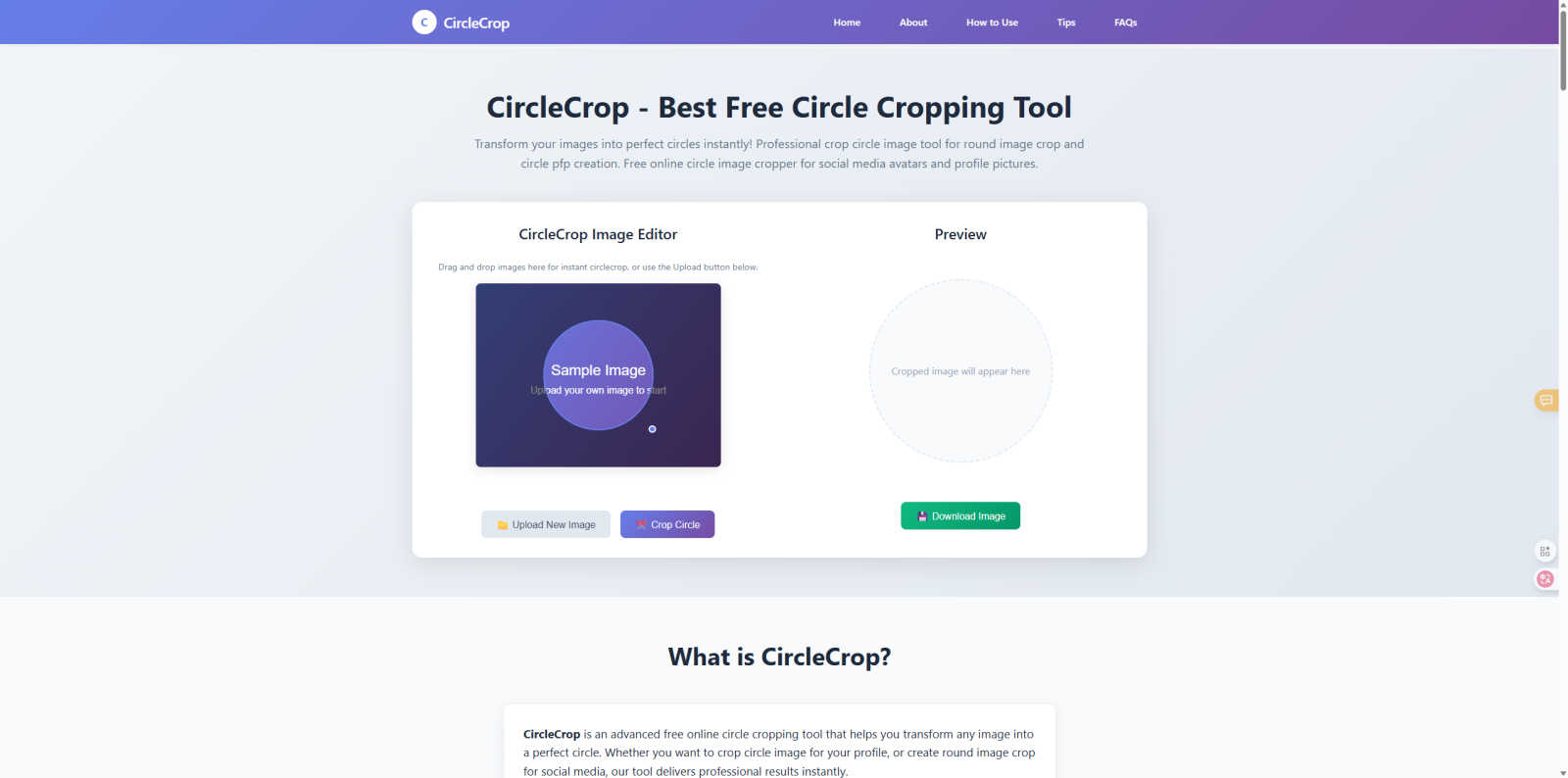
CircleCrop is an innovative, free online tool designed to effortlessly transform any ordinary image into a perfect circle. With a focus on simplicity and functionality, CircleCrop addresses a common need in the digital world: creating polished round images for a variety of uses. It is ideal for social media managers seeking a consistent brand avatar, job seekers looking to enhance their LinkedIn headshots, gamers crafting unique Discord icons, or anyone wanting to improve their profile picture. The main value proposition of CircleCrop lies in its ability to deliver professional-quality results instantly, without the hassle of complicated software or a lengthy sign-up process. Everything is handled directly in your web browser on any device, ensuring that your privacy is fully protected, as images are processed locally without being uploaded to a server. CircleCrop is your fastest, easiest, and most reliable solution for achieving the perfect circle crop for any image.
Features of CircleCrop
Real-time Preview
CircleCrop offers a real-time preview feature that allows you to see the results instantly as you adjust the cropping area. This eliminates any guesswork, ensuring that what you see is exactly what you get. You can make live adjustments for perfect positioning, ensuring that your image looks just right before you finalize the crop.
No Registration Required
With CircleCrop, you can start using the tool immediately without the need to create an account or sign up. This means that no email or personal information is required; you can simply upload and crop your images without any barriers. This feature promotes ease of use and unlimited access for all users.
Privacy & Security
CircleCrop prioritizes your privacy and security by utilizing 100% client-side processing. This means that your images never leave your device during the cropping process. You can use the tool with complete peace of mind, knowing that all your circle cropping needs are handled locally, without any uploads or data sharing.
Multiple Formats Supported
The tool supports a variety of image formats including JPG, PNG, and GIF, with a file size limit of up to 10MB. This flexibility allows users to crop images from various sources effortlessly, accommodating different types of projects and needs. The drag-and-drop support adds to the convenience, making the process even smoother.
Use Cases of CircleCrop
Social Media Profiles
CircleCrop is perfect for creating profile pictures for platforms like Instagram, Facebook, Twitter, LinkedIn, and TikTok. With its ability to create polished circular avatars, it helps users stand out in their feeds and make lasting impressions on followers and connections.
Professional Headshots
Transform your business photos into polished profile pictures suitable for corporate websites, email signatures, and business cards. CircleCrop ensures that your professional image is crisp, clean, and visually appealing, enhancing your professional presence online.
Gaming Avatars
Gamers can create unique profile pictures for platforms like Discord, Steam, and Twitch. CircleCrop allows for custom round image crops that are perfect for clan logos and team avatars, helping to establish a distinct identity in the gaming community.
Creative Projects
Whether you are designing presentations, marketing materials, logos, or artistic compositions, CircleCrop provides unlimited creative possibilities. The ability to create circular elements enhances the aesthetic of your projects, making them more visually engaging and professional.
Frequently Asked Questions
Is CircleCrop really free to use?
Yes, CircleCrop is completely free to use with no hidden fees or subscription plans. You can access all the features without any cost, making it an accessible tool for everyone.
Do I need to create an account to use CircleCrop?
No, you do not need to create an account to use CircleCrop. You can start cropping images immediately without providing any personal information or registering, allowing for a hassle-free experience.
What image formats does CircleCrop support?
CircleCrop supports multiple image formats including JPG, PNG, and GIF. You can upload images up to 10MB in size, giving you the flexibility to work with different types of files.
How does CircleCrop protect my privacy?
CircleCrop ensures your privacy through 100% client-side processing. This means your images are processed locally on your device and are never uploaded to a server, providing complete security for your images during the cropping process.
Similar to CircleCrop

Try OC Maker
Create OCs from text or images, customize their look, and turn them into animated videos with AI.

IconCreator
IconCreator is an AI-powered logo and app icon generator. Create professional logos, app icons, favicons, and brand assets in minutes.

Reword Image
Change the text already printed inside a photo, screenshot or poster, without the original design file.

IdeaAize Free AI Tools
IdeaAize Free AI Tools is a suite of 50+ free online utilities that run 100% in your browser — no registration, no file uploads, no watermarks.

Spaceora
Turn room and outdoor photos into AI interior, virtual staging, garden and landscape design concepts.

Artcraft AI
AI image and video studio in your browser: generate and edit images, turn photos into videos, edit clips by sentence.

PXDMD
Free AI image editor: remove backgrounds, erase objects and watermarks, and color-grade photos in seconds.

AFFLIGO
AFFLIGO is a free online toolkit for everyday file tasks. Easily edit PDFs, compress images, convert file formats, and get things done.