
Alternatives to CircleCrop
Explore the best alternatives and competitors to CircleCrop.
Explore 20 alternatives to CircleCrop. Compare features, pricing, and find the best fit for your needs.

Promptclay
Free-to-copy AI image prompt library. Each prompt is shown next to the image it made.
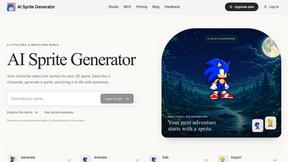
AI Sprite Generator
The AI Sprite Generator is a browser-based AI platform that helps users create pixel art characters and animations for 2D games.

Enhance My Photo
Online AI photo enhancer that sharpens portraits, products, scenery, pets and text images and exports JPEG/PNG/WebP without watermarks.

AppIconGenerator
Generate iOS and Android app icons from any image and export all platform sizes for free.

MyLookStory
AI hairstyle try-on, photo editing, image generation and short videos in one workspace.
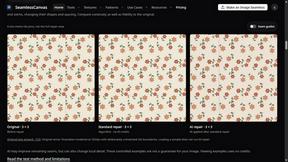
SeamlessCanvas
Create seamless textures and repeat patterns with AI, repair uploaded image edges, and inspect tiled previews.


Dola AI
Generate images and videos, edit photos and films, compose 3D scenes, and work with documents, spreadsheets, slides and PDFs.

SquishFile
Compress video free in your browser — shrink MP4, MOV, MKV or AVI to an exact size like 10MB or 25MB. No upload, no watermark, no sign-up.
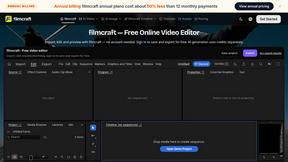
filmcraft
Edit videos free in your browser. Import, color, audio and preview without an account; sign in to save/export free. AI uses credits.
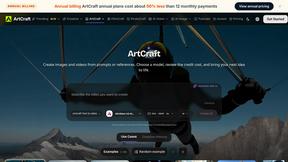
ArtCraft
Compose images, stage 3D scenes, edit video and organize references in one web studio. AI generation and AI editing use credits.
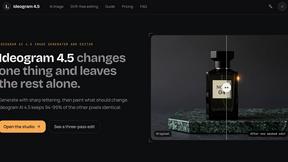
Ideogram 4.5
Ideogram AI 4.5 is an image generator and editor for precise, drift-free refinement, native 2K lettering, and Pixel Lock.

nanobanana 2.1
Nano Banana 2.1 is a fast AI image generation and editing model for realistic visuals, consistent characters, readable text, and precise creative cont

AppScreenshots
Create professional App Store, Google Play, Chrome Web Store and AppGallery screenshots with 3D device frames, templates and batch export.



UX Critic
AI design critic: scored UX reviews with every issue pinned to the exact region of your screenshot.
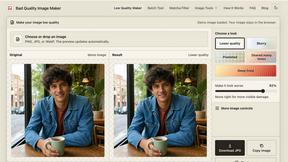
bad quality image maker
Make any image look intentionally bad — blurry, pixelated, or deep fried. Free, in your browser, no signup.

About CircleCrop Alternatives
CircleCrop is a user-friendly online tool designed to instantly crop images into perfect circles, making it ideal for social media profiles, avatars, and professional presentations. As a part of the design tools category, it caters to various users, from social media managers to job seekers, who need polished images without the hassle of complex software. However, many users often seek alternatives due to varying needs such as additional features, specific platform compatibility, or unique pricing structures that better suit their situation. When searching for alternatives, it's important to consider aspects such as ease of use, processing methods, privacy options, and whether the tool is free or requires a subscription. Users should look for solutions that provide similar functionalities with added benefits like advanced editing capabilities, or those that cater to specific design preferences and workflows. Finding the right fit can enhance the user experience and improve the overall quality of their image editing tasks.
FAQs about CircleCrop Alternatives
What is CircleCrop?
CircleCrop is a free online tool that allows users to transform any image into a perfect circle for social media profiles and avatars.
Who is CircleCrop for?
CircleCrop is designed for anyone needing to create polished, round images, including social media managers, job seekers, gamers, and casual users.
Is CircleCrop free?
Yes, CircleCrop is completely free to use with no hidden fees, watermarks, or usage limits.
What are the main features of CircleCrop?
CircleCrop offers real-time preview and precision controls, 100% client-side processing for privacy, and no registration requirements.