

Video Watermark Remover AI
Easily remove video watermarks in seconds with our AI tool while maintaining stunning quality and clarity.
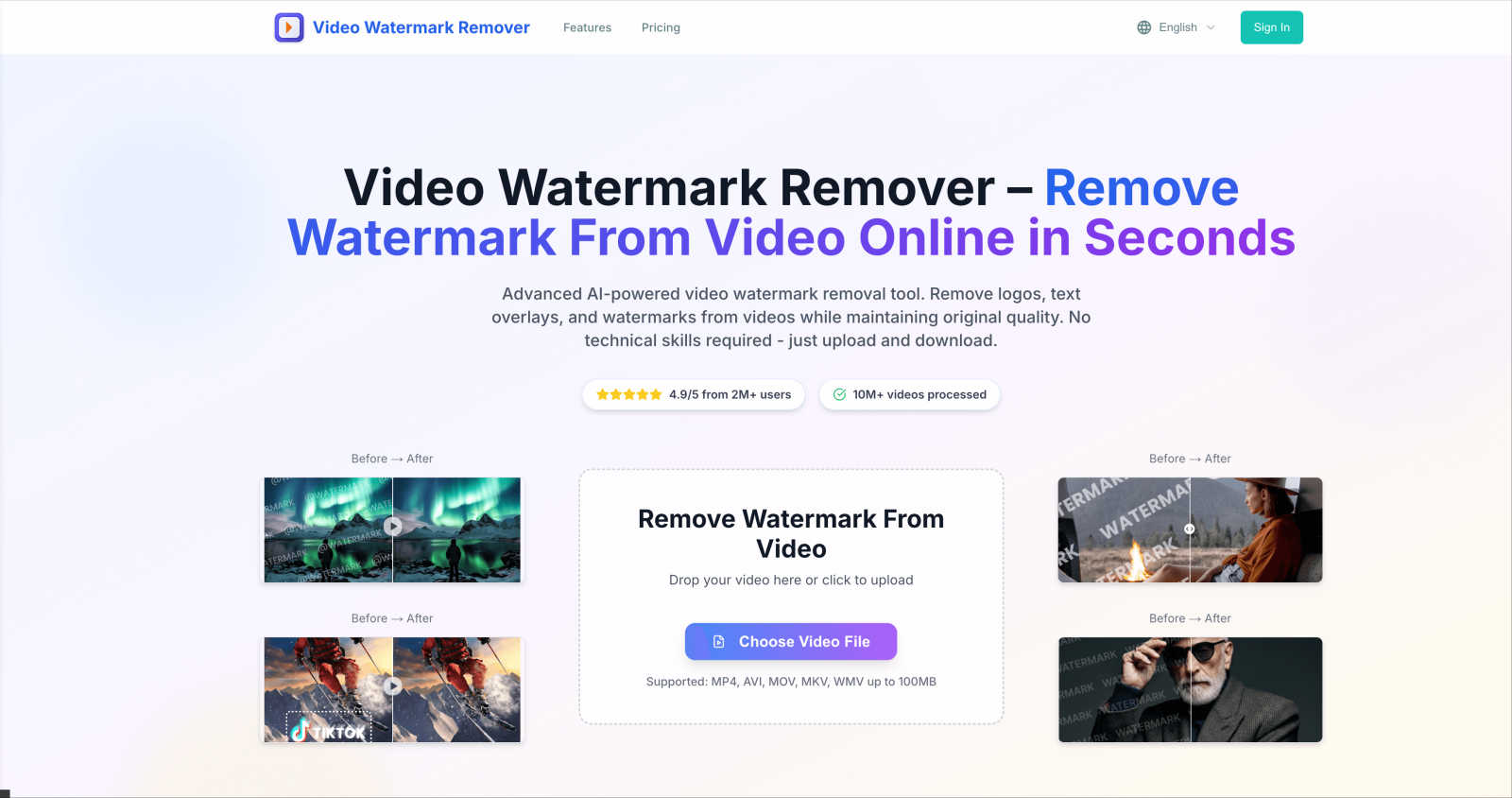
About Video Watermark Remover AI
Video Watermark Remover AI is an innovative online tool designed to help users effortlessly remove unwanted watermarks, logos, text, and other distracting elements from their videos. This powerful solution is particularly beneficial for content creators, marketers, social media managers, educators, and anyone who frequently works with video content. Its main value proposition lies in its remarkable ease of use and efficiency: simply upload a video from popular platforms like TikTok, YouTube, or Instagram, and within two minutes, you can download a pristine, watermark-free version without compromising on quality. There's no need for complex editing software or extensive technical skills, making it accessible for users of all backgrounds. The tool supports various video formats, including MP4, AVI, MOV, MKV, and WMV, and ensures a secure process by automatically deleting files from its servers after use. With Video Watermark Remover AI, reclaiming your videos has never been easier, allowing you to repurpose content, create professional presentations, or enjoy clean footage for any project.
Features of Video Watermark Remover AI
Advanced AI Technology
Utilizing cutting-edge artificial intelligence, Video Watermark Remover AI detects and removes watermarks with remarkable precision. This technology analyzes each frame of the video, ensuring that the removal process does not compromise the original quality or clarity of the footage.
Fast Watermark Removal
The tool is designed for speed and efficiency, allowing users to remove watermarks in a matter of minutes. There is no need for complicated software or prior editing experience, making it an ideal solution for those short on time.
High-Quality Output
Video Watermark Remover AI guarantees high-quality video output. Users can expect to receive their videos in HD quality, with no blurring or traces left behind after watermark removal, preserving every detail of the original footage.
Multi-Format Support
This versatile tool supports a wide range of video formats, including MP4, AVI, MOV, MKV, and WMV. It can handle diverse video types with ease, ensuring that users can upload and process videos from various sources without any hassle.
Use Cases of Video Watermark Remover AI
Content Creation
Content creators can enhance their videos by removing distracting watermarks that may detract from the overall presentation. Whether it's a promotional video or a social media post, having clean footage is essential for engaging audiences effectively.
Marketing and Branding
Marketers can use Video Watermark Remover AI to repurpose existing video content for new campaigns. By eliminating unwanted logos or watermarks, they can create polished videos that better align with their branding and messaging strategies.
Educational Purposes
Educators looking to share video content can benefit from this tool by removing unnecessary watermarks from educational videos. This ensures that the focus remains on the content being taught, enhancing the learning experience for students.
Personal Projects
Individuals working on personal video projects can utilize the tool to create clean and professional-looking videos. Whether it's for family events, travel vlogs, or personal milestones, removing watermarks can significantly improve the final product.
Frequently Asked Questions
How does Video Watermark Remover AI work?
Video Watermark Remover AI employs advanced AI algorithms to analyze video frames and detect watermarks. It then uses sophisticated techniques to remove them while maintaining the video's original quality.
What video formats are supported?
The tool supports a variety of video formats, including MP4, AVI, MOV, MKV, and WMV, making it versatile for different users and use cases.
Is my video safe when using this tool?
Yes, your privacy is a top priority. Uploaded videos are automatically deleted from the server within 24 hours, ensuring that your files remain secure and confidential.
Can I use this tool on my mobile device?
Absolutely! Video Watermark Remover AI is designed to work seamlessly across all devices, including desktops, mobiles, and tablets, allowing you to remove watermarks anytime, anywhere.
Explore more in this category:
Similar to Video Watermark Remover AI


Bulin 47 AI
Turn one portrait into a vertical AI-generated freestyle performance video.

Genjutsu AI Video Editor
Edit existing videos with AI: swap characters, outfits, objects or scenes while using the source clip to guide motion and camera framing.

Bulin 47 Video Generator
AI Video Bulin47 lets you put yourself in the viral Bulin47 video trend with AI. Upload your photo, create a personalized Bulin47 video, and share it

Bulin 47 AI Freestyle Video Generator
Upload any photo and get your own Bulin 47 AI Freestyle video

AI Face Swap Video
Swap any face into any video online with AI in minutes. Upload a clip and a photo, get natural lighting and expressions. Free credits on sign-up.

Rumpelstiltskin AI Video Generator
Make the viral Rumpelstiltskin tiptoe dance meme video from two photos

TryH3 - MiniMax H3 Video Generator
Try MiniMax Hailuo H3 video generation in the browser