
Alternatives to AI ImageEditor
Explore the best alternatives and competitors to AI ImageEditor.
Explore 20 alternatives to AI ImageEditor. Compare features, pricing, and find the best fit for your needs.
ImageGPT
ImageGPT is an all-in-one AI creative platform for generating, editing and transforming images and videos using AI.
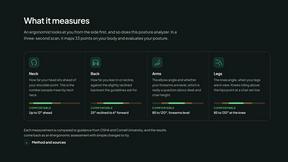
ErgoAssessment
See your posture the way an ergonomist beside your desk would. Your camera, five body angles, plain fixes. Free, no signup.
ImgEnhancer
Free AI image enhancer that sharpens blurry photos, reduces noise, upscales resolution, and restores clarity online.
AI Album Cover Maker
Create release-ready album covers from a prompt or photo. Generate, refine, and export art for singles, EPs, mixtapes, and playlists.
RemoveMate
AI background removal and image cleanup tools for product photos, portraits, social posts and everyday creative projects.
Krea 3
Krea 3 is an AI image editor that relights photos, swaps backgrounds and changes one object from a text prompt with GPT Image 2 and Nano Banana Pro.
Nano Pro
AI photo editor and image generator with Nano Banana models, up to 14 references and 4K output.
Remove Background
Free background remover that runs entirely in your browser — no uploads, no watermark, no account.
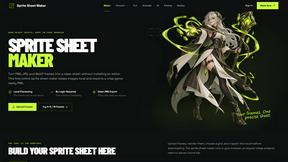
Sprite Sheet Maker
A free browser-based toolkit for creating, cutting, converting, and previewing sprite sheet animations.
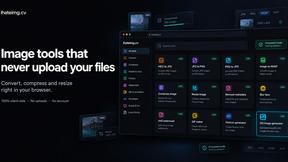
ihateimg
ihateimg.cv is a privacy-first collection of free image tools that run entirely in your browser. Convert, compress, resize, crop, edit, watermark, ins
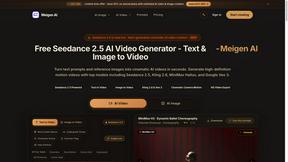
Meigen AI
Create AI images and videos from text, images, or editing prompts using multiple leading models in one workspace.
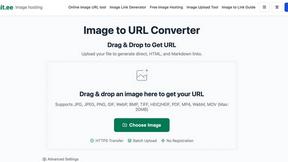
Image to URL Converter
Image to URL converter: turn a local image into a public HTTPS link. No account required; supports common formats up to 20MB and HTML, Markdown
Happy Horse 2
AI image-to-video generator: turn photos and prompts into cinematic clips on Veo 3.1, Sora 2 or Seedance.
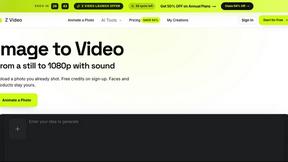
Z Video
Image to video AI generator: animate any photo into a 1080p clip with sound on Sora 2, Veo 3.1 or Seedance.

pomelli
Pomelli scans your website's DNA to generate ready-to-publish social ad campaigns with instant HTML-based editing
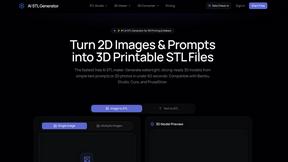
AI STL Generator
The fastest AI STL generator to turn prompts and images into 3D printable STL files.
About AI ImageEditor Alternatives
AI ImageEditor, found at ImageEditor.net, is a powerful all-in-one AI image editor that lives entirely in your browser. It belongs to the Image & Photo and Image Generation categories, combining tools like text-to-image generation, background removal, object replacement, style transfer, and high-resolution upscaling into one streamlined workflow. While it’s designed to be a comprehensive solution for creators, marketers, and designers, users often look for alternatives for a few common reasons. Some might need a more specialized tool for a single task, like advanced photo retouching or vector editing, while others may be exploring different pricing models, such as a strictly free tier or a one-time purchase instead of a subscription. Platform compatibility can also be a factor, as some users prefer desktop software or mobile-first apps. When choosing an alternative to a tool like AI ImageEditor, it’s helpful to focus on your specific workflow needs. Start by listing the features you use most—whether that’s background removal, upscaling, or generating new images from scratch—and make sure any replacement covers those basics well. Also consider ease of use: a steep learning curve can slow you down, so look for a clean interface and helpful tutorials. Finally, think about output quality and speed, especially if you’re working with high-resolution images for professional projects. Reading user reviews and testing free trials can give you a clear sense of whether a tool fits your style before you commit.
FAQs about AI ImageEditor Alternatives
What is AI ImageEditor?
AI ImageEditor, available at ImageEditor.net, is an all-in-one AI-powered image editing tool that lets you generate, edit, enhance, and upscale images directly in your browser. It combines multiple features like text-to-image generation, background removal, object replacement, style transfer, and high-resolution upscaling into a single, simple workflow. This means you don’t need to switch between different apps or install heavy software to get professional-quality visuals.
Who is AI ImageEditor for?
AI ImageEditor is designed for a wide range of users including creators, marketers, designers, and businesses who need professional-quality visuals without the complexity of traditional editing software. It’s especially useful for anyone who regularly needs to generate new images from text, remove or replace backgrounds, apply artistic styles, or upscale low-resolution photos. The platform’s browser-based nature makes it accessible to both beginners and experienced editors alike.
Is AI ImageEditor free?
Based on the product description, AI ImageEditor is positioned as a professional tool, and while specific pricing details are not provided here, it is common for such all-in-one platforms to offer a free trial or a limited free tier with premium features available through a subscription. For the most accurate and current pricing information, you should visit ImageEditor.net directly to see their plans, which may include options for individual users, teams, or businesses. The tool’s value lies in combining multiple advanced features that would otherwise require separate paid tools.
What are the main features of AI ImageEditor?
AI ImageEditor bundles several powerful capabilities into one browser-based platform. Key features include text-to-image generation for creating visuals from prompts, background removal for isolating subjects, object replacement for swapping items in a scene, style transfer for applying artistic effects, and high-resolution upscaling to enhance image quality. These tools are designed to work together in a simple workflow, allowing users to go from idea to finished image without leaving the editor or using multiple applications.