
Alternatives to Cursive Generator
Explore the best alternatives and competitors to Cursive Generator.
Explore 20 alternatives to Cursive Generator. Compare features, pricing, and find the best fit for your needs.

Enhance My Photo
Online AI photo enhancer that sharpens portraits, products, scenery, pets and text images and exports JPEG/PNG/WebP without watermarks.
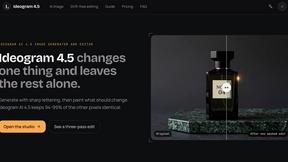
Ideogram 4.5
Ideogram AI 4.5 is an image generator and editor for precise, drift-free refinement, native 2K lettering, and Pixel Lock.
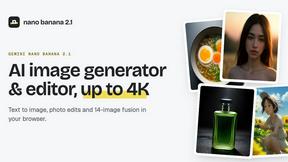
nanobanana 2.1
Nano Banana 2.1 is a fast AI image generation and editing model for realistic visuals, consistent characters, readable text, and precise creative cont


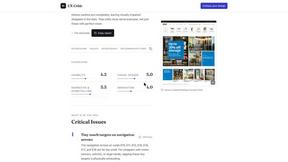
UX Critic
AI design critic: scored UX reviews with every issue pinned to the exact region of your screenshot.
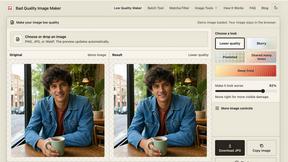
bad quality image maker
Make any image look intentionally bad — blurry, pixelated, or deep fried. Free, in your browser, no signup.

Engineering on Web
Free browser CAD, FEA and SPC with an AI assistant: model by text or voice, AI-tuned solvers, AI result interpretation. No install, no account.
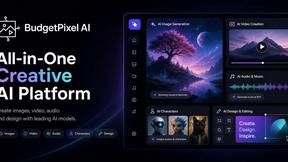
Budgetpixel AI
Create and edit AI images, videos, music, and designs in one workspace, with multiple models, reusable characters, and API access.
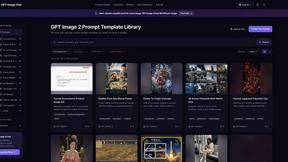
GPT Image Hub
Curated image prompts, reusable templates, and multi-model AI generation in one workspace.
stampcreatoronline
Online stamp maker. Keep every layer Create a custom stamp in the editor below. Change every word, border and symbol, then export a clean production
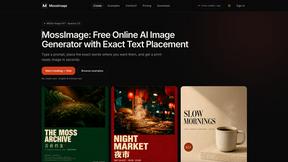
MossImage
MossImage is a browser-based AI image generator built on MOSS-Image SFT. It renders English and Chinese text inside posters, menus, packaging, ads and

Seedream 5.5
Seedream 5.5 by ByteDance: 80+ rounds of stable image editing, native RGBA transparency, 100-layer splits, 4K output and reliable multilingual text.
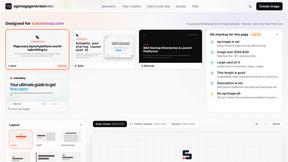
ogimagegenerator.dev
Paste a URL and AI designs on-brand Open Graph images from your page's colours, fonts and logo. Free, no sign-up.
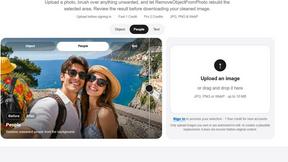
RemoveObjectFromPhoto
Remove unwanted objects, people, and text from photos with AI for clean, natural-looking results in seconds.
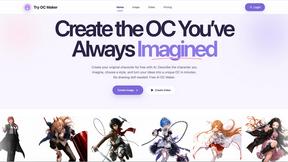
Try OC Maker
Create OCs from text or images, customize their look, and turn them into animated videos with AI.
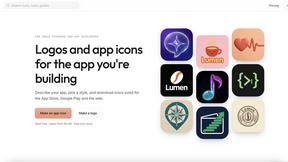
IconCreator
IconCreator is an AI-powered logo and app icon generator. Create professional logos, app icons, favicons, and brand assets in minutes.
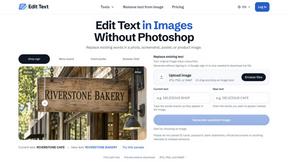
Reword Image
Change the text already printed inside a photo, screenshot or poster, without the original design file.
About Cursive Generator Alternatives
Cursive Generator is a free, browser-based design tool that allows anyone to instantly create elegant cursive text without needing to install fonts or open complex software. It falls under the category of Design Tools, specifically focusing on typography and digital lettering for tasks like crafting signature previews, tattoo lettering mockups, social media bios, and printable worksheets. While the tool is excellent for quick and beautiful results, users often look for alternatives due to evolving needs such as a desire for more advanced editing controls, specific font libraries not offered, offline access, or integration with other design platforms. Some users might also need different output file types or more robust collaboration features for team projects. When searching for a suitable alternative, you should prioritize tools that match your primary use case, whether that is high-quality previews for tattoos, professional signature generation, or educational worksheet creation. Consider the range of font styles and customization options available, such as the ability to adjust letter spacing, sizing, and line thickness. It is also important to evaluate the tool's export capabilities, looking for formats like PNG, SVG, or PDF that fit your workflow. Finally, check if the tool offers a distraction-free interface and reliable performance across different devices, as these factors significantly impact the user experience for both casual and professional projects.
FAQs about Cursive Generator Alternatives
What is Cursive Generator?
Cursive Generator is a free online design tool that helps users create beautiful cursive fonts and text styles instantly. It is designed for a variety of creative tasks, including generating elegant signatures, tattoo lettering previews, social media bio text, and printable worksheets. The tool works directly in your browser, eliminating the need to download or install any fonts or professional design software.
Who is Cursive Generator for?
Cursive Generator is ideal for a wide range of users including social media managers, tattoo artists, students, teachers, and anyone looking to add a personal, elegant touch to their text. It is particularly useful for individuals who need quick, professional-looking cursive text for signatures, custom branding, or educational materials. Because it is free and browser-based, it is also perfect for casual users who want to experiment with different cursive styles without any commitment.
Is Cursive Generator free?
Yes, Cursive Generator is completely free to use. There are no hidden fees, subscription costs, or paywalls for accessing its core features, such as creating cursive text, previewing signatures, and generating downloadable design assets. This makes it an accessible tool for anyone, from hobbyists to professionals, who need quick and elegant cursive text without any financial investment.
What are the main features of Cursive Generator?
The main features of Cursive Generator include the ability to quickly create elegant cursive text, generate realistic signature previews, and design tattoo lettering mockups. It also allows users to craft stylish text for social media bios and create printable worksheets for educational purposes. Additionally, the tool provides downloadable design assets in various formats, making it easy to use your creations in other projects without needing professional design software.