
Alternatives to Fix Pixelated Photos
Explore the best alternatives and competitors to Fix Pixelated Photos.
Explore 20 alternatives to Fix Pixelated Photos. Compare features, pricing, and find the best fit for your needs.


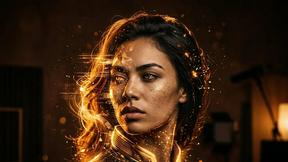
Halloween Unicorn
Create an original Halloween unicorn portrait from a photo with 34 ready-made styles.
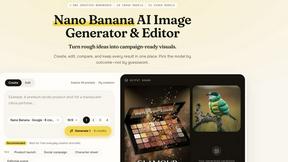
Nano AI
Create and edit AI images and videos in one workbench, with multiple models, reference images and a shared credit balance.
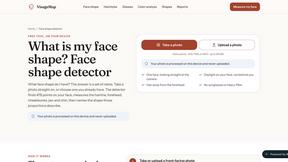
VisageMap
Free face shape, color season, symmetry and undertone tools that run in your browser. The photo is measured on your device and never uploaded.
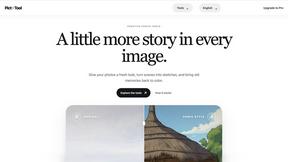
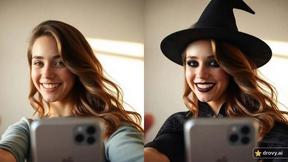
drovy.ai
Turn one selfie into this week's viral photo trend in about 20 seconds. One free AI tool per trend, no app, no account.
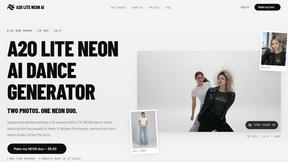
A2O LITE NEON AI
Upload two photos and get a 15-second AI video of those two people doing the A2O LITE NEON intro.
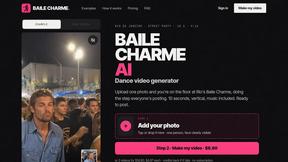
Baile Charme AI
Upload one photo and get a 10-second vertical AI video of you dancing the charme step in Rio.
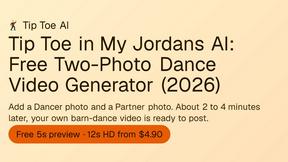
Tip Toe AI
Upload a Dancer photo and a Partner photo and get your own AI Tip Toe barn-dance video. Free 5s preview, 12s HD from $4.90. No subscription.
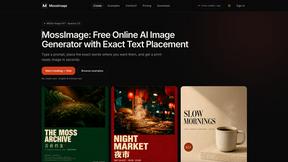
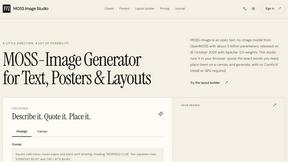
MossImage
MossImage is a browser-based AI image generator built on MOSS-Image SFT. It renders English and Chinese text inside posters, menus, packaging, ads and
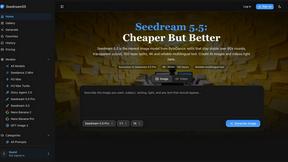
Seedream 5.5
Seedream 5.5 by ByteDance: 80+ rounds of stable image editing, native RGBA transparency, 100-layer splits, 4K output and reliable multilingual text.
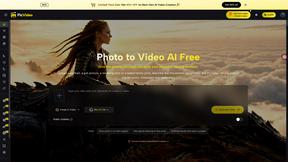
PicVideo
Turn photos into animated videos with AI. Free credits on selected models; paid options for private, watermark-free results.

Burning Bridges Trend
One photo in, a 15-second Burning Bridges party video out: silver cup, cheering crowd, original beat. Unofficial fan tool.
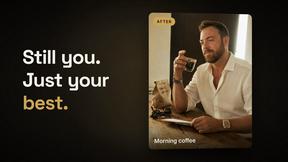
Dating Pics
Upload 4 selfies, pick a scene and get realistic dating photos for Tinder, Hinge and Bumble that still look like you — in about a minute.
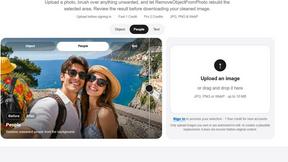
RemoveObjectFromPhoto
Remove unwanted objects, people, and text from photos with AI for clean, natural-looking results in seconds.
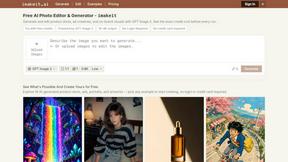
imakeit.ai
imakeit.ai is an AI image generator and editor that turns text prompts and reference photos into product shots, ad creatives, portraits, and artwork.
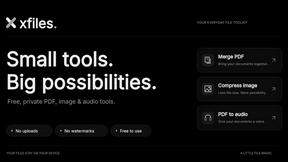
xfiles
Free PDF, image and audio tools that process your files locally in your browser. No account or added watermarks.

IconCreator
IconCreator is an AI-powered logo and app icon generator. Create professional logos, app icons, favicons, and brand assets in minutes.
About Fix Pixelated Photos Alternatives
Fix Pixelated Photos is an innovative browser-based platform that utilizes AI technology to enhance images by unpixelating, sharpening, and upscaling low-quality photos. This tool falls under the category of image and photo enhancement, making it an invaluable resource for both individuals and teams looking to improve their visual content with ease and efficiency. Users often seek alternatives to Fix Pixelated Photos for various reasons, including pricing, specific features, or compatibility with different platforms. When choosing an alternative, it's essential to consider factors such as the technology used, ease of use, quality of output, and any additional features that may enhance the image enhancement experience. Identifying what matters most to you can help streamline your search for the perfect solution.
FAQs about Fix Pixelated Photos Alternatives
What is Fix Pixelated Photos?
Fix Pixelated Photos is a browser-based AI image enhancement platform that helps users unpixelate, sharpen, and upscale low-quality images.
Who is Fix Pixelated Photos for?
This platform is designed for individuals and teams who need to enhance their images quickly and effectively.
Is Fix Pixelated Photos free?
The information regarding pricing is not specified, so it's best to check the website for detailed pricing options.