
Alternatives to Flipbook Page
Explore the best alternatives and competitors to Flipbook Page.
Explore 20 alternatives to Flipbook Page. Compare features, pricing, and find the best fit for your needs.
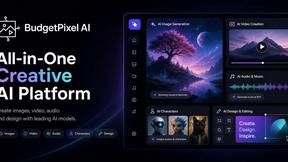
Budgetpixel AI
Create and edit AI images, videos, music, and designs in one workspace, with multiple models, reusable characters, and API access.
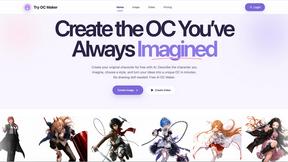
Try OC Maker
Create OCs from text or images, customize their look, and turn them into animated videos with AI.
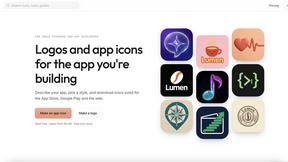
IconCreator
IconCreator is an AI-powered logo and app icon generator. Create professional logos, app icons, favicons, and brand assets in minutes.
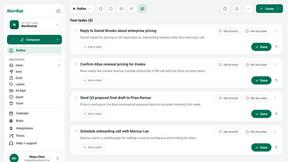
this+that
An AI agent that reads every email and chat message your team gets, turns requests into tasks, and does what they ask.
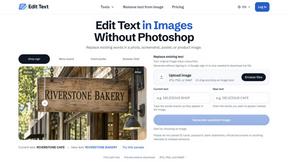
Reword Image
Change the text already printed inside a photo, screenshot or poster, without the original design file.
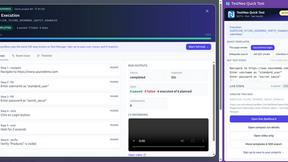
TestNeo
TestNeo.ai is an AI-native engineering and release assurance platform that helps teams automate web and API testing using natural language.
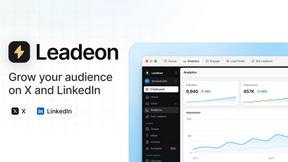
Leadeon
AI growth tool for X and LinkedIn: write posts in your voice, schedule at your best times, find leads on X and see what works.
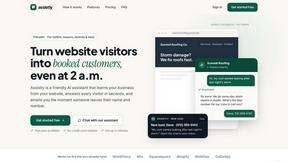
Assistly
An AI receptionist on your website that answers visitors 24/7 from your own content and captures every lead.
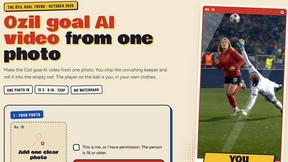
Ozil Goal AI
Make the Ozil goal AI video from one photo. You chip the keeper and score. 15 s, 9:16, 720p, no watermark. Ready for TikTok.
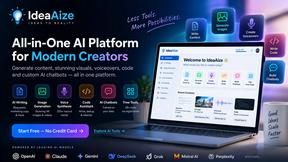
IdeaAize Free AI Tools
IdeaAize Free AI Tools is a suite of 50+ free online utilities that run 100% in your browser — no registration, no file uploads, no watermarks.

Vedic AstroGPT
explore your vedic birth chart, check compatibility and ask ai-assisted astrology questions with free tools and optional paid credits.

Bulin 47 AI
Turn one photo into the viral 19-second Bulin 47 freestyle, with original sound and a watermark-free vertical MP4.
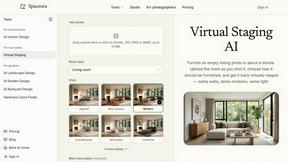
Spaceora
Turn room and outdoor photos into AI interior, virtual staging, garden and landscape design concepts.
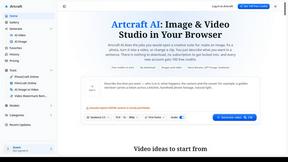
Artcraft AI
AI image and video studio in your browser: generate and edit images, turn photos into videos, edit clips by sentence.
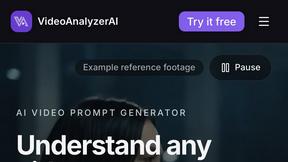
VideoAnalyzerAI
Generate recreation image and video prompts for an AI Video or generate creation prompts for an AI Video Idea you have.
Outfie
AI Clothes Changer: upload a selfie, pick 1 of 8 presets, get a clean clothes-change preview in ~15s. Change clothes. Not Face Swap.
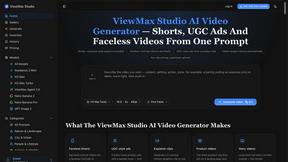
ViewMax Studio
AI video generator that turns one prompt into shorts, UGC-style ads and faceless videos, with script, voiceover and captions.

BoogiePaw
AI dog dancing videos from your dog's photo: upload one shot, pick a dance, get a 9:16 clip in minutes. No prompts, no editing.
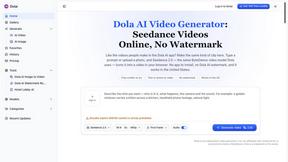
Dola AI
Dola AI video generator online: make Seedance 2.5 videos from text or a photo in your browser. No app, no watermark, free credits.

About Flipbook Page Alternatives
Flipbook Page is an AI-native infinite visual browser that turns any topic into a real-time, pixel-level visual page. It belongs to the categories of AI Assistants, Content Creation, Design Tools, and Image Generation, offering a unique way to explore subjects by clicking on objects within generated images to dive deeper into new related pages. Users often look for alternatives due to factors like pricing models, specific feature gaps, platform compatibility, or the need for different integration workflows, such as offline access or team collaboration tools. When evaluating alternatives, it is important to consider how well the tool supports real-time image generation, the depth of its clickable exploration interface, multilingual capabilities, and export options for projects, ensuring the replacement aligns with your creative or research needs. Choosing the right alternative means focusing on the core experience of visual exploration and generation quality. Look for tools that offer a similar map-style interaction model where you can navigate through generated content seamlessly, as well as support for uploading your own images as starting points. Additionally, consider the learning curve and whether the alternative provides a project export workflow that fits into your existing process, especially if you work in education, creative ideation, or visual storytelling. Since Flipbook Page combines image generation with an interactive atlas feel, the best alternative will maintain that sense of discovery while addressing any specific limitations you have encountered.
FAQs about Flipbook Page Alternatives
What is Flipbook Page?
Flipbook Page is an AI-native infinite visual browser that generates a complete pixel-level visual page in real-time based on any topic you enter. You can click on any object inside the image to dive deeper into a new generated page about that object, turning any subject into a clickable, explorable visual atlas. It combines real-time image generation with a map-style interaction model, making exploration feel like browsing the web with freshly generated pages for each topic.
Who is Flipbook Page for?
Flipbook Page is designed for educators, researchers, creative professionals, and visual storytellers who want to explore topics in a highly visual and interactive way. It is also useful for anyone needing rapid visual ideation or a tool to generate and navigate through complex subject matter intuitively. The platform supports multilingual image generation, making it accessible to a global audience.
Is Flipbook Page free?
The provided information does not specify whether Flipbook Page is free or has a paid pricing model. To determine the current pricing, you would need to visit the official website or contact the service provider directly. Typically, such tools offer a free tier with limited features and paid plans for advanced capabilities.
What are the main features of Flipbook Page?
The main features include real-time AI image generation from any topic, clickable object exploration that generates new pages, multilingual image generation support, the ability to upload an image as a starting point, and a project export workflow. It functions as an infinite visual browser where exploration feels like navigating a web of freshly generated visual content. These features make it suitable for education, research, creative ideation, and visual storytelling.