
Alternatives to GPT Image 2 AI
Explore the best alternatives and competitors to GPT Image 2 AI.
Explore 20 alternatives to GPT Image 2 AI. Compare features, pricing, and find the best fit for your needs.
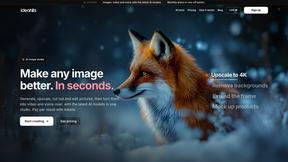
ideahits
AI image, video and voice studio for small businesses. Upscale, cut out, restyle and mock up images. Pay per result.
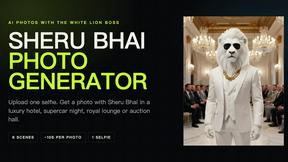
Sheru Bhai Photo Generator
Turn one selfie into an AI photo of you standing beside Sheru Bhai, the white lion in a white suit. 24 free prompts included.
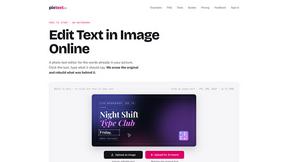
PixText
Free photo text editor: click any text in your image to change or remove it. AI rebuilds the background behind it, with no watermark. Free to start.
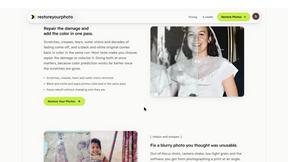
RestoreYourPhoto
Browser AI that repairs scratches, creases and fading in old photos and colorizes black and white prints. 1080p, about 30 seconds.
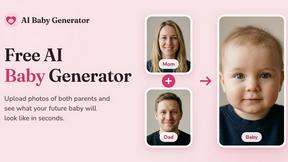
AI Baby Generator
Upload photos of both parents and see what your future baby will look like in seconds.
LooksMeter
Upload one photo for a free PSL score and face rating. 47 tools cover face shape, symmetry, color season and more. No signup needed.
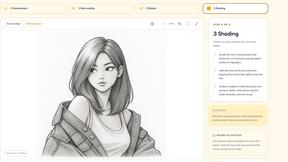
MenuCapture
Upload a photo of your dish, type what you want changed, and get an edited menu photo in about 15 seconds. The dish in the photo stays the same.
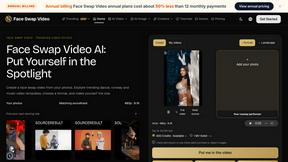
Face Swap Video
Create a face swap video from your photos. Explore trending dance, runway and music video templates, choose a format, and make yourself the star.
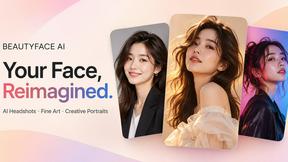
Beautyface
Beautyface AI is an AI Photoshoot Generator that turns your selfies into studio-quality photos, professional headshots, wedding portraits

ImageToUrlKit
Instant image-to-URL converter, screenshot hosting, and batch CDN sharing workspace.
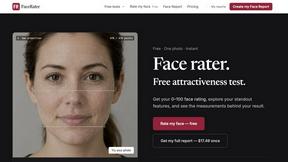
FaceRater
A free face rater with visible photo measurements and an optional $17.49 one-time report.
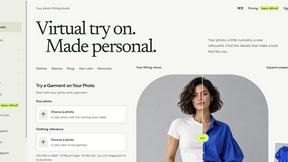
VirtualTryOn
Try on clothes, glasses, rings, hairstyles, and hair colors on your own photos with AI.
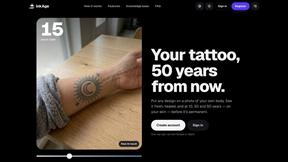
InkAge
See a tattoo on a photo of your own skin, fresh and after 10, 30 and 50 years, before you book it.

StoreLocale
Upload app screenshots, pick languages, get localized PNGs for both stores in one ZIP. Free with your own API key, or one-time credits.
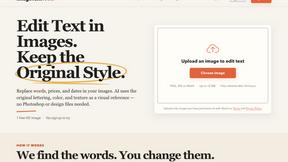
ImageTextTools
Edit the text inside any photo - change a price, date or label and AI redraws that area in the original style.
Uncensored AI
Browser-based AI image creation and editing studio for text prompts, reference images, flexible formats, and watermark-free downloads.

Vikas Editor AI
AI photo and video creative studio for Indian creators and global users, with cinematic portraits, fashion edits, festival greetings, and photo-to-vid
About GPT Image 2 AI Alternatives
GPT Image 2 AI is a web-based AI image generation and editing platform that falls under the Image and Photo category. It is designed to help creators, marketers, ecommerce teams, designers, and production teams quickly produce and refine visual content using artificial intelligence. While GPT Image 2 AI offers a solid set of tools for generating and editing images, users often look for alternatives for a variety of reasons. These can include needing a different pricing model, wanting more advanced editing features, requiring better integration with specific platforms, or simply preferring a tool that aligns more closely with their unique workflow or creative style. When choosing an alternative to GPT Image 2 AI, it is important to consider what matters most for your specific use case. Start by evaluating the core features you rely on, such as image generation quality, editing capabilities, and ease of use. Pricing is another major factor, as some tools offer free tiers, pay-as-you-go options, or subscription models that may better fit your budget. You should also think about platform compatibility, output formats, and whether the tool supports batch processing or team collaboration. Finally, consider the learning curve and available support resources, as a tool that is intuitive and well-documented can save you significant time and frustration in the long run.
FAQs about GPT Image 2 AI Alternatives
What is GPT Image 2 AI?
GPT Image 2 AI is a web-based AI image generation and editing platform that falls under the Image and Photo category. It helps users create and refine visual content using artificial intelligence, making it a versatile tool for both generating new images from text prompts and editing existing ones. The platform is designed to be accessible directly through a web browser, requiring no complex software installation.
Who is GPT Image 2 AI for?
GPT Image 2 AI is built for a wide range of professionals, including creators, marketers, ecommerce teams, designers, and production teams. It is particularly useful for anyone who needs to generate or edit images quickly and efficiently without requiring advanced graphic design skills. The platform aims to streamline visual content creation for both individual creators and collaborative teams.
Is GPT Image 2 AI free?
Based on the provided product description, GPT Image 2 AI is a web-based platform, but specific pricing details such as whether it offers a free tier or is entirely paid are not included in the available content. Users should check the official website for the most current pricing information, including any free trials or subscription plans. Typically, tools in this category may offer a limited free version or a pay-as-you-go model.
What are the main features of GPT Image 2 AI?
The main features of GPT Image 2 AI include AI-powered image generation and editing capabilities, all accessible through a web-based interface. It is designed to help users create new visuals from text descriptions and modify existing images to meet their needs. While specific feature details are not listed in the provided content, the platform is positioned as a practical tool for streamlining visual content workflows for creators and business teams.