
Alternatives to ImageToSTL.online
Explore the best alternatives and competitors to ImageToSTL.online.
Explore 20 alternatives to ImageToSTL.online. Compare features, pricing, and find the best fit for your needs.
Promptifi
Reviewed AI prompts and workflows for B2B sales, from account research to renewal. Run them in ChatGPT, Claude, Gemini or Copilot. 100 free.
Manifolds
Manifolds deanonymizes and researches your users at signup, so you can know who your users actually are.
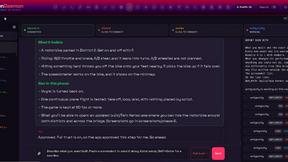
OpenDaemon
Free Windows AI agent app: describe an app in plain words and it plans and builds it phase by phase with your coding app.

Enhance My Photo
Online AI photo enhancer that sharpens portraits, products, scenery, pets and text images and exports JPEG/PNG/WebP without watermarks.
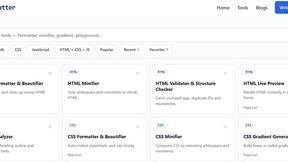
JoMatter
Jomatter provides free online tools for HTML, CSS, and JavaScript developers, helping simplify common web development and coding tasks.
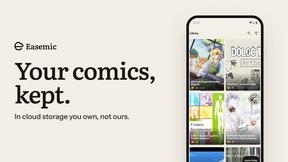
Easemic
Free open-source Android comic & manga cloud reader streaming encrypted libraries from S3, WebDAV & OPDS.
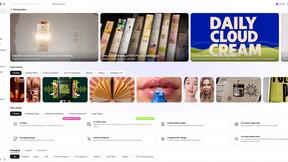
Rhinobird
AI video ads, UGC-style videos, and product visuals for cross-border sellers and e-commerce brands.
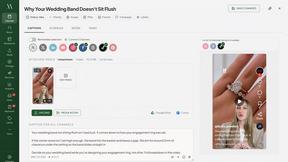
Maeve Social
Plan, approve and publish social content with an AI assistant, analytics, and API, CLI and MCP access for agents.
GenX
All-in-one AI workspace to generate images, videos, and audio with multiple leading AI models.
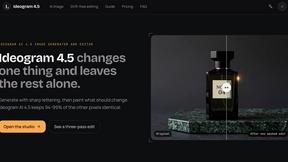
Ideogram 4.5
Ideogram AI 4.5 is an image generator and editor for precise, drift-free refinement, native 2K lettering, and Pixel Lock.
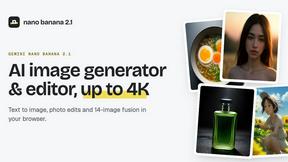
nanobanana 2.1
Nano Banana 2.1 is a fast AI image generation and editing model for realistic visuals, consistent characters, readable text, and precise creative cont

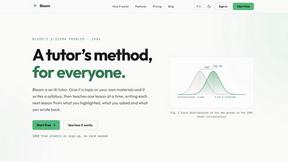
Bloom
An adaptive AI tutor that turns topics or your materials into courses, lessons, and answers tailored to how you learn.
PLRental
AI-powered platform for car, motorcycle, and ATV rental agencies: scan IDs, generate contracts, and manage fleet and finances.
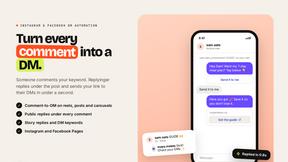
Replyinger
Automate Instagram and Facebook DMs, comment replies, and story interactions to turn followers into leads and customers. No coding required.

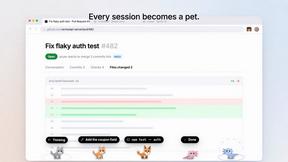
Agent Pets
Your Claude Code & Codex sessions as pets in Chrome. Approve, deny and reply to your coding agents from any tab.
About ImageToSTL.online Alternatives
ImageToSTL.online is a free, browser-based tool that sits at the intersection of design tools and automation. Its primary purpose is to convert standard 2D images, such as PNG and JPG files, into watertight STL files ready for 3D printing. Because it runs entirely in your browser without requiring you to upload files to a server, it offers strong privacy and convenience for quick projects, making it a popular choice for hobbyists and makers who need fast results without signing up for an account. Users often look for alternatives to ImageToSTL.online for a few key reasons. While the tool excels at simple conversions like turning a logo into an extruded keychain or creating a lithophane, more complex 3D modeling tasks may require software with advanced sculpting or mesh editing capabilities. Others might need higher resolution outputs for professional work, batch processing for multiple images, or specific file format support beyond STL. When evaluating an alternative, you should consider the tool’s output quality and dimensional accuracy, whether it offers the specific conversion modes you need (such as relief or full 3D generation), and if it integrates smoothly with your preferred slicer software like Cura or PrusaSlicer. It is also wise to check for offline capabilities or desktop versions if you frequently work without a stable internet connection.
FAQs about ImageToSTL.online Alternatives
What is ImageToSTL.online?
ImageToSTL.online is a free, private image to STL converter designed specifically for 3D printing. It allows you to take standard 2D images like PNG and JPG files and transform them into watertight STL files directly in your browser. The tool operates without requiring any file uploads to a server, which means your images remain private on your own device.
Who is ImageToSTL.online for?
ImageToSTL.online is ideal for 3D printing enthusiasts, hobbyists, and makers who need a quick and easy way to convert photos or logos into printable 3D models. It is also well-suited for users who value privacy and want to avoid uploading their images to external servers. Whether you are creating a personalized keychain, a photo relief, or a lithophane, this tool provides a simple, no-signup solution for beginners and experienced users alike.
Is ImageToSTL.online free?
Yes, ImageToSTL.online is completely free to use. There are no hidden costs, subscription fees, or signup requirements. You can access all of its core features, including the photo relief, logo extrude, lithophane, and keychain maker modes, without paying anything. An optional AI Full 3D Pro feature is available for generating 360-degree models from a single photo, but the standard conversion tools remain free.
What are the main features of ImageToSTL.online?
The tool offers several distinct conversion modes including photo relief, logo extrude, lithophane, and a keychain maker, all with a live 3D preview. It exports STL files with real millimeter dimensions that are compatible with popular slicers like Cura, PrusaSlicer, and Bambu Studio. Additionally, an optional AI Full 3D Pro mode can generate 360-degree models from a single photo, expanding its capabilities beyond simple 2D conversions.