
Alternatives to RemoveTexts
Explore the best alternatives and competitors to RemoveTexts.
Explore 20 alternatives to RemoveTexts. Compare features, pricing, and find the best fit for your needs.
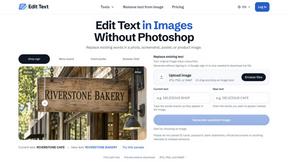
Reword Image
Change the text already printed inside a photo, screenshot or poster, without the original design file.
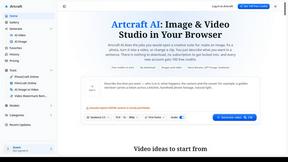
Artcraft AI
AI image and video studio in your browser: generate and edit images, turn photos into videos, edit clips by sentence.
sakuttoAI
A free suite of online tools for everyday tasks like PDF compression, image conversion, text diff and CSV to Excel.
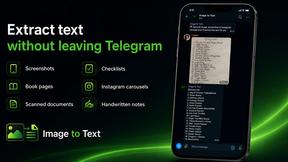
imgtxtapp.laviolab.com
imgtxtapp.laviolab.com is a Telegram-based image-to-text converter that turns photos, screenshots, scanned documents into editable text
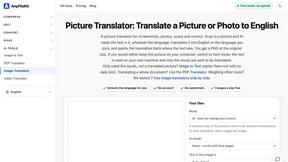
AnyFileKit Image Translator
Translate the text in screenshots, photos and manga, with the translation drawn back over the original image.
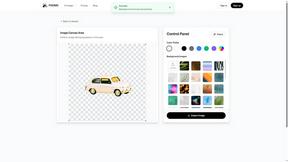
PXDMD
Free AI image editor: remove backgrounds, erase objects and watermarks, and color-grade photos in seconds.
SightRadar
Face recognition API, a drop-in replacement for AWS Rekognition. Index, search, compare and detect faces, billed per photo with no subscription.
Restore Old Photos - Retrocap
AI photo restoration app for iPhone and Android: repair scratches and tears, colorize black-and-white photos, sharpen faces and animate old portraits.
Bulin 47 AI
Bulin 47 AI puts your face into the viral Bulin 47 freestyle video from one photo. Get a 5–19-second vertical MP4 for TikTok and Reels.
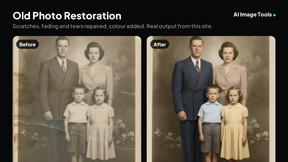
AI Image Tools
Text to image, photo edits, background removal and restoration. Pick Nano Banana, FLUX, Seedream or GPT Image and see the price first.

ImageAICraft
GPT Image 2 AI Image Generator & Editor for Text-to-Image and Image-to-Image Creation
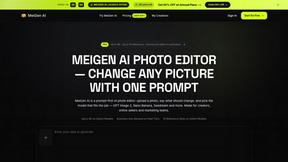
MeiGen AI
AI photo editor and image generator: upload a photo, describe the change in plain English, pick GPT Image 2, Nano Banana Pro or Seedream.
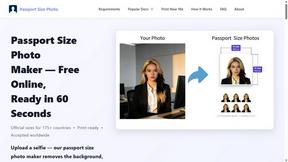
Passport Size Photo
Turn any selfie into a compliant passport, visa or ID photo in 60 seconds. AI background removal for 530+ official photo specs.


MyPhotoAI
Turn your selfies into AI headshots and portraits. Get 3 photos for US$5 or every photo from one shoot for US$10. No subscription.
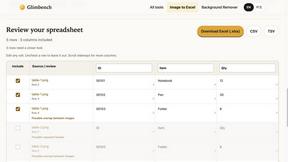
Glimbench
Remove backgrounds, convert table screenshots to Excel, and batch-convert HEIC to JPG. Free, no sign-up.
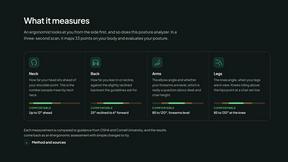
ErgoAssessment
See your posture the way an ergonomist beside your desk would. Your camera, five body angles, plain fixes. Free, no signup.

ImgEnhancer
Free AI image enhancer that sharpens blurry photos, reduces noise, upscales resolution, and restores clarity online.
RemoveMate
AI background removal and image cleanup tools for product photos, portraits, social posts and everyday creative projects.
About RemoveTexts Alternatives
RemoveTexts is a popular AI-powered image editing tool that specializes in quickly and intelligently removing text from any picture. It falls into the category of automated, user-friendly photo editors designed to simplify tasks that once required complex software like Photoshop. It's a great solution for anyone needing to clean up screenshots, erase watermarks, or delete unwanted subtitles and date stamps. Users often explore alternatives for a variety of reasons. Some might be looking for a different pricing model or a free tier with more generous limits. Others may need specific features like batch processing, integration with other platforms, or tools that go beyond just text removal. The platform itself can also be a factor, as some prefer desktop software over web-based tools or need a dedicated mobile app. When choosing an alternative, consider what matters most for your workflow. Key factors include the accuracy and quality of the AI's editing, the speed of processing, the range of supported file formats and output resolutions, and overall ease of use. It's also wise to check the privacy policy to understand how your uploaded images are handled.
FAQs about RemoveTexts Alternatives
What is RemoveTexts?
RemoveTexts is an AI-powered image editing tool that removes unwanted text, watermarks, and objects from any image with one click, seamlessly reconstructing the background.
Who is RemoveTexts for?
It's perfect for creators, marketers, and designers who need to clean screenshots, remove watermarks, or erase unwanted text and objects quickly without needing Photoshop skills.
Is RemoveTexts free?
The provided content does not specify pricing, so you would need to check their official website for current free tiers or subscription plans.
What are the main features of RemoveTexts?
Key features include Paint to Remove for precise control, Auto Remove All text, Edit & Replace Text, object removal, and support for over 50 languages with 4K output quality.