
Alternatives to Screen Dub
Explore the best alternatives and competitors to Screen Dub.
Explore 20 alternatives to Screen Dub. Compare features, pricing, and find the best fit for your needs.
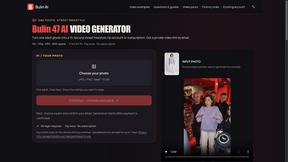
Bulin AI
Create a 15-second Bulin 47 AI freestyle video from one permitted portrait. One-time packs from $9.90, email delivery, no account or subscription.
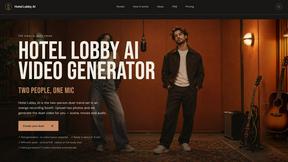
Hotel Lobby AI
Hotel Lobby AI turns two portraits into a duet video in an orange recording booth with motion, lip-sync, and audio.
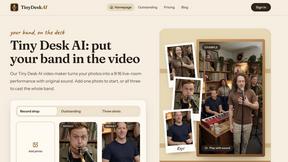
Tiny Desk AI Video Maker
Turn three photos into a vertical Tiny Desk-style concert video with original sound.
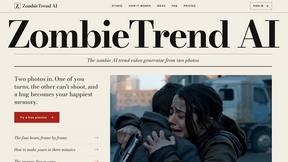
ZombieTrend AI
ZombieTrend AI turns two photos into a cinematic zombie love story video with sound, no watermark, and a free preview.
GenX
All-in-one AI workspace to generate images, videos, and audio with multiple leading AI models.
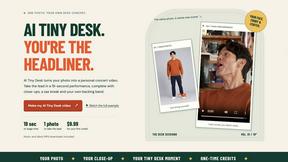
AI Tiny Desk
Create a personal 19-second vertical desk-concert video from one adult photo, with music and silent MP4 downloads.
Hotel Lobby AI Video
Create a Hotel Lobby duo video from two character photos. Choose left and right performers, review the AI result, and download your finished clip.
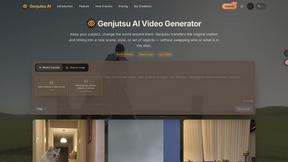
FastH3 Omni
Run FastH3 Omni in your browser. Up to 9 reference images plus 3 audio references become a 5–15s clip with synced audio. No install, no GPU.
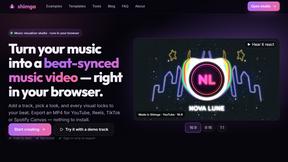
shimga
Shimga is a browser-based music visualizer studio. Add a song, pick a look and export a beat-synced music video, with nothing to install.
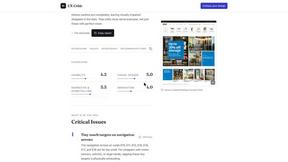
UX Critic
AI design critic: scored UX reviews with every issue pinned to the exact region of your screenshot.

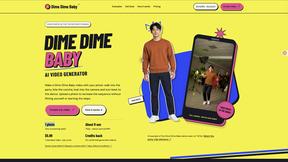
Dime Dime Baby
Turn one adult photo into a personal 9-second Dime Dime Baby dance video in native 9:16, with a silent MP4 download and one-time paid credits.
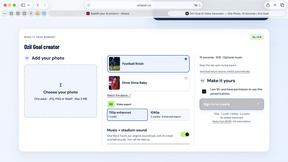
Ozil Goal
A browser-based AI creator for personal 15-second football goal videos from one adult photo.
I'm Sorry I Lied
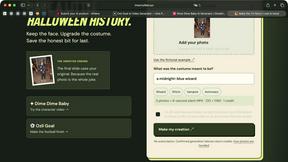
An AI costume reveal maker that pairs an imagined outfit, a confession and the original photo in three captioned images and a silent 9-second video.
Tip Toeing in My Jordans
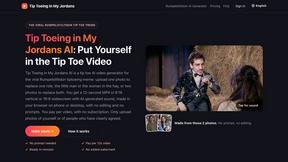
Upload a photo and get a 12-second Tip Toeing in My Jordans video: you play the AI Rumpelstiltskin, a friend can play the woman in the hay.
About Screen Dub Alternatives
Screen Dub is a browser-based video creation tool that falls into the combined categories of video production, speech and voice synthesis, and marketing content. It allows you to record your screen or upload slides, and then automatically generates a written narration script and a professional AI voiceover, synced perfectly to your on-screen actions. This tool is designed to eliminate the need for microphones, scriptwriting, or video editing software, making it a popular choice for creating product demos, training videos, and tutorials quickly. Users often look for alternatives to Screen Dub for a few common reasons. The pricing model, which is based on minutes of output and starts at $14.99 per month for a watermark-free experience, may not fit every budget, especially for teams producing a high volume of long videos. Others might need more advanced video editing features, such as complex transitions, custom branding, or the ability to record more than 10 minutes per session. When choosing an alternative, you should consider your budget, the maximum video length you need, whether you require manual editing control over the narration and visuals, and if the tool supports your preferred language or localization needs for a global audience.
FAQs about Screen Dub Alternatives
What is Screen Dub?
Screen Dub is a browser-based tool that transforms screen recordings or slide decks into fully narrated video tutorials and step-by-step PDF guides. It automatically detects on-screen actions, writes a clean script, and generates a studio-quality AI voiceover synced to those actions. You can record directly in your browser or upload files like MP4, PDF, or PowerPoint.
Who is Screen Dub for?
Screen Dub is built for teams and individuals who repeatedly create product onboarding, support answers, internal training, feature launches, sales demos, and standard operating procedures. It is ideal for anyone who wants to produce polished video content without needing a microphone, scriptwriting skills, or video editing experience. It is also great for teams that need to publish content in multiple languages without reshooting.
Is Screen Dub free?
Yes, Screen Dub offers a Free plan that gives you 10 minutes of export time per month with no credit card required. This allows you to test the core features, though exports will include a watermark. For unlimited, watermark-free exports, paid plans start at $14.99 per month and are based on minutes of output rather than per-seat pricing.
What are the main features of Screen Dub?
Key features include recording your screen or uploading slides (MP4, WebM, MOV, PDF, or PowerPoint), automatic script generation from on-screen actions, natural AI voiceovers in 70+ languages, and one-click translation. Every project exports as a polished MP4 video and a step-by-step PDF guide. You can also record with your own microphone or mix human and AI narration across different projects.