
AI Image Edit vs Seedance AI
Side-by-side comparison to help you choose the right AI tool.

AI Image Edit
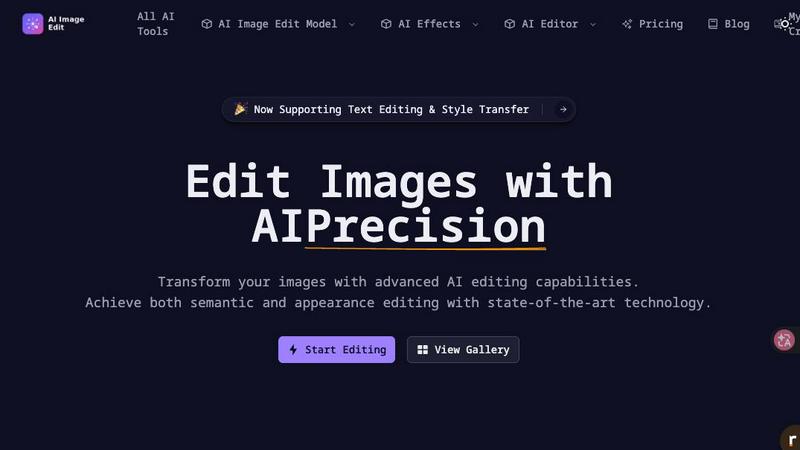
Effortlessly enhance and transform your images with AI Image Edit's advanced editing tools for stunning results.
Last updated: March 11, 2026

Seedance AI
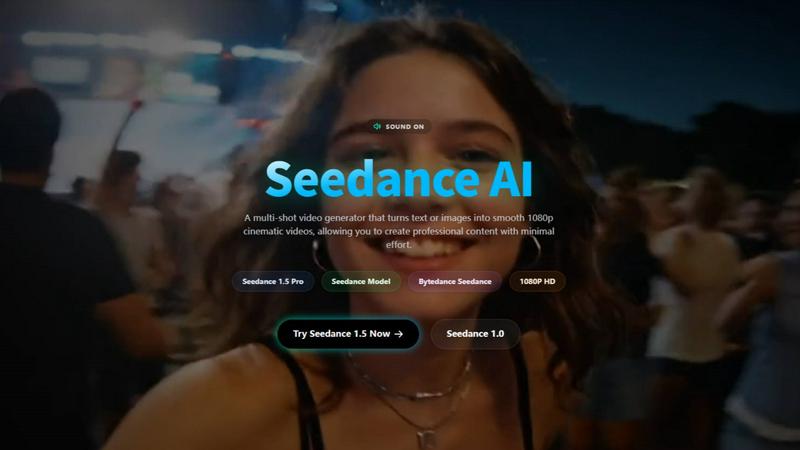
Seedance 2.0 transforms your text, images, and audio into cinematic AI videos with precise creative control.
Last updated: April 13, 2026
Visual Comparison
AI Image Edit
Seedance AI
Feature Comparison
AI Image Edit
Automatic Background Removal
This feature allows users to remove backgrounds from images effortlessly. With a single click, AI Image Edit detects and eliminates backgrounds, leaving the main subject intact and ready for further enhancements.
Object Erasure
Say goodbye to unwanted elements in your photos. The object erasure feature uses advanced AI technology to intelligently remove distractions from images, giving you a clean and polished final product without any manual effort.
AI-Powered Image Enhancement
Enhance your photos with AI Image Edit’s image quality enhancement capabilities. This feature analyzes your images and automatically adjusts brightness, contrast, and color balance, ensuring that your visuals stand out with clarity and vibrancy.
Visual Generation from Text Prompts
Unleash your creativity with the image generation feature that allows users to create new visuals based on text prompts. Simply describe what you want, and AI Image Edit will generate unique images tailored to your specifications, perfect for marketing materials or social media posts.
Seedance AI
Multi-Modal Input Workflow
Seedance AI, especially with its 2.0 engine, lets you build videos from multiple sources at once. You're not limited to just text. Start with an image for the visual style, add a short video clip to define the specific camera motion you want, layer in an audio track to sync the action to a beat, and then fine-tune everything with a descriptive text prompt. This fusion of inputs gives you unparalleled creative control over the final output.
Reference-Based Motion & Style Control
This powerful feature allows you to upload existing images or video clips to directly control the composition, motion, and aesthetic of your new AI-generated video. Want your scene to pan slowly like a reference film clip or adopt the color grade of a specific photo? Simply upload it as a reference. This makes achieving specific cinematic looks and complex motions much more reliable than text prompts alone.
Consistent Character Generation
One of the biggest challenges in AI video is maintaining a character's identity across different scenes. Seedance AI tackles this head-on, allowing you to generate characters that retain their clothing, facial features, and other visual details throughout a video sequence. This is a game-changer for narrative storytelling, branded content, and any project where character continuity is essential.
Native Audio-Visual Sync & Video Continuation
Seedance AI can synchronize the motion and editing rhythm of your video to an uploaded audio track, creating a natural, music-video-like flow. Furthermore, its video continuation feature lets you seamlessly extend an existing video clip, whether it's AI-generated or your own footage, while preserving the narrative flow and visual consistency, perfect for lengthening scenes or creating sequels.
Use Cases
AI Image Edit
E-commerce Product Photography
AI Image Edit is ideal for e-commerce sellers who need to present their products in the best light. By automatically removing backgrounds and enhancing image quality, sellers can create professional-looking product photos that attract customers and boost sales.
Social Media Content Creation
Marketers and social media managers can utilize AI Image Edit to quickly generate eye-catching visuals for posts and ads. The tool’s features allow for rapid editing and transformation, ensuring content is fresh and engaging without spending hours on design.
Personal Photo Enhancement
Everyday users can enhance their personal photos with ease. Whether it's touching up family portraits or creating fun images for events, AI Image Edit simplifies the editing process, making it accessible for anyone to achieve stunning results.
Creative Advertising Campaigns
Designers can take advantage of AI Image Edit’s advanced capabilities to create innovative advertising materials. The tool’s ability to replace elements and generate visuals from prompts allows for unique and attention-grabbing campaigns that stand out in a crowded market.
Seedance AI
Marketing & Promotional Video Production
Quickly generate eye-catching product videos, ad concepts, and promotional content for social media or websites. Showcase a product from multiple angles, demonstrate features with dynamic motion, or create a series of branded clips with consistent characters and styles—all without a full-scale film production.
Creative Storytelling & Short Films
Bring your storyboards and scripts to life. Create narrative video sequences with consistent characters, controlled camera movements (like dramatic pans or close-ups), and extended scenes. It's an excellent tool for indie filmmakers, writers, and animators to visualize stories before committing to expensive production.
Engaging Social Media Content
Produce a high volume of trendy, platform-optimized short-form videos for TikTok, YouTube Shorts, and Instagram Reels. Use the 9:16 aspect ratio preset, sync clips to popular audio, and quickly remix visual ideas to stay ahead of trends and engage your audience with fresh, professional-looking content daily.
Animation & Concept Pre-Visualization
Animators and directors can use Seedance AI to rapidly prototype scenes, test character movements, and visualize complex shots before beginning the labor-intensive traditional or 3D animation process. It's a cost-effective way to experiment with styles, pacing, and compositions during the pre-production phase.
Overview
About AI Image Edit
AI Image Edit is a cutting-edge online image editing tool that leverages the power of artificial intelligence to provide users with a seamless and intuitive editing experience. Designed for individuals with varying levels of design expertise, this tool allows anyone to edit, enhance, and transform images instantly without needing extensive knowledge of graphic design software. Users can perform a range of tasks, including automatically removing backgrounds, erasing unwanted objects, and enhancing image quality, all with just a few clicks. AI Image Edit caters to a diverse audience, including creators, marketers, designers, e-commerce sellers, and everyday users seeking professional results without the steep learning curve associated with traditional software like Photoshop. The platform operates directly in your web browser, eliminating the need for downloads and complicated tools, making advanced editing simple and accessible for all. Whether you're refining product images for an online store, creating engaging social media content, or enhancing personal photographs, AI Image Edit is your go-to solution for fast and effective image editing.
About Seedance AI
Seedance AI is your all-in-one creative studio for bringing ideas to life as stunning, cinematic videos. At its core is the powerful Seedance 2.0 model, a multi-modal AI video generator that goes far beyond simple text prompts. It allows you to create videos using a combination of text descriptions, images, video clips for motion reference, and even audio for rhythm and timing—all within a single, intuitive workflow. This platform is designed for creators, marketers, and storytellers who want precision and control, moving away from random AI outputs to directed, professional-grade content. Whether you're crafting a short film, a social media ad, or a product showcase, Seedance AI empowers you to guide the scene, camera movement, and artistic style with remarkable consistency. It's the ideal tool for anyone looking to produce engaging video content quickly, without sacrificing creative vision or requiring extensive technical expertise.
Frequently Asked Questions
AI Image Edit FAQ
How does AI Image Edit work?
AI Image Edit uses advanced artificial intelligence algorithms to analyze your images and perform editing tasks, such as background removal, object erasure, and enhancement, all in real-time and directly in your web browser.
Is AI Image Edit suitable for beginners?
Absolutely! AI Image Edit is designed for users of all skill levels. Its simple interface and automated features allow even those with no design experience to achieve professional-quality results quickly and easily.
Can I use AI Image Edit for commercial purposes?
Yes, images edited with AI Image Edit can be used for commercial purposes, including marketing materials, product photos, and social media content. Just ensure that you comply with any licensing agreements for images generated or modified.
What types of images can I edit with AI Image Edit?
You can edit a wide range of image types using AI Image Edit, including photographs, graphics, and illustrations. The tool supports various formats, making it versatile for multiple editing needs.
Seedance AI FAQ
What kind of files can I upload as a reference?
You can upload images (like JPG, PNG), video clips, and audio files to guide your video generation. These references can define the visual style, specific camera motions, or the rhythmic timing of your final AI-generated video, giving you multiple levers of creative control.
How can I improve the quality and consistency of my AI videos?
For best results, use clear, high-quality reference images with isolated subjects. When writing text prompts, be specific about motion, style, and sequence. For smoother videos, ensure the start and end frames of your desired motion are visually consistent. Also, leverage the platform's aspect ratio guides (e.g., 16:9 for YouTube, 9:16 for social media).
Can I use the videos I create for commercial purposes?
Yes, you own the rights to the videos you generate using Seedance AI. This means you can freely use them in commercial projects, such as advertisements, social media campaigns, client work, and other professional applications, giving you full creative and commercial freedom.
Do I need powerful hardware or prior video editing experience?
Not at all. Seedance AI is a cloud-based platform, so all the heavy processing happens on their servers. You can create videos from any standard computer or even via their mobile app. The interface is designed to be user-friendly, making advanced AI video creation accessible to beginners and pros alike.
Alternatives
AI Image Edit Alternatives
AI Image Edit is an innovative online tool that leverages artificial intelligence to simplify the image editing process. It enables users to enhance, transform, and edit images without the need for advanced design skills or extensive software. As a part of the image and photo editing category, it caters to a wide range of users, from marketers and designers to everyday individuals looking to improve their visuals. Users often seek alternatives to AI Image Edit for various reasons, including pricing, specific feature sets, or compatibility with their preferred platforms. When looking for an alternative, consider factors such as ease of use, available features, cost-effectiveness, and whether it fits your specific image editing needs. It's essential to find a solution that streamlines your editing process while maintaining the quality you desire.
Seedance AI Alternatives
Seedance AI is a powerful platform in the AI video generation space, known for its multi-modal cinematic capabilities. It allows creators to produce marketing videos, social content, and narratives using text, images, and precise reference controls to guide scenes and motion. Users often explore other options for various reasons. This could be due to budget constraints, a need for different feature sets like simpler editing tools or specific output formats, or simply a preference for a different user interface and workflow. Finding the right tool is a personal journey. When evaluating alternatives, consider your primary goals. Look at the core video generation methods, the level of creative control offered, output quality and consistency, and how well the platform integrates into your existing creative or marketing workflow. The best choice aligns closely with your specific project needs and skill level.