
AI Photo Template vs Z Image Turbo
Side-by-side comparison to help you choose the right AI tool.
AI Photo Template
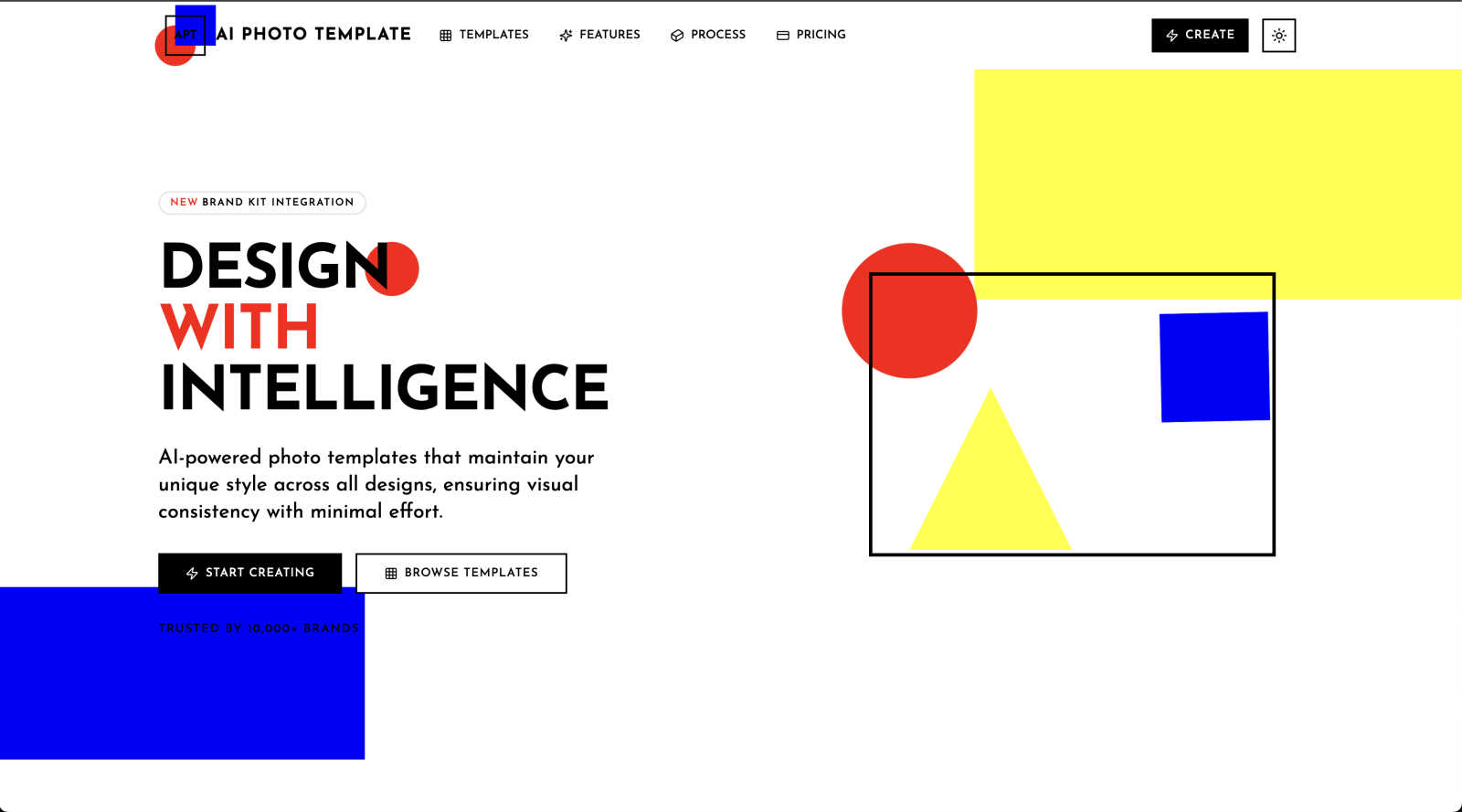
AI Photo Template uses AI to create stunning, branded photo templates that keep your unique style consistent.
Last updated: February 28, 2026

Z Image Turbo
Z Image Turbo generates stunning 1024px images in under a second, empowering creators with ultra-fast, high-quality visuals without needing a GPU.
Last updated: March 11, 2026
Visual Comparison
AI Photo Template
Z Image Turbo

Feature Comparison
AI Photo Template
AI Style Analysis & Replication
This is the brain of the operation. Our AI engine doesn't just apply filters; it intelligently studies your uploaded sample images to understand your unique visual language—including color tones, composition preferences, lighting styles, and mood. It then replicates this distinctive aesthetic across every template it generates, ensuring that your new designs feel authentically "you" from the very first click. It learns your style so you don't have to manually recreate it every time.
Brand Kit Integration
Keep your branding elements organized and instantly accessible. This feature allows you to store your official brand colors, fonts, logos, and even watermark styles directly within the platform. When you create or customize a template, you can apply these assets with a single click, guaranteeing that every piece of content adheres to your brand guidelines perfectly. It’s a huge time-saver for maintaining professionalism across all your marketing materials.
Smart Layout Engine
Good design follows principles, and our Smart Layout Engine automates them. It automatically arranges text, images, and graphic elements according to professional design rules like the golden ratio and proper visual hierarchy. This means your templates will always have balanced, aesthetically pleasing compositions, even if you're just dragging and dropping your own photos. It provides the structural foundation for designs that look expert-crafted.
Team Collaboration Tools
Designed for businesses and agencies, this feature enables seamless teamwork. You can share template libraries, brand kits, and projects with team members, allowing for real-time collaboration on designs. Set roles and permissions, leave feedback directly on templates, and ensure everyone is creating on-brand content from a single source of truth. It streamlines workflows and keeps your entire team's visual output consistent and efficient.
Z Image Turbo
Turbo Diffusion Core
The turbo diffusion core is engineered for speed, enabling low-latency sampling that allows users to receive instant feedback on their image requests. This feature is essential for creators who need to iterate quickly and efficiently during the design process.
Style Presets
Z Image Turbo offers an array of built-in style presets like cinematic, product, portrait, anime, and illustration. With just one click, users can select a desired style that aligns with their project, ensuring consistent branding and aesthetics across multiple images.
Negative Prompt Guidance
This feature provides users with enhanced control over their image outputs by allowing them to specify elements they wish to exclude. This ensures that unwanted artifacts or styles do not appear in the generated images, leading to cleaner and more focused visuals.
Batch Generation Mode
Z Image Turbo's batch generation mode allows users to create dozens of variations in a single session. This feature is particularly useful for teams needing to explore multiple design directions quickly without the repetitive task of generating each image individually.
Use Cases
AI Photo Template
Social Media Content Creation
For social media managers and influencers, maintaining a cohesive and attractive feed is crucial. AI Photo Template allows you to quickly produce a series of Instagram posts, Stories, Facebook covers, and LinkedIn articles that all share the same color scheme, font styles, and overall vibe. You can batch-create content for a weekly or monthly calendar in a fraction of the time it would take manually, ensuring your social presence is both professional and consistent.
Small Business Marketing Materials
Small business owners often wear many hats, including that of the designer. This tool empowers them to create polished, on-brand visuals for email newsletters, digital ads, presentation decks, and website banners without needing to hire a designer. By uploading a few photos of their products or storefront, the AI can generate templates that make their marketing look established and trustworthy, helping them compete with larger companies.
Photographer Client Deliverables
Photographers can use AI Photo Template to design beautiful, consistent presentation templates for delivering client galleries, creating portfolio watermarks, or making promotional materials for their studio. By setting up a template that matches their editing style, they can quickly frame client photos in elegant layouts for previews, social media features, or printed lookbooks, adding a layer of premium service to their packages.
Agency Client Brand Management
Marketing and design agencies managing multiple client accounts can use the platform to build and store separate brand kits and template sets for each client. This ensures that junior team members or different designers always use the correct assets, speeding up project turnaround while eliminating brand guideline breaches. It’s an efficient system for scaling consistent quality across various client campaigns.
Z Image Turbo
Product Photography
E-commerce businesses can utilize Z Image Turbo to quickly generate high-quality product images that showcase their merchandise in various styles. The ability to create consistent lighting and design makes it ideal for online stores.
Storyboarding
For film and animation projects, Z Image Turbo enables artists and directors to create storyboards rapidly. This allows teams to visualize scenes and character interactions before moving into full production, saving time and resources.
Game Concept Art
Game developers can take advantage of Z Image Turbo to generate concept art that captures the look and feel of their game worlds. The consistent character and style fidelity ensure that visual elements align with the overall game design.
Marketing Campaigns
Marketers can leverage Z Image Turbo to create engaging visuals for advertising campaigns. By producing compelling images in seconds, they can quickly test different concepts and approaches, optimizing their strategies for better audience engagement.
Overview
About AI Photo Template
AI Photo Template is your intelligent design partner, built to solve a common creative challenge: maintaining a beautiful, consistent visual style across all your content without spending hours on complex design software. At its core, it's a smart platform that uses artificial intelligence to analyze your unique brand aesthetic—be it from your existing photos, logo, or color palette—and then generates professional, customizable photo templates that perfectly match that style. Think of it as having a professional designer who learns exactly what you like and can produce on-brand graphics for Instagram, Facebook, LinkedIn, websites, and presentations in seconds.
It’s designed for anyone who needs to create high-quality visual content regularly but may not have advanced design skills or the time to start from scratch. This makes it a perfect tool for marketing teams, small business owners, social media managers, photographers, and content creators. The main value proposition is powerful yet simple: achieve visual consistency effortlessly, save a tremendous amount of design time, and elevate your professional image. By automating the foundational design work, AI Photo Template lets you focus on your message and creativity, ensuring every post, ad, and presentation looks like it came from the same polished, professional brand.
About Z Image Turbo
Z Image Turbo is an advanced, speed-optimized text-to-image AI generator designed specifically for creators and developers who demand high-quality visuals without the long wait times typically associated with image generation. By leveraging its turbo diffusion core coupled with latency-optimized sampling, Z Image Turbo produces stunning 1024px images in an average first-frame latency of just 0.7 seconds when running on A100 hardware. This makes it an exceptional choice for anyone needing rapid, reliable image outputs, from graphic designers to marketers and game developers. The model allows for quick iterations, enabling users to describe any scene, product, or artistic style using natural language prompts. With built-in style presets such as cinematic, product, portrait, anime, or illustration, you can generate sharp and artifact-free visuals in mere seconds. Moreover, Z Image Turbo supports negative prompt guidance for precise control over image attributes, making it a versatile tool for various applications.
Frequently Asked Questions
AI Photo Template FAQ
Do I need any design experience to use AI Photo Template?
Not at all! AI Photo Template is built specifically for users with little to no formal design training. The platform is guided by intuitive controls and pre-built professional templates. The AI handles the complex style matching and layout principles, so you can achieve expert-looking results by simply customizing text and uploading your photos. It’s designed to make professional design accessible to everyone.
How does the AI understand my brand's style?
The AI learns your style through a simple process. You start by uploading a few sample images that represent your brand's current visual identity—this could be past social media graphics, product photos, or your website imagery. The AI analyzes these images for common patterns in color palette, contrast, composition, and mood. You can also input your brand colors and fonts directly. The system uses this data as a blueprint to generate new templates that feel cohesive with your existing content.
Can I use my own fonts and logos?
Absolutely. With the Brand Kit Integration feature, you can upload and store your custom fonts, logo files (in various formats), and specific brand color hex codes. Once saved, these assets are readily available to apply to any template you are working on, ensuring 100% brand compliance across all the visuals you create within the platform.
What kind of templates are available?
The template library is extensive and tailored for modern use cases. It includes formats for all major social media platforms (Instagram posts & stories, Facebook covers, LinkedIn articles), business materials (presentation slides, email headers), digital ads, website banners, and blog graphics. New categories and specific template designs are added regularly to keep up with the latest trends and platform specification changes.
Z Image Turbo FAQ
How does Z Image Turbo ensure image quality?
Z Image Turbo utilizes a turbo diffusion core that focuses on latency-optimized sampling, allowing for high-resolution outputs with sharp textures and balanced lighting, ensuring that every image is production-ready.
Can I use Z Image Turbo for commercial projects?
Yes, all paid plans of Z Image Turbo include a commercial license, allowing users to leverage generated images for business purposes without any watermarks.
What hardware do I need to run Z Image Turbo locally?
Z Image Turbo is designed to run comfortably on systems with 8-12 GB of VRAM, making it accessible for both local deployment and lean cloud setups.
Is there a way to save generated images?
Absolutely! Users can easily export their generated images for presentations, mockups, or any other application, ensuring that high-quality visuals are always at their fingertips.
Alternatives
AI Photo Template Alternatives
AI Photo Template is a tool in the AI Assistants category that helps you create branded photo designs. It uses artificial intelligence to learn your unique visual style and apply it to customizable templates, making it easy to maintain a consistent and professional look across all your content. People often explore other options for various reasons. You might be looking for a different price point, need specific features like advanced editing or team collaboration, or prefer a platform that integrates with other tools you already use. It's a common step in finding the perfect fit for your workflow and budget. When evaluating other solutions, consider what matters most for your projects. Key factors include the ease of maintaining your brand's visual identity, the quality and flexibility of the templates, and how much time the tool can save you in your design process. The goal is to find a platform that feels intuitive and empowers you to create great-looking content efficiently.
Z Image Turbo Alternatives
Z Image Turbo is an ultra-fast text-to-image AI generator designed to help creators and developers quickly produce high-quality visuals. With the ability to generate sharp 1024px images in under a second, it caters to a wide range of applications in the image and photo category. However, users often seek alternatives due to various reasons, including pricing structures, feature sets, or compatibility with specific platforms and hardware requirements. When exploring alternatives, it's essential to consider factors such as image quality, generation speed, ease of use, and the flexibility of the pricing model. Look for options that provide similar functionality while aligning with your specific needs, whether that’s batch generation, style presets, or licensing terms. The right choice will depend on your unique requirements as a creator or developer.