
AI Voice To Video vs ShotAI
Side-by-side comparison to help you choose the right AI tool.

AI Voice To Video
Transform your silent videos into engaging content by generating custom audio with our intelligent AI in seconds.
Last updated: March 1, 2026

ShotAI
ShotAI is an all-in-one platform that uses advanced AI to effortlessly create stunning images and videos from text descriptions.
Last updated: March 11, 2026
Visual Comparison
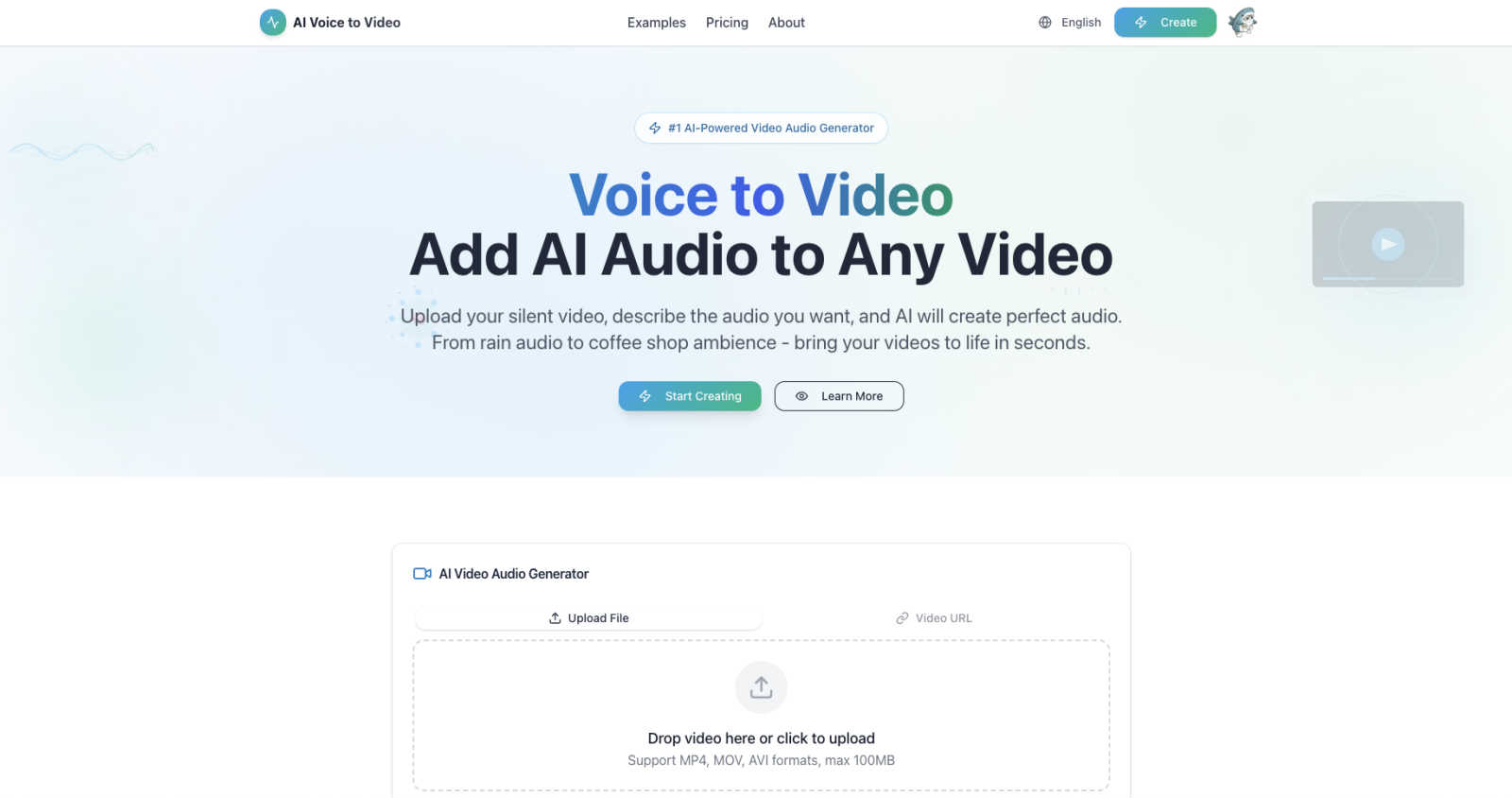
AI Voice To Video
ShotAI

Feature Comparison
AI Voice To Video
AI Smart Reasoning
AI Voice to Video employs advanced AI reasoning to analyze your video content deeply, ensuring the generated audio is not only relevant but also perfectly matches the visual elements. This intelligent processing means that the audio adds significant value to the viewer's experience.
Lightning Fast Audio Generation
Gone are the days of spending hours on audio editing. With AI Voice to Video, you can receive professional-quality audio effects in mere minutes. The streamlined process allows you to upload your video, describe the desired sound, and get your finished product quickly, making it ideal for time-sensitive projects.
Professional Quality Sound
Every audio effect generated by AI Voice to Video is produced at 44.1kHz professional audio quality. This ensures that the sound you add to your videos is clear and impactful, suitable for any platform, whether for social media, presentations, or educational content.
Unlimited Audio Possibilities
With AI Voice to Video, the only limit is your imagination. The tool supports a wide range of audio types, from natural sounds like birds chirping or waves crashing to urban sounds like bustling streets or café chatter. If you can describe it, the AI can create it, opening up endless creative opportunities.
ShotAI
Text to Image
Transform your text descriptions into stunning, high-quality images with ease. ShotAI uses advanced AI models like Gemini Nano Banana and Seedream 4.0 to comprehend your vision, producing photorealistic images that capture intricate details and nuances.
Image to Image
Edit and enhance existing images using AI precision. With this feature, users can modify styles, change specific elements, or create variations of an image while preserving the original composition, making it perfect for iterative design processes.
Text to Video
Bring your ideas to life with AI-generated videos in a matter of minutes. Users simply describe their scene, and ShotAI's powerful tools, such as Sora 2 and VEO3, create professional-quality videos that incorporate realistic motion, physics, and synchronized audio, making video creation accessible to everyone.
AI Effects
Streamline your creative process with a variety of image and video templates. Users can easily upload their photos to generate professional AI-enhanced images and videos, allowing for quick transformations without needing extensive editing skills.
Use Cases
AI Voice To Video
Social Media Content Creation
Content creators can elevate their social media videos by adding tailored audio effects that enhance viewer engagement. Whether it’s a travel vlog with scenic soundscapes or a product demo with relevant ambiance, AI Voice to Video provides the perfect sound enhancements.
Educational Videos
Educators can use AI Voice to Video to create engaging learning materials. By adding appropriate audio backgrounds to instructional videos, teachers can create a more immersive learning experience that captures students' attention and enhances retention.
Marketing and Product Demos
Marketers can leverage the tool to create high-quality product demonstration videos. By incorporating audio that complements the visuals, they can effectively showcase their products, making them more appealing to potential customers.
Film and Video Production
Film students and independent filmmakers can benefit greatly from AI Voice to Video. The tool allows them to quickly add professional-grade sound to their projects, saving time and resources while enhancing the overall production quality.
ShotAI
Content Creation for Social Media
Social media managers can utilize ShotAI to quickly create eye-catching visuals and videos that resonate with their audience. By transforming text prompts into engaging content, they can maintain a consistent posting schedule without sacrificing quality.
Marketing Campaigns
Digital marketers can leverage ShotAI to produce promotional materials and videos tailored to their campaigns. With the ability to generate high-quality imagery and video content at scale, marketers can enhance brand engagement and drive conversions.
Creative Projects for Artists
Visual artists can use ShotAI to explore new creative avenues by generating unique images and videos based on their ideas. The platform allows artists to experiment with various styles and effects, fostering innovation in their work.
Educational Content Development
Educators and trainers can create visually appealing instructional materials using ShotAI. By converting complex concepts into easy-to-understand visuals and videos, they can enhance learning experiences and improve knowledge retention.
Overview
About AI Voice To Video
AI Voice to Video is a revolutionary AI-powered audio generation tool designed to transform silent videos into captivating visual experiences. By utilizing advanced AI reasoning, this platform allows users to upload their video content and simply describe the audio they envision. Whether it's the soothing sound of rain, the vibrant buzz of a city, or the cozy ambiance of a coffee shop, AI Voice to Video caters to a diverse range of creators, including social media influencers, marketers, educators, and small business owners. The main value proposition of AI Voice to Video is its ability to democratize audio production, making professional-quality sound accessible to everyone. No longer do you need expensive sound libraries, complex editing software, or specialized skills. With its user-friendly interface and lightning-fast workflow, this tool empowers anyone to enhance their videos with high-quality audio in just minutes, all while offering a generous free tier to explore its vast possibilities.
About ShotAI
ShotAI is a professional, AI-powered platform designed for seamless photo and video creation. By harnessing the latest advancements in artificial intelligence, it empowers creators to generate high-quality visual content without the hassle of switching between multiple tools. Ideal for content creators, digital marketers, social media managers, and visual artists, ShotAI simplifies the creative process with its all-in-one solution. Users can effortlessly create stunning images and videos using various preset templates and advanced AI models, significantly accelerating their workflow. With competitive pricing and a user-friendly interface, ShotAI makes it easy for anyone to transform their ideas into breathtaking visuals, allowing for more time to focus on creativity rather than technicalities.
Frequently Asked Questions
AI Voice To Video FAQ
How does AI Voice to Video generate audio?
AI Voice to Video uses advanced AI algorithms to analyze the visual content of your video and understand the context, allowing it to generate audio that fits perfectly with what is being shown.
What formats does AI Voice to Video support for video uploads?
The platform supports multiple video formats, including MP4, MOV, and AVI, with a maximum file size limit of 100MB, making it accessible for various types of video content.
Can I use the generated audio for commercial projects?
Yes, the audio generated by AI Voice to Video can be used for both personal and commercial projects, making it a versatile tool for creators across different industries.
Is there a free trial available for AI Voice to Video?
Absolutely! AI Voice to Video offers a generous free tier that allows users to explore its features and capabilities before committing to a paid plan, making it easy to test it out.
ShotAI FAQ
How long does it take to generate content?
Content generation with ShotAI is remarkably fast, typically taking just a few minutes from the moment you input your description until you receive your final image or video.
What AI models does ShotAI use?
ShotAI employs a variety of advanced AI models, including Gemini Nano Banana, Seedream 4.0, Sora 2, and VEO3, among others, to ensure high-quality and diverse content generation.
Can I use the generated content commercially?
Yes, users can utilize the generated content for commercial purposes. This allows creators, marketers, and businesses to leverage AI-generated visuals in their marketing campaigns, social media, and other commercial endeavors.
What formats are supported for export?
ShotAI supports a variety of export formats for both images and videos, ensuring compatibility with most platforms and allowing easy integration into your existing workflows.
Alternatives
AI Voice To Video Alternatives
AI Voice To Video is an innovative tool designed to enhance silent video footage by generating custom audio based on user descriptions. It falls under the category of audio and music production, specifically leveraging artificial intelligence to create immersive soundscapes that match the visual content. Users often seek alternatives due to various reasons, including pricing structures, feature sets, or specific platform compatibility that suits their unique needs. When looking for an alternative, consider key factors like audio quality, ease of use, and the ability to generate sounds that resonate with your creative vision. It’s also important to evaluate the platform’s flexibility and whether it meets your requirements for project scale, whether you're a casual creator or a professional.
ShotAI Alternatives
ShotAI is an innovative AI photo and video creation platform that leverages cutting-edge AI technology to help creators produce stunning visuals. It consolidates various tools into one user-friendly interface, making it easier for individuals to explore their creative potential without the hassle of juggling multiple applications. However, users often search for alternatives to ShotAI due to factors like pricing, specific feature sets, or unique platform requirements that may better suit their individual needs. When looking for alternatives, consider important factors such as the range of features offered, ease of use, and any specific capabilities that may enhance your creative projects. Additionally, evaluate the pricing models to ensure they align with your budget. Ultimately, finding the right platform means balancing your creative aspirations with the tools that best support them.