
Better Image vs Veo 3.2 AI
Side-by-side comparison to help you choose the right AI tool.

Better Image
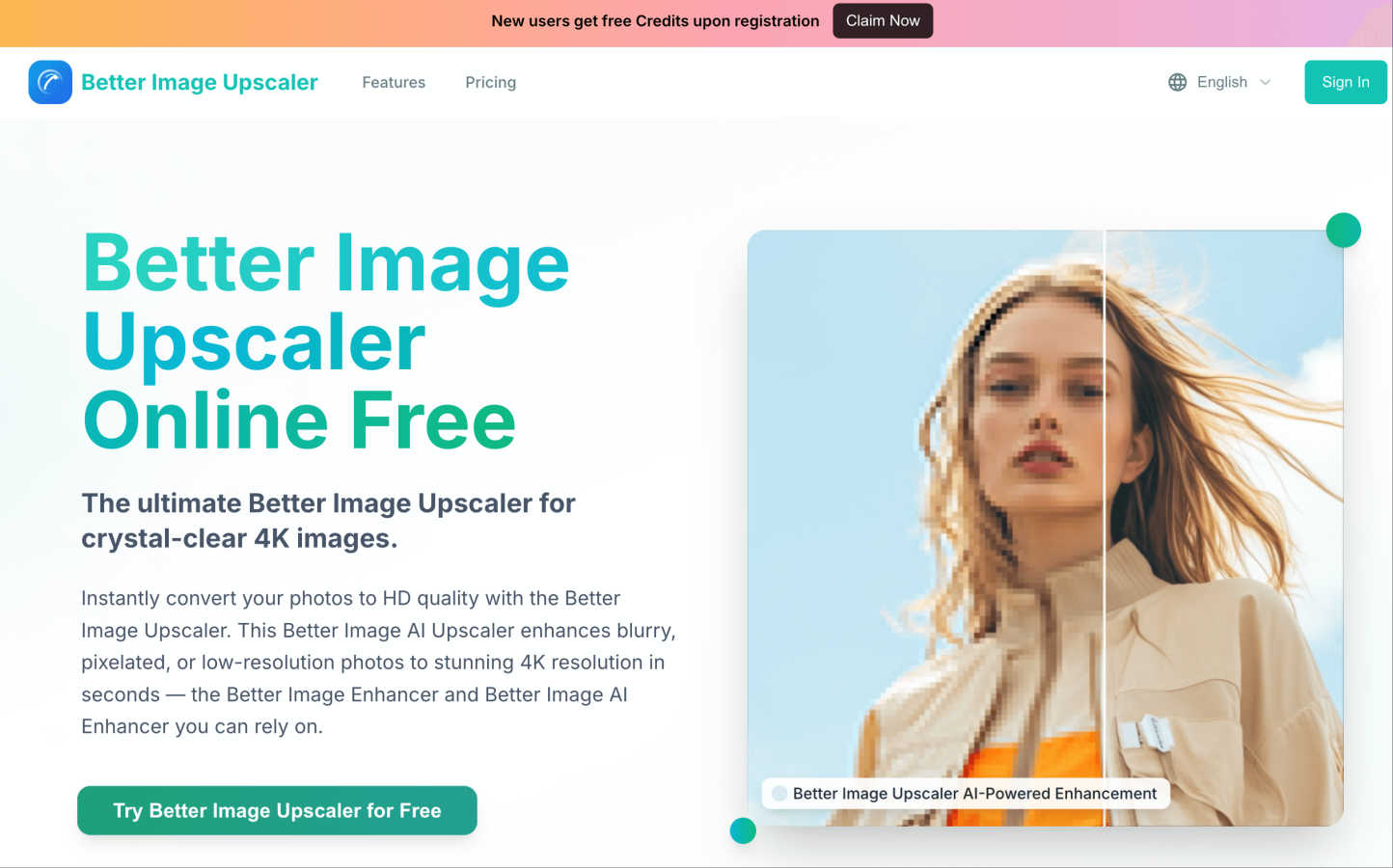
Transform blurry photos into stunning 4K images instantly with Better Image's free AI upscaling and enjoy free credits.
Last updated: March 1, 2026

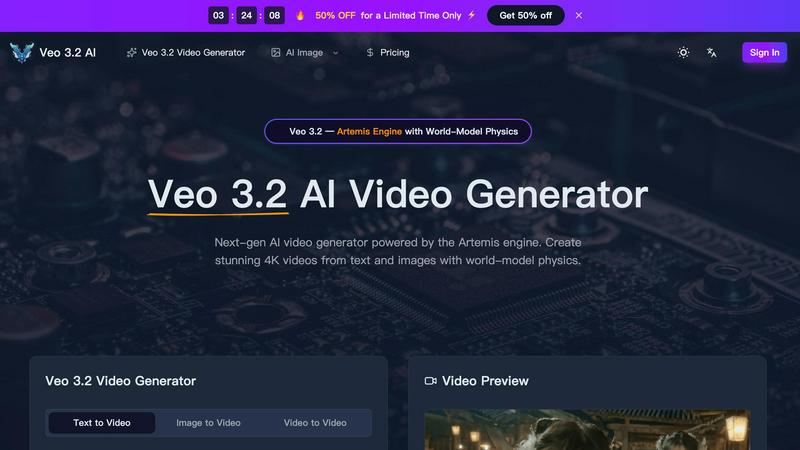
Veo 3.2 AI creates stunning 4K videos from text and images using advanced world-model physics for lifelike motion and cinematic quality.
Last updated: March 11, 2026
Visual Comparison
Better Image
Veo 3.2 AI
Feature Comparison
Better Image
AI-Powered Image Upscaling
The Better Image Upscaler utilizes advanced AI technology to enhance low-resolution images, converting them into crisp, high-definition photos. This feature is designed to preserve textures and natural details while effectively removing blur and noise, ensuring your images look their best.
Smart Reconstruction
This feature intelligently analyzes the content of your images, reconstructing lost information for clear and natural-looking results. Ideal for restoring old photos and enhancing portrait images, it ensures that the final output retains the essence and detail of the original.
One-Click Enhancement
With just one click, you can convert your photos to HD quality in seconds. This feature processes images lightning-fast, delivering vibrant colors and sharp details that stand out, making it perfect for social media and professional presentations.
Commercial-Grade Processing
Better Image offers professional-grade upscaling, transforming your images into high-resolution outputs suitable for business use. This feature optimizes product details and ensures exceptional quality for high-quality printing, meeting the demands of commercial photography.
Veo 3.2 AI
Next-Gen Text-to-Video Generation
Veo 3.2 AI excels in converting text prompts into dynamic videos. Users can generate clips up to 30 seconds long in true 4K resolution, capturing cinematic quality with fluid movements and realistic dynamics that enhance storytelling.
Image-to-Video Conversion
With Veo 3.2, uploading an image or design allows the model to infuse it with life through natural motion. This feature utilizes AI Detail Reconstruction to redraw intricate details at true 4K, ensuring visually striking outputs.
World-Model Physics & Audio Sync
The Artemis engine's simulation of real-world physics, including gravity and fluid dynamics, creates a sense of authenticity in every video. Coupled with material-aware audio that adapts to the environment, the output feels immersive and engaging.
Character Consistency Across Shots
Using Ingredients 2.0, Veo 3.2 builds a detailed 3D character map from reference photos, ensuring consistency in character appearance across various scenes. This feature maintains the integrity of facial features and proportions, enhancing visual storytelling.
Use Cases
Better Image
Restoring Old Photos
Families can use Better Image to breathe new life into cherished old photographs. By upscaling and enhancing these images, users can preserve precious memories with improved clarity and detail, ensuring they can be enjoyed for generations to come.
Social Media Optimization
Content creators and social media managers can utilize Better Image to enhance their visuals before posting. The platform ensures that images are vibrant and sharp, helping users to make a strong impression on their audience and engage followers more effectively.
Product Photography Enhancement
Small business owners can elevate their product images using Better Image. By transforming low-quality product shots into high-definition images, they can attract more customers and showcase their products in the best possible light, boosting online sales.
Professional Printing
Photographers and designers can rely on Better Image for preparing images for print. The platform's ability to deliver print-ready, high-resolution outputs makes it an essential tool for anyone looking to produce high-quality physical copies of their work.
Veo 3.2 AI
Marketing Videos
Businesses can utilize Veo 3.2 to create captivating marketing content that engages customers. By generating eye-catching videos from product images or promotional text, brands can effectively communicate their messages.
Educational Content
Educators and content creators can employ Veo 3.2 to develop illustrative videos for teaching. This tool enables the transformation of complex concepts into visually appealing narratives, making learning more accessible and enjoyable.
Social Media Content
Veo 3.2 is perfect for social media managers looking to produce high-quality video content quickly. With its easy-to-use interface, users can generate engaging videos tailored for various platforms, helping to boost audience interaction.
Film Production
Independent filmmakers can leverage Veo 3.2 for pre-visualization and scene creation. The ability to generate realistic character animations and dynamic environments allows filmmakers to explore their ideas visually before actual production begins.
Overview
About Better Image
Better Image is an innovative, online AI-powered image upscaler that transforms your blurry, pixelated, or low-resolution photos into stunning high-definition images in mere seconds. Whether you have cherished family memories in old photographs, screenshots that deserve a makeover, or product images that need to shine, Better Image is here to help. The platform uses advanced artificial intelligence to analyze and intelligently reconstruct lost details, reduce noise, and sharpen edges, resulting in images that are not only clearer but also vibrantly detailed. It's perfect for a wide range of users, including photographers and designers preparing images for print, small business owners looking to enhance product shots, or families aiming to restore and preserve memories. The user-friendly drag-and-drop interface allows anyone to easily enhance their images without requiring any technical skills. Plus, new users receive free credits upon registration, making it accessible for everyone to start improving their images right away. With Better Image, you can enjoy professional, 4K-ready quality at your fingertips.
About Veo 3.2 AI
Veo 3.2 AI is a cutting-edge video generation tool powered by the innovative Artemis engine, designed for creators who want to produce stunning, high-quality videos with ease. By harnessing advanced AI capabilities, Veo 3.2 allows users to transform text and images into breathtaking 4K videos, complete with world-model physics that simulate realistic movements and environments. Whether you are a filmmaker, marketer, or content creator, Veo 3.2 provides a versatile platform for storytelling that is both intuitive and powerful. Its capability to generate videos up to 30 seconds long ensures that creators can convey their narratives effectively without sacrificing quality. The model also offers features like character consistency and material-aware audio, making it a comprehensive solution for any video project.
Frequently Asked Questions
Better Image FAQ
How does Better Image work?
Better Image uses advanced AI algorithms to analyze low-resolution images and enhance them by reconstructing lost details, reducing noise, and sharpening edges. This process converts your images into stunning high-definition quality.
What file formats does Better Image support?
Better Image supports various file formats, including JPG, PNG, WEBP, JPEG, and BMP, allowing users to upload images easily for enhancement.
Is there a limit on image size?
Yes, users can upload images up to a maximum size of 10MB for processing. This ensures that the platform can effectively enhance the quality of the images while keeping the process quick and efficient.
Do I need technical skills to use Better Image?
No, Better Image is designed for users of all skill levels. The simple drag-and-drop interface makes it easy for anyone to enhance their images without requiring any technical knowledge or experience.
Veo 3.2 AI FAQ
What types of videos can I create with Veo 3.2 AI?
You can create a wide variety of videos, including promotional content, educational materials, character animations, and cinematic scenes, all in stunning 4K resolution.
How does the character consistency feature work?
Veo 3.2 uses Ingredients 2.0 to create a 3D character map from uploaded reference photos, ensuring that characters maintain the same appearance across different scenes for seamless storytelling.
Is there a limit to the video duration I can generate?
Yes, Veo 3.2 allows users to generate continuous videos up to 30 seconds long, enabling effective storytelling without the typical constraints of short clips.
Can I customize the audio in my videos?
Absolutely! Veo 3.2 features material-aware audio that adapts to scene environments, providing context-aware sound effects that enhance the viewer's experience.
Alternatives
Better Image Alternatives
Better Image is an innovative online tool designed to enhance the quality of images by transforming blurry or low-resolution photos into stunning 4K visuals. As an AI-powered upscaler, it falls under the category of design tools, providing users with an easy way to improve their visual content without requiring technical expertise. Users often seek alternatives to Better Image for various reasons, including pricing, specific features, or compatibility with different platforms. When choosing an alternative, it's essential to consider factors such as ease of use, the quality of output, and any unique features that may suit your particular needs, like advanced AI capabilities or batch processing options.
Veo 3.2 AI Alternatives
Veo 3.2 AI is a next-generation AI video generator that leverages the powerful Artemis engine to create stunning 4K videos from text and images. It belongs to the category of AI Assistants, Design Tools, and Image & Photo solutions, offering advanced features like world-model physics to enhance video quality and realism. Users often seek alternatives to Veo 3.2 AI for various reasons, including pricing concerns, the need for additional or different features, or compatibility with specific platforms. When searching for an alternative, it’s essential to consider factors such as ease of use, output quality, pricing models, and customer support to ensure the tool meets your unique needs and enhances your creative projects.