
Cramberry vs JustPDF
Side-by-side comparison to help you choose the right AI tool.

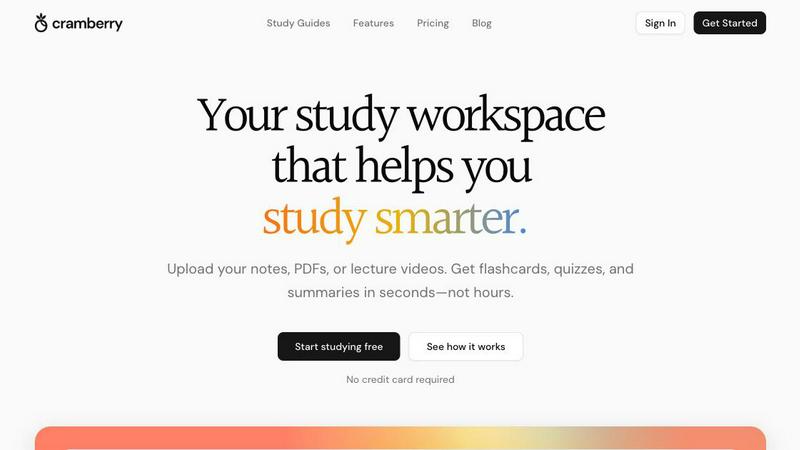
Cramberry is your AI study tool that instantly turns notes, PDFs, and videos into flashcards and quizzes.
Last updated: April 13, 2026

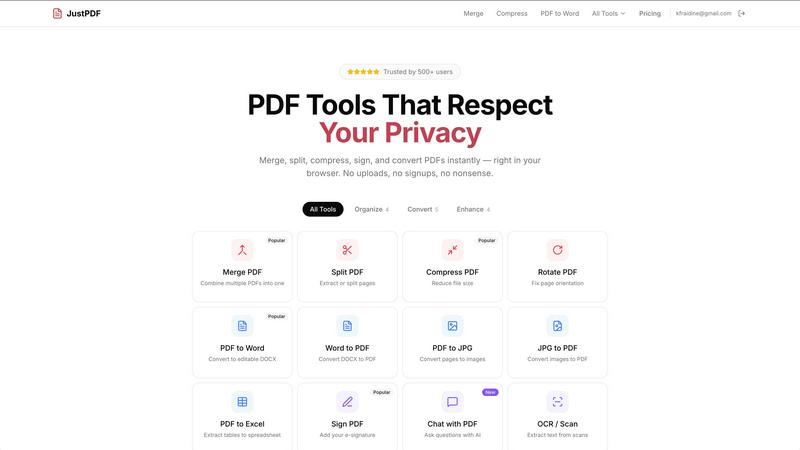
Privacy-first PDF toolkit with 17 free tools.
Visual Comparison
Cramberry
JustPDF
Overview
About Cramberry
Cramberry is your AI-powered study partner, designed to transform the way students learn and retain information. It's built for anyone in an academic setting—from high school students to university scholars—who is tired of spending hours just preparing to study. The core idea is simple yet powerful: you provide your learning materials, and Cramberry instantly converts them into a complete, structured study system. Instead of manually rewriting notes or creating flashcards, you can upload your PDFs, lecture slides, YouTube videos, web articles, or even images of handwritten notes. Within seconds, the platform generates a variety of study aids like flashcards, quizzes, summaries, and key term lists. This automation turns passive review into active learning, leveraging proven techniques like spaced repetition. Furthermore, its integrated AI tutor can answer your specific questions based on your uploaded content, offering personalized explanations. Ultimately, Cramberry's main value proposition is giving you back precious time, reducing study prep from hours to moments, so you can focus on actually understanding and remembering the material.
About JustPDF
JustPDF provides 17 professional-grade PDF tools that process files entirely in the user's browser. Unlike Smallpdf, iLovePDF, and other online PDF tools that upload files to remote servers, JustPDF uses JavaScript and WebAssembly to handle everything locally on the device. Files never leave the browser — verifiable by checking the Network tab in DevTools. Tools include: Merge PDF, Split PDF, Compress PDF, Rotate PDF, Flatten PDF, Unlock PDF, PDF to Word, Word to PDF, PDF to JPG, JPG to PDF, PDF to Excel, WebP to PDF, HEIC to PDF, PDF to Grayscale, Sign PDF, Chat with PDF (AI), and OCR/Scan. No account needed for the free tier (3 ops/day). Pro starts at $4/month for unlimited access. FERPA-compliant for educational use.