
DevUtilx vs SiteMd
Side-by-side comparison to help you choose the right AI tool.

DevUtilx
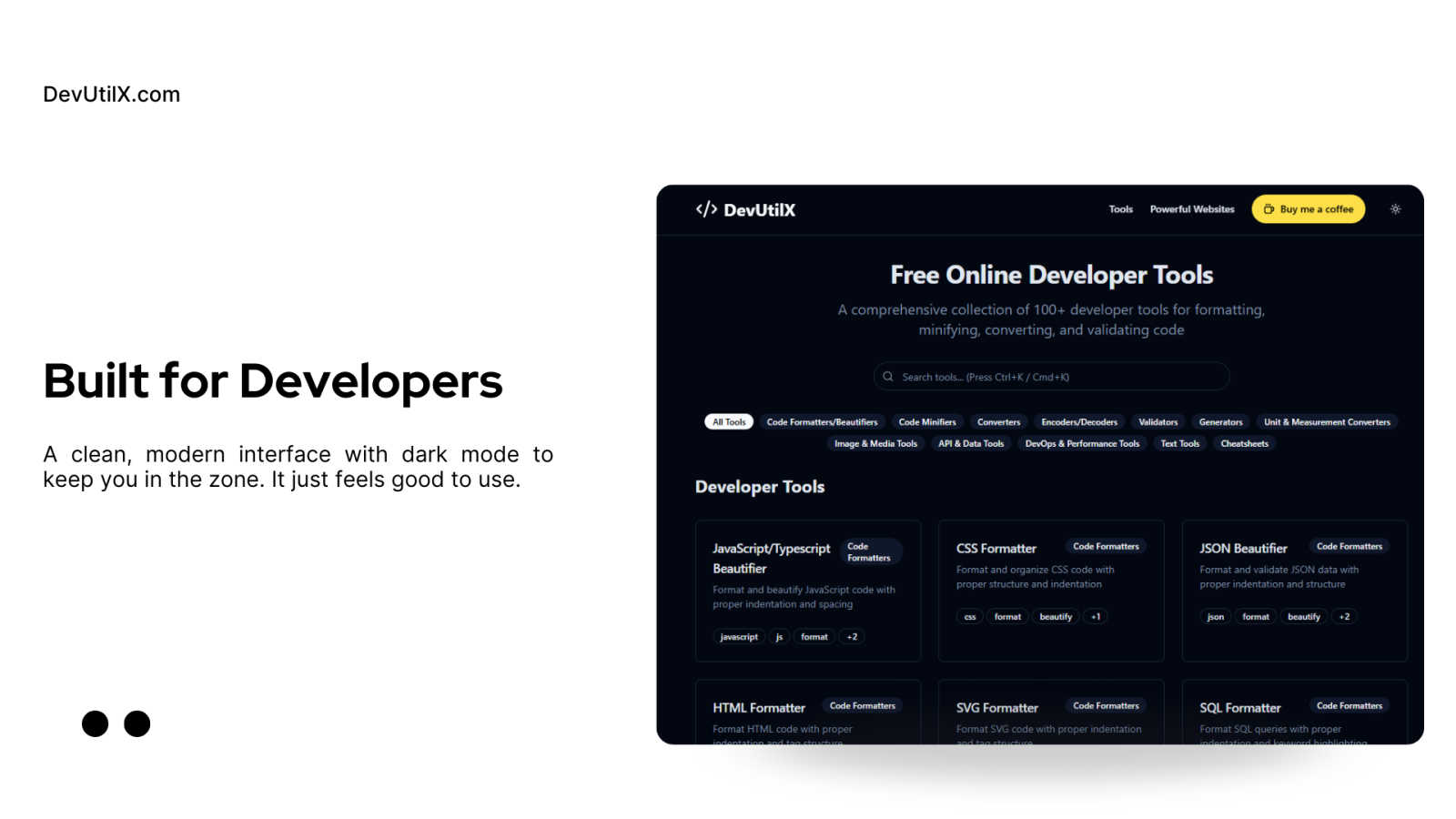
DevUtilx is your free all-in-one toolkit with 100+ tools to instantly format, convert, and validate code.
Last updated: March 1, 2026

SiteMd
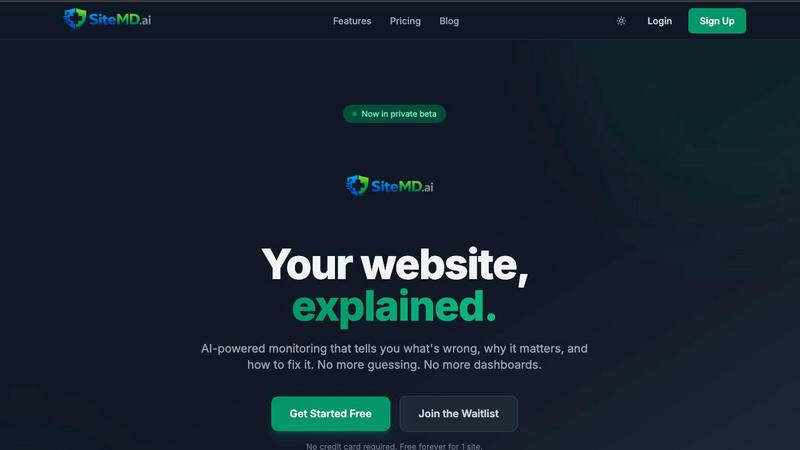
SiteMd scans your website in 60 seconds, uncovering issues and providing clear, actionable insights to enhance performance and security.
Last updated: March 26, 2026
Visual Comparison
DevUtilx
SiteMd
Feature Comparison
DevUtilx
Comprehensive, All-in-One Toolkit
DevUtilx consolidates over 100 essential developer tools into one intuitive platform. Instead of bookmarking dozens of separate websites for different tasks, you have instant access to everything from code formatters and minifiers to validators, converters, and even cheatsheets. This eliminates the friction of context-switching between tabs and ensures you always have a reliable, consistent tool for any job, saving you valuable time and mental energy during your development flow.
Privacy-First & Client-Side Processing
Your code's security is paramount. DevUtilx is engineered with a privacy-first architecture, meaning all processing happens directly within your web browser. Your data, code snippets, or files are never sent to a remote server, logged, or collected. This guarantees complete confidentiality and peace of mind, especially when working with sensitive code, API keys, or proprietary business logic. You get powerful tooling without any privacy trade-offs.
Zero-Cost & Open Source
DevUtilx is completely free to use, with no hidden fees, premium tiers, or feature paywalls. It's also open-source, fostering transparency and community trust. Developers can inspect the code, contribute to its development, or even host their own instance. This commitment to accessibility ensures that every developer, from students to seasoned professionals, has access to high-quality tools without any financial barrier.
Universal Accessibility & No Setup
Access your toolkit from anywhere, on any device. Since DevUtilx runs entirely in the browser, it works seamlessly on desktops, laptops, tablets, and smartphones. There is absolutely no setup required—just navigate to the website and start using the tools immediately. This eliminates the hassle of managing local installations or dependencies, making it the perfect on-the-go solution for quick edits, code reviews, or troubleshooting sessions away from your primary workstation.
SiteMd
Uptime Monitoring
Stay informed about your website's availability with our uptime monitoring feature. It alerts you instantly if your site goes down, allowing you to respond quickly and minimize user disruption. This means you can ensure a seamless experience for your visitors, keeping your online presence reliable.
SEO Audit
Our weekly SEO audit scans your website’s meta tags, links, and rankings, providing crucial insights that help you stay ahead of search engine algorithm changes. This proactive approach to SEO allows you to optimize your site effectively, enhancing visibility and attracting more traffic.
Performance Analysis
We analyze your site's Core Web Vitals and provide detailed explanations of what might be slowing it down. Understanding these metrics helps you make data-driven decisions to enhance your website's performance, leading to improved user experiences and potentially higher conversion rates.
Security Scan
With our security scan, we check your website's SSL status, HTTP headers, and potential vulnerabilities. This comprehensive assessment ensures that your site is secure from threats, giving you peace of mind while allowing you to focus on your business without worrying about security breaches.
Use Cases
DevUtilx
Rapid Code Cleanup and Review
During code reviews or when inheriting a legacy project, you often encounter poorly formatted code. Instead of manually fixing indentation, you can instantly paste JavaScript, CSS, HTML, or SQL into DevUtilx's beautifiers. Within seconds, the code is transformed into a clean, readable, and professionally structured format, making it much easier to understand, debug, and provide constructive feedback to your teammates.
Optimizing Assets for Production
Before deploying a website or application, it's crucial to minify assets to improve load times. A front-end developer can use DevUtilx to minify their entire suite of production files—JavaScript bundles, CSS/SCSS stylesheets, and HTML templates. By removing all unnecessary whitespace and comments, file sizes are significantly reduced, leading to faster page loads and a better overall user experience, all without complex build steps.
Data Validation and Transformation
Back-end and API developers frequently work with data interchange formats like JSON and XML. DevUtilx's validators can instantly check payloads for syntax errors, while the converters can transform data between formats (e.g., JSON to YAML). This is invaluable for testing API endpoints, ensuring data integrity, and quickly reformatting data received from third-party services to match your application's expected schema.
On-the-Fly Troubleshooting and Learning
Whether you're in a meeting, commuting, or working from a lightweight device like a tablet, DevUtilx is always available. You can quickly validate a JSON snippet sent by a colleague, decode a Base64 string, format a SQL query to understand its logic, or use a cheatsheet to recall a regex pattern. It turns any browsing session into a productive development environment, perfect for spontaneous problem-solving.
SiteMd
Personal Projects
For bloggers and hobbyists managing personal websites, SiteMD provides essential monitoring tools at no cost. With our free plan, users can receive monthly health reports that highlight areas for improvement, ensuring their content remains accessible and engaging.
Small Businesses
Small business owners can leverage SiteMD to ensure their websites operate smoothly and securely. By receiving regular performance and security updates, they can focus on growing their business while we monitor the health of their online presence.
Digital Agencies
Agencies managing multiple client websites can benefit from SiteMD's team plan. With the ability to monitor up to 20 websites simultaneously, agencies can streamline their processes, improve client satisfaction, and deliver data-driven recommendations for website improvements.
Web Developers
Developers can use SiteMD to enhance their workflow by receiving detailed health reports for the websites they create. This tool helps them identify and address issues proactively, ensuring that they deliver high-quality, reliable websites to their clients.
Overview
About DevUtilx
DevUtilx is your ultimate, browser-based companion designed to supercharge a developer's daily workflow. Imagine having a comprehensive digital Swiss Army knife with over 100 essential utilities for formatting, minifying, converting, and validating code, all accessible from a single, clean website. The best part? There are no downloads, installations, or account sign-ups required. It's built for developers, by developers, who are tired of juggling multiple tabs, hunting for reliable online tools, or worrying about privacy with their code. The core promise is stunningly simple: boost your productivity by providing instant, hassle-free access to a professional-grade toolkit that just works. Whether you're a front-end developer beautifying a messy CSS file, a back-end engineer validating a complex JSON payload, or a DevOps specialist comparing code versions, DevUtilx streamlines the entire process. It's secure by design, operating entirely within your browser with no data collection or server-side processing—your code never leaves your machine. Completely free and open-source, it works seamlessly on any device with a web browser, making it the perfect companion for coding sessions at your desk, on a tablet, or even from your phone.
About SiteMd
SiteMD.ai is a cutting-edge website health monitoring platform designed to empower website owners by providing them with essential insights into their site's performance, security, SEO, and overall reliability. By continuously scanning websites, SiteMD identifies performance bottlenecks, security vulnerabilities, SEO issues, and downtime, delivering comprehensive reports that explain exactly what is wrong, why it matters, and how to fix it. Our mission is to make enterprise-grade monitoring accessible to everyone, from solo creators to burgeoning businesses, without the complexity or cost typically associated with such tools. Built by a passionate indie team, we use our own product daily and are committed to constant improvements. If you have feedback or ideas, we are eager to listen and enhance SiteMD further.
Frequently Asked Questions
DevUtilx FAQ
Is DevUtilx really free, and will it stay free?
Yes, absolutely! DevUtilx is completely free to use and is committed to remaining free. The project is open-source, which helps keep costs low and fosters community development. There are no plans to introduce mandatory paid plans or hide core features behind a paywall. The developers support the project through optional contributions, like "Buy Me a Coffee," which help with hosting and maintenance.
How does DevUtilx ensure the privacy of my code?
Privacy is a core design principle. DevUtilx operates using client-side processing. This means all the tool logic runs directly in your web browser using JavaScript. Your code, data, or uploaded files are never transmitted over the internet to our servers. You can verify this by using the browser's developer tools to monitor network activity—you'll see no outgoing requests when using the tools.
Can I use DevUtilx without an internet connection?
While the initial website load requires an internet connection, many of the core tools (especially formatters, minifiers, and converters that run purely on JavaScript) will continue to work if you lose connectivity after the page has loaded. For full, reliable access to all 100+ tools, a stable internet connection is recommended to ensure the latest version of the site is loaded.
Do I need to create an account or install software?
No, and that's one of the key benefits! DevUtilx requires no account registration, login, or software installation. It's a web application. Simply visit the DevUtilx website from any modern browser, and you have immediate access to the entire toolkit. There's nothing to download or configure, making it incredibly easy to start using right away.
SiteMd FAQ
What does SiteMD do?
SiteMD monitors your website continuously, detecting performance issues, security vulnerabilities, SEO problems, and downtime. It provides clear, actionable reports that help you understand and fix these issues.
How quickly can I start using SiteMD?
Getting started with SiteMD is incredibly easy. Just paste your website URL, and we begin monitoring it immediately—no code changes or DNS records are required.
Is there a free version of SiteMD?
Yes, SiteMD offers a free plan that allows users to monitor one website. This plan includes monthly health reports and basic uptime monitoring, making it perfect for personal projects and small sites.
How does SiteMD ensure security?
SiteMD performs comprehensive security scans that check for SSL status, HTTP headers, and vulnerabilities. This helps ensure that your website is secure and protected from potential threats, allowing you to operate with confidence.
Alternatives
DevUtilx Alternatives
DevUtilx is a comprehensive, browser-based toolkit for developers, offering over 100 free utilities for formatting, converting, and validating code. It falls squarely into the category of online developer productivity tools, designed to streamline daily coding tasks without any installation. Users often explore alternatives for various reasons. Some might need a tool that integrates directly with their IDE or desktop environment, while others may be looking for a very specific utility not covered in the collection. Pricing changes, the desire for collaborative features, or simply personal preference in user interface can also prompt a search for other options. When evaluating other tools, consider your core needs. Key factors include the range and quality of the specific utilities you use most, the tool's approach to privacy and data security, its cost structure, and how well it fits into your existing workflow. The goal is to find a solution that feels just as effortless and reliable for your unique development process.
SiteMd Alternatives
SiteMd is a website health monitoring platform designed to help users identify performance bottlenecks, security vulnerabilities, SEO issues, and downtime on their sites. This tool is particularly valuable for website owners, ranging from solo creators to growing businesses, who seek to enhance their online presence without the complexity often associated with enterprise-grade solutions. Users commonly look for alternatives to SiteMd due to factors such as pricing, specific feature sets, or compatibility with their existing platforms. When choosing an alternative, it's essential to consider the features that matter most to your website's needs, the level of customer support provided, and how easily the tool integrates with your current workflows. A good alternative should offer clear insights and actionable solutions, much like SiteMd, but tailored to your unique requirements.