
FrogLead vs Playwriter
Side-by-side comparison to help you choose the right AI tool.

The minimalist LinkedIn CRM for founders who hate cold outreach but love warm conversations.

Visual Comparison
FrogLead
Playwriter

Overview
About FrogLead
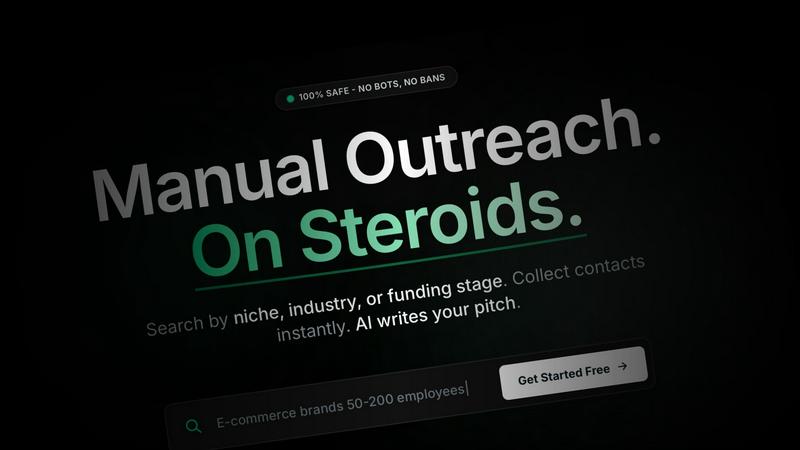
FrogLead is a revolutionary LinkedIn CRM designed to enhance manual outreach efforts without the risk of bans or automation. This platform empowers users to search by niche, industry, or funding stage, instantly collecting contacts and utilizing AI to craft personalized pitches. FrogLead is built for smart outreach, turning cold leads into warm conversations with features like a comprehensive company database, contact discovery, and a visual Kanban board for tracking leads.
Company Database: Access millions of companies to find the right contacts.
Contact Discovery: Identify decision-makers like CEOs and CTOs.
Kanban Board: A drag-and-drop pipeline for managing leads.
Smart Alerts: Never miss follow-ups with custom rules and notifications.
Unified Inbox: Seamlessly manage Email and LinkedIn messages in one place.
AI-Powered Messages: Generate personalized messages using GPT-4, ensuring zero ban risk with manual sending.
FrogLead ensures LinkedIn safety by tracking activity and warning users before hitting limits, maintaining a 100% manual and safe approach. Join over 1,000 founders who have successfully turned cold outreach into warm conversations with this innovative tool.
About Playwriter
AI agents cannot browse the web properly. They either have no browser access, or they get a fresh Chrome with no logins, no extensions, and instant bot detection. Playwriter gives them your actual browser session instead. One Chrome extension, full automation API, everything you are already logged into. Includes accessibility snapshots (5-20KB instead of 100KB+ screenshots), a debugger with breakpoints, live code editing, network interception, and video recording. Works with any MCP client: Cursor, Claude, VS Code, and more. Open source, MIT licensed.