
Grok Imagine vs Video to Text
Side-by-side comparison to help you choose the right AI tool.

Grok Imagine
Grok Imagine creates captivating AI videos from text or images in seconds, complete with synced audio for a stunning.
Last updated: February 28, 2026

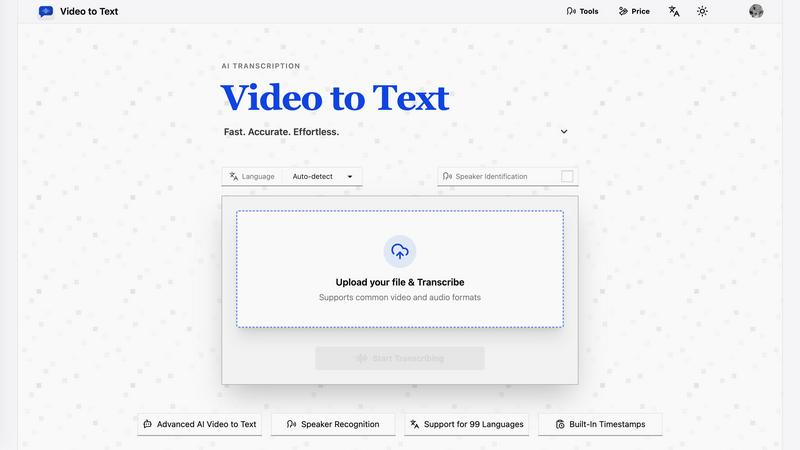
Video to Text
Turn any video or audio into clean text in minutes.
Visual Comparison
Grok Imagine

Video to Text
Overview
About Grok Imagine
Grok Imagine is a cutting-edge AI-driven platform that revolutionizes video creation, making it effortless for anyone to generate stunning videos in just seconds. Utilizing the powerful xAI Aurora engine, this platform allows users to transform simple text prompts and images into captivating videos complete with synchronized audio. Whether you are a seasoned content creator, a marketer looking to enhance your brand's visibility, or someone eager to express their creativity, Grok Imagine has something for everyone. With its unique modes—Normal, Fun, and Spicy—you can cater your video style to suit various themes and audiences. The ability to generate 6-second clips rapidly positions Grok Imagine as an ideal solution for those wanting to create engaging content without the complexities of traditional video editing. Additionally, Grok Imagine’s intuitive user interface ensures that even those with no technical skills can produce high-quality videos effortlessly. Sign up today and take advantage of the 10 free credits to kickstart your creative journey and explore the endless possibilities of video storytelling!
About Video to Text
video to text is an ai-powered transcription service that converts video and audio files into clean, exportable text. the product is designed for creators, teams, and individuals who need fast, accurate speech-to-text conversion without setting up their own transcription pipeline.
the app combines a simple upload flow with automated processing, speaker-aware transcription, and flexible export options. users can upload media, wait for the transcription to finish, and then download the result in the format that best fits their workflow.