
JustPDF vs Opal
Side-by-side comparison to help you choose the right AI tool.

Privacy-first PDF toolkit with 17 free tools.

Opal is a visual workspace that organizes all your projects and notes so you can find anything instantly.
Last updated: April 13, 2026
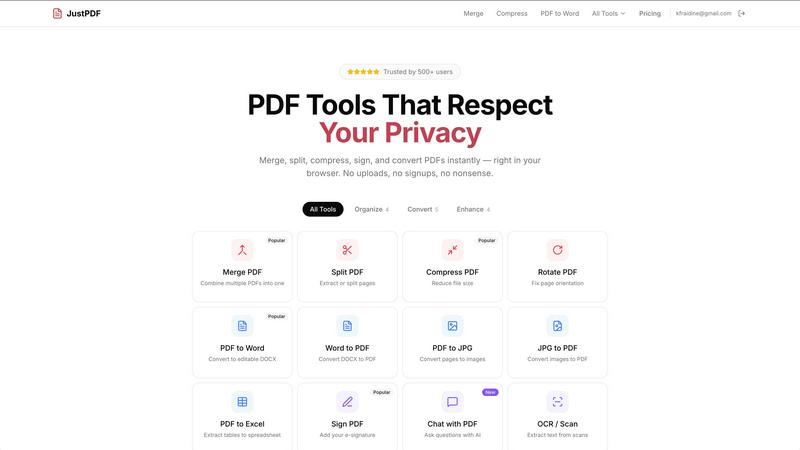
Visual Comparison
JustPDF
Opal

Overview
About JustPDF
JustPDF provides 17 professional-grade PDF tools that process files entirely in the user's browser. Unlike Smallpdf, iLovePDF, and other online PDF tools that upload files to remote servers, JustPDF uses JavaScript and WebAssembly to handle everything locally on the device. Files never leave the browser — verifiable by checking the Network tab in DevTools. Tools include: Merge PDF, Split PDF, Compress PDF, Rotate PDF, Flatten PDF, Unlock PDF, PDF to Word, Word to PDF, PDF to JPG, JPG to PDF, PDF to Excel, WebP to PDF, HEIC to PDF, PDF to Grayscale, Sign PDF, Chat with PDF (AI), and OCR/Scan. No account needed for the free tier (3 ops/day). Pro starts at $4/month for unlimited access. FERPA-compliant for educational use.
About Opal
Opal is a visual knowledge and project management workspace designed for people who think spatially. If you're tired of losing notes in nested folders or forgetting brilliant ideas because they're buried in a traditional app, Opal offers a refreshingly intuitive solution. It provides an infinite digital canvas where you can drag and drop notes, documents, files, and links—organizing them visually just like you would on a physical desk. This spatial memory approach means you remember where things are, not just what they're called, making retrieval instant and frustration-free. It's built for solopreneurs, consultants, agency owners, writers, and anyone whose business runs on conversations, details, and promises. Opal keeps your entire world of active projects, client details, and creative ideas visible and top-of-mind, so you can stop searching and start doing your best work without breaking your flow.