
Orno — AI Image Editor & Prompt Library vs Vibe Video
Side-by-side comparison to help you choose the right AI tool.

Orno — AI Image Editor & Prompt Library
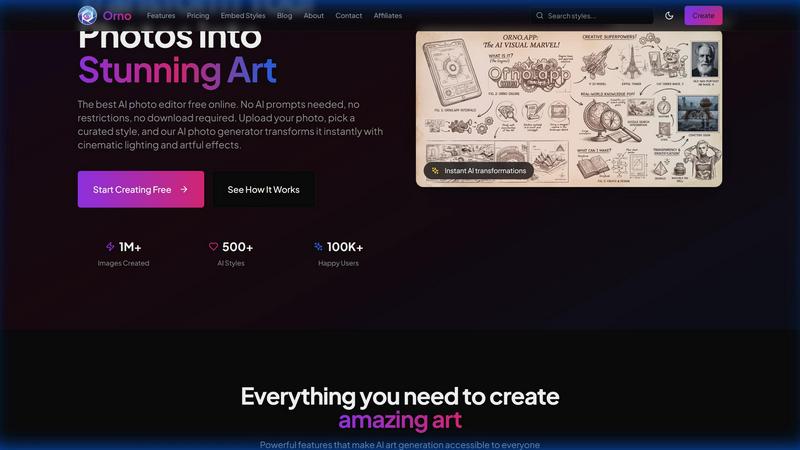
Orno instantly transforms your photos into stunning AI art using a library of ready-to-use styles, no prompts needed.
Last updated: February 28, 2026

Vibe Video
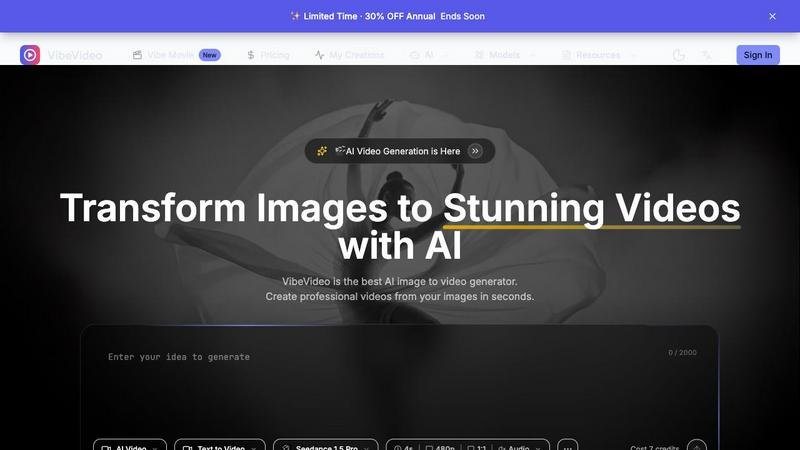
Vibe Video is an AI-powered tool that quickly transforms your images and ideas into stunning cinematic videos effortlessly.
Last updated: March 11, 2026
Visual Comparison
Orno — AI Image Editor & Prompt Library
Vibe Video
Feature Comparison
Orno — AI Image Editor & Prompt Library
500+ Ready-to-Use Prompt Library
Orno eliminates the guesswork of AI image generation with a hand-picked collection of over 500 visual styles and effects. This library is constantly curated, offering everything from artistic filters and cinematic looks to product photography enhancements and portrait retouching styles. You don't need to craft a single prompt; just visually browse and select the aesthetic you want to apply to your image, making the creative process intuitive and immediate.
Zero Prompt Writing Required
This feature is at the core of Orno's simplicity. The platform is built for users with zero AI prompting experience. The complex technical instructions are handled entirely in the background by the advanced Nano Banana 2 AI engine. Your only job is to choose a style and upload your photo. This opens up powerful AI editing to a much wider audience, from complete beginners to professionals who value efficiency.
High-Resolution, Privacy-First Output
Orno is committed to delivering professional-quality results you can actually use. Every transformed image is available for download in high resolution, suitable for print, client delivery, or social media. Importantly, Orno operates with a strict privacy-first policy. Your original uploaded photos are never stored long-term or used to train AI models, so your work and intellectual property remain completely yours.
Instant Browser-Based Platform
There's no software to download or install. Orno works entirely in your web browser, making it accessible on any device—be it a laptop, tablet, or phone—at any time. The transformations happen in mere seconds, providing a seamless and fast experience. This cloud-based approach ensures you always have access to the latest features and the full prompt library without any updates or compatibility issues.
Vibe Video
Image to Video AI
This feature allows users to upload any image and watch as Vibe Video transforms it into a dynamic video filled with natural motion and cinematic effects. It's perfect for turning ordinary photos into captivating visual stories.
Text to Video
With the text-to-video functionality, users can describe their vision in text form, and the AI will interpret these prompts to create a fitting video. This feature is ideal for those who want to convey specific ideas or themes without needing technical video editing expertise.
Multiple AI Models
Vibe Video offers a selection of various AI models, such as Kling and Runway, tailored for different video styles and quality levels. This versatility ensures that users can choose the model that best fits their creative needs.
Fast Generation
Vibe Video's optimized AI pipeline enables the rapid generation of videos in seconds. This speed is a game-changer for content creators who need to produce high volumes of video content quickly without sacrificing quality.
Use Cases
Orno — AI Image Editor & Prompt Library
Social Media Content Creation
Content creators, influencers, and small businesses can use Orno to rapidly generate a consistent and engaging visual feed. Transform ordinary selfies into artistic portraits, enhance product photos with professional lighting styles, or give travel pictures a unique thematic look—all without needing a designer or spending hours on complex editing software, perfect for maintaining an active and attractive social media presence.
Marketing & Advertising Material
Marketing teams and agencies can leverage Orno to produce high-quality visual assets for campaigns, ads, and websites. Quickly apply branded aesthetic styles to stock photography, create multiple themed variations of a product shot for A/B testing, or generate eye-catching graphics for email newsletters and digital brochures, significantly speeding up the design iteration process while maintaining a professional standard.
Creative Exploration & Concepting
Artists, designers, and illustrators can use Orno as a powerful brainstorming tool. Upload a sketch or a basic photo and rapidly cycle through dozens of artistic styles—from oil painting and charcoal sketch to cyberpunk and fantasy—to explore new directions for a project. It's an excellent way to overcome creative block and visualize concepts before committing to a final, detailed piece of work.
Personal Photo Enhancement
Anyone with a camera phone can use Orno to elevate their personal photos. Turn a simple portrait into a classic film-style snapshot, give a landscape photo a dramatic Ansel Adams-style black and white treatment, or apply a fun, vibrant pop-art filter to a picture of a pet. It makes advanced photo editing accessible for creating beautiful memories, gifts, or personalized artwork for the home.
Vibe Video
Influencer Content Creation
Influencers can leverage Vibe Video to quickly produce visually striking videos from their photos. This allows them to maintain a consistent posting schedule and engage their audiences with fresh content.
Product Marketing
Marketers can utilize Vibe Video to create professional product videos that highlight features and benefits. These videos can be shared on social media or embedded in marketing campaigns to boost engagement and conversions.
Artistic Projects
Artists and animators can experiment with Vibe Video to bring their artwork to life. By transforming static images into animated videos, they can create unique visual experiences that showcase their creativity.
Social Media Engagement
Content creators can use Vibe Video to generate compelling video posts for various social media platforms. The ability to turn images into videos quickly helps keep their feeds dynamic and engaging, attracting more followers and interactions.
Overview
About Orno — AI Image Editor & Prompt Library
Orno is a revolutionary AI image editor designed to make professional-grade image transformation accessible to everyone. It solves a common frustration in the world of AI art: the need for complex and time-consuming prompt engineering. Instead of asking you to become an expert in writing AI instructions, Orno provides a vast, hand-curated library of over 500 ready-to-use prompts and styles. Whether you're a marketer needing eye-catching social media graphics, a designer seeking quick inspiration, an artist exploring new styles, or a small business owner creating product shots, Orno streamlines your workflow. You simply browse the visual styles, pick the one you love, upload your photo, and receive a stunning, high-resolution transformation in seconds. Built on the powerful Nano Banana 2 AI, Orno prioritizes simplicity, speed, and privacy, ensuring your uploaded images are never used to train other models. It's the perfect tool for anyone who wants to harness the power of AI for visual creation without the technical hassle, empowering over 10,000 creators to bring their visions to life faster and easier than ever before.
About Vibe Video
Vibe Video is an innovative AI video generator that enables creators, marketers, and indie makers to effortlessly transform static images, prompts, and ideas into high-quality videos within minutes. Designed for those seeking a faster video production process without the need for complex editing skills, Vibe Video simplifies the creation of cinematic clips, engaging product videos, and dynamic social media content. By utilizing advanced AI technology, users can easily generate videos that are visually captivating and professionally polished. Whether you're an influencer looking to enhance your content, a product marketer aiming to showcase your offerings, or an artist wanting to bring your visions to life, Vibe Video provides the tools you need to create stunning videos quickly and efficiently.
Frequently Asked Questions
Orno — AI Image Editor & Prompt Library FAQ
How does Orno work without writing prompts?
Orno works by having a vast library of pre-written, optimized AI prompts already built into each visual style you see. When you pick a style like "Cinematic Portrait" or "Watercolor Sketch," you are actually selecting a complex, expert-crafted prompt that our AI engine, Nano Banana 2, understands. You simply provide the image, and Orno provides the perfect instruction set to transform it, handling all the technical complexity for you.
What is a credit and how many do I need?
A credit is used each time you generate a new AI-transformed image. The number you need depends on your usage. The Starter plan offers 200 credits per month, which is great for casual users or small projects. The Pro plan offers 500 credits for more regular creators, and the Creator plan offers unlimited generations. One credit equals one transformed image download.
Is there a free trial or a free plan?
Yes, you can start editing for free! Orno offers a free tier that allows you to test the platform and experience the AI transformation with a limited number of generations. This is a great way to browse the prompt library, upload a photo, and see the instant results for yourself before committing to a paid subscription plan.
Can I use images created with Orno for commercial purposes?
Commercial usage rights are included with the Creator subscription plan. This license allows you to use the AI-generated images in client work, advertising, products for sale, and other commercial ventures. The Starter and Pro plans are intended for personal or internal business use. Always review the Terms of Service for the most detailed and up-to-date licensing information.
Vibe Video FAQ
What is Vibe Video and how does it work?
Vibe Video is an AI-powered tool that transforms images and text prompts into stunning videos. Users upload their images or provide descriptive prompts, and the AI generates a video that captures their vision, making video creation accessible and efficient.
What types of images work best with Vibe Video?
Vibe Video supports a range of image formats, including JPG, PNG, and WebP. Any image can be used to create videos, but those with clear subjects and vibrant colors often yield the most visually appealing results.
How long does it take to generate a video?
Thanks to Vibe Video's optimized AI technology, videos can be generated in a matter of seconds. This rapid processing allows users to create and share content without long wait times.
What AI models are available?
Vibe Video features multiple AI models, including Kling and Runway, each designed for different video styles and quality outputs. Users can choose the model that best aligns with their creative vision and project requirements.
Alternatives
Orno — AI Image Editor & Prompt Library Alternatives
Orno — AI Image Editor & Prompt Library is a user-friendly tool in the AI image generation and photo editing category. It's designed to simplify the creative process by offering a vast library of pre-made styles, allowing users to transform their photos into art without needing to write complex AI prompts. People often explore alternatives to find a tool that better fits their specific needs. This could be due to budget considerations, a desire for different features like more manual control or specific artistic filters, or the need for compatibility with a particular device or operating system. It's a common step in finding the perfect creative assistant. When evaluating other options, it's helpful to consider what matters most for your projects. Key factors include the ease of use, the quality and resolution of the output images, the variety of available styles, and how the tool handles your privacy and data. Finding a balance between powerful features and a straightforward workflow is essential.
Vibe Video Alternatives
Vibe Video is a powerful AI Video Generator that transforms images, prompts, and ideas into cinematic videos in just minutes. It falls under the categories of Image & Photo, Video, and Image Generation, making it a versatile tool for various creative projects. Users often seek alternatives to Vibe Video due to factors such as pricing, specific feature requirements, or compatibility with different platforms. When looking for an alternative, consider the ease of use, quality of output, and whether the tool meets your specific needs—such as the type of videos you want to create and the level of customization available. It's essential to find a solution that offers the right balance between user-friendly functionality and the features you require for your video production goals.