
Picture to Drawing vs Veo 3.2 AI
Side-by-side comparison to help you choose the right AI tool.

Picture to Drawing
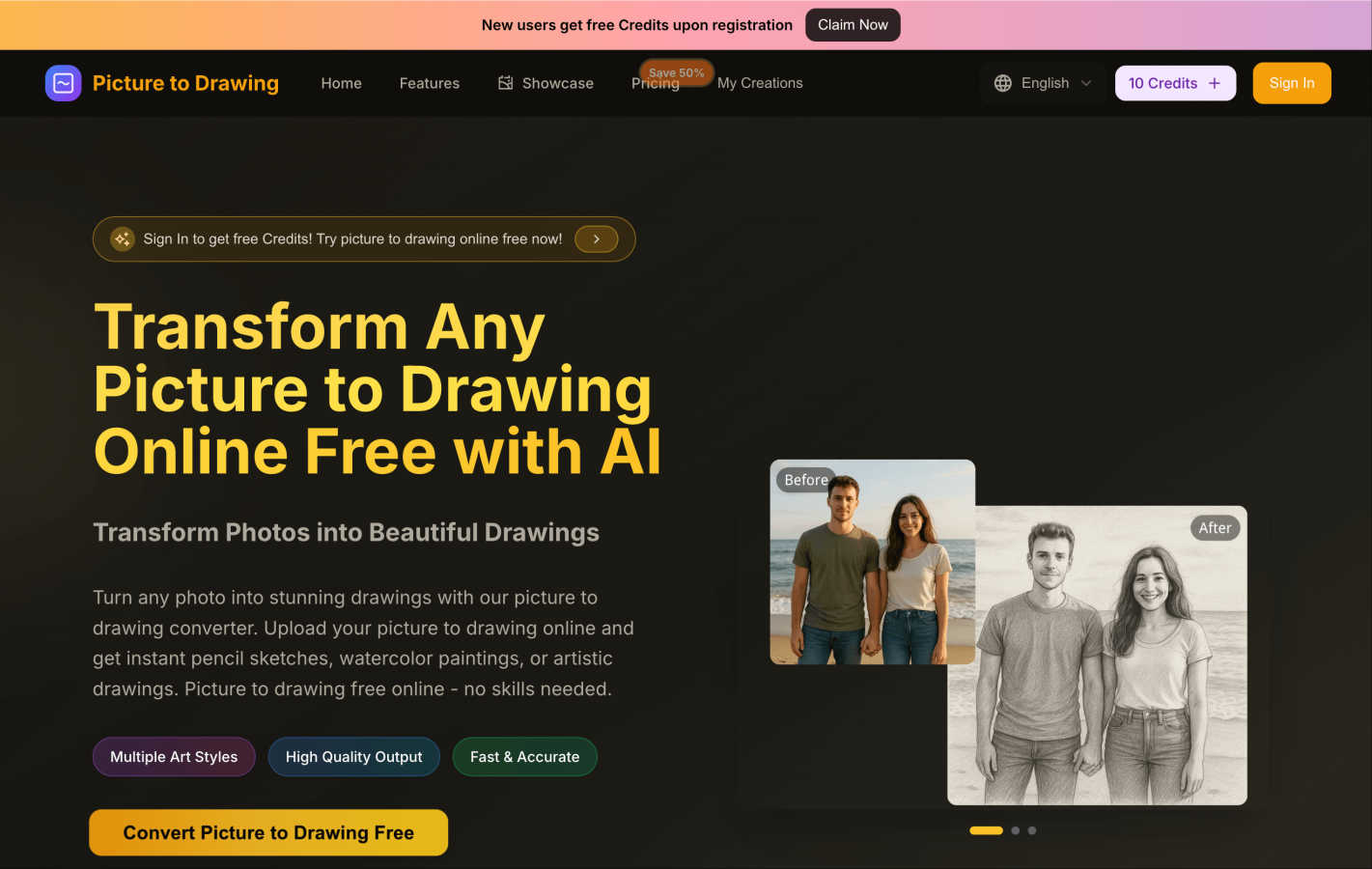
Easily transform your photos into stunning drawings or sketches with our free AI art tool in just seconds.
Last updated: March 1, 2026

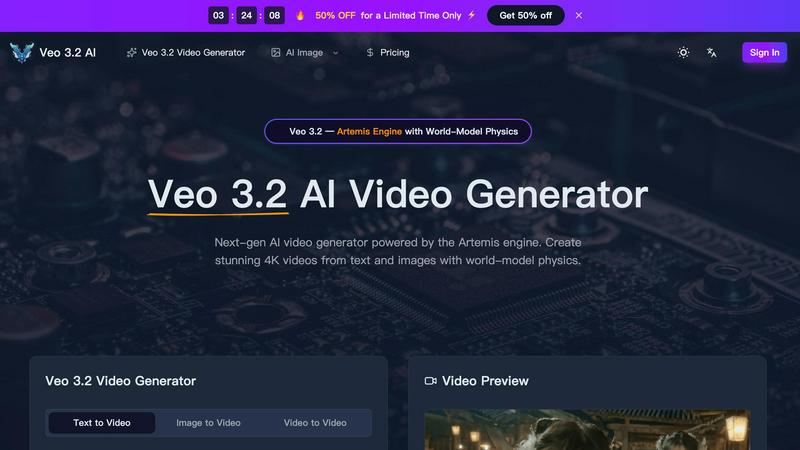
Veo 3.2 AI creates stunning 4K videos from text and images using advanced world-model physics for lifelike motion and cinematic quality.
Last updated: March 11, 2026
Visual Comparison
Picture to Drawing
Veo 3.2 AI
Feature Comparison
Picture to Drawing
Multiple Art Styles
Picture to Drawing offers a diverse range of artistic styles, allowing users to choose from pencil sketches, watercolor paintings, ink art, and more. This variety ensures that every user can find a style that resonates with their vision and artistic intent.
High Quality Output
The tool guarantees high-quality output, transforming your photos into professional-grade artwork. Each generated drawing is crafted with meticulous attention to detail, ensuring that the essence of the original image is preserved while giving it an artistic flair.
Fast & Accurate
Speed is one of the standout features of Picture to Drawing. The AI technology processes your images rapidly, delivering stunning artwork in seconds. This efficiency makes it ideal for users who want quick results without sacrificing quality.
User-Friendly Interface
The platform's interface is designed with simplicity in mind, making it accessible for users of all skill levels. The drag-and-drop functionality and straightforward navigation ensure that anyone can easily upload images, select styles, and download their creations without hassle.
Veo 3.2 AI
Next-Gen Text-to-Video Generation
Veo 3.2 AI excels in converting text prompts into dynamic videos. Users can generate clips up to 30 seconds long in true 4K resolution, capturing cinematic quality with fluid movements and realistic dynamics that enhance storytelling.
Image-to-Video Conversion
With Veo 3.2, uploading an image or design allows the model to infuse it with life through natural motion. This feature utilizes AI Detail Reconstruction to redraw intricate details at true 4K, ensuring visually striking outputs.
World-Model Physics & Audio Sync
The Artemis engine's simulation of real-world physics, including gravity and fluid dynamics, creates a sense of authenticity in every video. Coupled with material-aware audio that adapts to the environment, the output feels immersive and engaging.
Character Consistency Across Shots
Using Ingredients 2.0, Veo 3.2 builds a detailed 3D character map from reference photos, ensuring consistency in character appearance across various scenes. This feature maintains the integrity of facial features and proportions, enhancing visual storytelling.
Use Cases
Picture to Drawing
Personal Memories
Picture to Drawing is perfect for turning cherished personal photos into unique art pieces. Whether it’s a family portrait or a snapshot from a memorable vacation, users can create beautiful drawings that capture the essence of their experiences.
Gifts and Keepsakes
Looking for a thoughtful gift? Transforming a loved one's photo into a stunning piece of art makes for a memorable present. These custom drawings can serve as keepsakes for special occasions like birthdays, anniversaries, or holidays.
Social Media Content
Artists and influencers can use Picture to Drawing to enhance their social media presence. By converting everyday photos into eye-catching artwork, users can create engaging content that stands out in crowded feeds.
Creative Projects
For those involved in creative projects, such as graphic design, marketing, or education, Picture to Drawing offers a quick way to generate artistic resources. Whether you need illustrations for presentations or creative assets for campaigns, this tool simplifies the process.
Veo 3.2 AI
Marketing Videos
Businesses can utilize Veo 3.2 to create captivating marketing content that engages customers. By generating eye-catching videos from product images or promotional text, brands can effectively communicate their messages.
Educational Content
Educators and content creators can employ Veo 3.2 to develop illustrative videos for teaching. This tool enables the transformation of complex concepts into visually appealing narratives, making learning more accessible and enjoyable.
Social Media Content
Veo 3.2 is perfect for social media managers looking to produce high-quality video content quickly. With its easy-to-use interface, users can generate engaging videos tailored for various platforms, helping to boost audience interaction.
Film Production
Independent filmmakers can leverage Veo 3.2 for pre-visualization and scene creation. The ability to generate realistic character animations and dynamic environments allows filmmakers to explore their ideas visually before actual production begins.
Overview
About Picture to Drawing
Picture to Drawing is a groundbreaking AI-powered online tool that transforms your everyday photos into stunning artwork, all for free. This innovative platform is designed for anyone who wants to express their creativity without needing extensive artistic skills or expensive software. Whether you are a complete beginner or a seasoned artist, Picture to Drawing offers a seamless way to convert your images into beautiful sketches, paintings, or drawings with just a few clicks. The core value proposition is to democratize art creation, enabling users to transform their personal memories into unique pieces of art effortlessly. Just upload your chosen image, select one of the various artistic styles, and watch as the advanced AI technology generates high-quality, downloadable artwork in seconds. Additionally, new users receive free credits upon registration, allowing them to explore the platform without any financial commitment.
About Veo 3.2 AI
Veo 3.2 AI is a cutting-edge video generation tool powered by the innovative Artemis engine, designed for creators who want to produce stunning, high-quality videos with ease. By harnessing advanced AI capabilities, Veo 3.2 allows users to transform text and images into breathtaking 4K videos, complete with world-model physics that simulate realistic movements and environments. Whether you are a filmmaker, marketer, or content creator, Veo 3.2 provides a versatile platform for storytelling that is both intuitive and powerful. Its capability to generate videos up to 30 seconds long ensures that creators can convey their narratives effectively without sacrificing quality. The model also offers features like character consistency and material-aware audio, making it a comprehensive solution for any video project.
Frequently Asked Questions
Picture to Drawing FAQ
Is Picture to Drawing completely free to use?
Yes, Picture to Drawing is free to use. New users receive free credits upon registration, allowing them to convert their photos into drawings without any cost.
What file formats does Picture to Drawing support?
The platform supports various file formats, including JPG, PNG, WEBP, and HEIC. This versatility ensures that users can upload their images without worrying about compatibility issues.
How long does it take to convert a picture to drawing?
The conversion process is extremely fast, typically taking just seconds to transform your uploaded photo into a stunning piece of artwork.
Do I need any artistic skills to use Picture to Drawing?
No, you do not need any artistic skills to use Picture to Drawing. The tool is designed for everyone, and its one-click transformation process makes it easy for anyone to create beautiful artwork.
Veo 3.2 AI FAQ
What types of videos can I create with Veo 3.2 AI?
You can create a wide variety of videos, including promotional content, educational materials, character animations, and cinematic scenes, all in stunning 4K resolution.
How does the character consistency feature work?
Veo 3.2 uses Ingredients 2.0 to create a 3D character map from uploaded reference photos, ensuring that characters maintain the same appearance across different scenes for seamless storytelling.
Is there a limit to the video duration I can generate?
Yes, Veo 3.2 allows users to generate continuous videos up to 30 seconds long, enabling effective storytelling without the typical constraints of short clips.
Can I customize the audio in my videos?
Absolutely! Veo 3.2 features material-aware audio that adapts to scene environments, providing context-aware sound effects that enhance the viewer's experience.
Alternatives
Picture to Drawing Alternatives
Picture to Drawing is an innovative online tool that allows users to transform their photos into beautiful hand-drawn artworks using advanced AI technology. It falls under the category of design tools, specifically for art creation, making it accessible for anyone from casual users to professional artists. Users often seek alternatives to Picture to Drawing for various reasons, including pricing, specific features that may better suit their needs, or compatibility with different platforms. When searching for an alternative, consider factors such as the range of artistic styles offered, the quality of the output, ease of use, and whether the service meets your specific artistic vision. By choosing the right alternative, you can enhance your creative process, find unique artistic styles, or even discover additional features that suit your preferences better. It's essential to evaluate tools based on their conversion speed, the quality of the final artwork, and any costs involved, ensuring that you find the best fit for your artistic endeavors.
Veo 3.2 AI Alternatives
Veo 3.2 AI is a next-generation AI video generator that leverages the powerful Artemis engine to create stunning 4K videos from text and images. It belongs to the category of AI Assistants, Design Tools, and Image & Photo solutions, offering advanced features like world-model physics to enhance video quality and realism. Users often seek alternatives to Veo 3.2 AI for various reasons, including pricing concerns, the need for additional or different features, or compatibility with specific platforms. When searching for an alternative, it’s essential to consider factors such as ease of use, output quality, pricing models, and customer support to ensure the tool meets your unique needs and enhances your creative projects.