
PixelArt vs Vibe Video
Side-by-side comparison to help you choose the right AI tool.
PixelArt
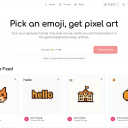
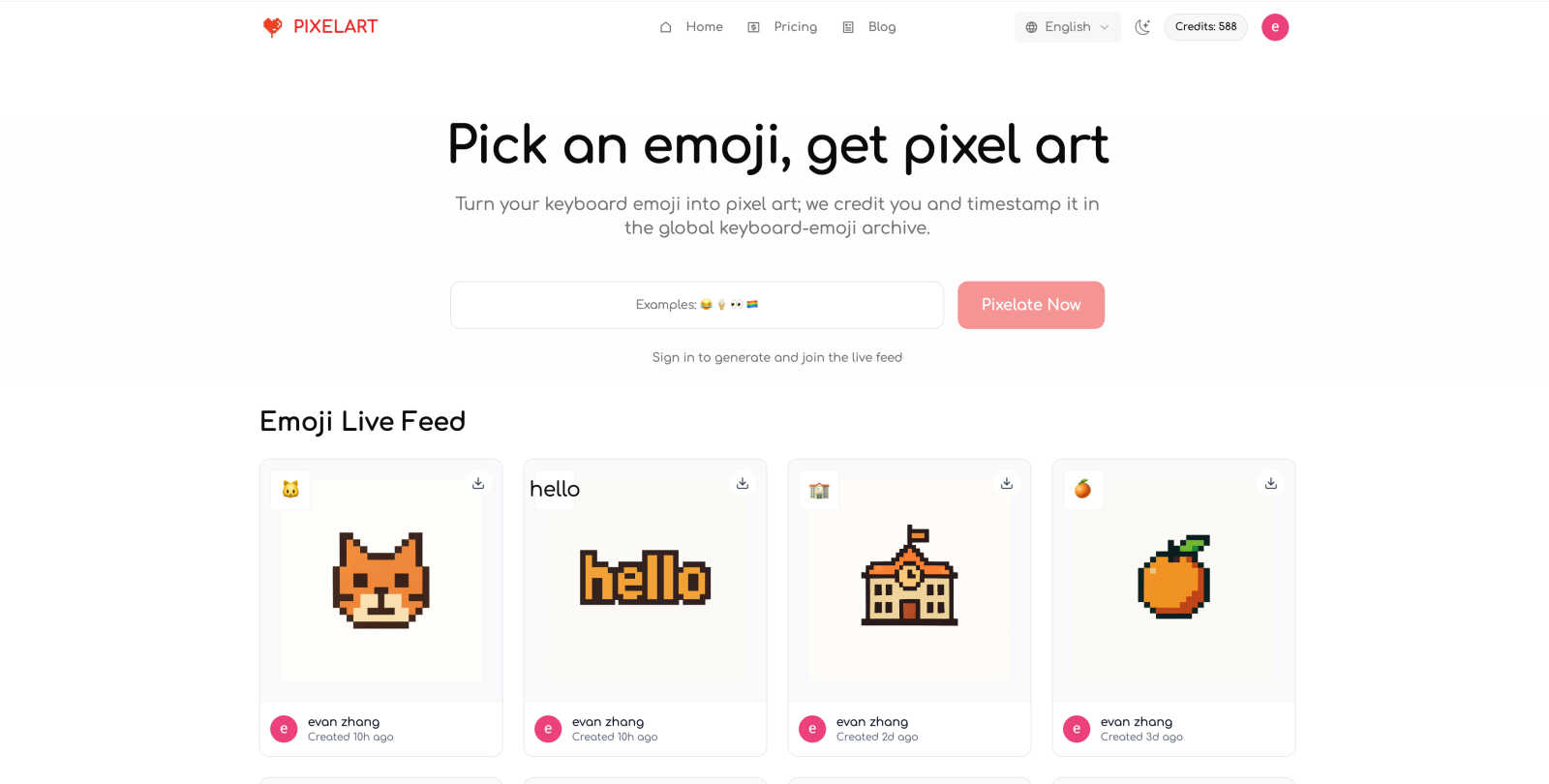
Transform emojis into unique 8-bit pixel art, earn creator credit, and showcase your work in a global gallery.
Last updated: February 28, 2026

Vibe Video
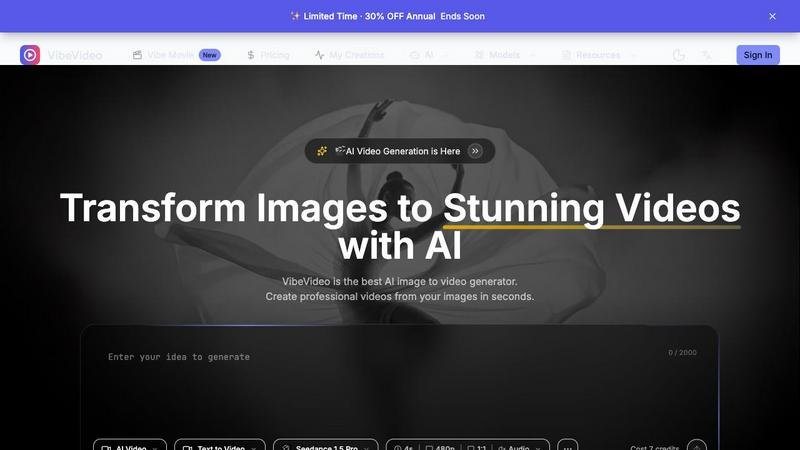
Vibe Video is an AI-powered tool that quickly transforms your images and ideas into stunning cinematic videos effortlessly.
Last updated: March 11, 2026
Visual Comparison
PixelArt
Vibe Video
Feature Comparison
PixelArt
Easy Emoji Conversion
Transforming emojis into pixel art has never been easier. Users can simply paste or type one to three emojis from their keyboard, and with a click of a button, their unique pixel art is generated. This feature makes it accessible for everyone, regardless of artistic background.
Global Emoji Collection
PixelArt boasts a global collection that captures emojis from various platforms, including iOS, Android, Windows, and macOS. Each emoji conversion is recorded with its source, time, and region, ensuring a comprehensive archival of pixel art that is continuously updated.
Creator Credit & Timestamp
Every piece of pixel art created through PixelArt automatically includes creator credit and a timestamp. This feature not only provides proper attribution but also fosters a sense of ownership and community among artists, ensuring that their work is recognized.
Searchable Archive
The platform features a searchable archive that allows users to find pixel art by platform, region, time, and emoji code. This makes it easy to explore the vast collection of emojis and the creative works generated from them, serving as a valuable resource for inspiration.
Vibe Video
Image to Video AI
This feature allows users to upload any image and watch as Vibe Video transforms it into a dynamic video filled with natural motion and cinematic effects. It's perfect for turning ordinary photos into captivating visual stories.
Text to Video
With the text-to-video functionality, users can describe their vision in text form, and the AI will interpret these prompts to create a fitting video. This feature is ideal for those who want to convey specific ideas or themes without needing technical video editing expertise.
Multiple AI Models
Vibe Video offers a selection of various AI models, such as Kling and Runway, tailored for different video styles and quality levels. This versatility ensures that users can choose the model that best fits their creative needs.
Fast Generation
Vibe Video's optimized AI pipeline enables the rapid generation of videos in seconds. This speed is a game-changer for content creators who need to produce high volumes of video content quickly without sacrificing quality.
Use Cases
PixelArt
Social Media Enhancement
PixelArt is perfect for social media enthusiasts looking to add a touch of creativity to their posts. By converting emojis into eye-catching pixel art, users can engage their followers and stand out in the crowded digital landscape.
Game Development
Game developers can leverage PixelArt to create unique assets for their projects. The ability to quickly generate pixel art from emojis allows for rapid prototyping and creative exploration, making it an invaluable tool for indie developers and hobbyists.
Educational Projects
Educators can use PixelArt as a fun and interactive way to teach students about digital art and creativity. By incorporating emoji-based projects, teachers can inspire students to explore their artistic potential while learning about technology.
Community Engagement
PixelArt fosters a sense of community among users by encouraging them to share their creations in the global gallery. Users can browse and interact with others' works, fostering collaboration and inspiration within the pixel art community.
Vibe Video
Influencer Content Creation
Influencers can leverage Vibe Video to quickly produce visually striking videos from their photos. This allows them to maintain a consistent posting schedule and engage their audiences with fresh content.
Product Marketing
Marketers can utilize Vibe Video to create professional product videos that highlight features and benefits. These videos can be shared on social media or embedded in marketing campaigns to boost engagement and conversions.
Artistic Projects
Artists and animators can experiment with Vibe Video to bring their artwork to life. By transforming static images into animated videos, they can create unique visual experiences that showcase their creativity.
Social Media Engagement
Content creators can use Vibe Video to generate compelling video posts for various social media platforms. The ability to turn images into videos quickly helps keep their feeds dynamic and engaging, attracting more followers and interactions.
Overview
About PixelArt
PixelArt is an innovative creative tool that brings the charm of retro-style 8-bit pixel art to the fingertips of users everywhere. With just a single click, you can transform emojis from any keyboard into delightful pixel art, making it an excellent resource for digital artists, game developers, social media enthusiasts, and educators alike. This tool allows users to convert one to three emojis at a time, ensuring high-quality output while fostering a vibrant community through its global gallery. Each creation is permanently archived, serving as a rich source of inspiration and documentation. The main value proposition of PixelArt lies in its simplicity and accessibility, enabling anyone, regardless of their artistic skills, to create unique pixel art. Whether you want to enhance your social media posts, develop game assets, or simply explore your creativity, PixelArt stands out as a versatile tool that invites collaboration and creativity.
About Vibe Video
Vibe Video is an innovative AI video generator that enables creators, marketers, and indie makers to effortlessly transform static images, prompts, and ideas into high-quality videos within minutes. Designed for those seeking a faster video production process without the need for complex editing skills, Vibe Video simplifies the creation of cinematic clips, engaging product videos, and dynamic social media content. By utilizing advanced AI technology, users can easily generate videos that are visually captivating and professionally polished. Whether you're an influencer looking to enhance your content, a product marketer aiming to showcase your offerings, or an artist wanting to bring your visions to life, Vibe Video provides the tools you need to create stunning videos quickly and efficiently.
Frequently Asked Questions
PixelArt FAQ
Do I need to sign in?
Yes, signing in is required to generate pixel art and appear in the Emoji Live Feed. Your creator credit will be linked to your account identity, ensuring that you receive recognition for your creations.
How do I get to the top of the live feed?
Every generation of pixel art instantly jumps to the front of the Emoji Live Feed. As new works are created, positions change based on the time of creation, allowing for fair and dynamic visibility.
Can I use my creations for commercial purposes?
Yes, PixelArt allows for both personal and commercial use of the generated pixel art. Be sure to check the terms for specific details regarding usage rights.
Are creations public by default?
Yes, all creations are public by default and appear in the live feed. Currently, there is no option to hide or delete individual creations, so users should be mindful of what they share.
Vibe Video FAQ
What is Vibe Video and how does it work?
Vibe Video is an AI-powered tool that transforms images and text prompts into stunning videos. Users upload their images or provide descriptive prompts, and the AI generates a video that captures their vision, making video creation accessible and efficient.
What types of images work best with Vibe Video?
Vibe Video supports a range of image formats, including JPG, PNG, and WebP. Any image can be used to create videos, but those with clear subjects and vibrant colors often yield the most visually appealing results.
How long does it take to generate a video?
Thanks to Vibe Video's optimized AI technology, videos can be generated in a matter of seconds. This rapid processing allows users to create and share content without long wait times.
What AI models are available?
Vibe Video features multiple AI models, including Kling and Runway, each designed for different video styles and quality outputs. Users can choose the model that best aligns with their creative vision and project requirements.
Alternatives
PixelArt Alternatives
PixelArt is an innovative creative tool in the generative art category, designed to transform emojis into charming 8-bit pixel art effortlessly. Users are often on the lookout for alternatives due to various reasons, such as pricing, feature sets, or compatibility with different platforms and devices. A suitable alternative should offer similar functionality while addressing specific needs, such as ease of use, output quality, and community engagement, ensuring that users can continue their creative pursuits without compromise. When seeking an alternative to PixelArt, consider aspects like the user interface, the variety of features available, and the quality of the final output. It's also important to explore the community aspect, as engaging with fellow creators can significantly enhance the creative experience. Look for tools that provide robust support, tutorials, and an active platform for showcasing your work, ensuring that your artistic journey remains fulfilling and inspiring.
Vibe Video Alternatives
Vibe Video is a powerful AI Video Generator that transforms images, prompts, and ideas into cinematic videos in just minutes. It falls under the categories of Image & Photo, Video, and Image Generation, making it a versatile tool for various creative projects. Users often seek alternatives to Vibe Video due to factors such as pricing, specific feature requirements, or compatibility with different platforms. When looking for an alternative, consider the ease of use, quality of output, and whether the tool meets your specific needs—such as the type of videos you want to create and the level of customization available. It's essential to find a solution that offers the right balance between user-friendly functionality and the features you require for your video production goals.