
Polaroid AI Maker vs Proofapp
Side-by-side comparison to help you choose the right AI tool.

Polaroid AI Maker
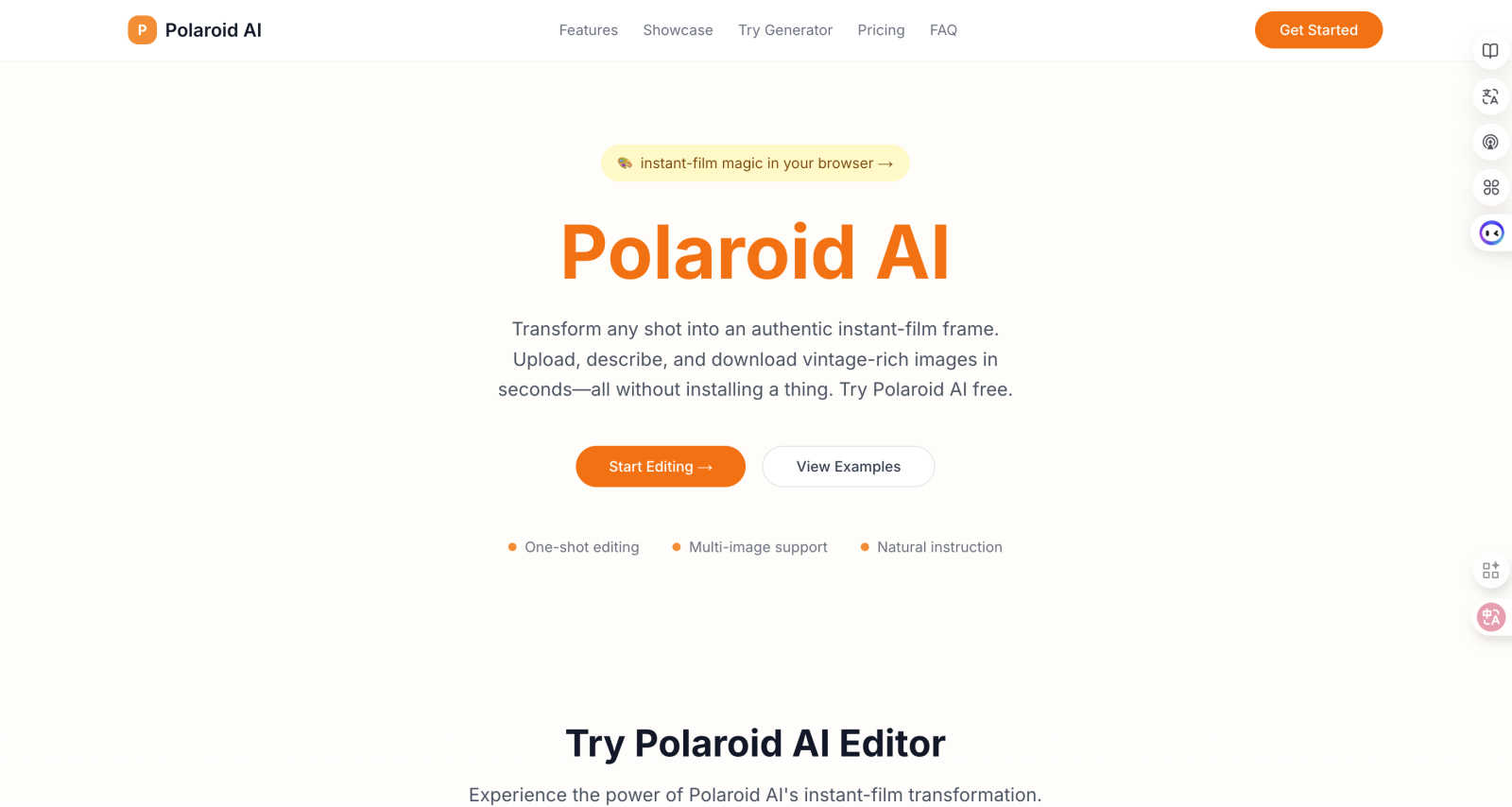
Turn any photo into a classic Polaroid instantly with free, easy-to-use AI.
Last updated: March 1, 2026

Proofapp
Streamline feedback with visual comments on your website, making design reviews faster and hassle-free for your team.
Last updated: March 4, 2026
Visual Comparison
Polaroid AI Maker
Proofapp

Feature Comparison
Polaroid AI Maker
True Instant-Film Look
Polaroid AI Maker expertly recreates the nuances that film collectors love. It doesn't just add a white border; it applies subtle grain, gentle color shifts, and authentic lighting effects to give your digital images the soul and texture of a real, physical Polaroid photograph. This attention to detail ensures every output feels genuinely vintage, not just filtered.
One-Shot & Batch Editing Power
Describe the vibe you want (like "soft morning haze") and let the AI handle the rest in one go—no confusing sliders or manual adjustments. For larger projects, you can drop an entire folder of images and Polaroid AI Maker will style dozens at once, making it perfect for consistent branding across social media posts or marketing campaign materials.
Web-Native Speed & Simplicity
There's nothing to install. Polaroid AI Maker runs on robust cloud GPUs, so you can access it from any browser. Transformations are incredibly fast, with previews often completing within seconds. This zero-friction approach means you can go from idea to finished, vintage-styled image faster than ever before.
Print-Ready Export Options
When you're ready to bring your creation into the physical world, Polaroid AI Maker has you covered. It exports high-resolution images at 300 DPI and can generate a professional PDF complete with bleed areas and crop marks. This makes it simple to get perfect prints at home or send files directly to a professional printing service.
Proofapp
Visual Commenting
Proofapp allows users to click anywhere on a screenshot to leave contextual feedback. This eliminates confusion about feedback location and ensures that comments are pinned exactly where they belong, making it easier for teams to understand and implement changes.
Multi-Breakpoint Testing
Automatically capture and review your website at multiple breakpoints for both desktop and mobile. This feature ensures that feedback is relevant and applicable across different devices, streamlining the review process and enhancing user experience.
Real-time Collaboration
With real-time collaboration features, your team can see comments and feedback as they are made. This allows for immediate responses and tracking of progress, transforming the feedback loop into a dynamic and interactive process that promotes teamwork.
Secure Share Links
Proofapp provides secure, expirable links for sharing projects with clients. This means you can easily send them access without requiring an account, ensuring that your feedback process remains smooth and secure while keeping client information protected.
Use Cases
Polaroid AI Maker
Social Media Content Creation
Creators can instantly give their photos a cohesive, nostalgic aesthetic that stands out in crowded feeds. Whether it's for Instagram, Pinterest, or a blog, transforming portraits, flat lays, or travel shots into Polaroid-style images adds a unique and engaging personal touch that attracts more attention and interaction from followers.
Marketing & Brand Campaigns
Marketing teams can efficiently generate large volumes of themed visuals for product launches, email newsletters, or promotional events. The batch processing feature allows for the creation of a whole suite of vintage-styled assets overnight, ensuring brand consistency while saving countless hours of manual editing work.
Personalized Gifts & Art
Individuals can turn cherished memories into tangible art. Transform family photos, wedding pictures, or pet portraits into beautiful Polaroid-style prints to frame, create custom photo albums, or design unique greeting cards and invitations that carry a warm, personal, and timeless feel.
Photography Portfolio Enhancement
Photographers can use Polaroid AI Maker to offer clients a unique vintage product option or to create compelling previews and mood boards. It's a quick way to experiment with a retro aesthetic on select shots, adding variety and a classic artistic flair to a professional portfolio without needing film equipment.
Proofapp
Freelance Projects
Freelancers can use Proofapp to gather precise feedback from clients without the hassle of endless email threads. By pinning comments directly on designs, freelancers can save hours on revisions and maintain a professional image.
Agency Workflows
Agencies managing multiple projects can streamline their approval processes using Proofapp. The platform’s visual feedback tools help teams navigate client requests efficiently, reducing the time spent on revisions and increasing project turnaround.
Marketing Campaign Reviews
Marketing teams can utilize Proofapp to visually review landing pages and campaigns collaboratively. By providing visual feedback, teams can ensure that all elements meet brand standards and client expectations before launch.
Design Iterations
Design teams can leverage Proofapp to receive clear and actionable feedback on their designs. By allowing team members to comment directly on the designs, they can make informed changes that align with project goals, leading to more cohesive and successful outcomes.
Overview
About Polaroid AI Maker
Polaroid AI Maker, also known as InstantFilm AI, is your digital gateway to the nostalgic charm of instant photography, powered by modern artificial intelligence. It's a completely web-native tool that transforms any digital image—be it a smartphone selfie, a landscape shot, or even a simple text description—into a stunning, museum-grade Polaroid-style print in mere seconds. Forget complicated software or mandatory sign-ups; you simply upload your photo, describe the desired vintage vibe, and download a high-resolution PNG or a print-ready PDF complete with professional bleed and crop marks. Designed for a wide range of users, from social media creators and photographers looking to add a unique aesthetic to their work, to marketing teams needing batch-processed visuals for campaigns, and even individuals wanting to create personalized, tangible art. Its core value proposition is delivering authentic, high-quality instant-film aesthetics with incredible speed and simplicity, making professional-grade vintage photo creation accessible to everyone with just a few clicks.
About Proofapp
Proofapp is a cutting-edge visual feedback and website review platform designed to enhance collaboration among designers, developers, and their clients. It simplifies the feedback process by allowing users to upload any website URL and automatically capturing screenshots for both desktop and mobile views. With Proofapp, reviewers can pin comments directly on the design, create threaded replies, attach relevant files, and easily resolve feedback—all without the need for an account. This eliminates the chaos of scattered emails and vague revision notes, making feedback more visual, organized, and actionable. Ideal for freelancers collecting client insights or agencies managing multiple projects, Proofapp fosters an efficient feedback loop that saves time and minimizes miscommunication, ultimately boosting productivity and creativity.
Frequently Asked Questions
Polaroid AI Maker FAQ
What is Polaroid AI Maker?
Polaroid AI Maker is a cloud-based editor powered by proprietary AI transformers. It specializes in turning any uploaded image or text description into a timeless instant-film style photograph. You only need to provide a prompt describing your desired look, and the AI handles the complex transformation.
Does Polaroid AI Maker work for batch processing?
Yes, absolutely! One of its standout features is the ability to batch process multiple images at once. You can upload a folder of photos, and the AI will apply the chosen vintage Polaroid style to all of them consistently. This is a huge time-saver for projects requiring multiple visuals, like marketing campaigns or social media sets.
What kind of files can I download?
You can download your creations as high-resolution PNG files for digital use. More importantly, Polaroid AI Maker provides professional, print-ready PDF exports. These PDFs include necessary bleed margins and crop marks at 300 DPI, ensuring your vintage photos print perfectly every time, whether at home or with a professional service.
Is it really free to try?
Yes, you can try the Polaroid AI Generator for free. The platform provides initial credits so you can experience the transformation process firsthand—upload an image, describe a subject, and generate a Polaroid-style photo to see the quality and speed for yourself before choosing a paid plan that fits your needs.
Proofapp FAQ
How does Proofapp improve the feedback process?
Proofapp enhances the feedback process by allowing users to leave visual comments directly on screenshots, which reduces miscommunication and speeds up revisions.
Is there a free trial available for Proofapp?
Yes, Proofapp offers a generous free trial that allows users to access full features for 60 days without requiring a credit card, enabling you to experience its benefits risk-free.
Can I share my projects without requiring clients to create an account?
Absolutely! Proofapp allows you to generate secure, expirable links that clients can use to view and comment on projects without needing to create an account.
What types of teams benefit from using Proofapp?
Proofapp is beneficial for a variety of teams, including freelance designers, small development teams, marketing agencies, and larger design teams looking for an efficient way to manage client feedback and streamline their workflows.
Alternatives
Polaroid AI Maker Alternatives
Polaroid AI Maker is a web-based design tool that uses artificial intelligence to instantly transform any digital photo or text description into a high-quality Polaroid-style image. It captures the nostalgic aesthetic of instant film with authentic details like film grain and color shifts, all without needing physical hardware. Users often explore alternatives for various reasons. Some might be looking for different pricing models or subscription plans. Others may need specific features like integration with other software, more advanced manual controls, or the ability to use the tool directly on a mobile device. Platform availability and the specific style of vintage filter can also be deciding factors. When searching for a similar tool, consider what matters most for your projects. Key aspects to compare include the authenticity of the vintage effects, the ease of use, output quality and formats, and any batch processing capabilities for handling multiple images at once. Finding the right balance of these elements will help you choose the best fit for your creative or professional needs.
Proofapp Alternatives
Proofapp is a visual feedback and website review platform designed to enhance collaboration among designers, developers, and their clients. It streamlines the feedback process by allowing users to upload website URLs and automatically generating screenshots for review. This tool falls under the category of design tools, making it essential for anyone involved in creating or managing digital projects. However, users often seek alternatives to Proofapp for various reasons, such as pricing, feature sets, or compatibility with specific platforms. When searching for an alternative, it's important to consider factors like ease of use, the ability to integrate with existing workflows, and the types of feedback mechanisms available. Identifying the specific needs of your team can help you select a solution that not only meets your requirements but also enhances your overall project management efficiency.