
Sora 2 Prompt Generator vs Video to Text
Side-by-side comparison to help you choose the right AI tool.

Transform your ideas into stunning Sora video prompts with automatic cinematic details for any creative project.
Last updated: February 28, 2026

Video to Text
Turn any video or audio into clean text in minutes.
Visual Comparison
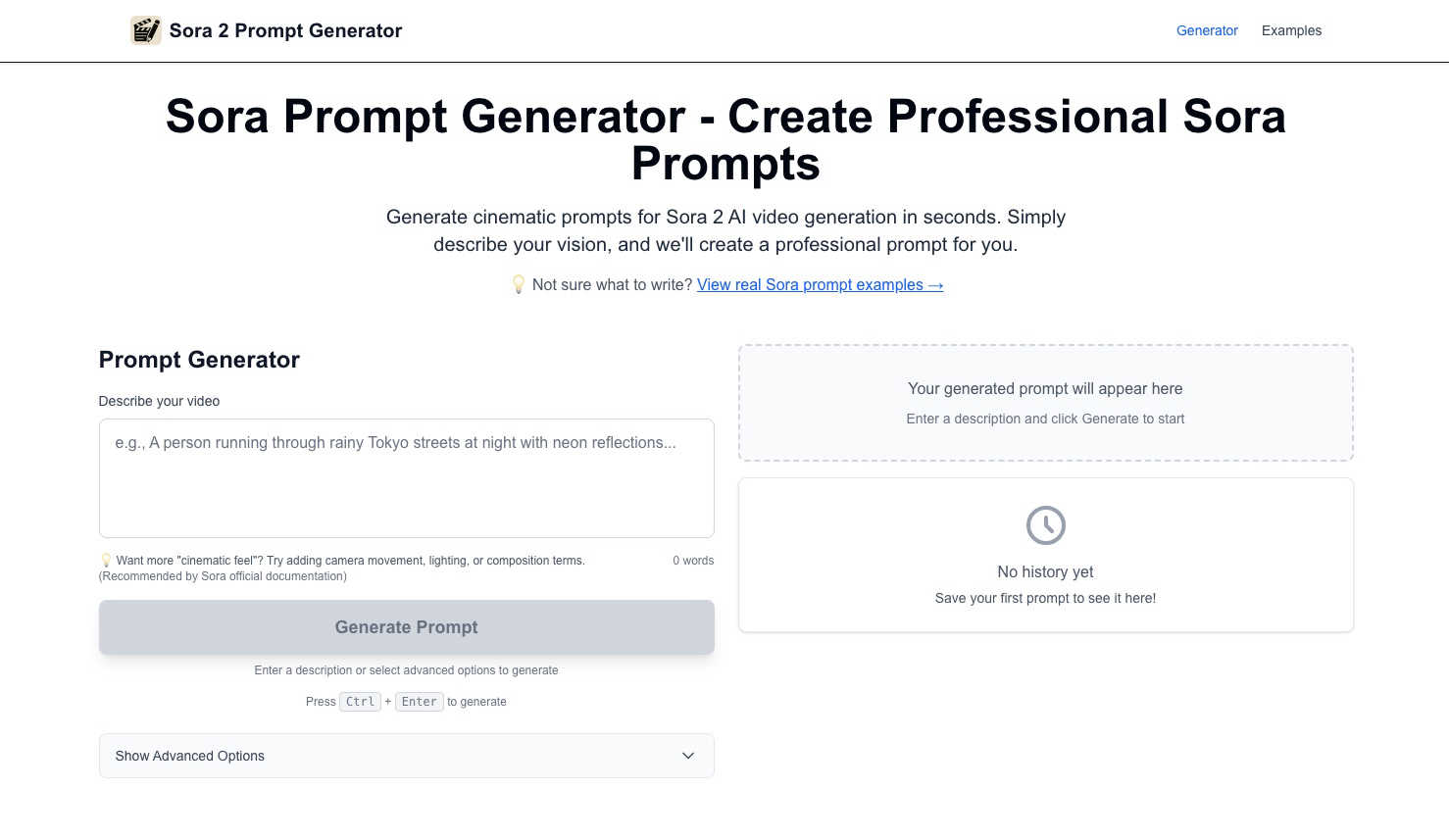
Sora 2 Prompt Generator
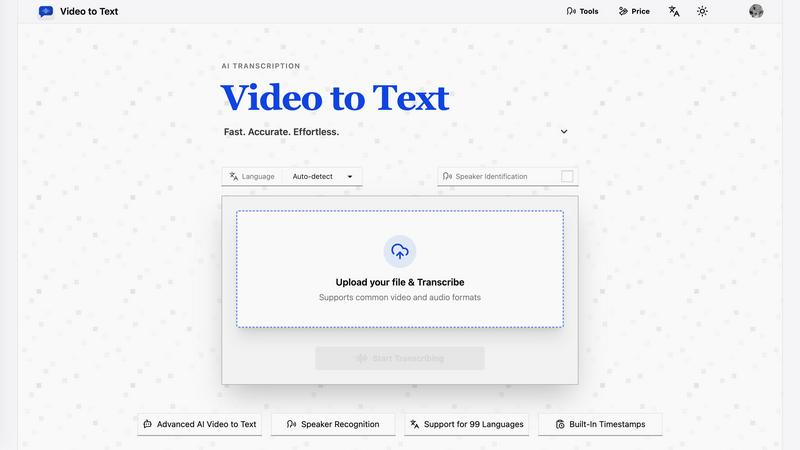
Video to Text
Overview
About Sora 2 Prompt Generator
The Sora 2 Prompt Generator is a free, intuitive tool crafted to transform your creative visions into cinematic prompts suitable for the Sora 2 AI video generation model by OpenAI. With its user-friendly interface, it allows you to input simple descriptions in plain English and instantly converts them into rich, detailed prompts that include essential filmmaking elements such as dynamic camera angles, nuanced lighting, and realistic motion. This tool is designed for a diverse range of users, including filmmakers, marketers, educators, social media managers, and AI enthusiasts, who seek to produce stunning videos efficiently without delving into complex prompt engineering. By enhancing basic ideas and taking care of technical details, the Sora 2 Prompt Generator empowers users to create professional-quality content from simple concepts. For instance, a basic idea like "a girl is crying" can become a visually compelling scene ready for production. With no signup required, this tool makes high-quality prompt creation accessible to everyone, democratizing the art of video creation.
About Video to Text
video to text is an ai-powered transcription service that converts video and audio files into clean, exportable text. the product is designed for creators, teams, and individuals who need fast, accurate speech-to-text conversion without setting up their own transcription pipeline.
the app combines a simple upload flow with automated processing, speaker-aware transcription, and flexible export options. users can upload media, wait for the transcription to finish, and then download the result in the format that best fits their workflow.