
ThinkSound - AI Video-to-Audio Generator vs Video to Text
Side-by-side comparison to help you choose the right AI tool.

ThinkSound - AI Video-to-Audio Generator
ThinkSound instantly creates professional audio and sound effects for any video using advanced AI.
Last updated: March 1, 2026

Video to Text
Turn any video or audio into clean text in minutes.
Visual Comparison
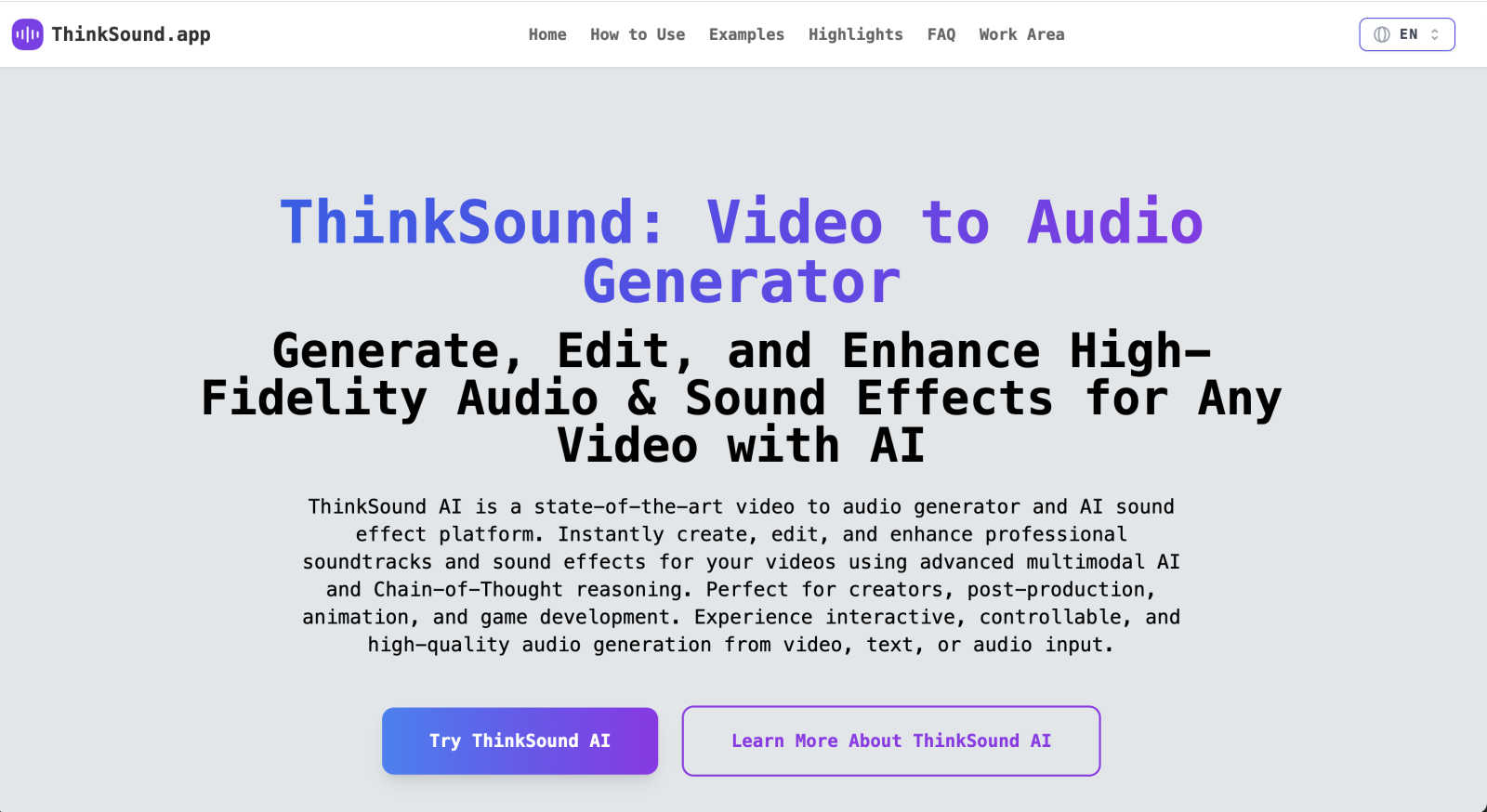
ThinkSound - AI Video-to-Audio Generator
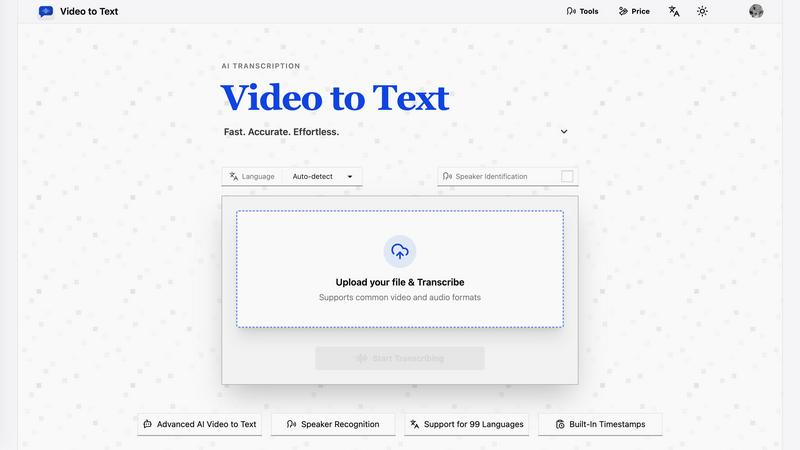
Video to Text
Overview
About ThinkSound - AI Video-to-Audio Generator
ThinkSound is your creative partner for bringing videos to life with sound. It's a state-of-the-art AI platform designed to instantly generate, edit, and enhance high-fidelity soundtracks and intelligent sound effects for any video you have. Whether you're working with a silent film clip, a new animation, or an AI-generated video, ThinkSound analyzes the visual content and creates perfectly matched, professional-grade audio. The magic lies in its use of advanced multimodal AI and Chain-of-Thought reasoning, which allows it to understand the context, action, and mood of your scene to produce soundscapes that are not just generic, but temporally aligned and context-aware. It's built for a wide range of users—from content creators and social media marketers to filmmakers, animators, and game developers—who need top-tier audio without the complexity of traditional sound design software. With ThinkSound, you can go from a silent video to a rich, immersive audio experience in moments, all through an intuitive online interface. It empowers you to transform silent or AI-generated videos into immersive audio experiences with advanced video-to-audio synthesis and interactive AI sound design.
About Video to Text
video to text is an ai-powered transcription service that converts video and audio files into clean, exportable text. the product is designed for creators, teams, and individuals who need fast, accurate speech-to-text conversion without setting up their own transcription pipeline.
the app combines a simple upload flow with automated processing, speaker-aware transcription, and flexible export options. users can upload media, wait for the transcription to finish, and then download the result in the format that best fits their workflow.