
Cramberry vs TrackMailBox
Side-by-side comparison to help you choose the right AI tool.

Turn notes, PDFs, and videos into flashcards, quizzes, and summaries instantly with AI.

TrackMailBox
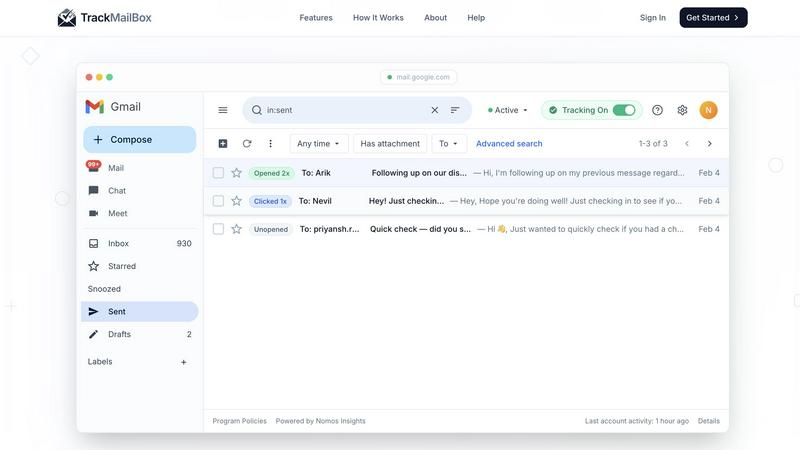
TrackMailBox is a free Chrome extension that provides real-time tracking of email opens and link clicks in Gmail.
Last updated: February 26, 2026
Visual Comparison
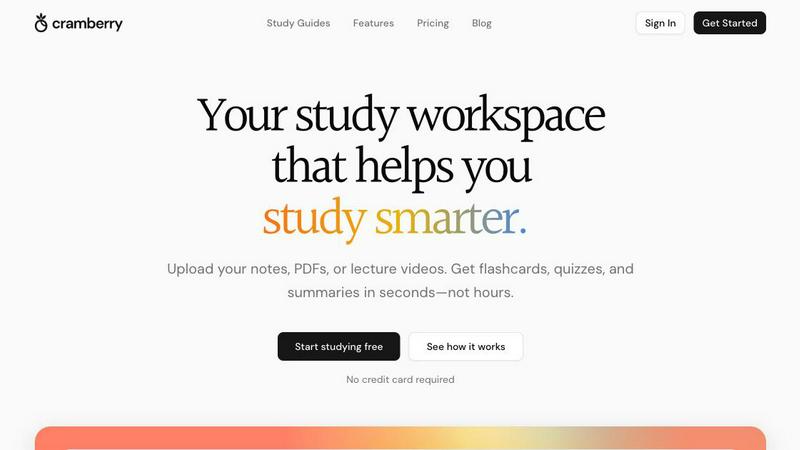
Cramberry
TrackMailBox
Overview
About Cramberry
Cramberry is an AI-powered study platform that helps students turn their own materials into effective learning tools automatically. Users can upload notes, PDFs, slides, images, audio, or videos, and Cramberry generates flashcards, quizzes, summaries, and explanations in seconds.
Instead of manually rewriting notes, students can instantly create structured study systems with spaced repetition and practice tests. It also includes an AI tutor that answers questions based on your specific content, making studying more personalized and efficient.
Cramberry transforms passive studying into active learning, helping students save time, stay organized, and retain more information.
About TrackMailBox
TrackMailBox is a free and unlimited email tracking extension designed specifically for Gmail users. It addresses a common question among email senders: "Did they read it?" Unlike Gmail's default settings, which lack built-in read receipts, TrackMailBox provides a seamless solution for those who send important emails like proposals, pitches, or follow-ups. The tool eliminates the frustrations associated with other email tracking solutions that often impose restrictions, include unwanted signatures, or charge monthly fees. With TrackMailBox, you can track an unlimited number of emails without any branding, ensuring that your communications remain professional and clean. This extension is perfect for freelancers, sales teams, recruiters, job seekers, and founders—essentially anyone who relies on email for communication and wants to gain insights into their email engagement.