
HeyVid vs WriteVoice
Side-by-side comparison to help you choose the right AI tool.

HeyVid AI is your go-to platform for effortlessly creating stunning videos and images using advanced AI technology.
Last updated: April 4, 2026

WriteVoice
WriteVoice instantly turns your spoken thoughts into clear, ready-to-send text with AI.
Last updated: March 1, 2026
Visual Comparison
HeyVid

WriteVoice
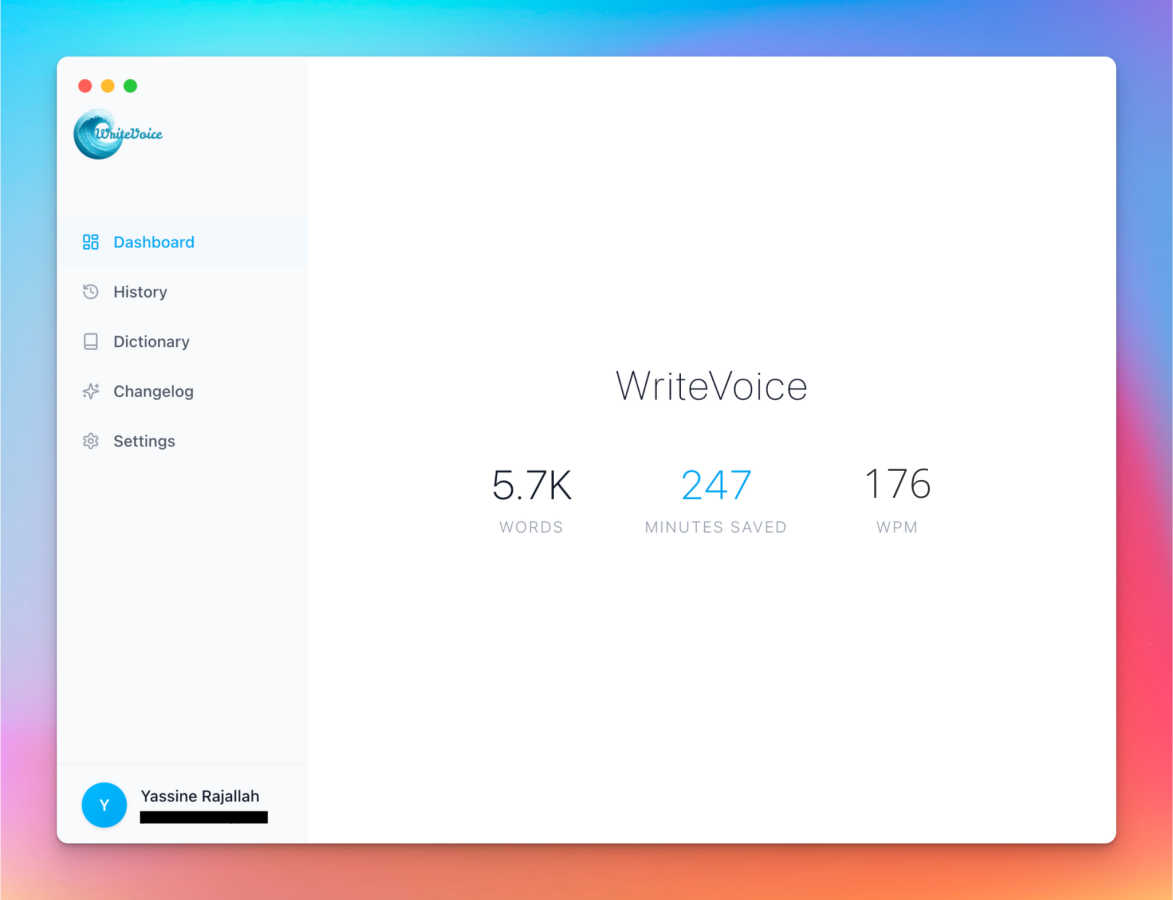
Feature Comparison
HeyVid
Text to Video
This feature allows users to easily convert written text into engaging videos. Simply input your script, and HeyVid automatically generates a video that visually represents your content, complete with relevant imagery and transitions.
Image to Video
With the Image to Video feature, users can transform static images into dynamic video content. This tool animates your visuals, adding movement and effects that breathe life into your images, making them more captivating for viewers.
AI Image Refiner & Stylizer
HeyVid's AI Image Refiner & Stylizer enhances your images with advanced AI algorithms. It allows you to adjust styles, colors, and details to create visually stunning graphics that align perfectly with your brand aesthetic.
One-Click Video Maker
The One-Click Video Maker simplifies the video creation process. Users can generate professional-quality videos in just a few clicks, making it an ideal tool for content creators looking to produce high-quality work quickly and efficiently.
WriteVoice
AI-Powered Intelligent Rewriting
WriteVoice isn't just a transcription tool; it's an intelligent editor. It listens to your natural speech, complete with "ums" and pauses, and instantly transforms it into polished, grammatically correct, and well-structured text. It extracts the core ideas from your rambling thoughts, removes the fluff, and presents you with text that's ready to publish or send, saving you the time and effort of extensive editing.
App-Aware Tone Adjustment
WriteVoice intelligently adapts the tone and style of your text based on the app you're using. It knows the difference between a casual WhatsApp chat and a formal LinkedIn post. This "chameleon" feature ensures your message is always perfectly suited to its destination, whether it needs to be professional, friendly, concise, or engaging, all without you having to manually adjust a thing.
Instant Content Remixing
Don't like the first draft? With WriteVoice's magic wand commands, you can instantly remix your text. With simple prompts like "Shorten," "Expand," "Fix Grammar," or "Emojify," you can refine your content on the fly. This allows for incredible flexibility, letting you quickly tailor a single thought into multiple formats perfect for different audiences or platforms.
Privacy-First & Seamless Workflow
Your thoughts stay yours. WriteVoice operates on a strict privacy-first principle, meaning it does not store your audio recordings or transcripts. It works seamlessly as a keyboard extension, so you can record, process, and paste perfect text directly into any app—like Slack, Gmail, or Notion—without ever switching screens or copying and pasting, keeping you in a state of flow.
Use Cases
HeyVid
Marketing Campaigns
Marketers can utilize HeyVid to create eye-catching videos for advertising campaigns. The platform's diverse features allow for the development of promotional content that effectively communicates brand messages and drives engagement.
Educational Content
Educators can enhance their teaching materials by creating informative videos and tutorials using HeyVid. This tool enables the production of engaging lectures and presentations that help students grasp complex concepts more easily.
Social Media Content
HeyVid is perfect for creators looking to boost their social media presence. With its quick video generation capabilities, users can create short-form videos and thumbnail images that attract attention and increase follower engagement.
Product Launches
Businesses can leverage HeyVid to generate exciting launch videos for their new products. By showcasing features and benefits through visually appealing content, companies can create buzz and anticipation around their offerings.
WriteVoice
The Busy Professional & Manager
For professionals drowning in emails and messages, WriteVoice is a lifesaver. Dictate a quick thought like, "Hey John, just checking in on the project, need the files by friday thanks," and instantly get a polished, professional email draft. It turns scattered verbal check-ins into clear, respectful communication that makes you look prepared and efficient.
The Content Creator & Social Media Manager
Creators can capture fleeting ideas and turn them into compelling social posts in seconds. Speak a raw thought like "AI is changing how we write it's crazy fast now," and Watch it become a engaging tweet or LinkedIn update complete with relevant hashtags, saving hours of drafting and brainstorming.
Meeting Notes & Action Item Generation
Stop frantically typing during meetings. Simply record the conversation, and WriteVoice will transcribe it and generate a concise summary with clear bullet points and extracted action items. It transforms hour-long rambling discussions into organized, actionable plans that your whole team can follow.
Drafting Long-Form Content & Project Specs
Overcome writer's block for blogs, reports, or project documentation. Speak your ideas naturally and at length. WriteVoice will structure your stream of consciousness into coherent paragraphs, outlines, and ready-to-edit drafts, making the initial drafting process faster and less intimidating.
Overview
About HeyVid
HeyVid is an innovative AI-powered platform designed to simplify the creation of high-quality videos and images, making it accessible for everyone from beginners to professionals. With its intuitive interface and powerful tools, users can effortlessly transform ideas into stunning visual content. Whether you are a marketer, educator, developer, or entrepreneur, HeyVid provides you with the resources to create engaging videos and images in a matter of moments. The platform supports a variety of content types, including text-to-video, image-to-video, and AI-generated music, making it a comprehensive solution for all your creative needs. Its main value proposition lies in its ability to streamline the entire content creation process, allowing users to focus on their message while HeyVid handles the technical details. With HeyVid, you can elevate your storytelling, enhance brand visibility, and engage your audience like never before.
About WriteVoice
WriteVoice is your AI-powered thinking partner, designed to transform your spoken thoughts into polished, ready-to-use text at the speed of conversation. It goes far beyond simple dictation by acting as an intelligent editor that lives right in your keyboard. The core idea is simple: you click record, speak naturally as you think, and WriteVoice delivers clean, accurate, and well-structured text. It's built for anyone who needs to write anything—from quick Slack messages and client emails to detailed meeting notes, project specs, and long-form content—but wants to break free from the slow, frustrating process of typing, especially on mobile.
The tool is perfect for busy professionals, managers, creators, and teams who value both efficiency and privacy. Its main value proposition is a seamless, "privacy-first" workflow: it captures your brilliance without killing your flow, never stores your recordings or transcripts, and works directly within the apps you already use like WhatsApp, Gmail, Notion, and Slack. By turning rambling voice notes into actionable plans, professionally-toned messages, and publish-ready content in seconds, WriteVoice helps you communicate clearly and get more done, directly from your voice.
Frequently Asked Questions
HeyVid FAQ
What types of content can I create with HeyVid?
You can create a variety of content, including videos from text, images into videos, and even AI-generated music. The platform supports multiple content formats to cater to diverse creative needs.
Is HeyVid suitable for beginners?
Absolutely! HeyVid is designed with an intuitive interface that is user-friendly, making it accessible for beginners. The one-click features and guided tools help users of all skill levels create professional content.
How fast can I generate content using HeyVid?
HeyVid allows for quick generation of content, often producing high-quality videos and images in just minutes. This efficiency enables users to focus on creativity rather than technical details.
Can I customize my videos and images?
Yes, HeyVid offers extensive customization options. You can adjust styles, visuals, and even add personalized touches to match your brand identity, ensuring your content is unique and impactful.
WriteVoice FAQ
How is WriteVoice different from standard phone dictation?
Standard dictation is a literal transcription—it types exactly what you say, mistakes and all. WriteVoice is an AI editor. It listens to your intent, corrects grammar, improves sentence structure, removes filler words, and formats your thoughts into clear, usable text. It doesn't just transcribe; it rewrites and refines.
Is my voice data private and secure?
Absolutely. Privacy is a core principle of WriteVoice. The tool is designed to be privacy-first, meaning your audio recordings and the resulting transcripts are processed securely and are never stored on WriteVoice's servers. Your thoughts stay on your device and belong only to you.
Which apps and platforms does WriteVoice work with?
WriteVoice works anywhere you can type! It functions as a keyboard on iOS, Mac, and Web, so you can use it directly within thousands of apps including Slack, WhatsApp, Gmail, Notion, Obsidian, LinkedIn, and many more. There's no need to switch between apps.
Can WriteVoice handle long recordings, like meetings?
Yes, it can. WriteVoice is equipped to handle extended recordings, such as hour-long meetings. It will transcribe the entire conversation and can provide summaries, extract key discussion points, and generate a list of action items, turning chaotic meetings into organized, actionable notes.
Alternatives
HeyVid Alternatives
HeyVid is an innovative AI-driven tool designed for generating high-quality videos and images with ease. It falls into the Productivity & Management category, catering to users who seek a streamlined approach to visual content creation. Despite its robust features, users often find themselves exploring alternatives for various reasons, such as pricing constraints, specific feature requirements, or compatibility with their existing workflow and platforms. When searching for alternatives to HeyVid, it's essential to consider factors such as ease of use, the quality of generated content, and the range of features offered. Additionally, look for options that align with your budget and provide the necessary integrations with other tools you rely on. The right alternative should not only meet your immediate needs but also offer room for growth as your content creation demands evolve.
WriteVoice Alternatives
WriteVoice is an AI-powered speech-to-text tool that falls into the productivity and management category. It acts as an intelligent thinking partner, instantly transforming your spoken thoughts into polished, ready-to-send text directly within your favorite apps like Gmail, Slack, and WhatsApp. Users often explore alternatives for various reasons. Some might be looking for a different pricing model, such as a free tier or a one-time purchase. Others may need specific features, like integration with a niche platform, support for multiple languages, or different levels of AI editing. Platform compatibility is also a key factor, as someone might need a solution that works on Windows, Android, or within a specific browser. When choosing an alternative, consider your core needs. Look for a tool that balances accurate transcription with intelligent editing to save you time on revisions. Privacy should be a top priority, so check the data handling policies. Finally, ensure it fits seamlessly into your existing workflow, minimizing disruption and maximizing the efficiency you're seeking.