
Alternatives to AppScreenshot Creator
Explore the best alternatives and competitors to AppScreenshot Creator.
Explore 20 alternatives to AppScreenshot Creator. Compare features, pricing, and find the best fit for your needs.

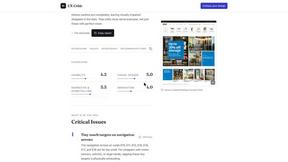
UX Critic
AI design critic: scored UX reviews with every issue pinned to the exact region of your screenshot.
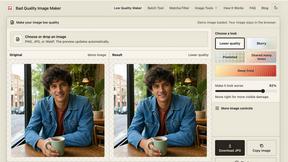
bad quality image maker
Make any image look intentionally bad — blurry, pixelated, or deep fried. Free, in your browser, no signup.
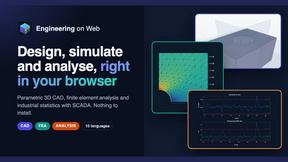
Engineering on Web
Free browser CAD, FEA and SPC with an AI assistant: model by text or voice, AI-tuned solvers, AI result interpretation. No install, no account.
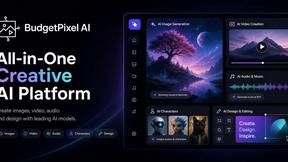
Budgetpixel AI
Create and edit AI images, videos, music, and designs in one workspace, with multiple models, reusable characters, and API access.
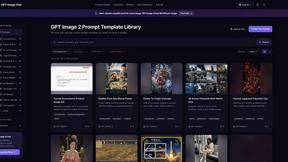
GPT Image Hub
Curated image prompts, reusable templates, and multi-model AI generation in one workspace.
stampcreatoronline
Online stamp maker. Keep every layer Create a custom stamp in the editor below. Change every word, border and symbol, then export a clean production
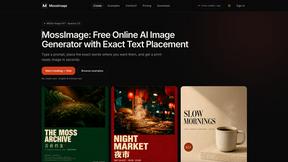
MossImage
MossImage is a browser-based AI image generator built on MOSS-Image SFT. It renders English and Chinese text inside posters, menus, packaging, ads and
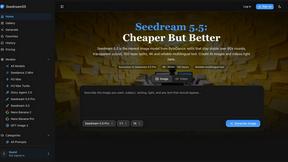
Seedream 5.5
Seedream 5.5 by ByteDance: 80+ rounds of stable image editing, native RGBA transparency, 100-layer splits, 4K output and reliable multilingual text.
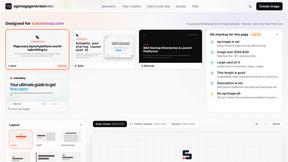
ogimagegenerator.dev
Paste a URL and AI designs on-brand Open Graph images from your page's colours, fonts and logo. Free, no sign-up.
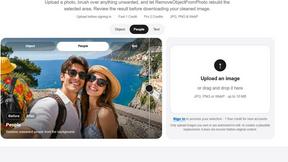
RemoveObjectFromPhoto
Remove unwanted objects, people, and text from photos with AI for clean, natural-looking results in seconds.
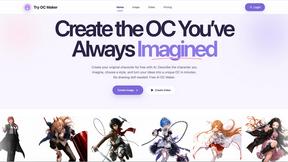
Try OC Maker
Create OCs from text or images, customize their look, and turn them into animated videos with AI.
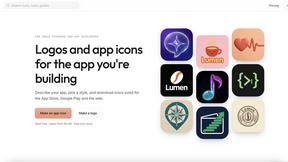
IconCreator
IconCreator is an AI-powered logo and app icon generator. Create professional logos, app icons, favicons, and brand assets in minutes.
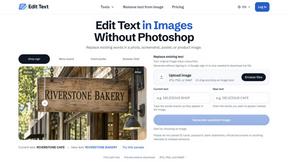
Reword Image
Change the text already printed inside a photo, screenshot or poster, without the original design file.

Spaceora
Turn room and outdoor photos into AI interior, virtual staging, garden and landscape design concepts.
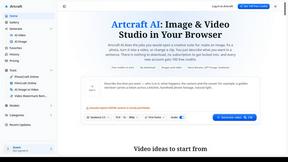
Artcraft AI
AI image and video studio in your browser: generate and edit images, turn photos into videos, edit clips by sentence.
PXDMD
Free AI image editor: remove backgrounds, erase objects and watermarks, and color-grade photos in seconds.
About AppScreenshot Creator Alternatives
AppScreenshot Creator is a specialized online design tool that falls under the broader category of app store marketing and design tools. It is built specifically to help developers, indie makers, and designers quickly generate polished screenshots for App Store and Google Play listings without needing deep design skills or complex software like Photoshop or Figma. By offering customizable templates, device frames, and one-click high-resolution exports, it aims to dramatically cut down the time spent on creating store listing visuals. Users commonly look for alternatives to AppScreenshot Creator for a few practical reasons. Some may find that the available templates or customization options do not match their specific brand identity or app style, while others might need more advanced features like team collaboration, bulk editing for large catalogs, or integration with other marketing tools. Pricing can also be a factor, as some users prefer a one-time purchase over a subscription, or they might want a free tier with more generous export limits. When choosing an alternative, it is important to consider what matters most for your workflow: look for a tool that offers the right balance of template variety, customization depth, export quality, and pricing model that fits your budget and team size.
FAQs about AppScreenshot Creator Alternatives
What is AppScreenshot Creator?
AppScreenshot Creator is an online tool that helps developers, indie makers, and designers create professional App Store and Google Play screenshots in just a few minutes. Instead of spending hours editing Figma files or Photoshop templates, you simply upload your screenshots, choose a template, customize titles and colors, and export high-resolution assets with one click. It is built specifically to reduce the time required to produce polished marketing visuals for app store listings.
Who is AppScreenshot Creator for?
AppScreenshot Creator is designed for developers, indie makers, and designers who need to create app store screenshots quickly and efficiently. It is especially useful for anyone launching a new app, updating their store listing, or running ASO experiments. The tool requires no design experience, making it accessible to solo developers and small teams who want to spend more time building their product and less time on design work.
Is AppScreenshot Creator free?
Yes, AppScreenshot Creator offers a free tier to get started, along with a lifetime Pro option for users who need more advanced features. The free version allows you to explore the tool and create basic screenshots, while the Pro option unlocks additional templates, customization options, and higher-resolution exports. This pricing model is designed to be flexible for both casual users and those with ongoing screenshot needs.
What are the main features of AppScreenshot Creator?
The main features include beautiful ready-to-use templates, iPhone and Android device frames, custom titles, fonts, colors, and backgrounds, as well as high-resolution exports. It also supports batch screenshot generation, which is ideal for creating multiple assets at once. The tool is designed for one-click export, meaning you can produce polished screenshots without any design experience, making it a practical solution for app store optimization.