
Alternatives to happy oyster
Explore the best alternatives and competitors to happy oyster.
Explore 20 alternatives to happy oyster. Compare features, pricing, and find the best fit for your needs.

this+that
An AI agent that reads every email and chat message your team gets, turns requests into tasks, and does what they ask.


Popstar AI
Popstar AI is an AI video generator that puts you in Drake's POPSTAR music video from one photo, with the original song and no watermark.
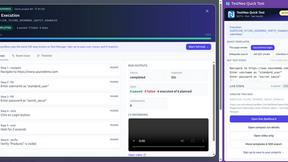
TestNeo
TestNeo.ai is an AI-native engineering and release assurance platform that helps teams automate web and API testing using natural language.
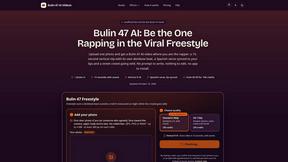
Bulin 47 AI Videos
One photo in, a 15-second Bulin 47 street freestyle video with sound out: original dembow beat, lip-synced Spanish verse, crowd.
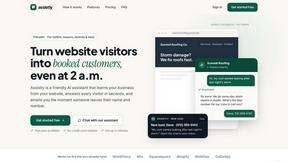
Assistly
An AI receptionist on your website that answers visitors 24/7 from your own content and captures every lead.

LobbyClip
Turn two photos into a 15-second AI duo video. Choose a scene and export MP4 in 480p or 720p. One-time payment.

Vedic AstroGPT
explore your vedic birth chart, check compatibility and ask ai-assisted astrology questions with free tools and optional paid credits.

Bulin 47 AI
Turn one photo into the viral 19-second Bulin 47 freestyle, with original sound and a watermark-free vertical MP4.
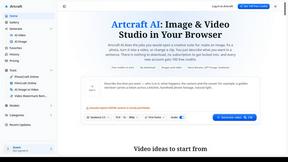
Artcraft AI
AI image and video studio in your browser: generate and edit images, turn photos into videos, edit clips by sentence.

FreeVideoGenerator
Free AI video generator that turns text prompts and photos into video clips using Sora 2, Veo 3.1, Wan and more. Free starter credits.
VideoAnalyzerAI
Generate recreation image and video prompts for an AI Video or generate creation prompts for an AI Video Idea you have.
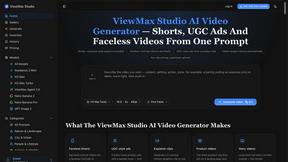
ViewMax Studio
AI video generator that turns one prompt into shorts, UGC-style ads and faceless videos, with script, voiceover and captions.

BoogiePaw
AI dog dancing videos from your dog's photo: upload one shot, pick a dance, get a 9:16 clip in minutes. No prompts, no editing.
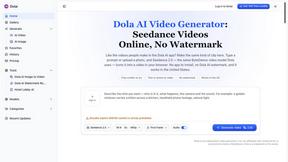
Dola AI
Dola AI video generator online: make Seedance 2.5 videos from text or a photo in your browser. No app, no watermark, free credits.

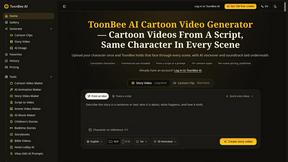
ToonBee AI
ToonBee AI turns a script or a one-line idea into a narrated cartoon video, keeping the same character in every scene. 10+ styles, 16:9 or 9:16.

Ozil AI
Put yourself in the viral Ozil goal video from one photo. Silent 9:16 720p MP4, no watermark, from $6.99.


About happy oyster Alternatives
Happy Oyster is an AI video platform that puts you in the director’s chair, offering real-time interactive creation through two distinct modes: Director Mode for structured, intentional video production, and Wander Mode for exploring AI-generated 3D worlds. It belongs to the AI Assistants and Video categories, serving as a specialized tool for marketers, e-commerce businesses, creators, and artists who want more control than typical AI video generators provide. Users often look for alternatives when they need different pricing structures, such as more generous free tiers or subscription models that fit tighter budgets, or when they require specific features like higher resolution exports, longer video durations, or integration with other creative software. Others may seek platforms that offer a simpler interface for quick, casual use rather than the detailed controls Happy Oyster provides. When evaluating an alternative, you should first consider your primary use case—whether you need precise directing capabilities for professional projects or more exploratory, ambient content generation. Look for platforms that support reference image uploads if visual consistency is important to you, and check the export options for aspect ratios, video length, and resolution to match your delivery requirements. Pricing transparency is also key, including how credits or tokens are consumed per generation and whether commercial usage rights are clearly granted. Finally, consider the learning curve and whether the tool offers real-time previews, as this can dramatically speed up your iterative workflow compared to waiting for batch processing.
FAQs about happy oyster Alternatives
What is happy oyster?
Happy Oyster is an independent AI video platform that gives creators intentional control over their video outputs, moving beyond random prompt generation. It offers two core modes: Director Mode, which allows you to define subject, environment, lighting, camera motion, and action with reference image support, and Wander Mode, which lets you explore AI-generated 3D worlds in first- or third-person view. The platform is designed for real-time interactive creation, enabling you to preview and iterate on your videos instantly.
Who is happy oyster for?
Happy Oyster is built for marketers who want to turn creative briefs into video drafts quickly, e-commerce businesses looking to bring product photos to life with motion, and creators who need to prototype hooks and reels with precision. It is also ideal for artists who want to block out scenes and test visual tone during pre-production. The tool serves anyone who wants structured control over AI video rather than relying on random lucky prompts.
Is happy oyster free?
Yes, Happy Oyster offers a free starting tier that provides 500 credits upon sign-up, and no credit card is required to begin using the platform. This allows new users to explore both Director Mode and Wander Mode without upfront commitment. For extended usage, users can purchase additional credits or subscribe to a paid plan, though specific pricing details beyond the free start are available on the platform's website.
What are the main features of happy oyster?
The main features include Director Mode for structured video creation with controls for subject, environment, lighting, camera motion, and action, plus support for reference images to anchor style. Wander Mode offers first- or third-person navigation of AI-generated 3D worlds for mood boarding and concept scouting. The platform provides real-time preview for iterative creation, exports in 5, 10, or 15 seconds with multiple aspect ratios at 720p resolution, and grants transparent commercial usage rights subject to terms.