
Alternatives to TabMate - Browser Research Assistant
Explore the best alternatives and competitors to TabMate - Browser Research Assistant.
Explore 20 alternatives to TabMate - Browser Research Assistant. Compare features, pricing, and find the best fit for your needs.
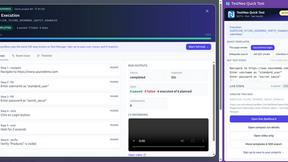
TestNeo
TestNeo.ai is an AI-native engineering and release assurance platform that helps teams automate web and API testing using natural language.
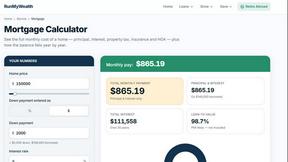
RunMyWealth
Smart, private financial calculators for mortgage, FIRE, and debt. 100% free, runs locally in your browser, no signup required.
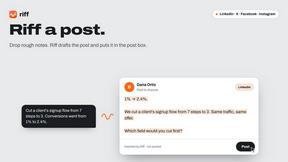
Riff
Free Chrome extension. Chrome's built-in AI turns your rough point into a fresh reply for posts on X, LinkedIn, Facebook or Instagram.
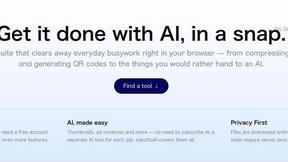
sakuttoAI
A free suite of online tools for everyday tasks like PDF compression, image conversion, text diff and CSV to Excel.
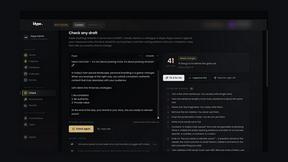
Klype AI
Writes LinkedIn and social posts in your own measured voice and checks every draft for AI tells and invented claims.
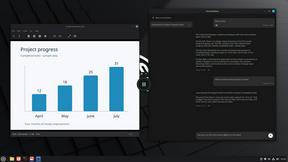
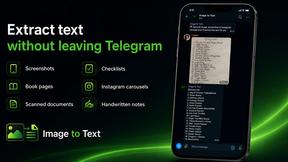
imgtxtapp.laviolab.com
imgtxtapp.laviolab.com is a Telegram-based image-to-text converter that turns photos, screenshots, scanned documents into editable text
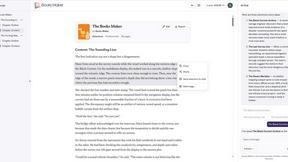
Booksmaker.ai
Books Maker AI is the AI-powered platform that turns your idea into a professional book.

Toolara Music
Describe a song in plain text and get a complete track — vocals or instrumental, custom lyrics, up to 120 seconds, MP3 download
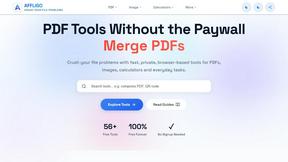
AFFLIGO
AFFLIGO is a free online toolkit for everyday file tasks. Easily edit PDFs, compress images, convert file formats, and get things done.

LinkIntel
MCP server giving your AI assistant your X post results and X’s ranking weights, with sources.
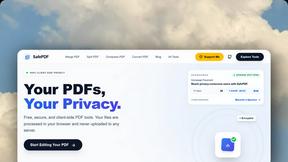
SafePDF
Free online PDF tools to merge, split, compress, convert, sign, and edit PDFs privately in your browser. No signup required.
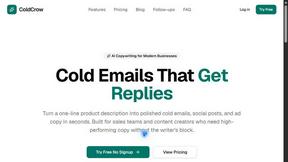
ColdCrow
AI cold email writer: turn one line about a prospect into personalized outreach with a deliverability score in seconds. Free trials, no credit card.
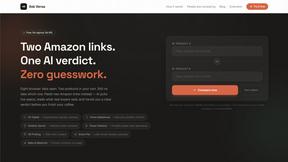
Ask Versa AI
AI verdicts for any two Amazon products, in seconds. Live specs plus real buyer reviews, scored 0-100, one clear winner. Free, no account.

Panzoe
Panzoe is an all-in-one AI platform for personal productivity, business automation, AI assistants, content creation, and custom AI solutions.

subtitle.im
Manage existing YouTube captions, detect burned-in subtitles with local OCR, turn off confirmed duplicates, and restore captions when needed.
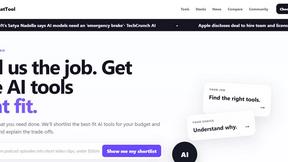
TryThatTool
Discover AI tools worth trying. Compare options, explore practical reviews, and build your own AI stack based on your goals and budget.
About TabMate - Browser Research Assistant Alternatives
If you spend any significant time researching online, you know how quickly things can spiral out of control. You jump between a dozen tabs, copy text into a notes app, paste a link into a chat tool to ask a question, and before you know it, you have lost the thread of your original idea. TabMate is a browser extension that tackles this exact problem by giving you a dedicated side-panel workspace where you can save excerpts, jot down notes, and ask an AI assistant questions about the page you are currently viewing. It sits squarely in the Productivity & Management and AI Assistants categories, acting as a central hub that follows you from page to page so you never lose your context. Despite its convenience, users often look for alternatives for a few common reasons. You might find that the pricing model does not fit your budget, or perhaps you need a feature that TabMate does not offer, such as deep integration with a specific note-taking app or a different approach to data organization. Platform availability can also be a factor, as some users need a solution that works across mobile devices or different browsers. When evaluating alternatives, focus on how well the tool handles context as you navigate, how intuitive the saving and retrieval process is, and whether the AI assistant meets your specific needs for summarization or question-answering. The best choice will feel like a natural extension of your browsing habits rather than extra work.
FAQs about TabMate - Browser Research Assistant Alternatives
What is TabMate - Browser Research Assistant?
TabMate is a browser extension designed to streamline online research by providing a side-panel workspace with an integrated AI assistant. It allows you to ask questions about the current page, save useful excerpts, and keep notes without leaving your browser. The tool carries your context forward as you move across different pages, helping you build comprehensive research over time. Instead of juggling between tabs, notes, and chat tools, TabMate keeps everything in one accessible place while you browse.
Who is TabMate - Browser Research Assistant for?
TabMate is ideal for students, researchers, writers, and professionals who regularly conduct online research and need to gather and organize information from multiple sources. It is particularly helpful for anyone frustrated by the repetitive cycle of copying and pasting information between browser tabs, notes apps, and chat tools. If you often lose track of where you found a specific quote or fact, or if you wish you could ask questions about a webpage without leaving it, TabMate is designed with your workflow in mind.
What are the main features of TabMate - Browser Research Assistant?
TabMate offers a side-panel workspace that includes an AI assistant capable of answering questions about the current webpage. You can save useful text excerpts and write personal notes directly within the panel, and the tool remembers these saved items for future recall. A key feature is its ability to maintain context as you navigate from page to page, ensuring your research thread stays unbroken. This eliminates the need to switch between separate applications, keeping your work consolidated in one place.
Is TabMate - Browser Research Assistant secure?
TabMate is designed with user privacy and data security as a priority, functioning as a local workspace within your browser. The information you save and the context of your research are stored securely, and the AI assistant operates on the content you choose to engage with on the current page. As with any browser extension, it is recommended to review the official privacy policy for detailed information on data handling practices. The tool focuses on keeping your research organized without transmitting your saved excerpts unnecessarily.