
Mp3To vs Video to Text
Side-by-side comparison to help you choose the right AI tool.

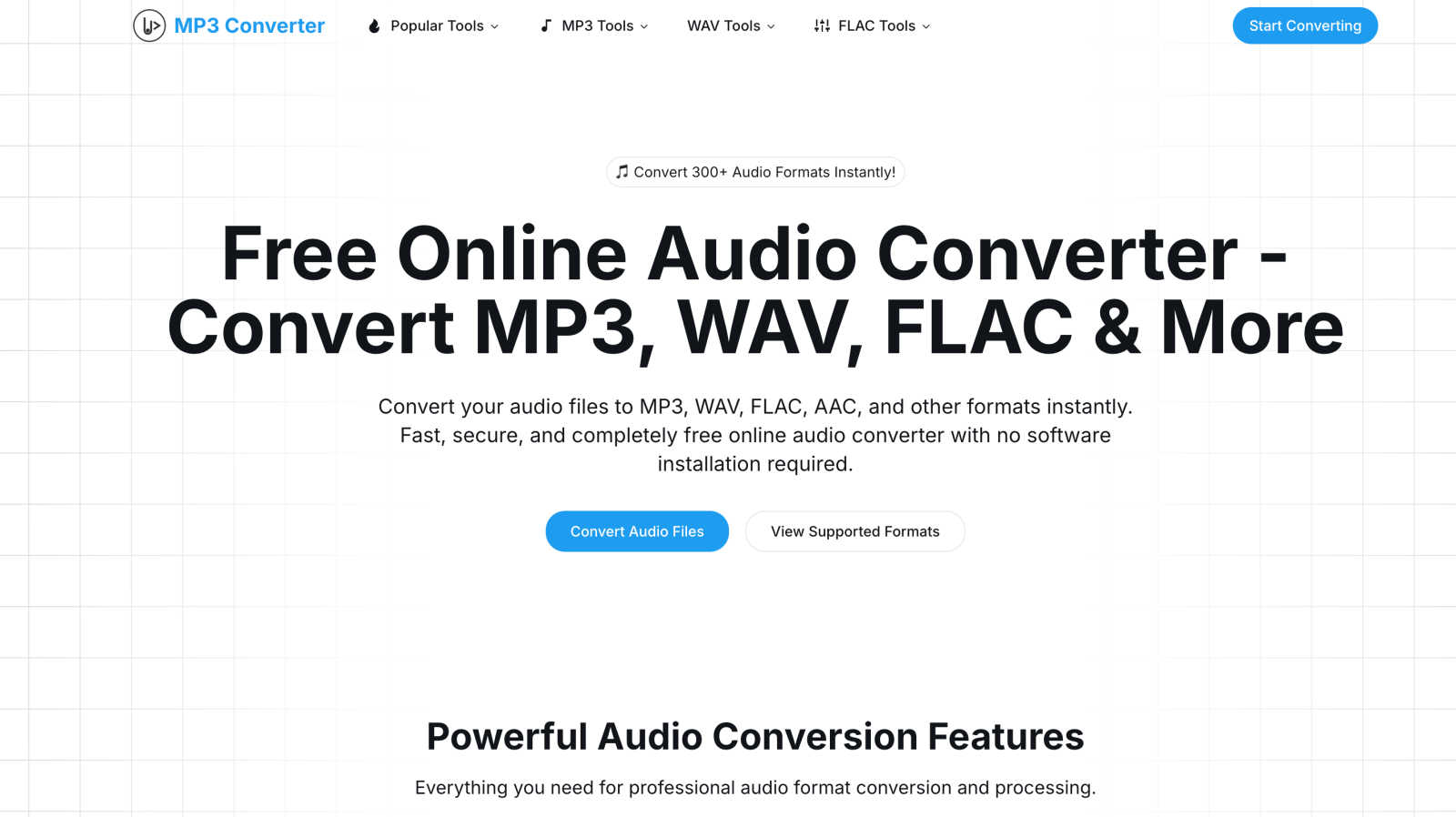
Convert over 30 audio formats instantly and securely in your browser, all for free and without uploads.
Last updated: March 1, 2026

Video to Text
Turn any video or audio into clean text in minutes.
Visual Comparison
Mp3To
Video to Text
Overview
About Mp3To
Mp3To is your go-to, all-in-one online toolkit for managing audio and media files, completely free of charge. At its heart, it's a powerful audio converter that works directly in your web browser, allowing you to convert between over 30 audio formats—like MP3, WAV, FLAC, AAC, and OGG—instantly and securely. What truly sets Mp3To apart is its unwavering commitment to your privacy: because it uses cutting-edge browser-based technology, your files are processed on your own device and never uploaded to any server. This means no waiting for uploads, no data limits, and complete peace of mind.
But Mp3To is more than just a converter. It's a full suite of creative utilities designed for audio enthusiasts, podcasters, video editors, musicians, and everyday users. Alongside conversion, you can cut and join audio clips, extract soundtracks from videos, record your voice, adjust audio properties like speed and pitch, and even handle image and subtitle files. With an intuitive interface, batch processing for multiple files, and high-quality output settings, Mp3To provides a professional-grade solution that is remarkably accessible and easy for anyone to use. It’s the reliable, private, and powerful helper you need for all your digital media projects.
About Video to Text
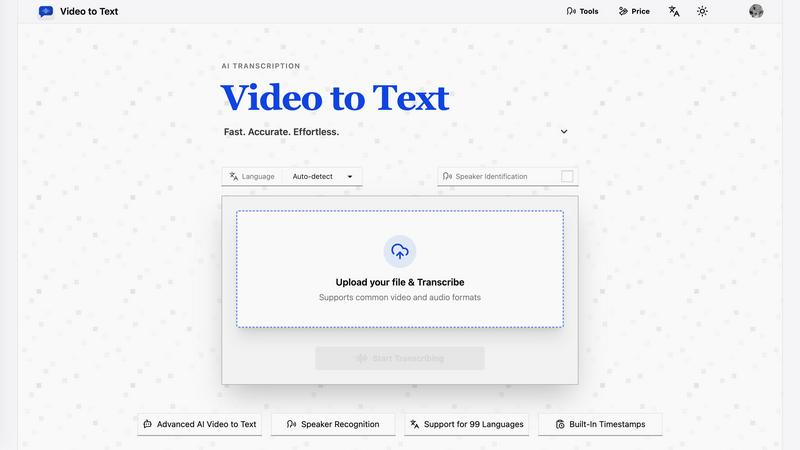
video to text is an ai-powered transcription service that converts video and audio files into clean, exportable text. the product is designed for creators, teams, and individuals who need fast, accurate speech-to-text conversion without setting up their own transcription pipeline.
the app combines a simple upload flow with automated processing, speaker-aware transcription, and flexible export options. users can upload media, wait for the transcription to finish, and then download the result in the format that best fits their workflow.